15 Two Person Home Office Ideas for Perfect Teamwork
Navigate cramped quarters and clashing work styles with 15 ingenious two-person office layouts that maximize both space and productivity.
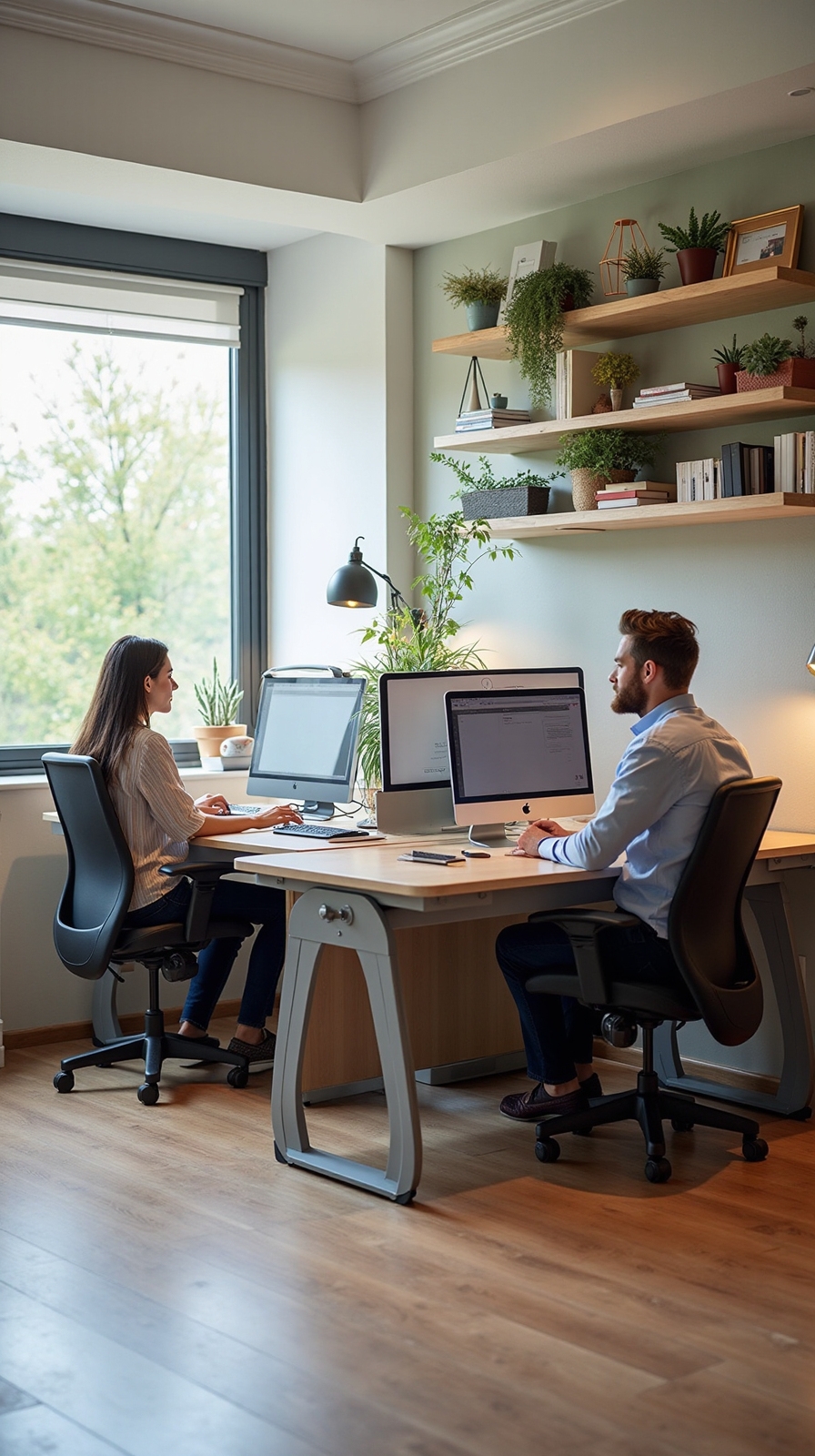
You’re probably struggling to create a productive workspace that serves two people without turning your home office into a cramped, chaotic mess. The challenge isn’t just finding enough room for two desks – it’s designing a space where you can both focus independently while still collaborating effectively when needed. From smart desk configurations to clever storage solutions, these 15 strategic layouts will improve your shared office into a harmonious workspace that actually enhances both of your productivity levels.
Back-to-Back Desk Configuration for Maximum Focus
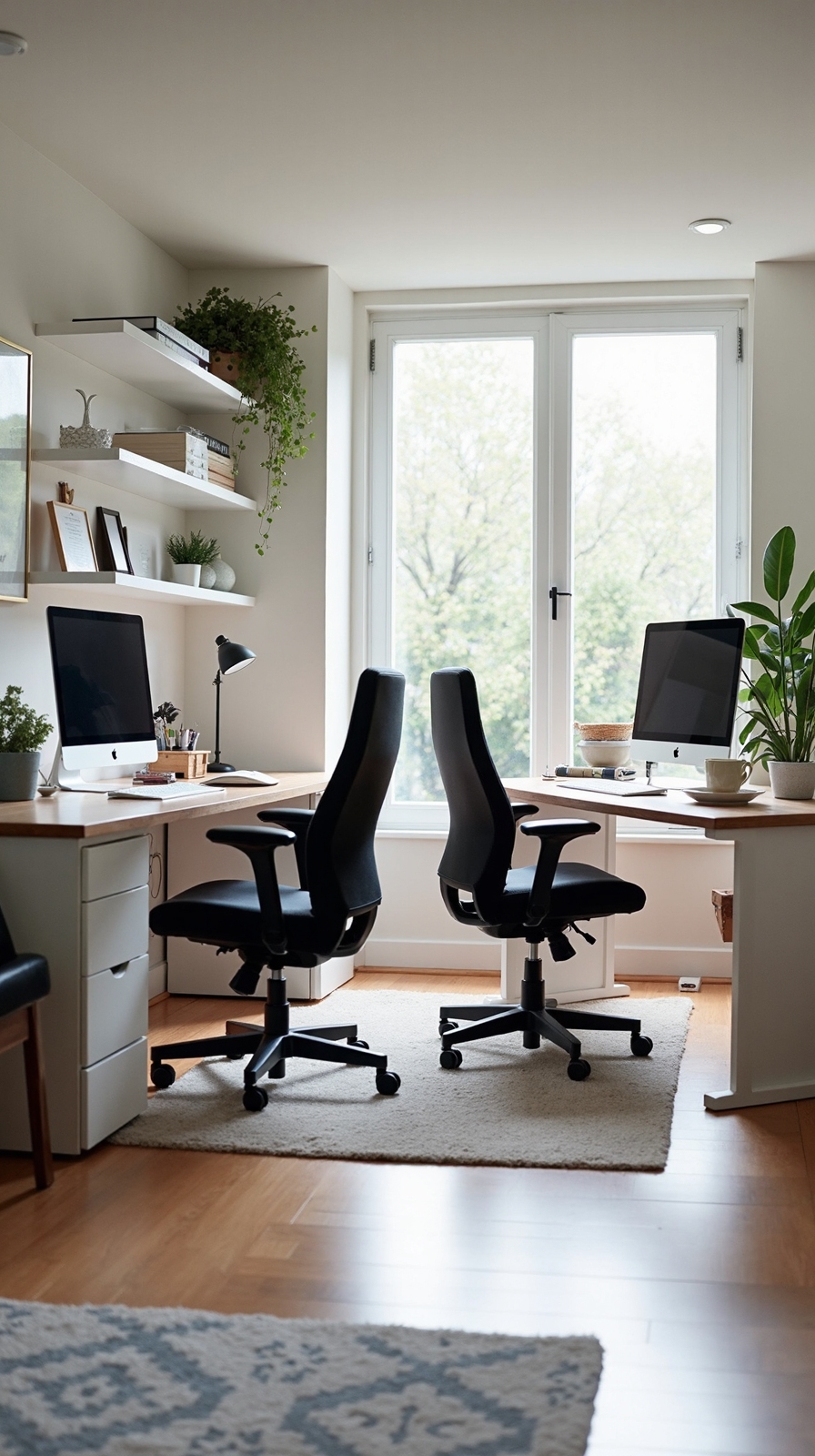
When you’re designing a shared home office, the back-to-back desk configuration creates natural boundaries that amplify concentration for both users. This setup eliminates visual distractions while preserving easy communication when needed.
Position your desks so each person faces opposite walls, creating individual work zones. You’ll want matching desk heights and depths for visual balance. Install elevated monitor mounts to optimize desktop space and diminish neck strain during long work sessions.
Consider an overlapping screen setup where shared resources like printers or reference materials sit between workstations. This arrangement fosters efficient workflow without constant interruption.
Add personal storage solutions on each side and guarantee adequate lighting for both positions. Cable management becomes pivotal with dual setups, so invest in cord organizers to maintain clean, professional-looking workspaces.
L-Shaped Corner Setup With Shared Storage
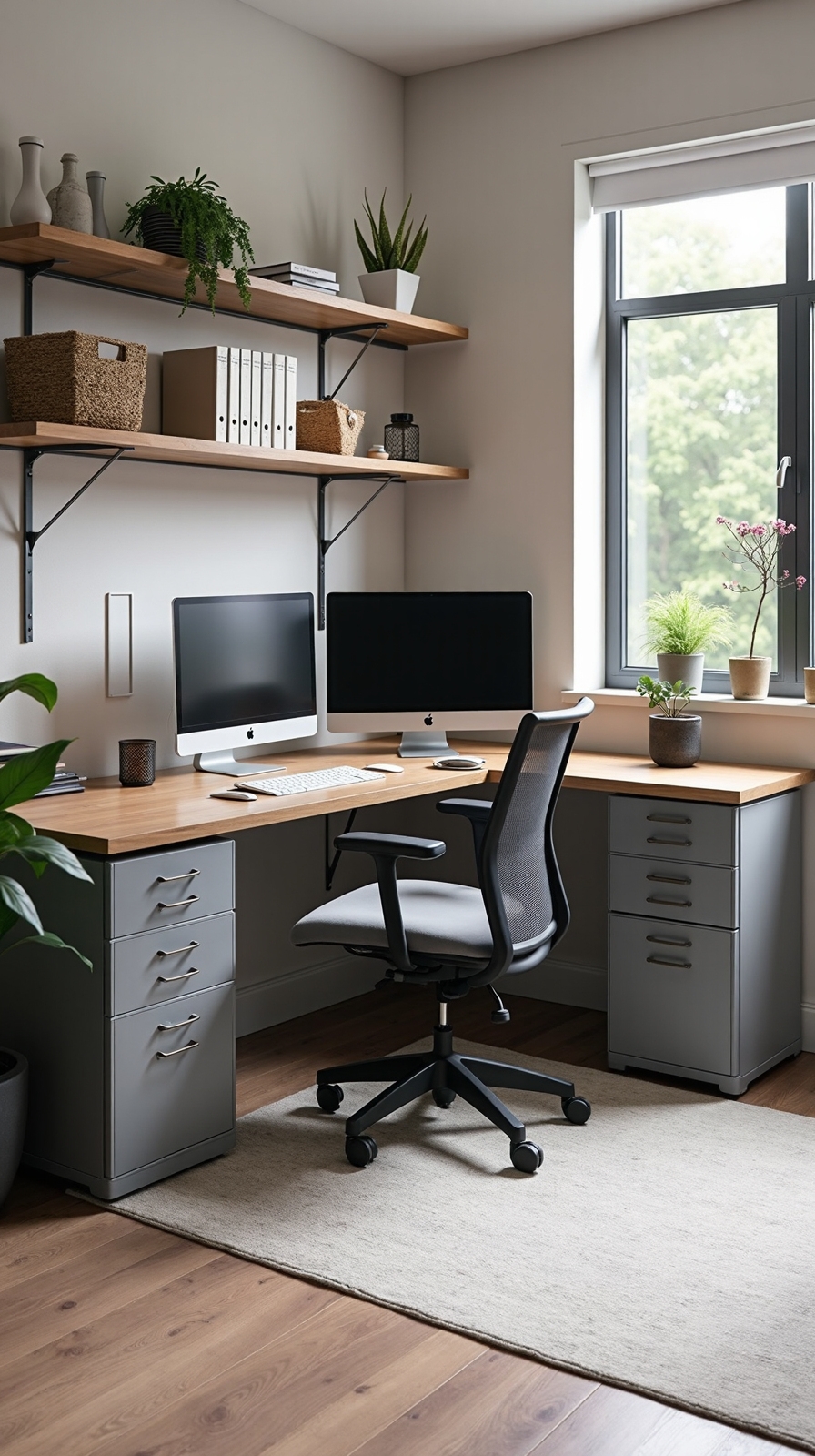
Although corner spaces often go underutilized, an L-shaped desk configuration metamorphoses these areas into productive dual workstations with seamless shared storage access.
You’ll maximize your corner’s potential by positioning desks perpendicular to each other, creating natural boundaries while maintaining easy communication. This setup gives both people ample workspace without feeling cramped or isolated.
Install shared pegboard storage above the corner junction for frequently used supplies like scissors, staplers, and charging cables. You’ll appreciate having everything within arm’s reach without cluttering your desktop surfaces.
Add a collaborative whiteboard space on the adjacent wall for brainstorming sessions and project planning. This central location guarantees both partners can contribute ideas effortlessly.
The L-shaped configuration also accommodates different work styles, allowing one person to focus on detailed tasks while the other handles calls or creative projects.
Floating Wall Desks to Save Floor Space
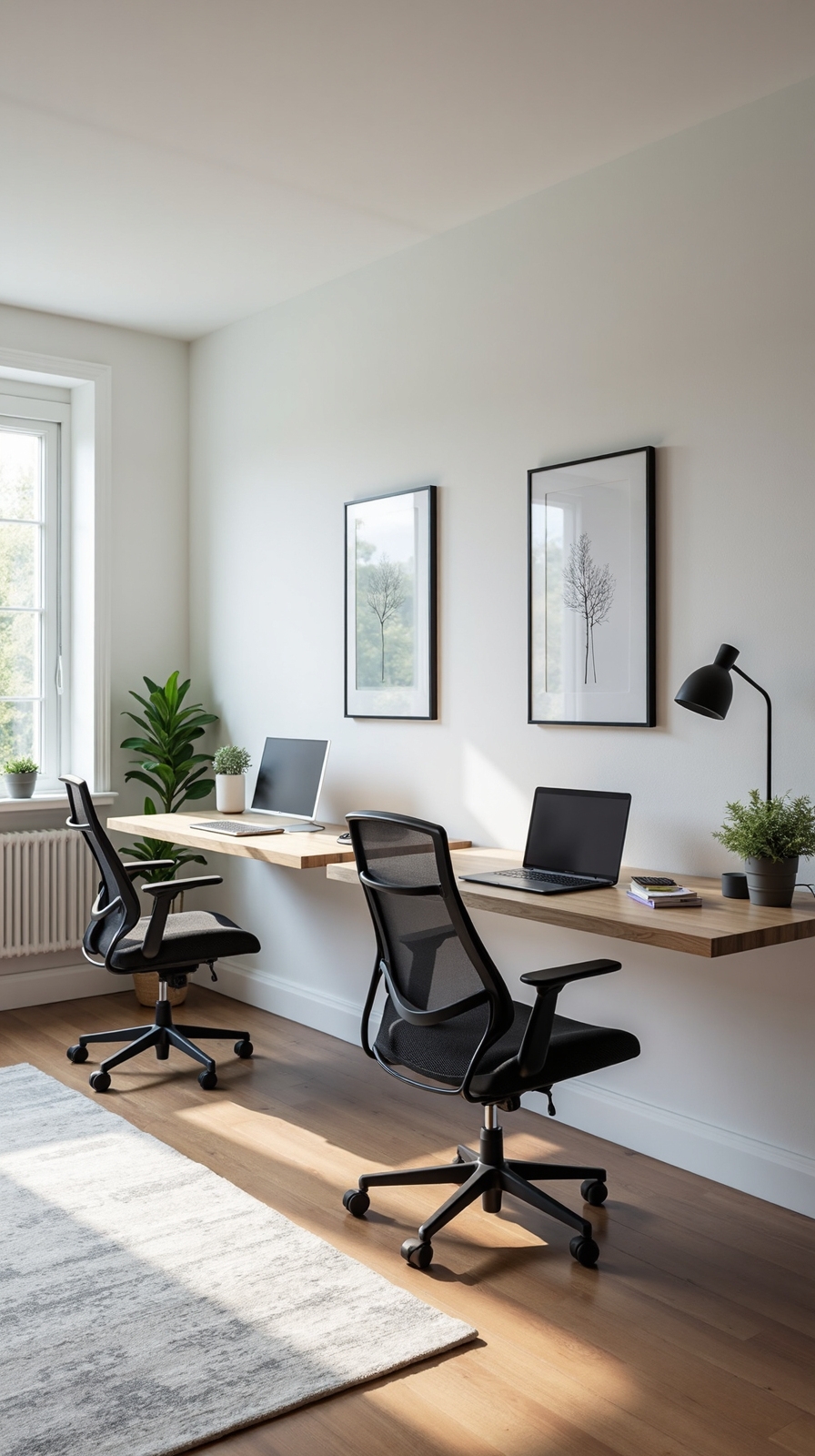
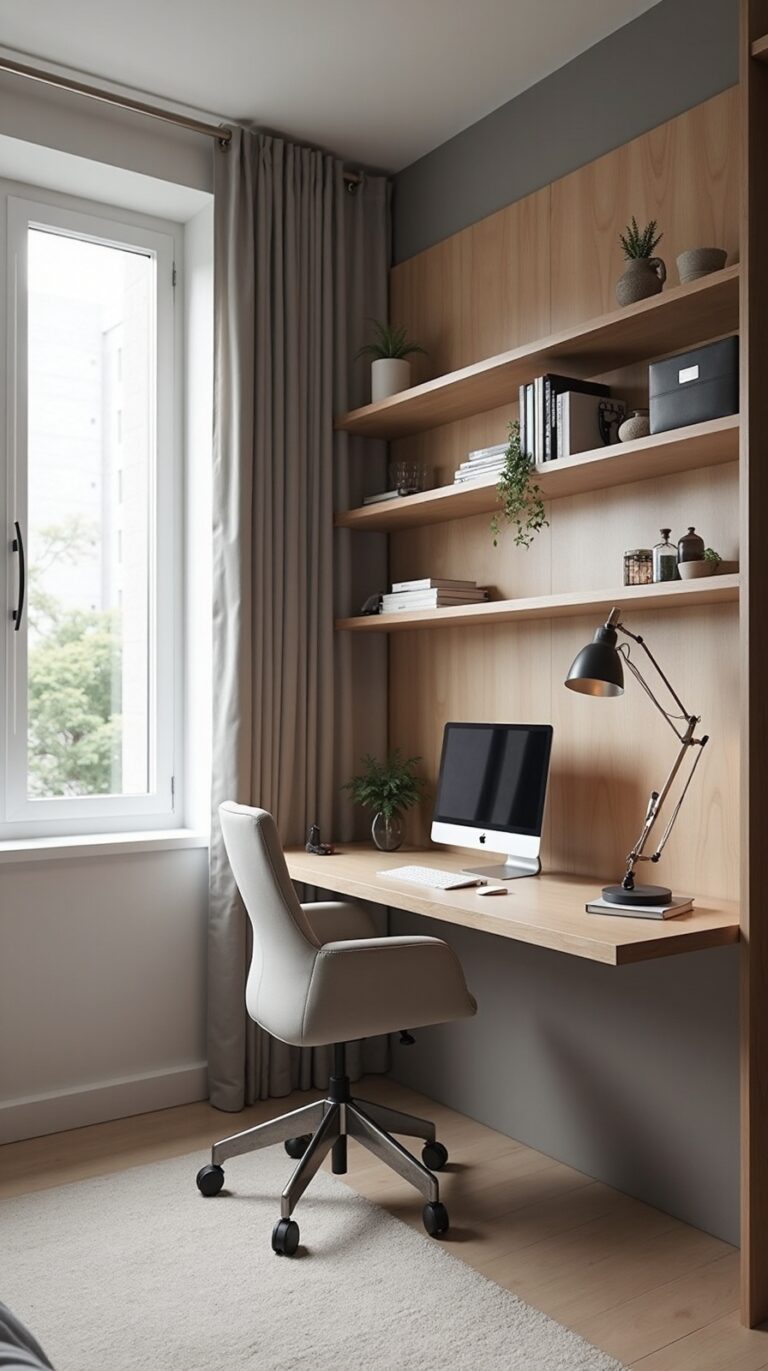
Floating wall desks revolutionize compact home offices by eliminating bulky furniture legs and creating an airy, spacious atmosphere perfect for two-person workstations. You’ll maximize your floor space while maintaining full functionality for both users.
Install two floating desks at comfortable heights, typically 28-30 inches from the floor. Position them along adjacent walls or create a continuous L-shape for seamless workflow. You’ll need sturdy wall brackets rated for at least 150 pounds to support equipment safely.
Complement your setup with floating shelves above each workspace for personal storage and decorative elements. Add wall mounted storage solutions like magnetic boards, file holders, and cable management systems to keep surfaces clutter-free. This approach gives you complete freedom to customize your office layout while maintaining easy cleaning access underneath.
Dual Monitor Arms for Flexible Screen Positioning
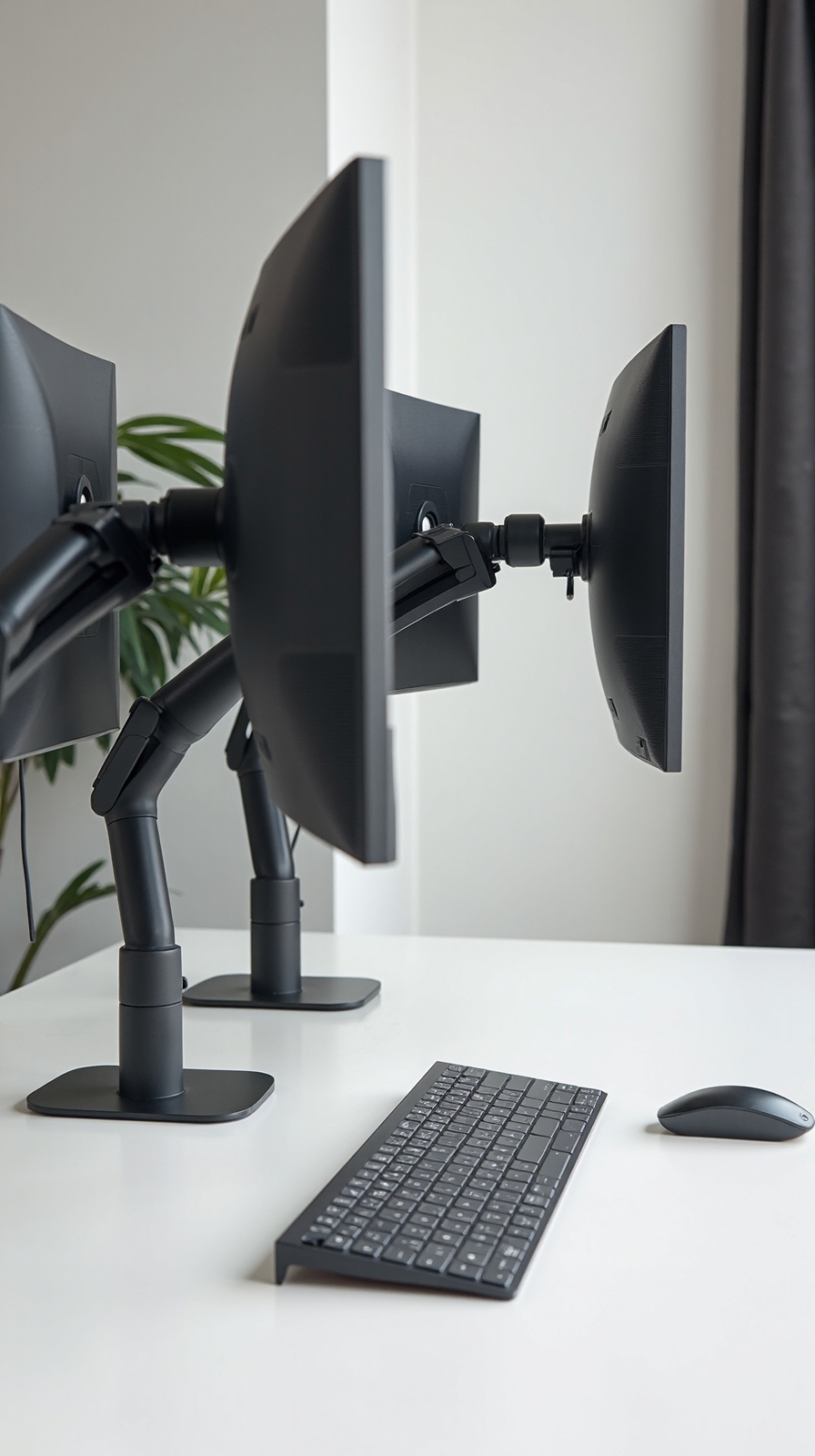
Dual monitor arms convert cramped two-person workspaces into ergonomic powerhouses by lifting screens off desks and providing infinite positioning flexibility for both users.
You’ll gain precious desk real estate while creating healthier viewing angles that reduce neck strain and eye fatigue. Quality ergonomic arm support systems let you adjust height, tilt, and rotation independently for each monitor, accommodating different user preferences throughout the day.
Choose articulating arms that extend 20-24 inches from the mounting point, giving you freedom to swing screens between users or create privacy barriers when needed. Dual monitor ergonomics become effortless when you can position displays at proper eye level without books or makeshift risers.
Mount arms to shared desk surfaces or wall brackets for maximum flexibility in your collaborative workspace setup.
Rolling Partition Walls for Instant Privacy
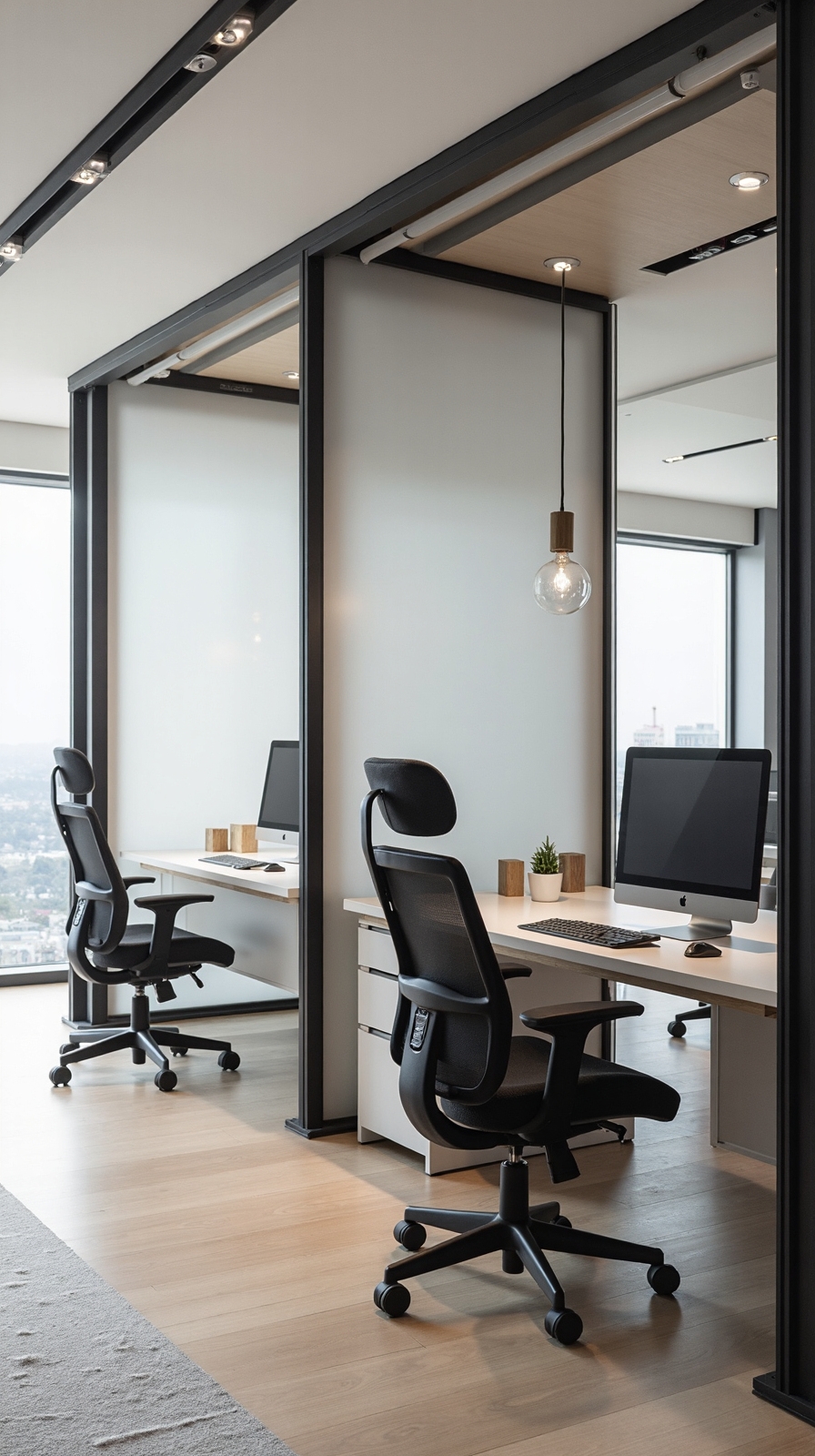
Rolling partition walls alter shared home offices by sliding into place whenever you need immediate separation between workstations. These mobile solutions give you complete control over your workspace layout without permanent construction or costly renovations.
Key Benefits of Rolling Partitions:
- Instant flexibility – Slide panels open for collaboration or closed for focused work
- Sound control – Acoustically treated partitions reduce noise distractions between partners
- Visual privacy – Create separate zones for video calls or confidential tasks
Implementation Tips:
Choose sliding panels with wheels that glide smoothly across your flooring type. Look for models reaching ceiling height to maximize privacy and sound blocking. Consider double-sided units with whiteboard surfaces for added functionality.
You’ll reconfigure one large space into two private offices within seconds, maintaining the freedom to rearrange whenever your work demands change.
Built-In Desk Nooks With Custom Shelving
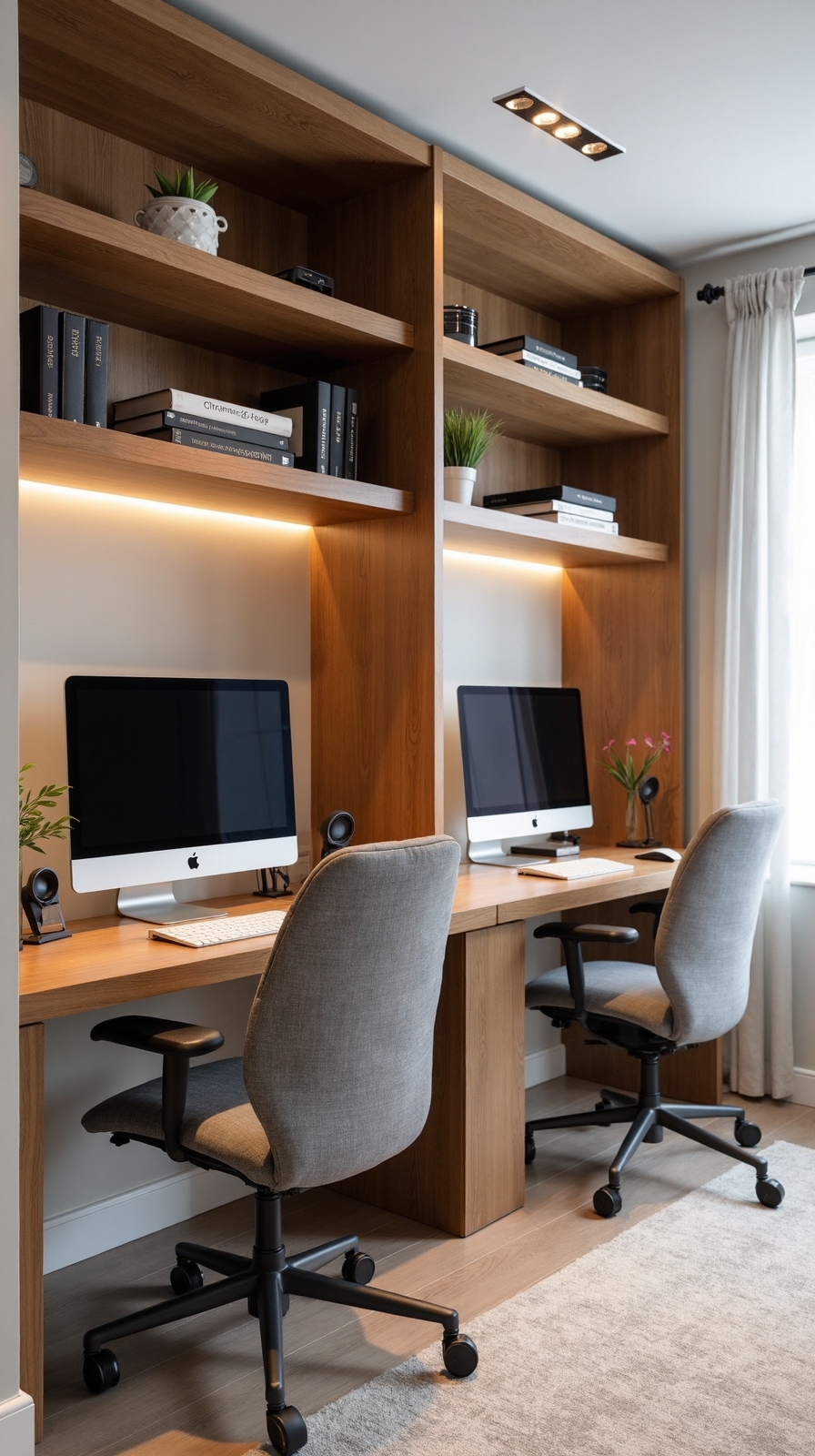
Built-in desk nooks with custom shelving maximize every inch of your shared workspace while creating distinct territories for each person. You’ll convert awkward corners or underutilized walls into productive zones that feel intentionally designed rather than squeezed in.
Design each nook with built in storage compartments underneath the desk surface for hiding cables, office supplies, and personal items. Install personalized display shelves above each workstation to showcase individual achievements, plants, or inspiring décor that reflects each person’s style.
Consider different heights and configurations for each nook to accommodate varying work preferences. Add task lighting within each alcove and include power outlets at desk level. Use contrasting paint colors or wood stains to define each person’s territory while maintaining visual cohesion throughout your shared office space.
Standing Desk Combinations for Health and Variety
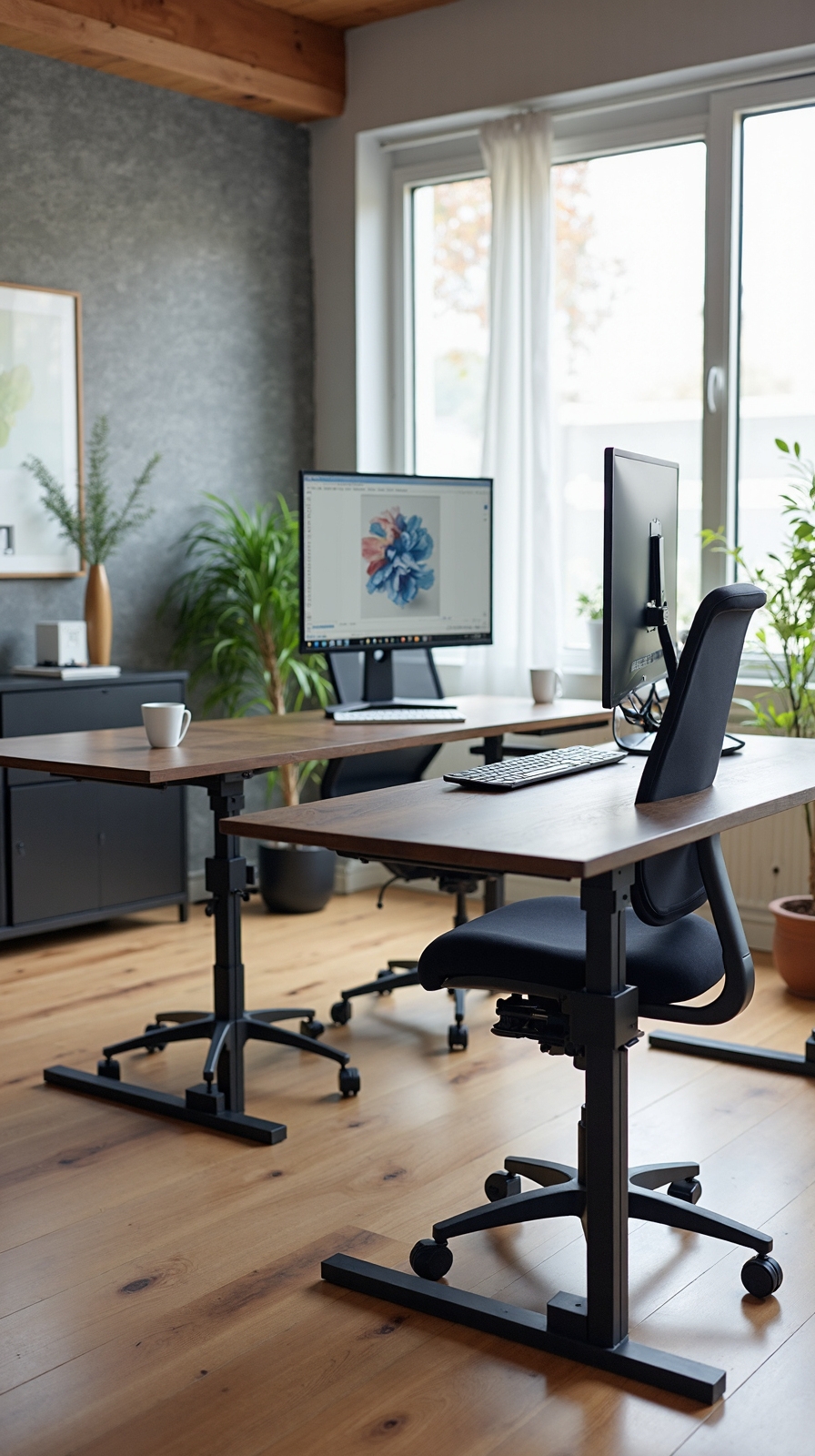
When you incorporate standing desk combinations into your two-person office, you’ll promote better health while accommodating different work styles throughout the day. These flexible workstations give you freedom to switch between sitting and standing positions, reducing fatigue and improving circulation.
Choose desks with smooth adjustable height controls that allow quick changes from 28 to 48 inches. Electric motors provide effortless operation, while manual cranks offer budget-friendly alternatives. Position both desks at different heights so you can work comfortably regardless of your partner’s preferences.
Complement your standing setup with ergonomic seat options like balance ball chairs or adjustable stools. These accessories support proper posture during shifting periods. You’ll find that alternating positions throughout the day increases energy levels and reduces back strain, creating a healthier work environment.
Symmetrical Workstations With Individual Storage
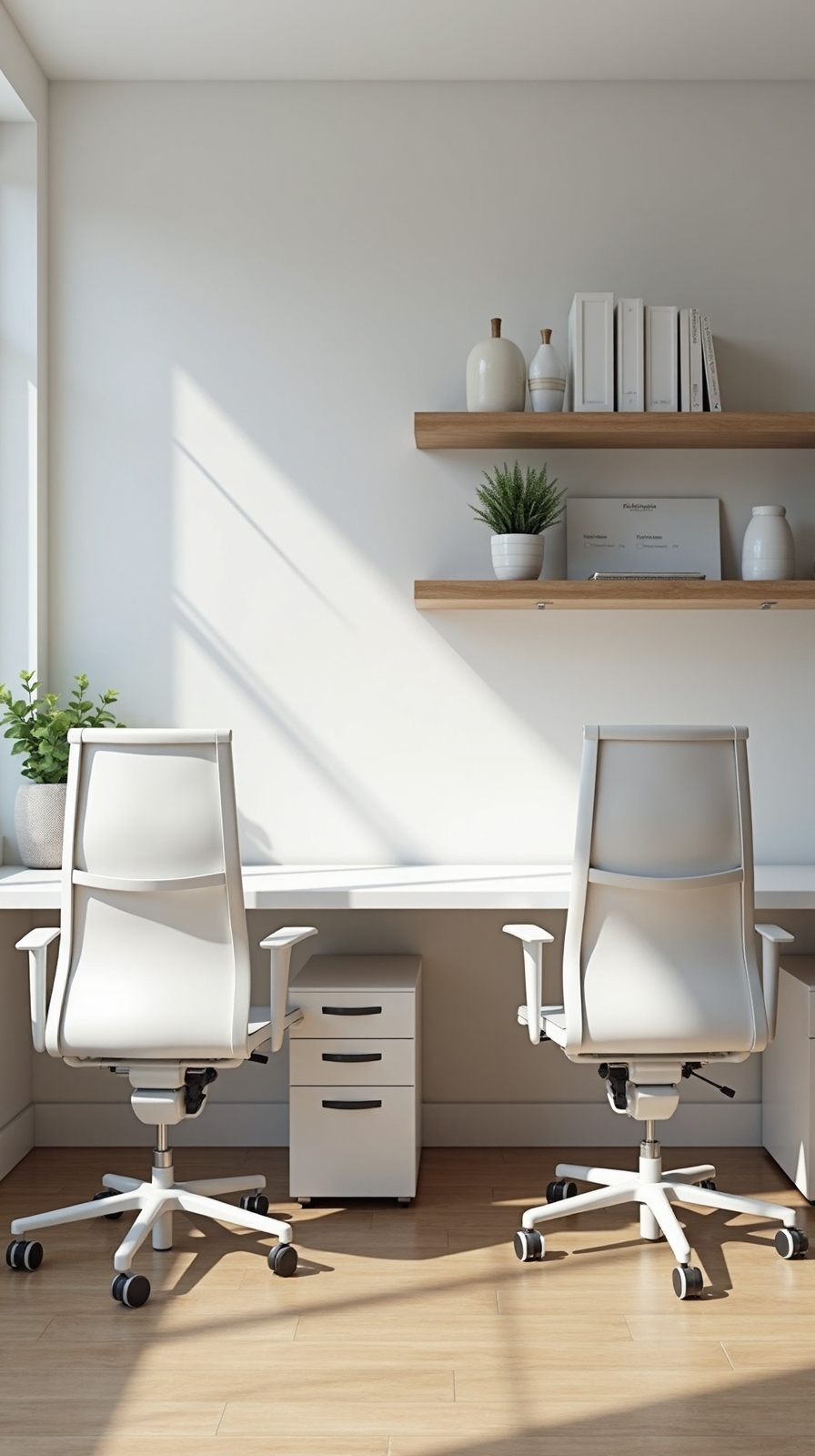
Symmetrical workstations create visual harmony while ensuring both partners receive equal workspace and storage opportunities in your shared office. This balanced approach eliminates territorial disputes and promotes collaborative productivity between you and your partner.
Design matching desk configurations with identical dimensions, allowing each person complete control over their designated area. Install personalized storage compartments like individual filing cabinets, desk drawers, and overhead shelving units that reflect each person’s organizational preferences and workflow requirements.
Choose ergonomic seating options that complement your symmetrical layout while accommodating different body types and work styles. Position identical task chairs, monitor arms, and desk accessories to maintain visual consistency without sacrificing individual comfort needs.
This mirrored setup gives you both independence within your shared workspace, letting you customize storage solutions while maintaining the office’s cohesive aesthetic appeal.
Shared Central Table With Personal Side Stations
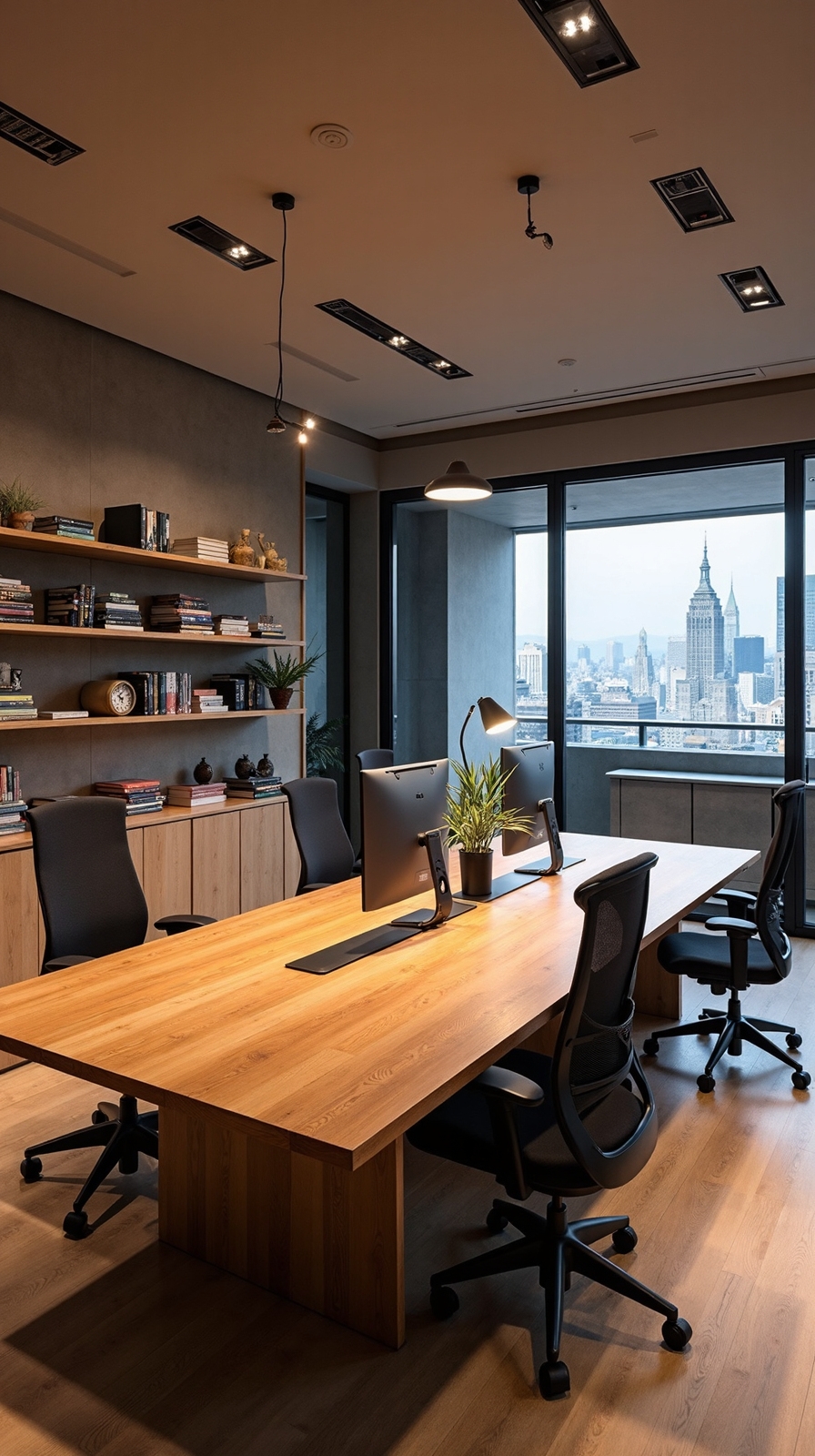
While symmetrical layouts work well for many couples, a shared central table with personal side stations offers greater flexibility for collaborative projects and individual tasks. This configuration gives you the freedom to work together when needed while maintaining your own dedicated workspace for focused activities.
Position a large central table where you’ll both brainstorm, review documents, or tackle joint projects. Add two smaller side stations along the walls for individual work requiring concentration. Each side station should include personal organizational tools like desktop organizers, file drawers, and bulletin boards customized to your specific workflow needs.
Install shared charging stations at the central table to keep devices powered during collaborative sessions. This setup maximizes your room’s potential while creating distinct zones for teamwork and independent productivity.
Window-Facing Parallel Desks for Natural Light
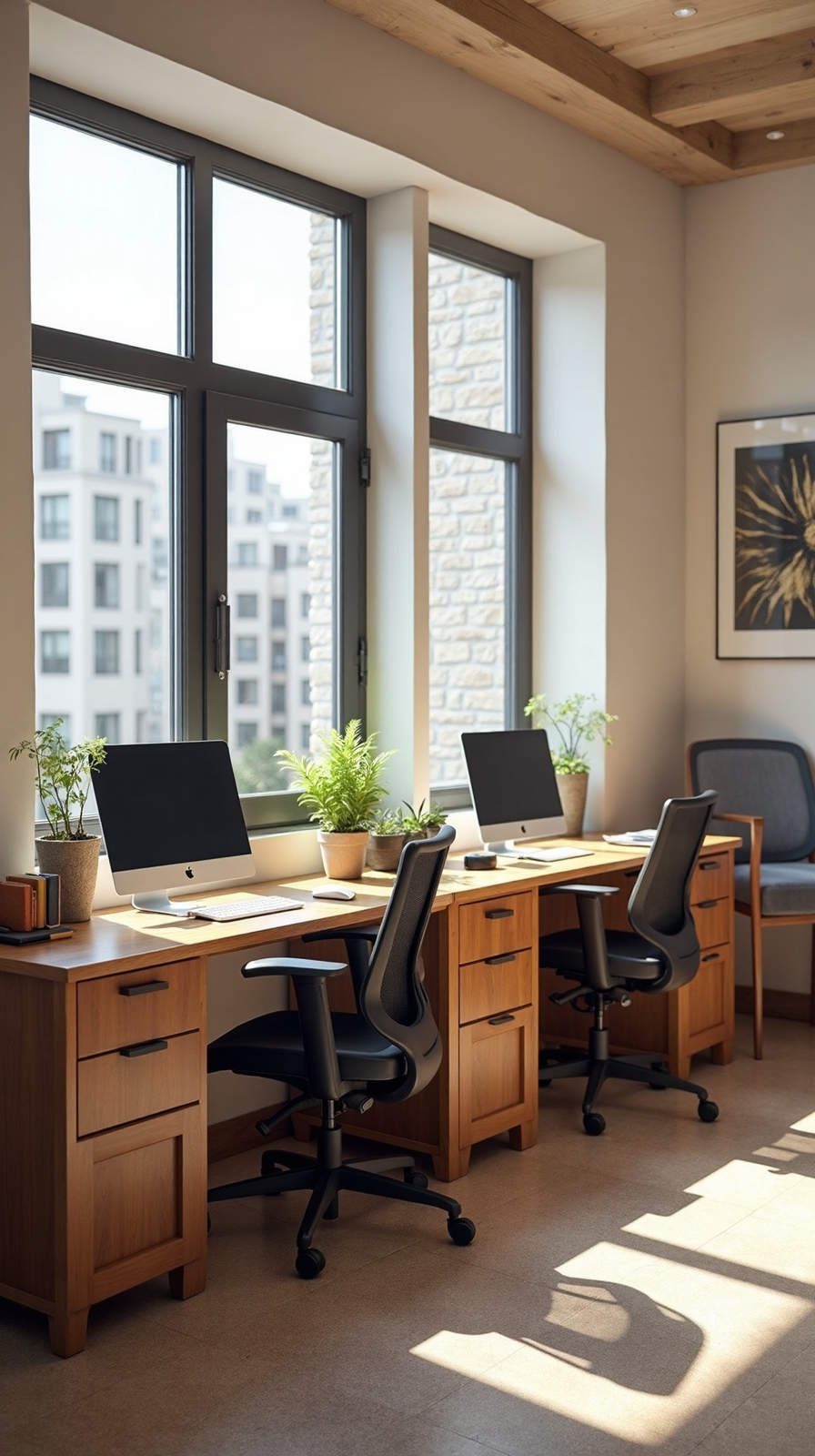
Natural light alters any workspace into a more energizing and productive environment, making window-facing parallel desks an excellent choice for couples who want to maximize their office’s brightest asset. You’ll position both desks perpendicular to your window wall, creating backlit workstations that reduce eye strain and enhance your daily mood naturally.
This arrangement gives you both equal access to sunlight while maintaining individual workspace boundaries. You can customize each side with personal storage solutions and ergonomic chair pairing that complements your specific height and comfort needs. The parallel setup encourages focused work sessions without direct visual distractions from your partner’s activities.
You’ll find this configuration works exceptionally well in rectangular rooms where window placement allows sufficient depth for comfortable desk positioning.
Murphy Desk Solutions for Multi-Purpose Rooms
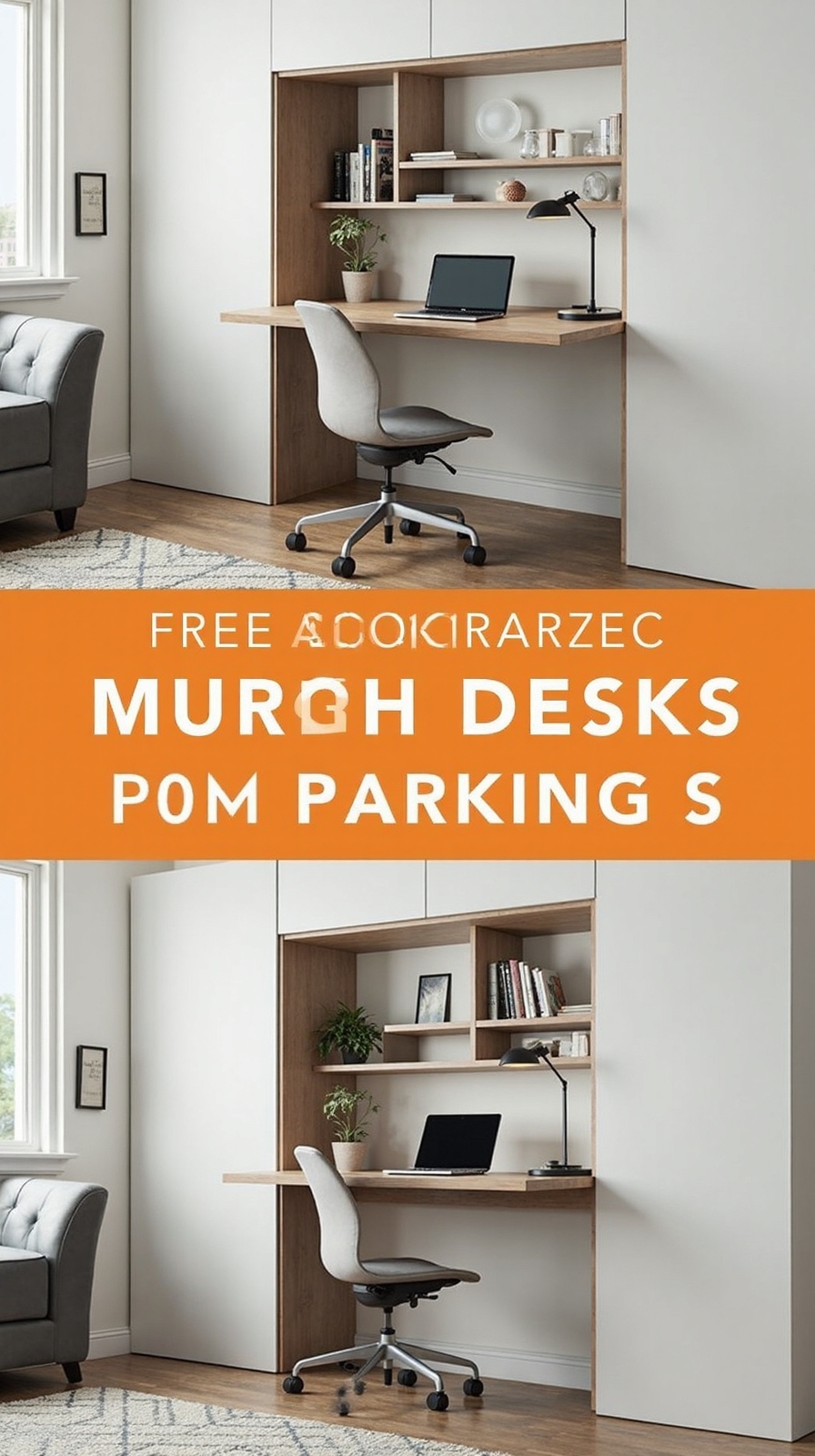
Space-saving Murphy desks offer the perfect solution when your home office must serve multiple functions throughout the day. These fold-down workstations convert any room into a productive workspace without permanent commitment to office furniture.
Install two Murphy desks on adjacent walls to create separate work zones that disappear when you’re hosting guests or need floor space for exercise. You’ll maximize your room’s flexibility while maintaining professional work areas for both team members.
Combine Murphy desks with space saving shelving above each unit to store office supplies and personal items. Add multipurpose benches below that provide seating during work hours and storage for seasonal items when folded up.
Choose models with built-in cable management and integrated lighting to guarantee your temporary office feels permanent and professional during working hours.
Cable Management Systems for Clean Workspaces
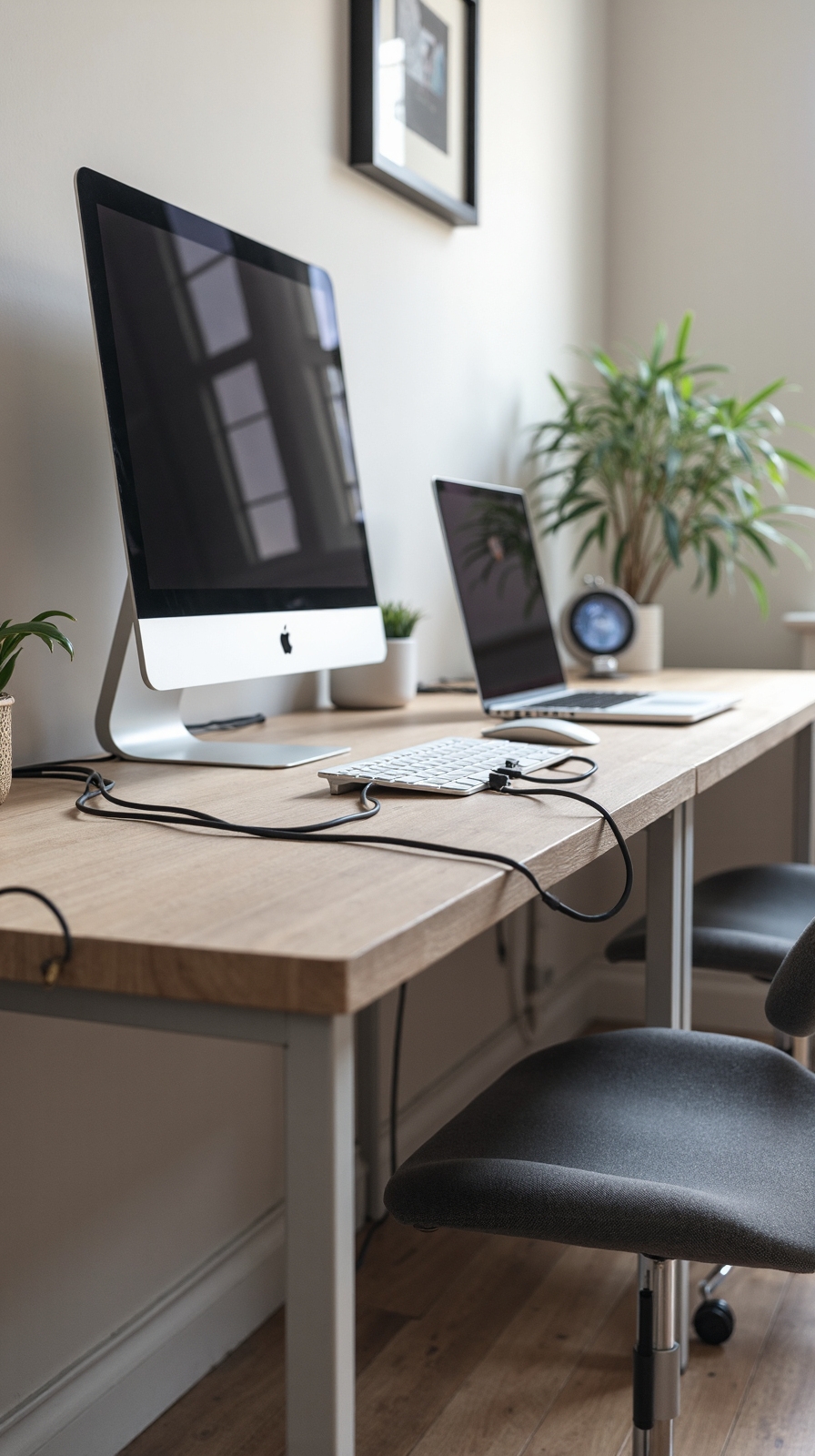
Tangled cables create visual chaos and functional frustration in shared workspaces, but strategic cable management converts cluttered desks into professional environments. You’ll regain mental clarity when your workspace looks organized and functions smoothly.
Effective cable routing strategies start with under-desk trays that channel power cords and USB cables along designated pathways. Install adhesive cable clips every twelve inches to prevent wires from drooping or tangling between workstations.
Wire concealment techniques include cord covers that run along baseboards and desktop grommets that hide connections. You can use velcro ties to bundle similar cables together, making adjustments easier when you’re adding new equipment.
Consider wireless alternatives for devices like keyboards, mice, and printers to reduce cable volume. This approach gives you flexibility to rearrange your dual workspace without rewiring everything from scratch.
Acoustic Panels and Sound Dampening Solutions
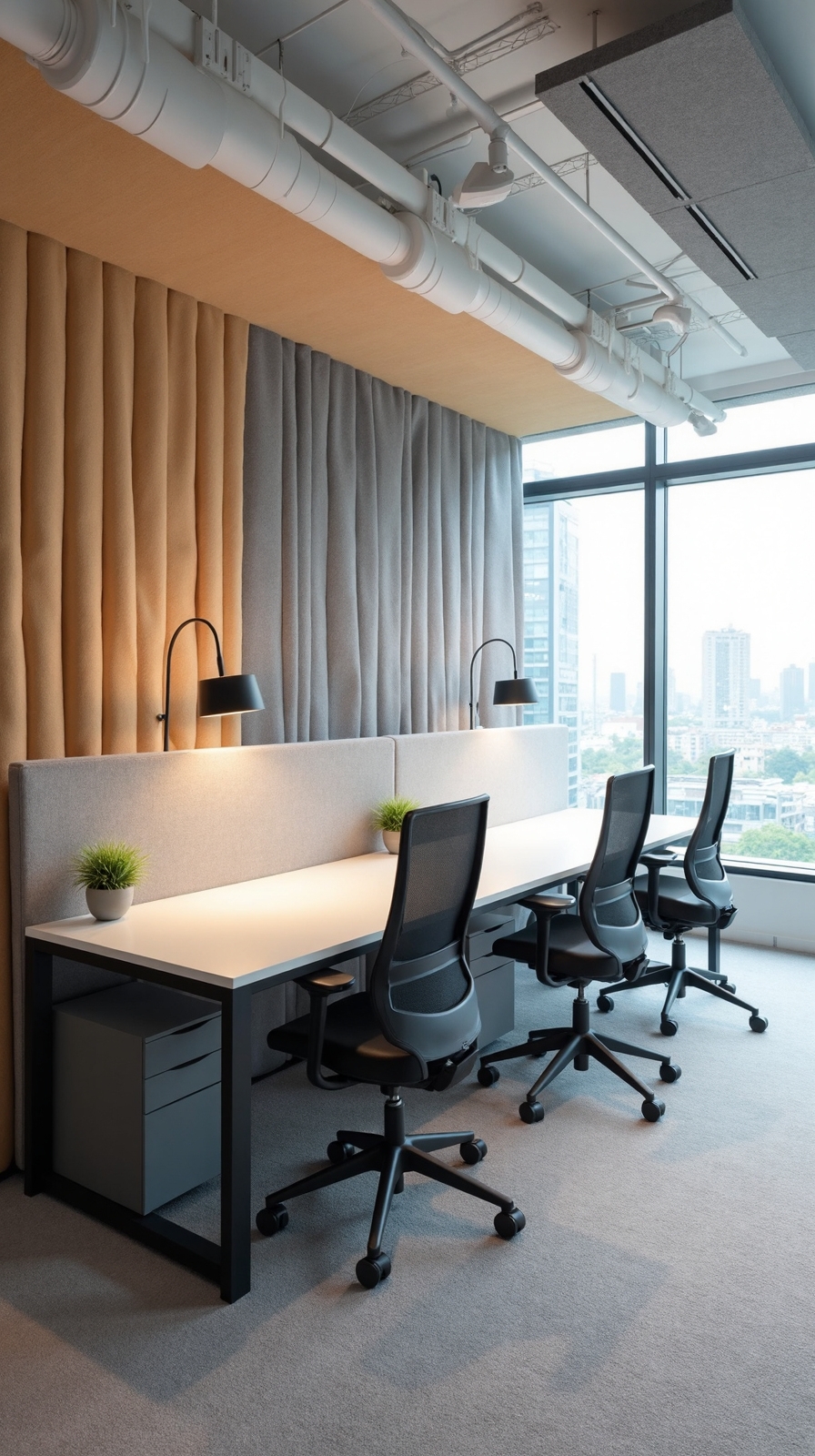
When multiple people work in the same space, competing conversations and keyboard clicks create distracting noise that hampers concentration and productivity. You’ll need strategic acoustic solutions to create focused work zones without building permanent walls.
Install acoustic diffusers on walls behind workstations to scatter sound waves and reduce echo. These panels break up direct sound paths between desks while maintaining your office’s open feel. Position sound absorbing materials like foam panels or fabric-wrapped boards on shared walls to minimize noise transfer.
Consider freestanding acoustic screens that you can reposition as needed. These portable dividers offer flexibility while controlling sound flow. Add soft furnishings like area rugs, curtains, and upholstered furniture to naturally absorb ambient noise. These solutions create distinct audio zones that support independent work while preserving collaborative opportunities.
Lighting Zones With Task and Ambient Options
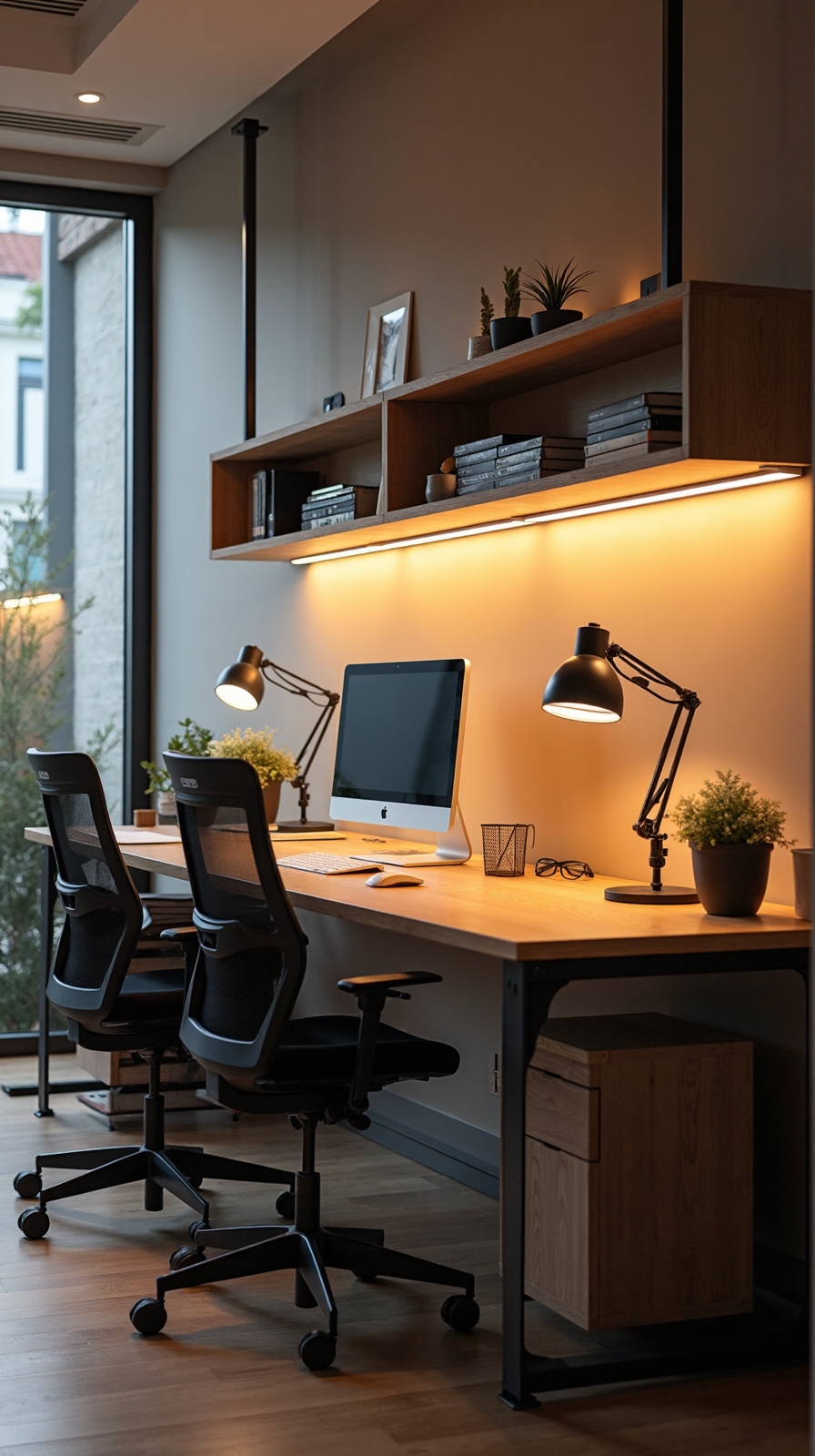
Proper lighting design becomes indispensable for upholding productivity and reducing eye strain in a shared home office environment. You’ll want to create distinct lighting zones that cater to both partners’ work styles and schedules without interfering with each other’s tasks.
Install adjustable lighting levels through individual desk lamps with directional heads for focused work. Position these strategically to eliminate shadows and glare on computer screens.
Complement task lighting with ambient options like floor lamps or wall sconces that provide gentle background illumination.
Dimmable light fixtures offer flexibility throughout the day, allowing you to adapt brightness levels as natural light changes. Consider installing separate dimmer switches for each zone, giving both partners control over their lighting preferences. This setup guarantees you’ll both maintain optimal comfort and productivity regardless of different work schedules or lighting needs.
Modular Furniture Systems for Flexible Layouts
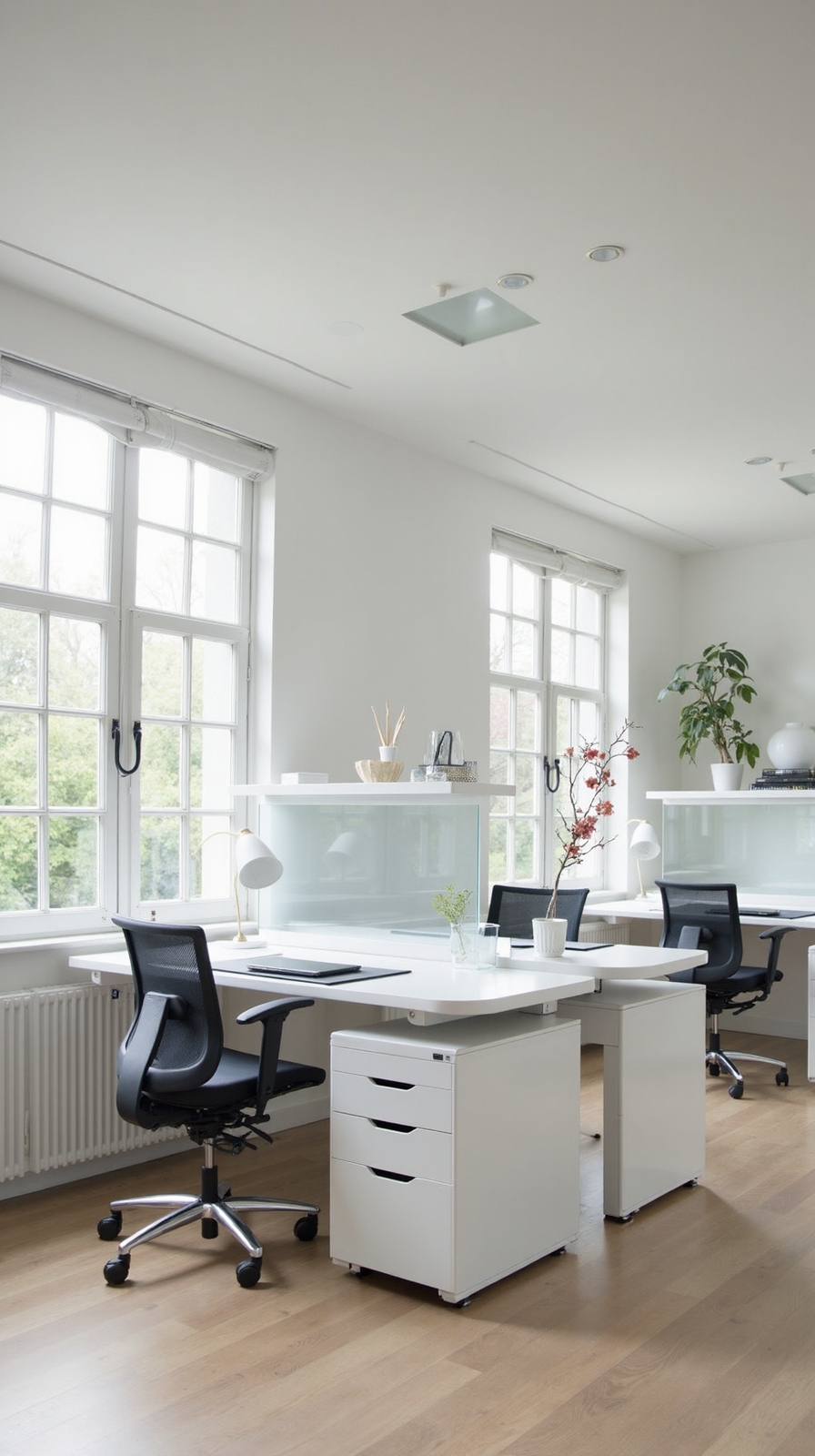
Modular furniture systems revolutionize shared workspace design by offering unparalleled flexibility that adapts to your changing needs and work patterns. You’ll uncover the freedom to reconfigure your office layout whenever projects demand different collaboration styles or privacy requirements.
Scalable Storage Solutions
Modular shelving units provide customizable storage that grows with your business. You can stack, rearrange, or separate these units to create room dividers or dedicated storage zones for each person’s materials.
Dynamic Space Division
Adjustable partition walls let you instantly alter open collaboration areas into private work zones. These moveable barriers don’t require permanent installation, giving you complete control over your workspace boundaries.
Investment Benefits
You’ll save money long-term since modular systems eliminate the need for complete furniture replacements when your office requirements evolve or expand.
Conclusion
You’ve got all the tools needed to create an efficient two-person home office that balances collaboration and privacy. Start with your available space and budget, then choose configurations that match both work styles. Remember to prioritize ergonomics, lighting, and organization systems. With thoughtful planning and the right furniture choices, you’ll convert any room into a productive workspace that enhances teamwork while maintaining individual focus zones.