14 Simple Home Office Background Ideas for a Professional Look
Here are 14 effortless home office background transformations that instantly elevate your professional image—without breaking the bank or major renovations.
You’ve likely experienced the awkward moment when your video call background reveals a messy bedroom or cluttered kitchen counter. Your home office backdrop directly impacts how colleagues and clients perceive your professionalism, yet creating an impressive setup doesn’t require expensive renovations or designer furniture. With just a few strategic adjustments to your workspace, you can convert, alter, or remodel any corner of your home into a polished, camera-ready environment that commands respect and enhances your credibility during every virtual meeting.
Position Your Desk Against a Clean Wall
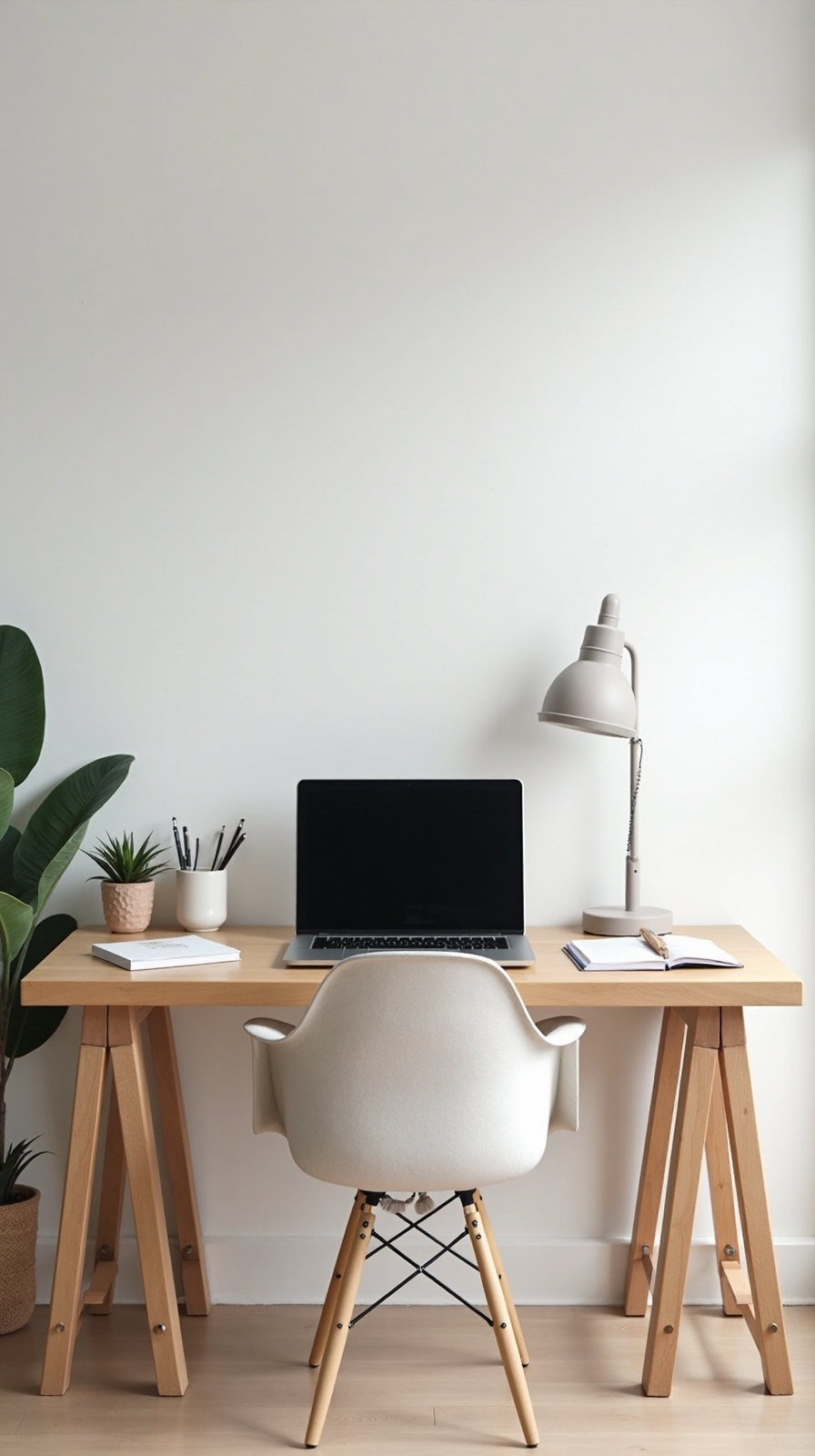
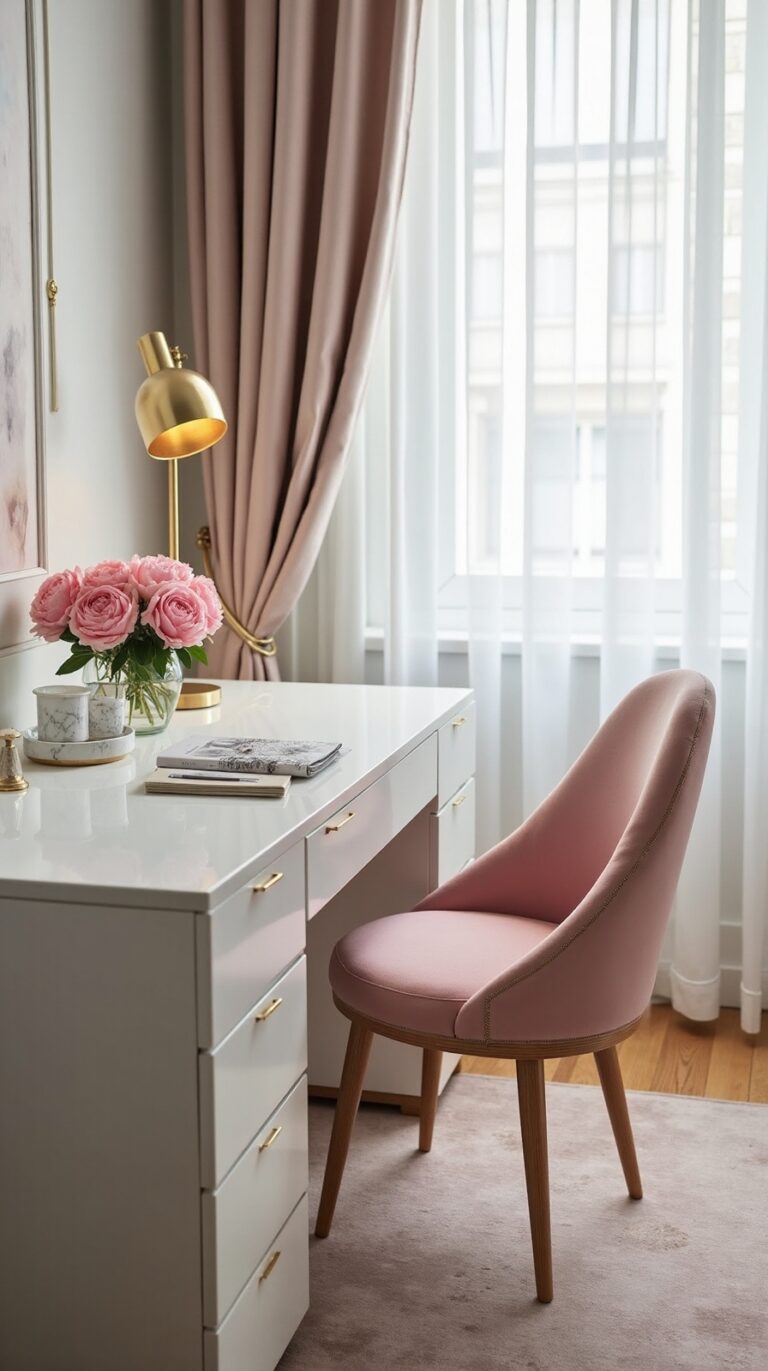
When you’re setting up your home office, positioning your desk against a clean, uncluttered wall creates an instantly professional backdrop for video calls. This simple arrangement gives you complete control over your visual presentation without expensive equipment or complicated setups.
Choose a neutral wall color like white, beige, or light gray to guarantee you remain the focal point during meetings. These shades work with any lighting conditions and won’t distract your colleagues or clients.
Keep your wall space free from busy patterns, personal photos, or excessive artwork. Instead, opt for minimalist decor—perhaps one tasteful piece of art or a simple shelf with a plant. This approach eliminates visual distractions while maintaining your professional image.
You’ll find this straightforward solution works consistently, giving you confidence during every video conference.
Add Strategic Lighting With a Ring Light or Desk Lamp
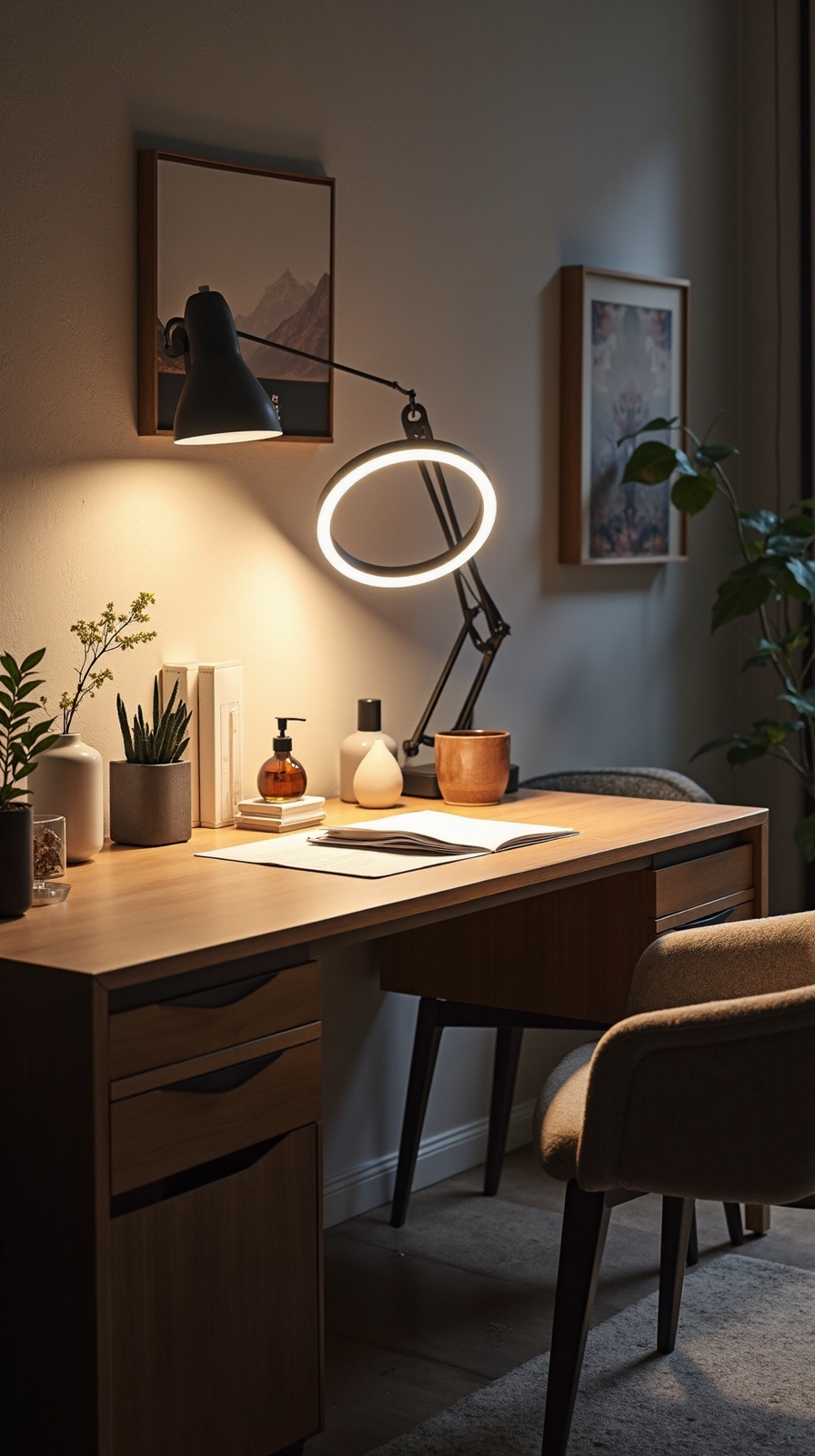
Good lighting alters your professional appearance on camera just as much as your background setup does. Without proper illumination, even the cleanest wall won’t help if you’re sitting in shadows or harsh overhead light.
A ring light positioned behind your monitor creates even facial lighting that minimizes shadows under your eyes and chin. You’ll want to place it at eye level, roughly two feet away from your face. Ring lights offer adjustable brightness settings, giving you control over your appearance throughout the day.
Desk lamps provide excellent diffuse lighting options when positioned correctly. Angle a lamp toward the wall behind your monitor to create soft, bounced light that eliminates harsh shadows. This setup reduces glare on your screen while providing flattering illumination for video calls.
Create a Simple Gallery Wall With Framed Prints
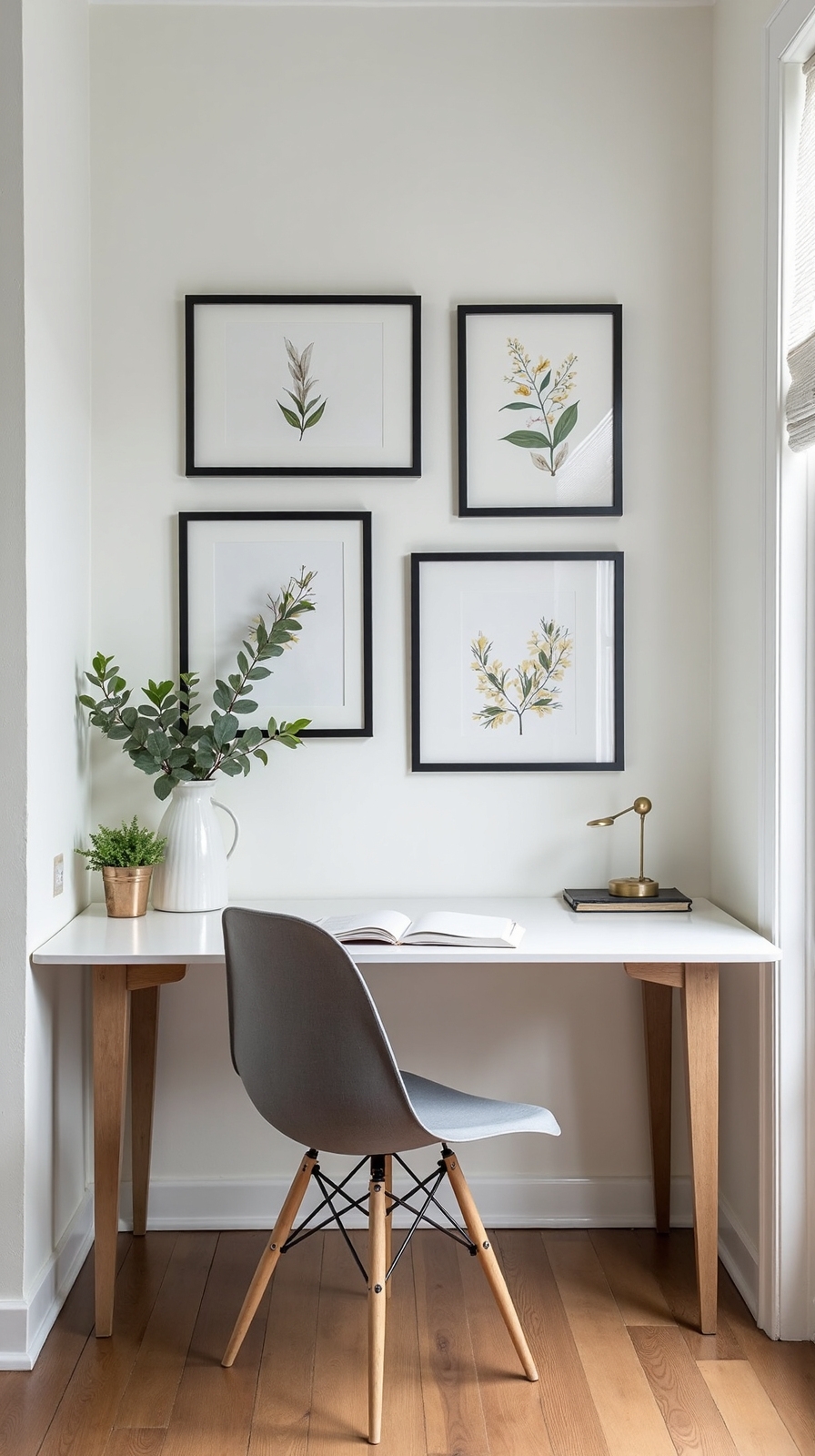
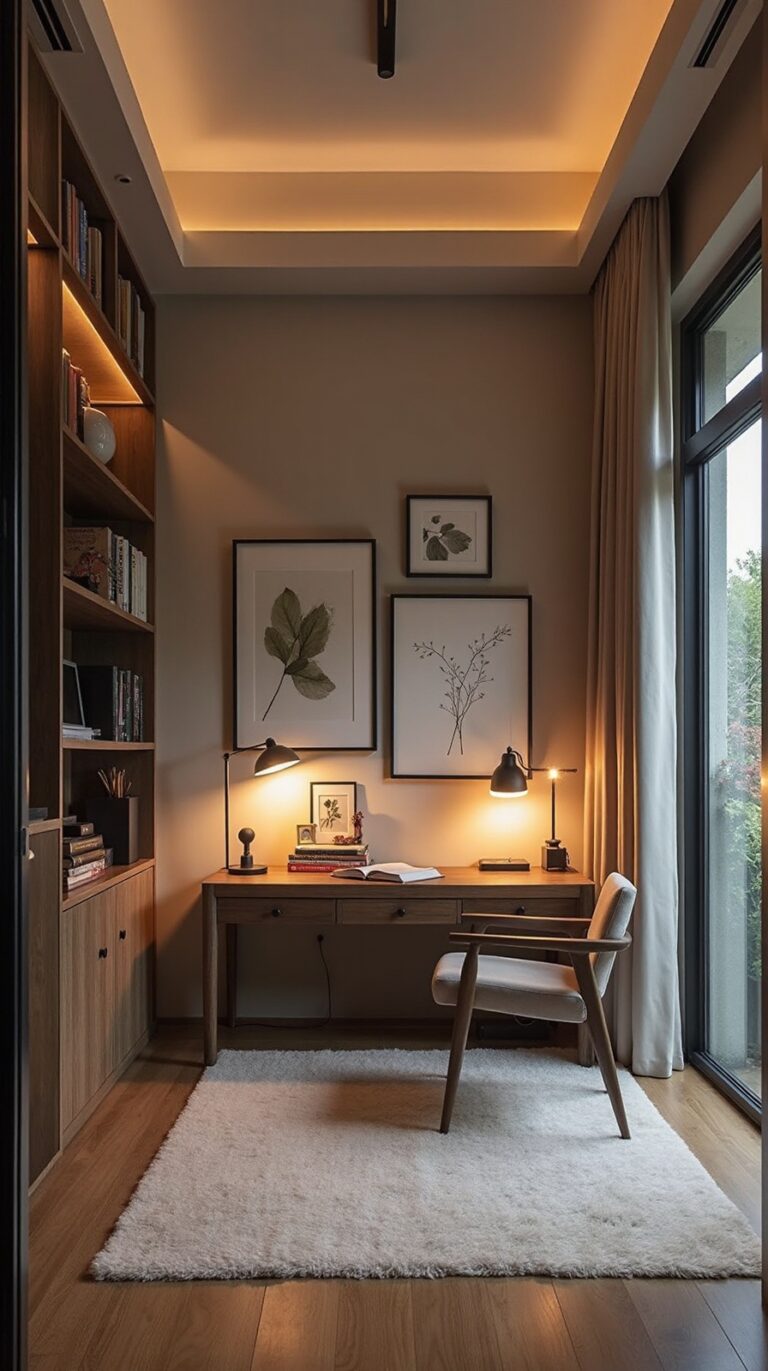
Curating a gallery wall alters any plain backdrop into a sophisticated focal point that reflects your personality and professionalism. You’ll convert boring walls into engaging spaces that showcase your taste while maintaining workplace credibility.
Start by selecting three to five pieces that complement your office’s color scheme. Mix complementary frames in different sizes—combine sleek black frames with warm wood tones for visual interest. Choose artwork, motivational quotes, or abstract prints that won’t distract during video calls.
Arrange photos creatively by laying them on the floor first, experimenting with spacing and alignment. Maintain 2-3 inches between frames for balanced composition. Position the center of your arrangement at eye level, roughly 57-60 inches from the floor.
This personal touch creates conversation starters while demonstrating your attention to detail and creative thinking.
Use a Room Divider Screen as Your Backdrop
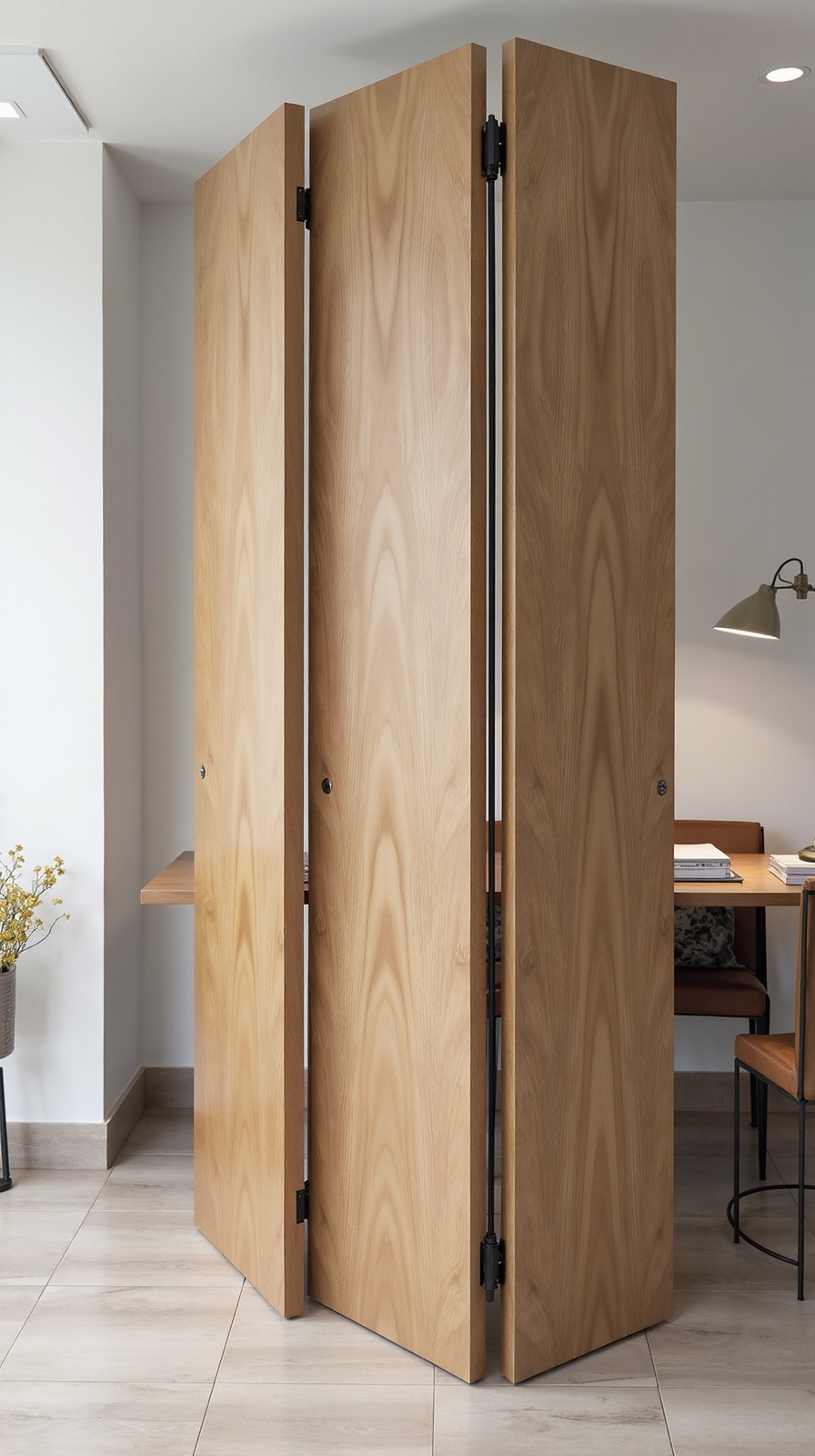
Room divider screens modify cluttered or uninspiring backgrounds into clean, professional backdrops that you’ll control completely. These versatile solutions instantly change messy spaces behind your desk into polished video call settings.
A dual panel divider offers excellent stability and coverage for most home office setups. Position it directly behind your chair to create a seamless backdrop that blocks distracting elements like unmade beds or storage areas.
Consider a retractable screen if you’re working in shared spaces where permanent changes aren’t feasible. These portable options fold away when not needed, giving you the freedom to maintain your room’s original function while creating professional boundaries on demand.
Choose neutral colors like white, beige, or soft gray to guarantee your screen complements any lighting conditions and keeps the focus on you during important meetings.
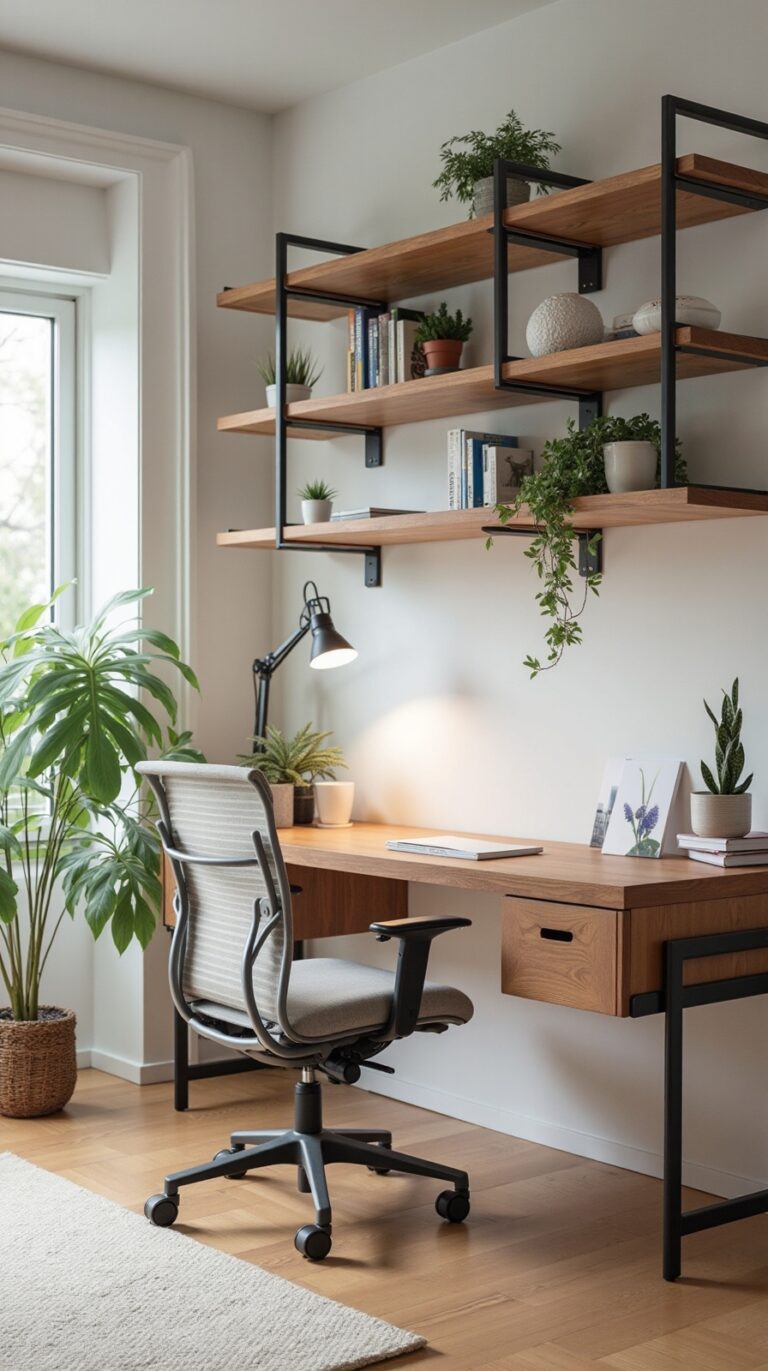
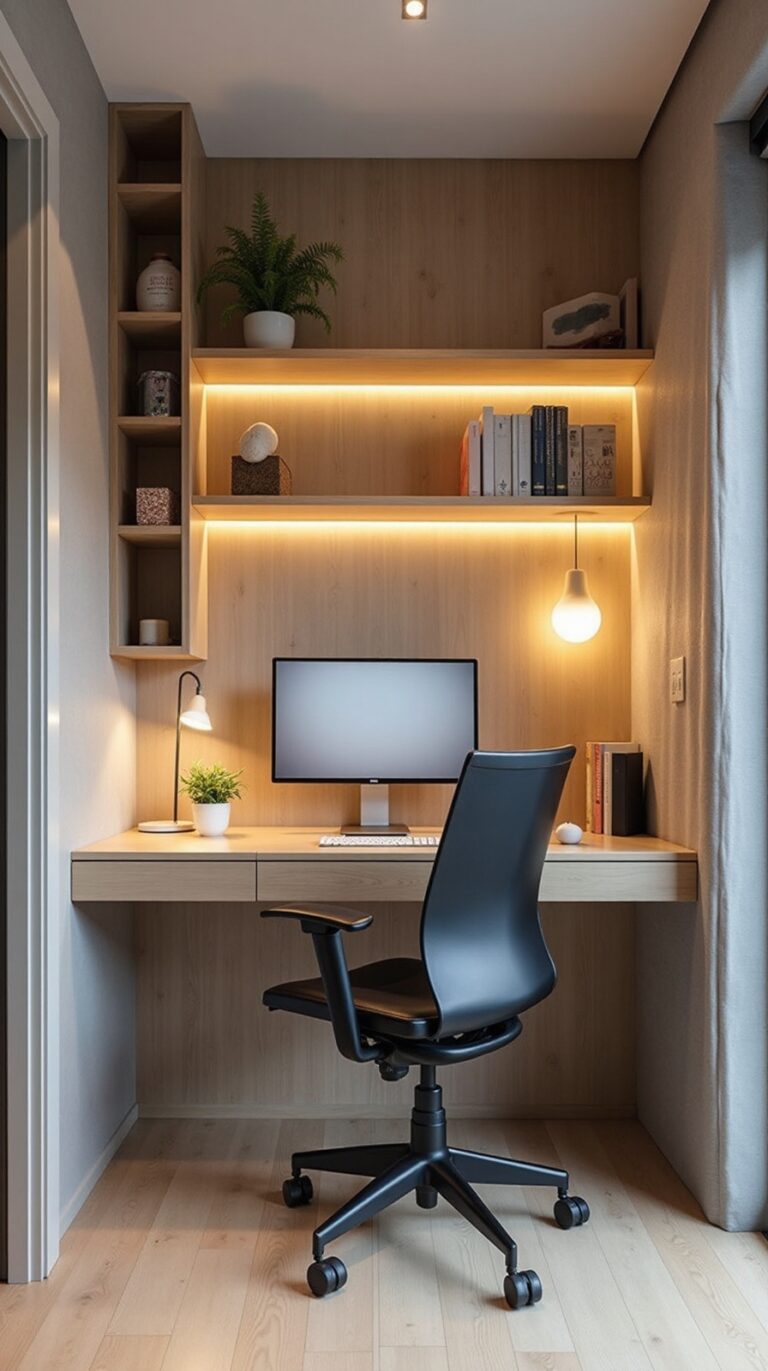
Install Floating Shelves With Minimal Décor
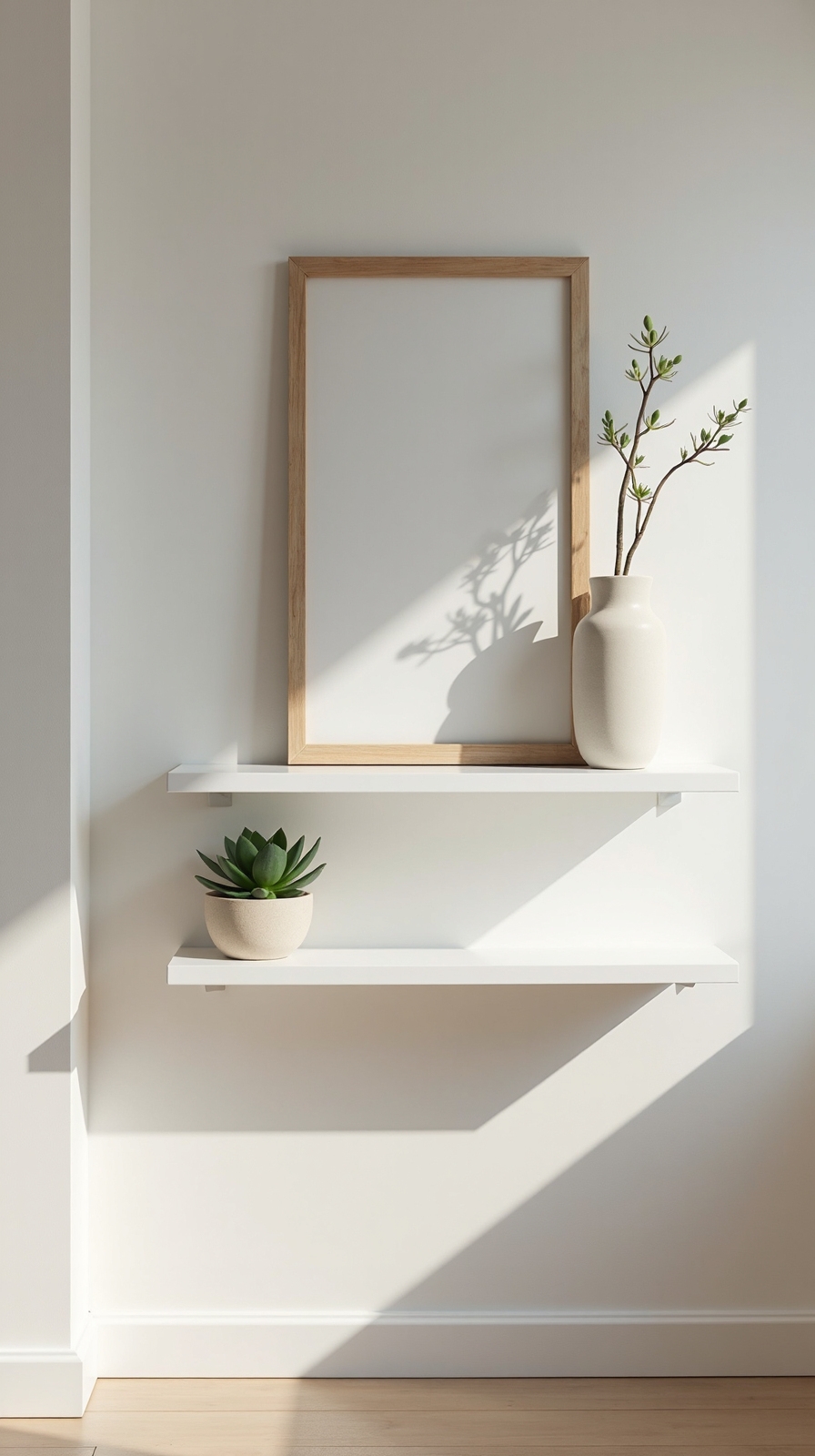
While room dividers create instant backdrops, floating shelves offer a more permanent solution that alters, converts, or reshapes blank walls into sophisticated professional settings. You’ll modify any space into a polished workspace that reflects your personal style while maintaining complete creative control.
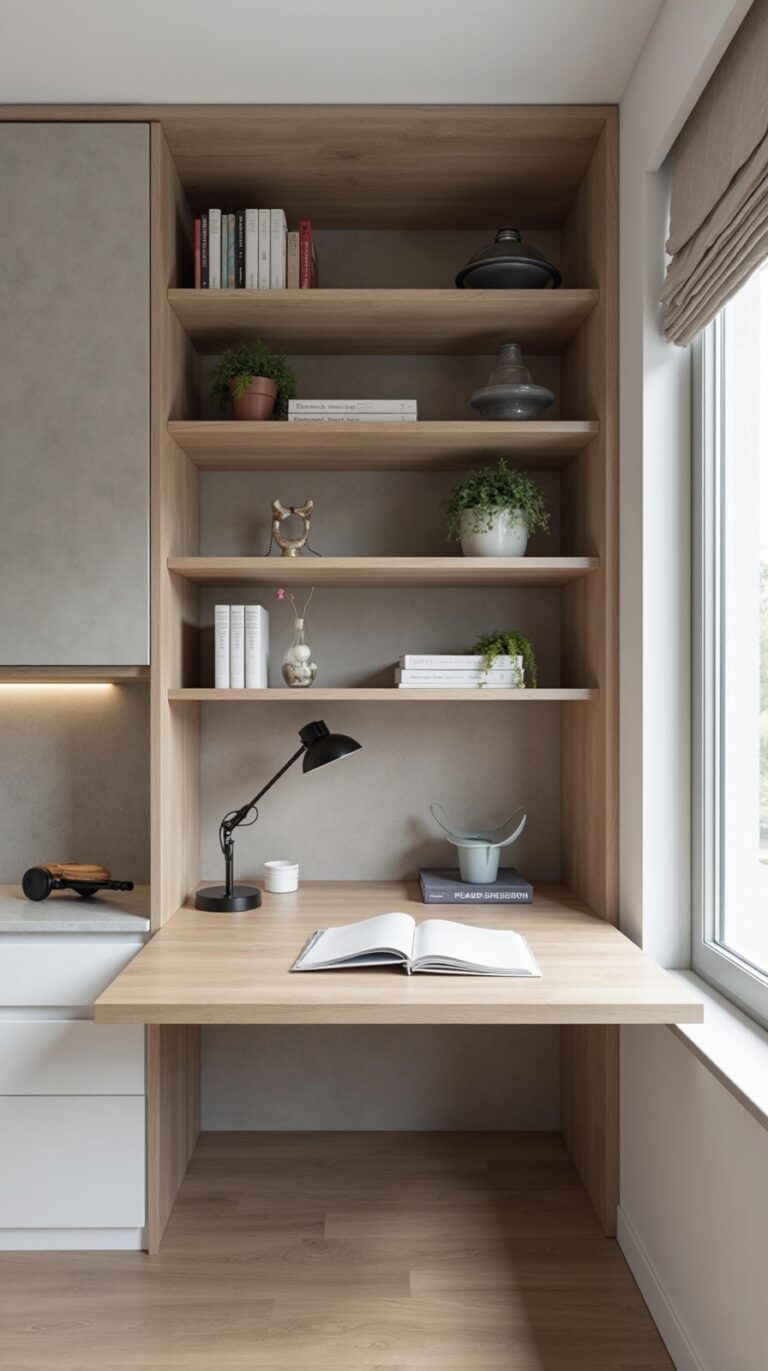
Install coordinated floating shelves at eye level behind your desk, spacing them 12-18 inches apart for visual balance. Choose three shelves maximum to avoid overwhelming your video calls. Select matching wood tones or sleek metal finishes that complement your existing furniture.
Add minimalist floating shelving décor strategically: place 2-3 books vertically, one small plant, and a single decorative object per shelf. Keep items under 6 inches tall to prevent visual distractions. This approach creates depth and personality without cluttering your professional appearance during virtual meetings.
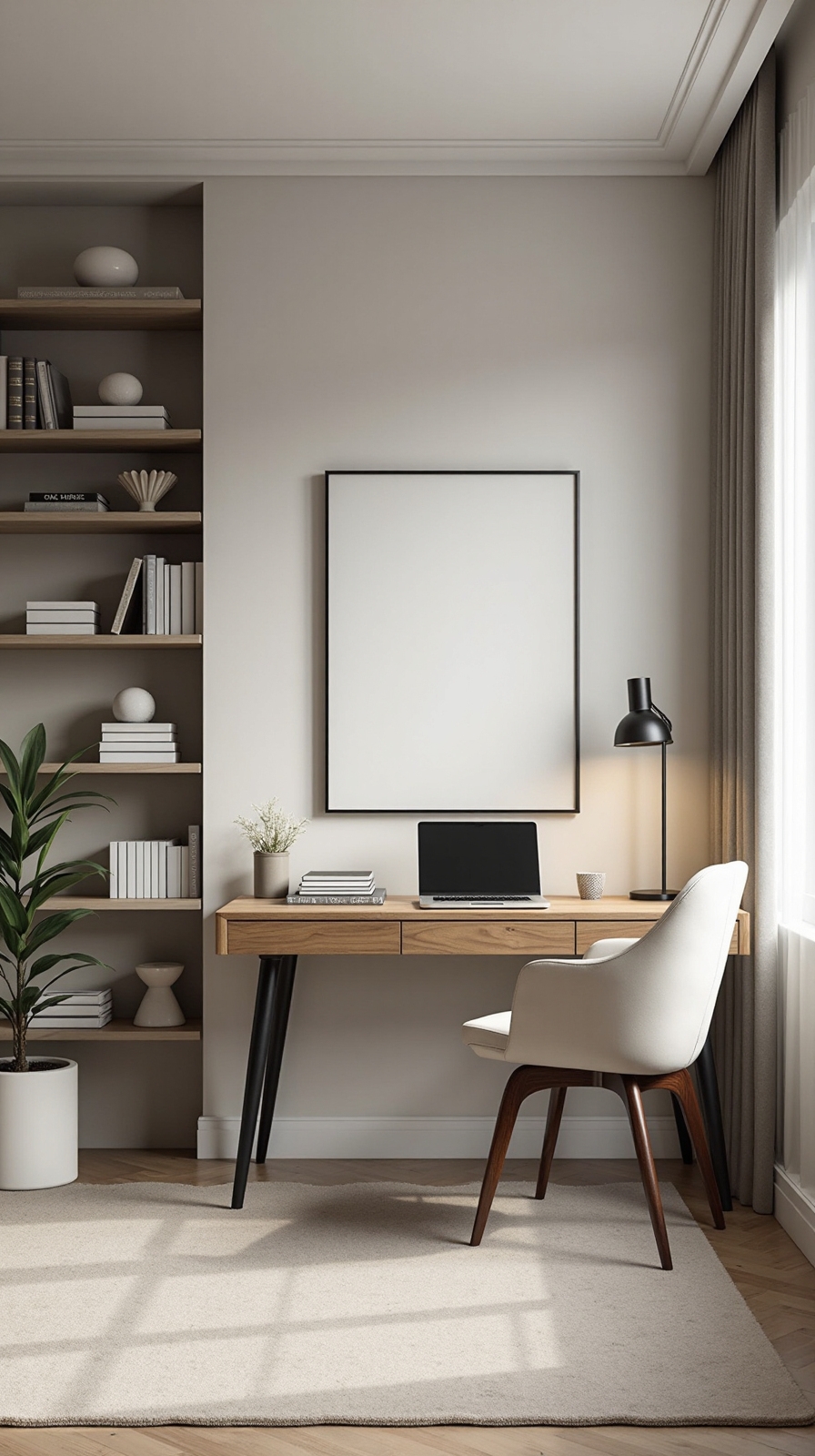
Hang a Large Piece of Artwork or Canvas
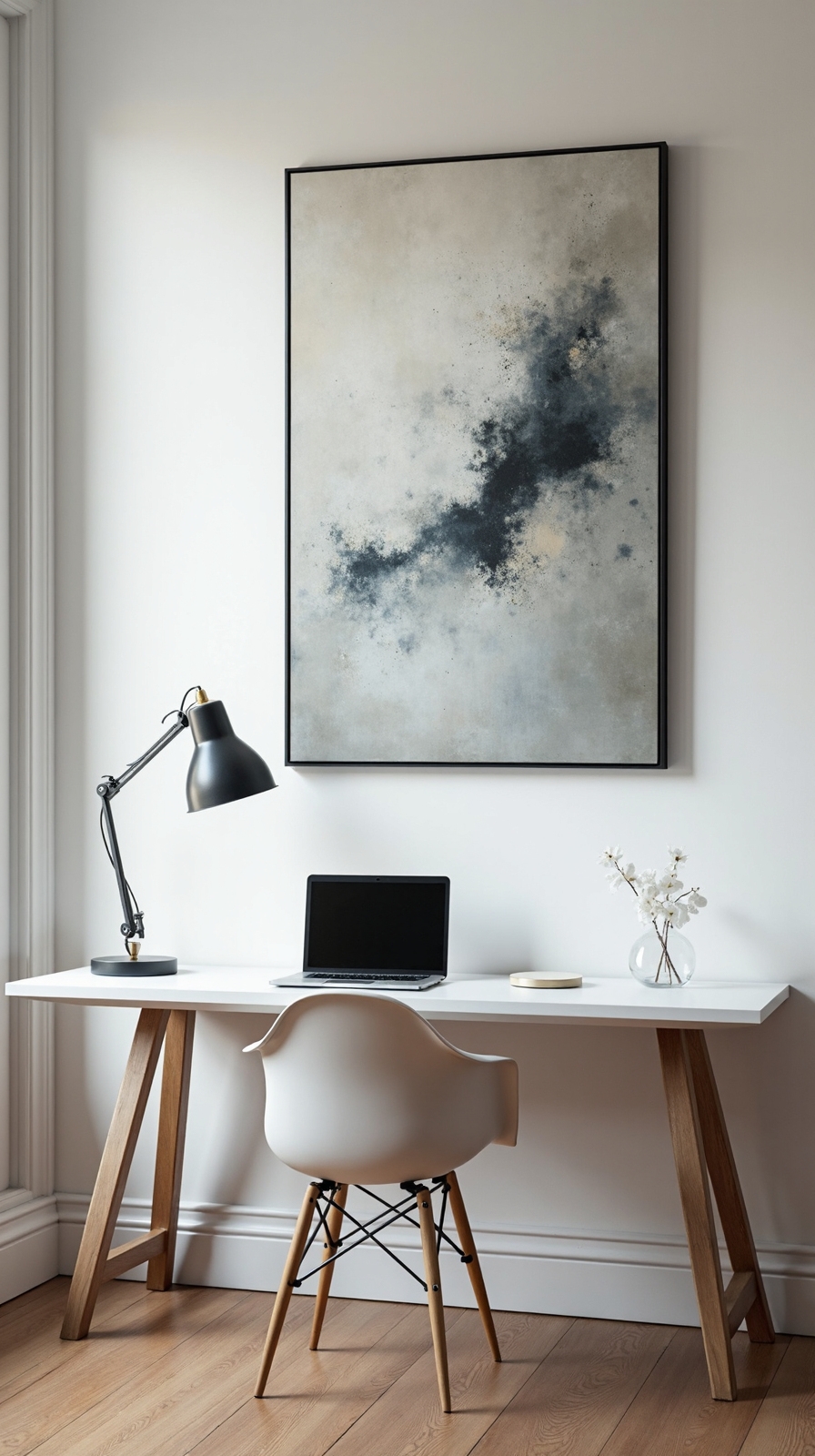
A single statement piece alters your background from ordinary to extraordinary, commanding attention while establishing your professional credibility during virtual meetings. You’ll create instant visual impact by selecting artwork that reflects your personality while maintaining workplace appropriateness.
Choose pieces measuring at least 24×36 inches to guarantee visibility on camera. Abstract paintings, nature photography, or motivational prints work exceptionally well for professional settings. Position your artwork 57-60 inches from the floor to center height, making certain it’s directly behind your seating position.
Consider alternatives like hang a bold statement mirror to reflect light and create depth in smaller spaces. If budget constraints exist, use a painted accent wall as your backdrop instead. Remember, your chosen piece should complement your existing color scheme while adding sophisticated visual interest to every video call.
Set Up a Bookshelf Display Behind Your Desk
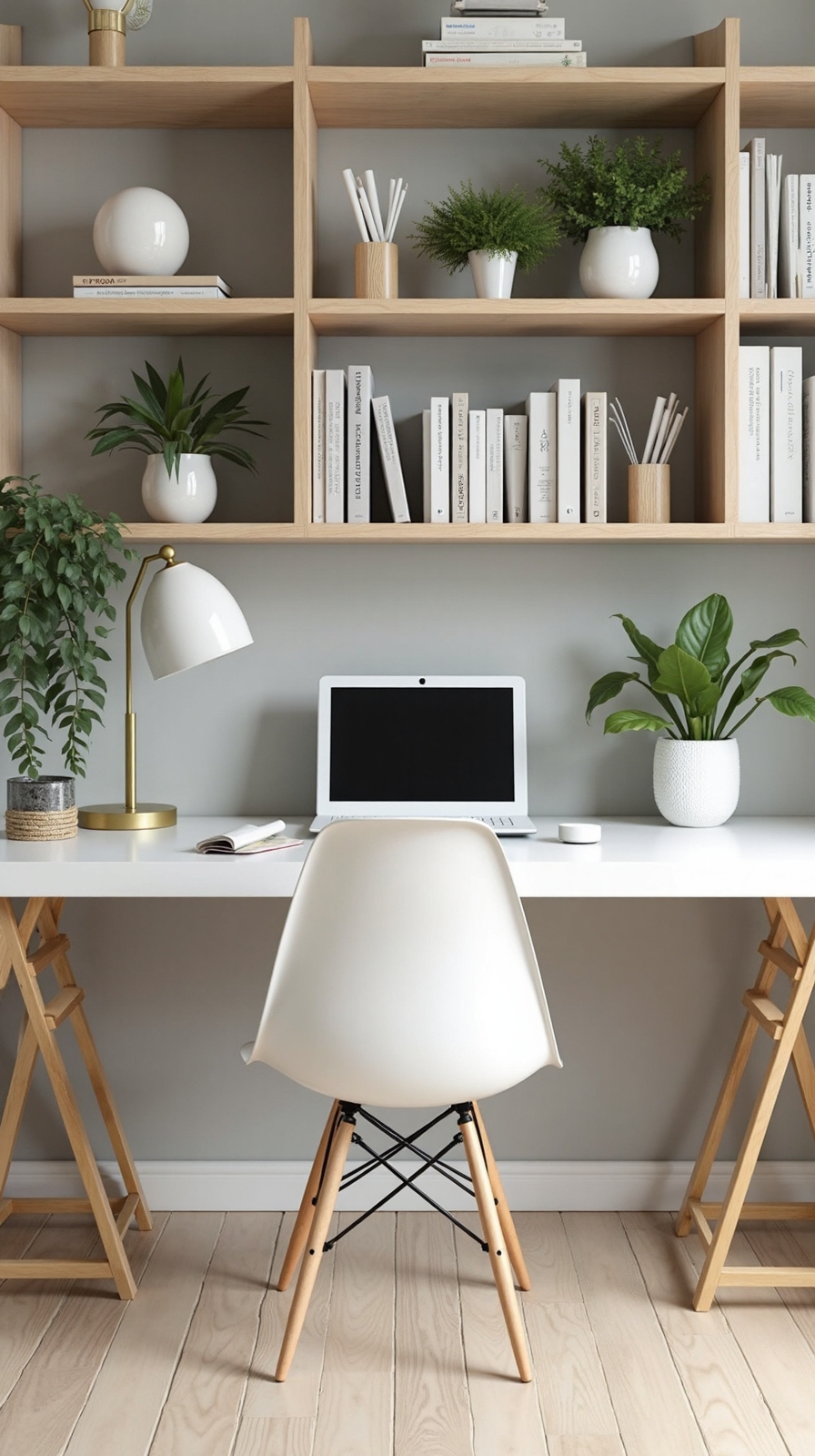
Strategic bookshelf placement alters your home office into a sophisticated backdrop that showcases intelligence and professionalism during video conferences. You’ll create an impressive visual statement that immediately communicates your expertise and attention to detail.
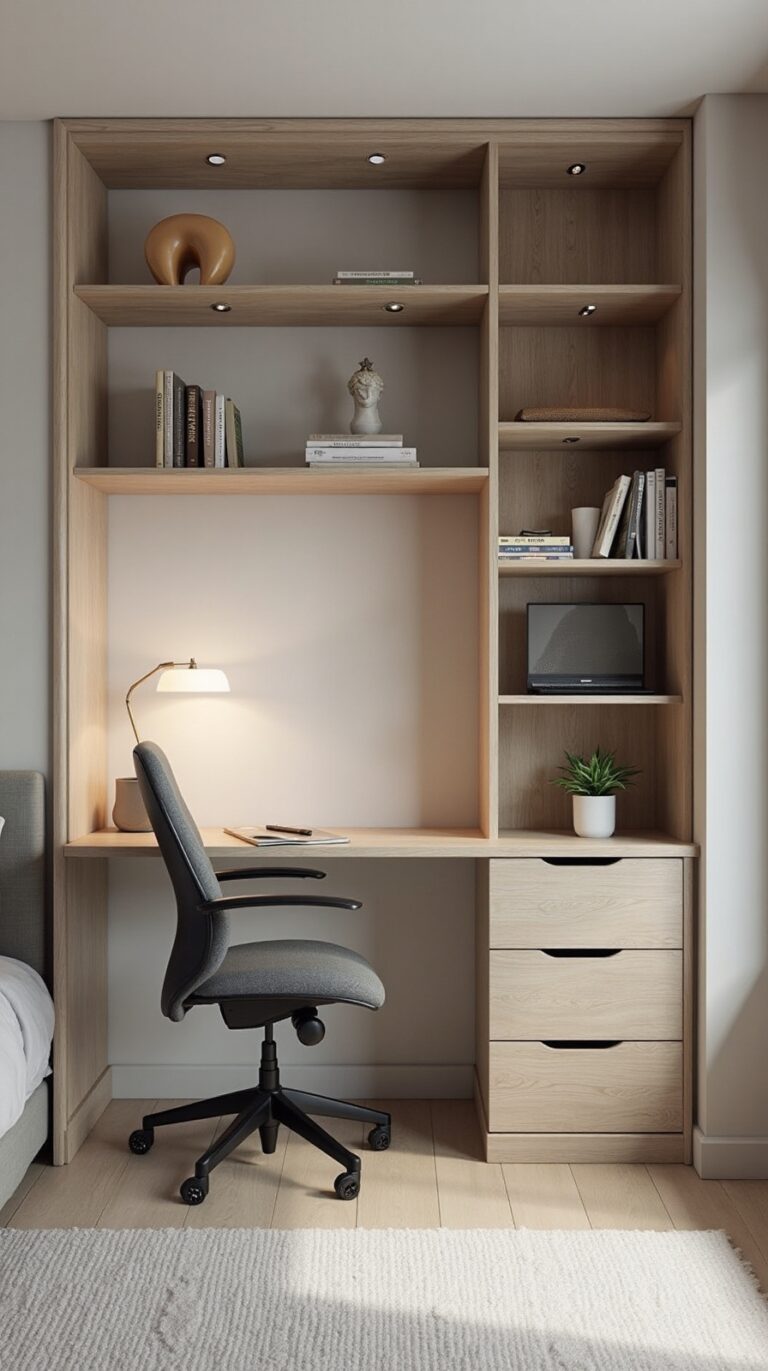
When you incorporate shelving units behind your workspace, arrange books by height or color for visual consistency. Mix hardcover and paperback volumes to add texture and depth to your background. Display decorative objects like small plants, framed photos, or meaningful collectibles between book groupings to break up monotony.
Position your camera at eye level to capture the full shelving display effectively. Guarantee adequate lighting illuminates your bookshelf without creating harsh shadows. You’re crafting a curated environment that reflects your personality while maintaining professional standards that’ll impress colleagues and clients alike.
Add Indoor Plants for Natural Visual Interest
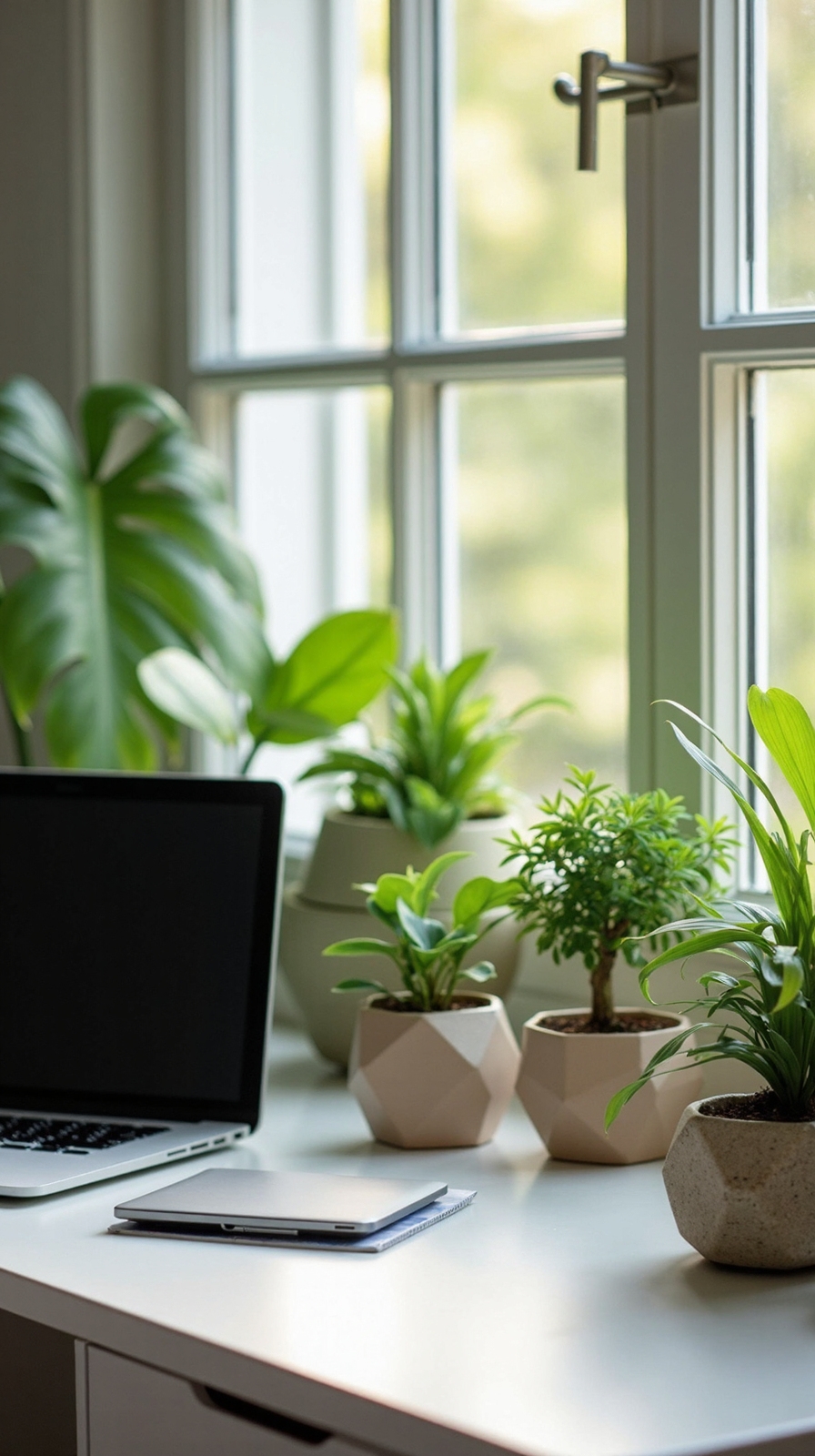
Beyond organizing books and decorative items, you’ll uncover that incorporating living greenery metamorphoses your home office background into a lively, welcoming space. Plants create depth and texture while softening harsh lines from computer screens and office furniture.
Strategic Plant Placement Options
Position tall floor plants like snake plants or fiddle leaf figs in corners behind your desk. These create natural frames without overwhelming your video calls. Add hanging plants such as pothos or spider plants from ceiling hooks to introduce vertical interest at different heights.
Low-Maintenance Greenery Choices
Choose resilient varieties that thrive in indoor lighting conditions. ZZ plants, rubber trees, and peace lilies require minimal care while yielding maximum visual impact. When you incorporate natural greenery thoughtfully, you’ll establish a backdrop that feels both professional and invigoratinglyorganic.
Use Removable Wallpaper or Wall Decals
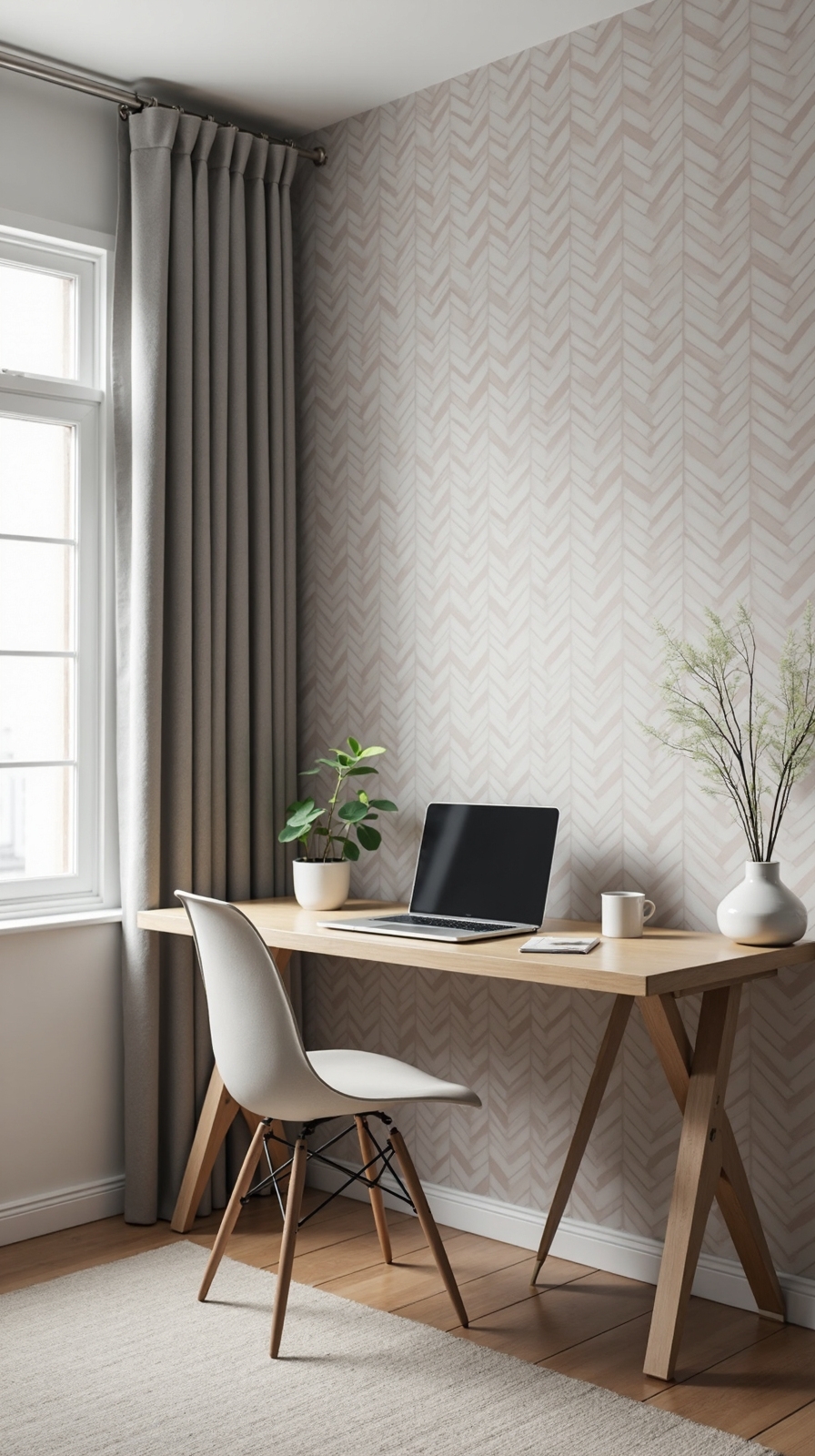
When traditional paint feels too permanent for your rental space or altering design preferences, removable wallpaper and wall decals offer the perfect solution for changing your home office background. You’ll uncover countless options that add texture and pattern without damaging walls or losing security deposits.
Choose geometric patterns for modern appeal, or select wood-grain designs for warmth behind your desk area. Seasonal wallpaper options let you revitalize your space quarterly—think subtle florals for spring or rich textures for winter months.
Application takes just hours, not days like traditional wallpaper. Start with one accent wall to test placement and lighting effects. Remove sections easily when you’re ready for change, leaving surfaces clean and undamaged for future alterations.
Position a Floor Plant in the Corner of Your Frame
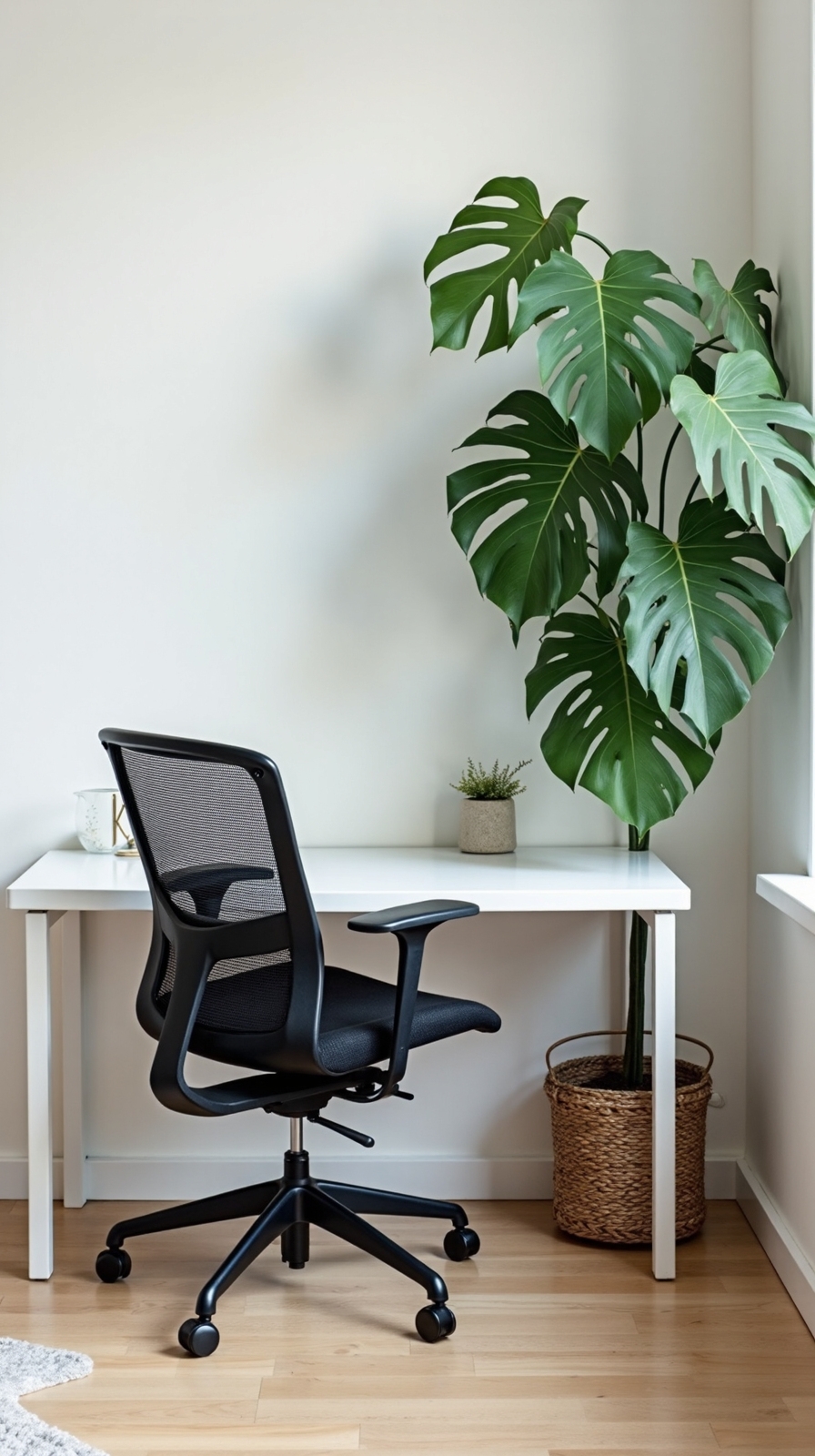
Adding a tall floor plant to the corner of your video call frame creates natural depth and visual interest that alters any sterile office backdrop into an inviting workspace. You’ll instantly break free from boring backgrounds while maintaining complete professionalism during important meetings.
Choose plants like fiddle leaf figs or snake plants that won’t distract viewers from your presentation. Position them slightly behind your shoulder to create layered dimension without overwhelming your frame. Employ varying plant heights by placing smaller potted plants on nearby shelves or your desk surface.
Incorporate hanging planters from ceiling hooks or wall-mounted brackets to maximize your green elements without consuming precious floor space. This approach gives you flexibility to rearrange your setup as needed while creating a fresh, natural environment that reflects your personal style and professional standards.
Create Depth With Layered Wall Hangings
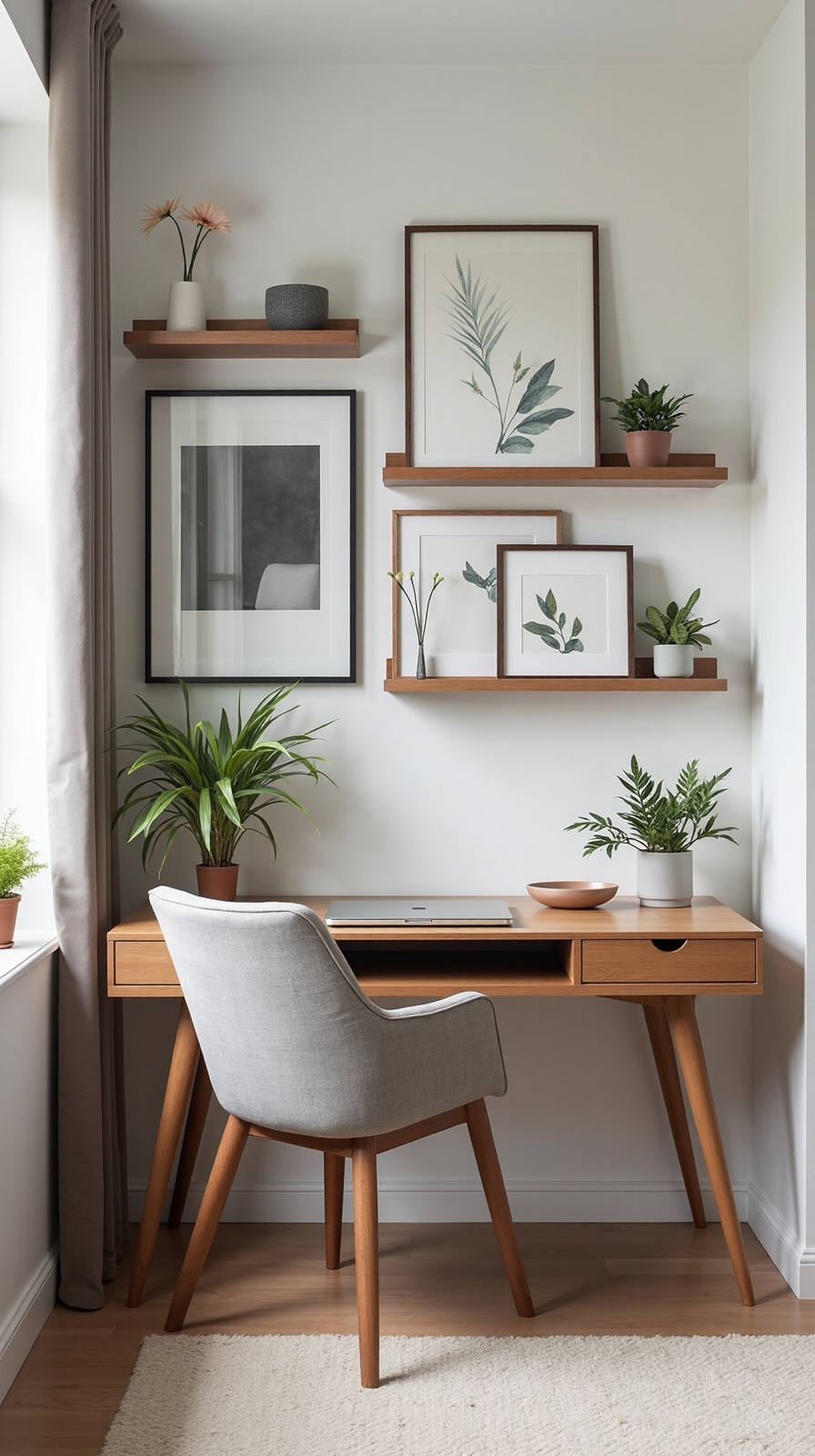
Strategic placement of multiple wall hangings at different distances from your wall alters a flat background into a visually impactful space that attracts professional attention during video calls.
You’ll create compelling visual interest by mounting artwork at varying depths. Start with a large piece as your anchor, then add smaller elements positioned slightly forward using floating shelves or picture ledges. This technique gives your background dimensional character that photographs beautifully on camera.
Incorporate natural textures through woven baskets, wooden frames, or canvas prints to add warmth without overwhelming your space. Layer complementary patterns by combining geometric prints with organic designs, ensuring they share similar color palettes.
Position your layered display 3-4 feet behind your desk to achieve ideal focus separation. This distance keeps decorative elements visible yet softly blurred, maintaining professional polish while showcasing your personal style.
Install a Pegboard for Functional Wall Storage
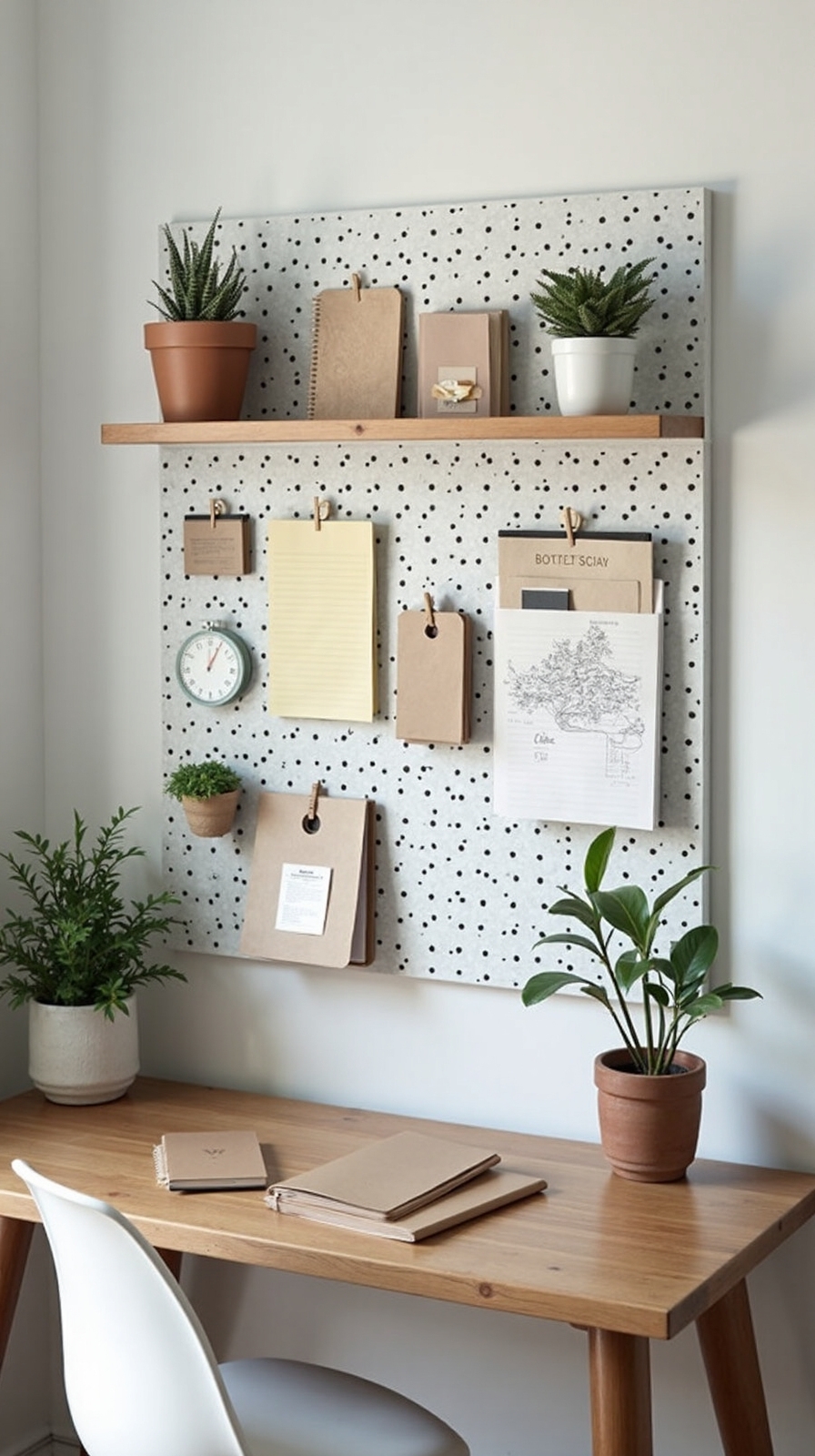
Beyond decorative elements, pegboards alter empty wall space into organized storage that keeps essential items within arm’s reach during video calls. You’ll convert your workspace into a productivity hub while maintaining that clean, professional appearance clients expect.
Choose a pegboard that matches your office aesthetic—white, natural wood, or painted metal options work beautifully. Mount it at eye level behind your desk where it won’t create visual clutter during meetings. Organize tools for accessibility by grouping similar items together: pens in one section, charging cables in another.
Add small hooks for headphones, keys, and notebooks. Display storage baskets to hold supplies like sticky notes, paper clips, and USB drives. This system lets you grab what you need without leaving your camera frame.
Use Fabric Panels or Tapestries for Texture
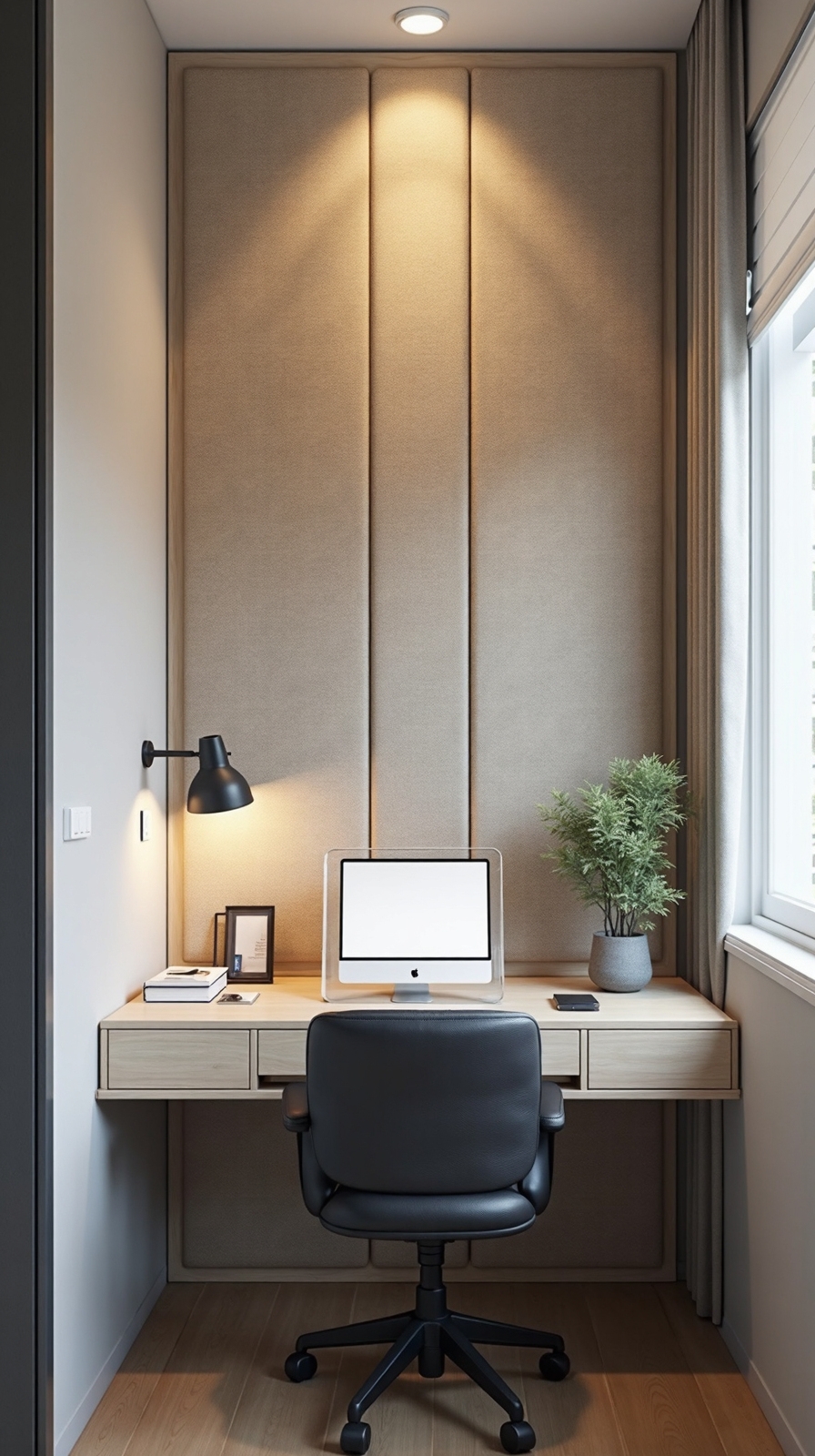
Fabric panels and tapestries introduce warmth and visual interest to your home office background without the permanence of paint or wallpaper. You’ll create depth and sophistication while maintaining complete flexibility to change your setup whenever inspiration strikes.
Mount lightweight fabric panels directly to your wall using removable adhesive strips or small nails. Choose textures like linen, burlap, or woven cotton in neutral tones that complement your existing décor. You can also incorporate fabric drapes as backdrop elements, hanging them from ceiling-mounted tracks or decorative rods.
For added dimension, use fabric valances above windows or doorways to frame your workspace beautifully. Layer different textures and patterns to create visual depth that photographs well during video calls while reflecting your personal style and professional standards.
Set up a Mobile Background Station With a Backdrop Stand
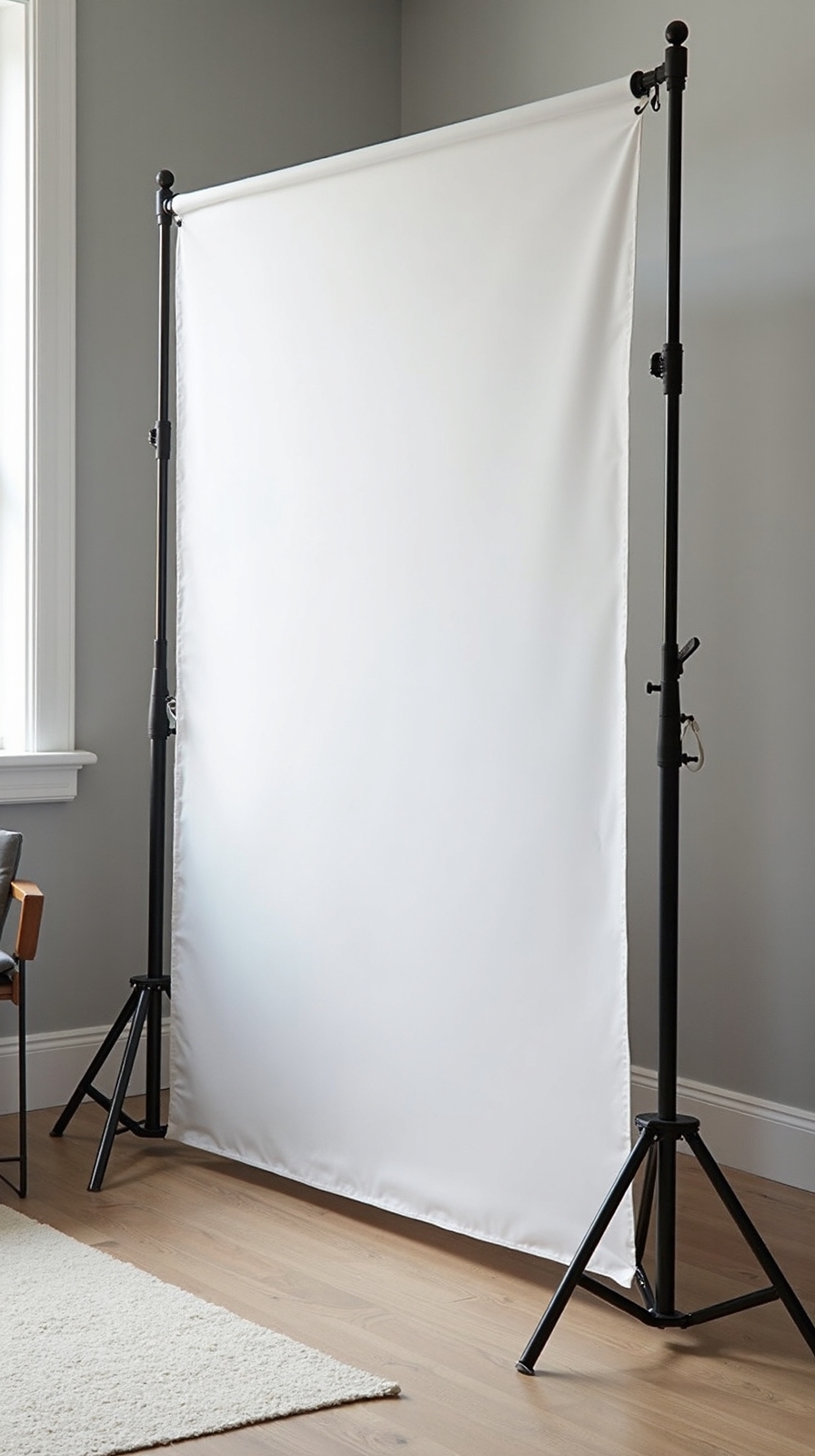
When you need maximum flexibility for your home office setup, a mobile background station with a backdrop stand converts any space into a professional workspace within minutes. Adjustable backdrop stands offer complete portability, letting you work from any room without permanent modifications to your space.
Choose portable backdrop frames that fold compactly for storage yet extend to full height when needed. Most systems support various background materials, from fabric panels to paper rolls, giving you options for different meeting types.
Position your stand behind your desk chair, ensuring adequate distance to avoid shadows. The adjustable height feature accommodates both sitting and standing positions during video calls. You’ll appreciate the freedom to relocate your workspace instantly while maintaining that polished, professional appearance clients expect.
Conclusion
You’ve now got fourteen practical background ideas to revamp your home office into a professional workspace. Whether you choose minimal wall décor, strategic lighting, or functional storage solutions, these approaches will enhance your video calls and amplify your confidence. Start with one or two elements that fit your space and budget. Remember, small changes create significant visual impact in your professional presentations.