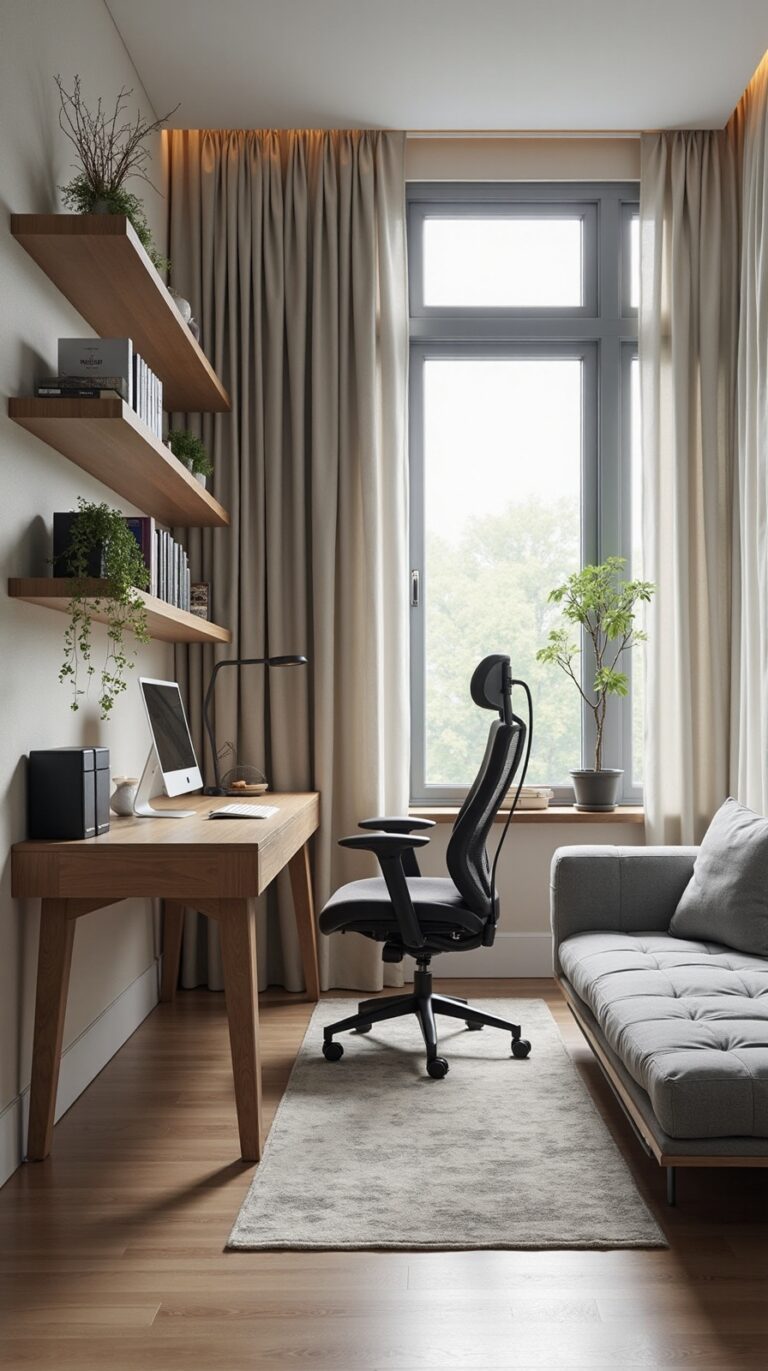
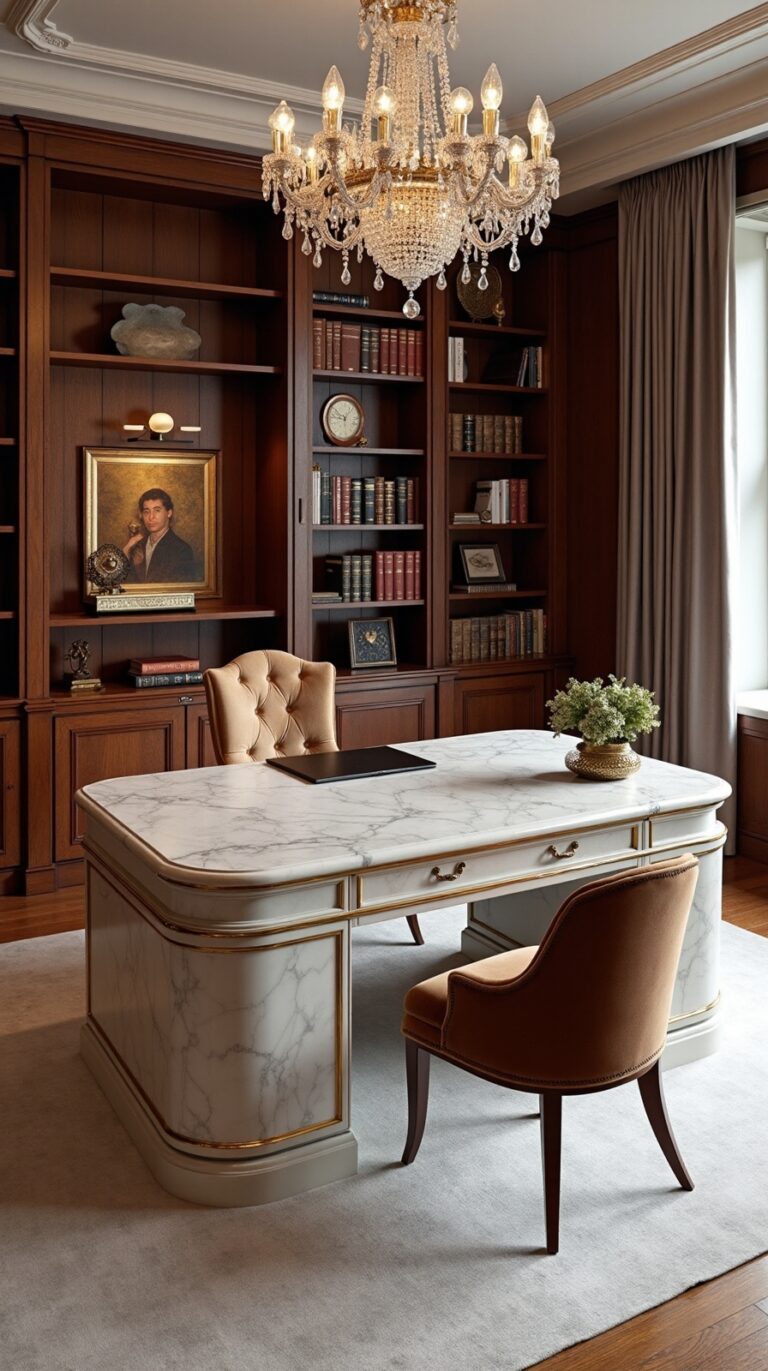
18 Inspiring Home Office Ideas to Boost Creativity and Focus
Amazing home office transformations that turn cluttered corners into creativity-boosting workspaces—discover which simple changes deliver the biggest productivity impact.
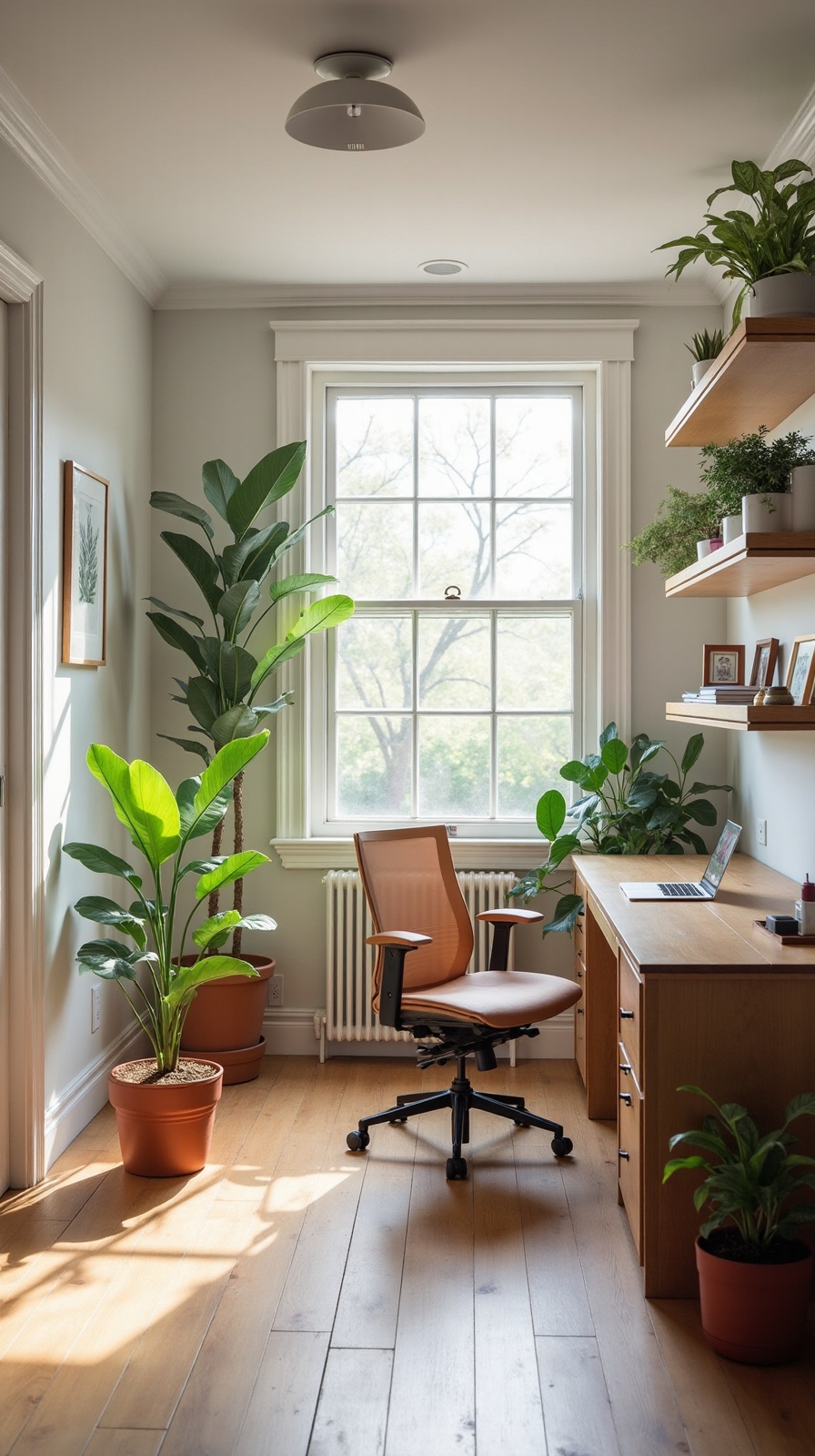
You’re about to alter your workspace from a simple corner into a productivity powerhouse that actually inspires your best work. Whether you’re battling distractions, struggling with poor lighting, or feeling cramped in a cluttered space, the right design choices can completely reshape how you approach your daily tasks. These eighteen strategic improvements will address everything from natural light placement to ergonomic furniture selection, giving you the blueprint to create a home office that works as hard as you do.
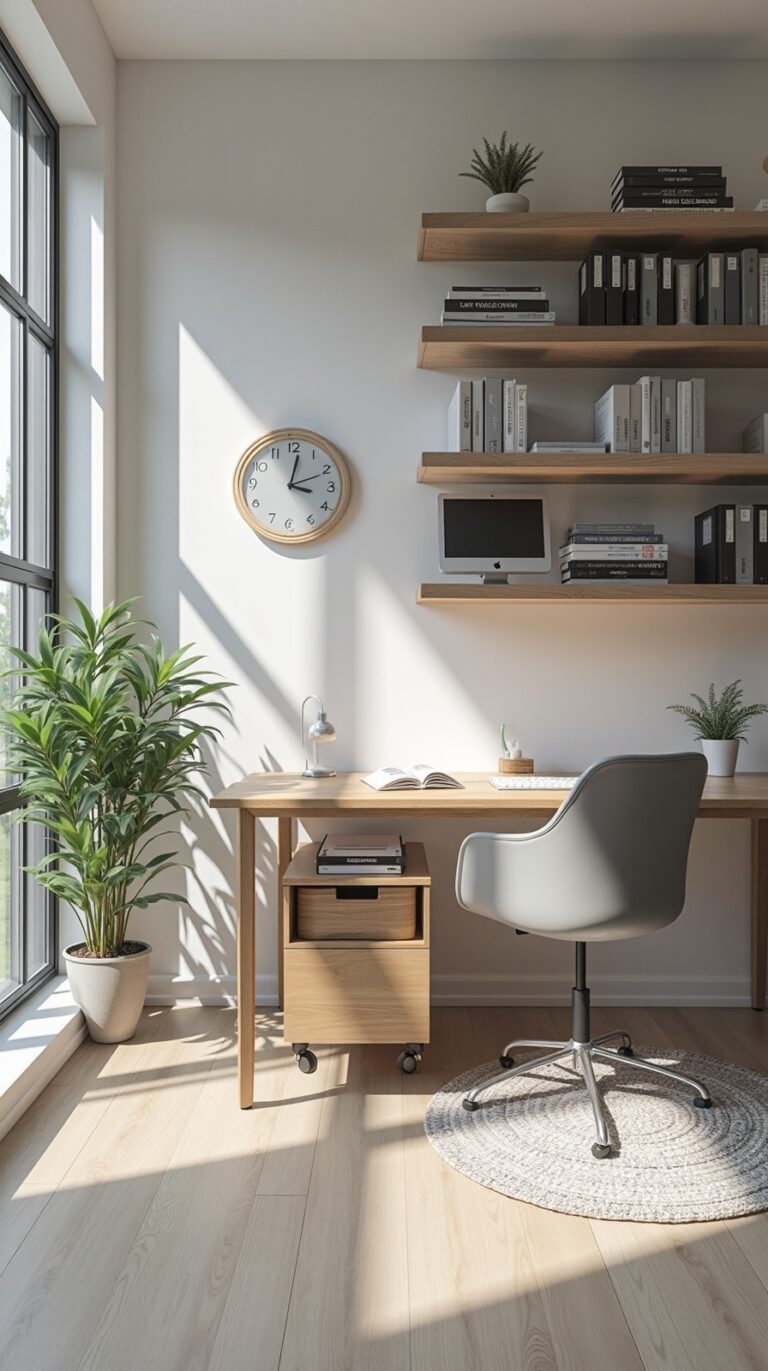
Create a Dedicated Natural Light Zone Near Windows
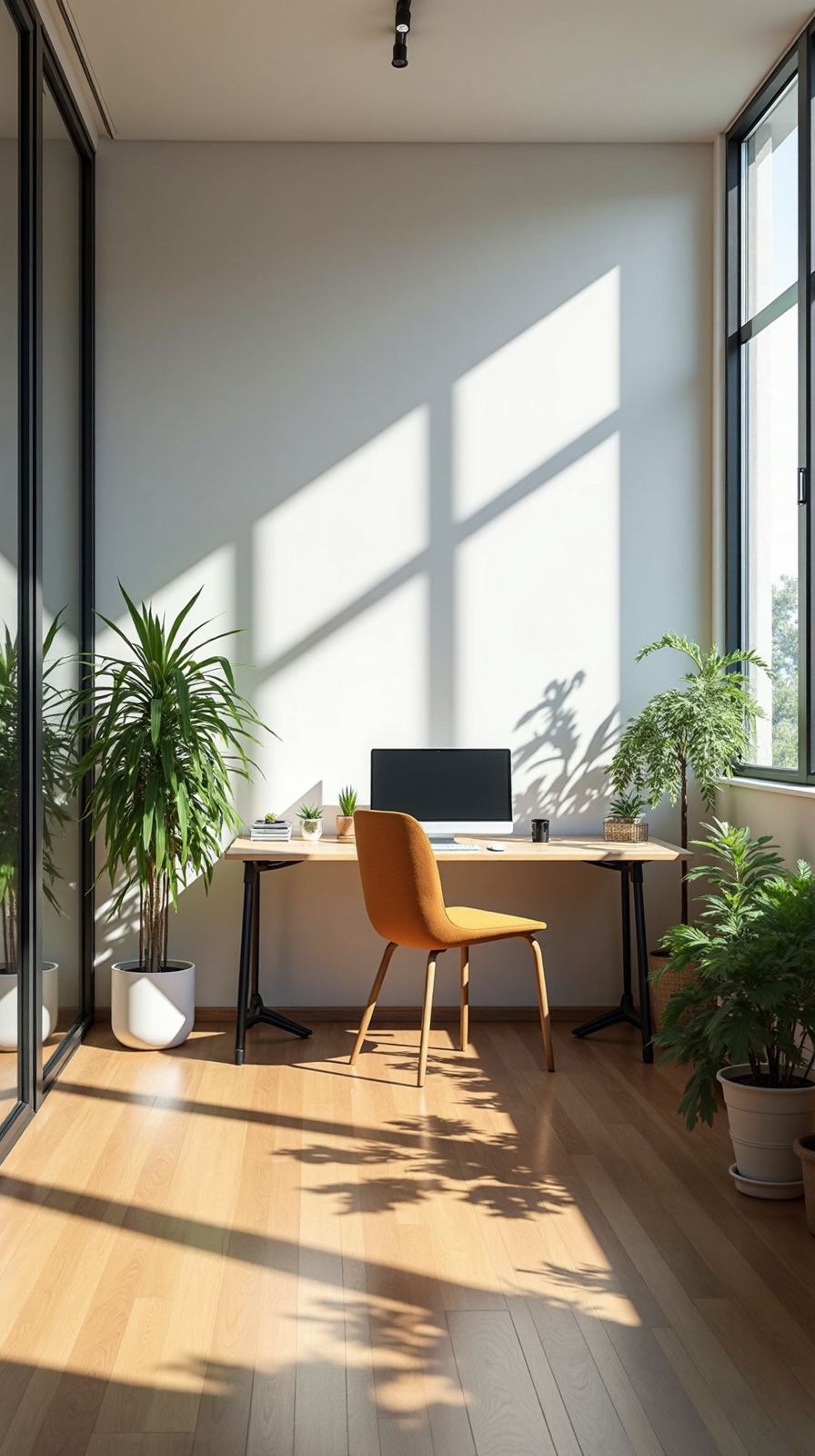
When you position your desk near a window, you’ll immediately convert your workspace into a productivity powerhouse that harnesses nature’s best lighting. Natural light reduces eye strain while boosting your mood and energy levels throughout the day.
Choose a window that faces north or east to avoid harsh afternoon glare that can distract you from important tasks. Use sheer curtains to diffuse intense sunlight while maintaining that bright, airy atmosphere you’re seeking in your workspace.
Position task lamps strategically around your natural light zone to supplement daylight during cloudy periods or evening work sessions. Place adjustable desk lamps on either side of your computer monitor to eliminate shadows on documents and keyboards. This combination creates flexible lighting that adapts to your schedule and gives you complete control over your environment.
Design a Color Palette That Energizes Your Mind
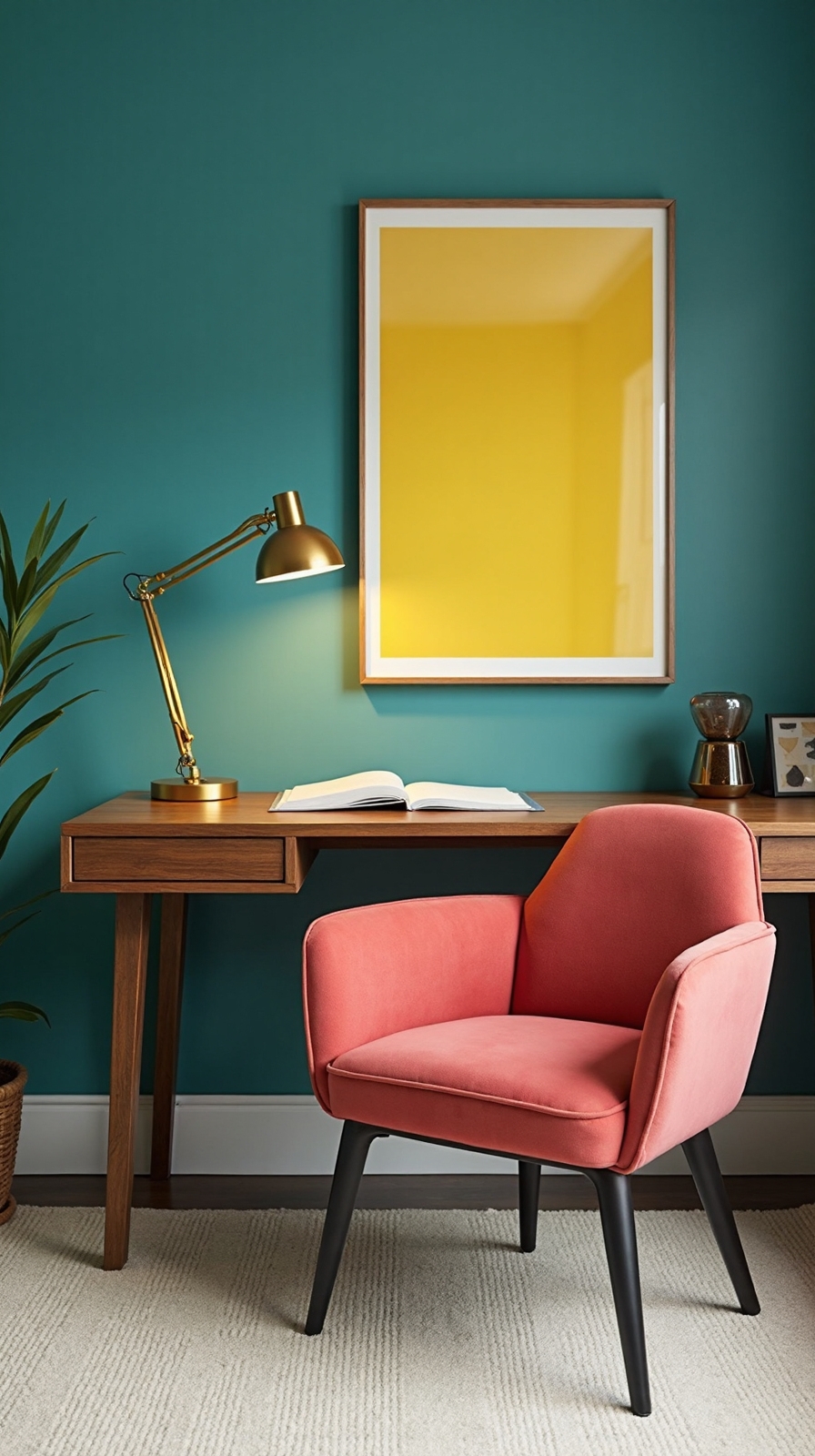
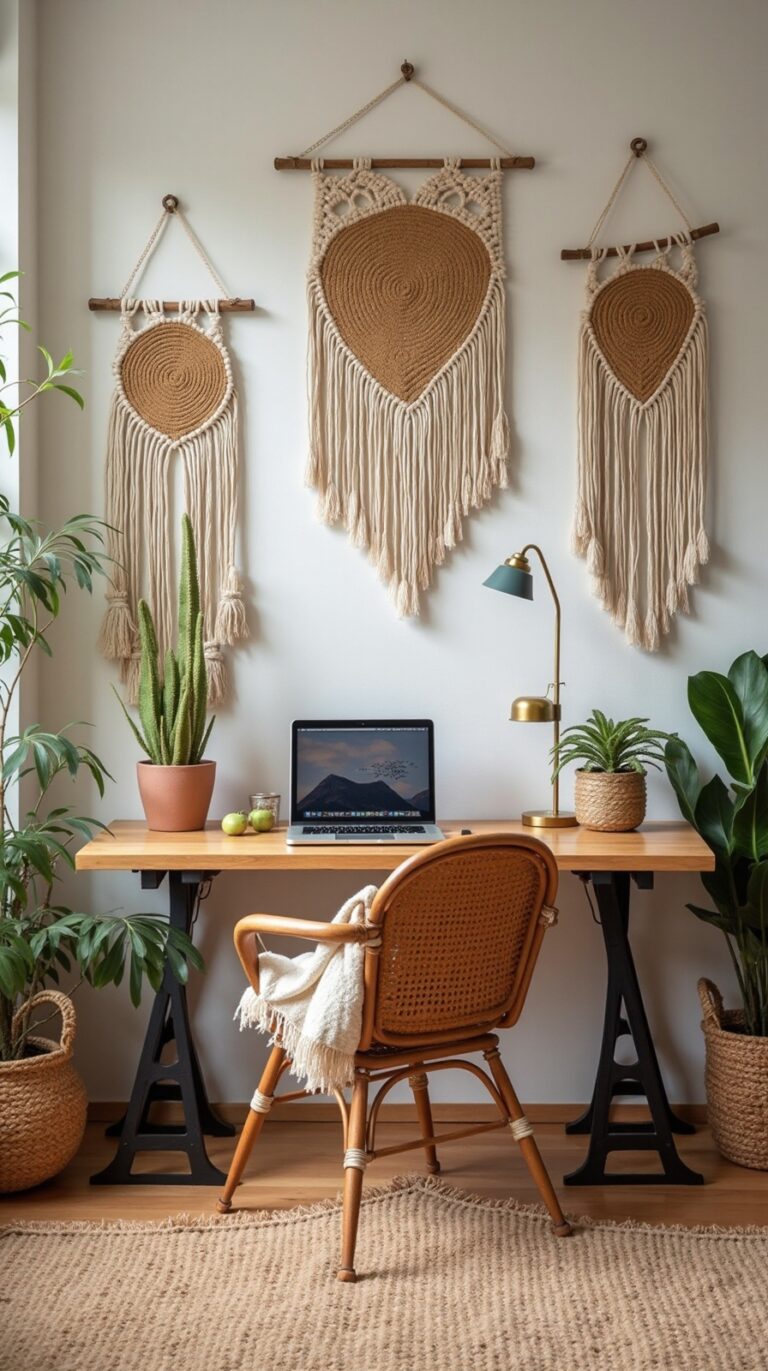
The psychology of color directly impacts your focus, creativity, and overall productivity in your home office environment. You’ll want to choose calming color combinations that promote mental clarity while avoiding overwhelming your senses. Blues and greens create tranquil foundations, while accent colors like coral or golden yellow can stimulate creative thinking without causing distraction.
Consider harmonious hue pairings that reflect your work style and personal preferences. If you’re analytical, try cool grays with sage green accents. Creative professionals often thrive with warm neutrals paired with energizing orange or teal highlights. Test your chosen palette on a small wall section first, observing how different lighting conditions affect the colors throughout your workday before committing to the full space reconfiguration.
Install Adjustable Task Lighting for Different Work Modes
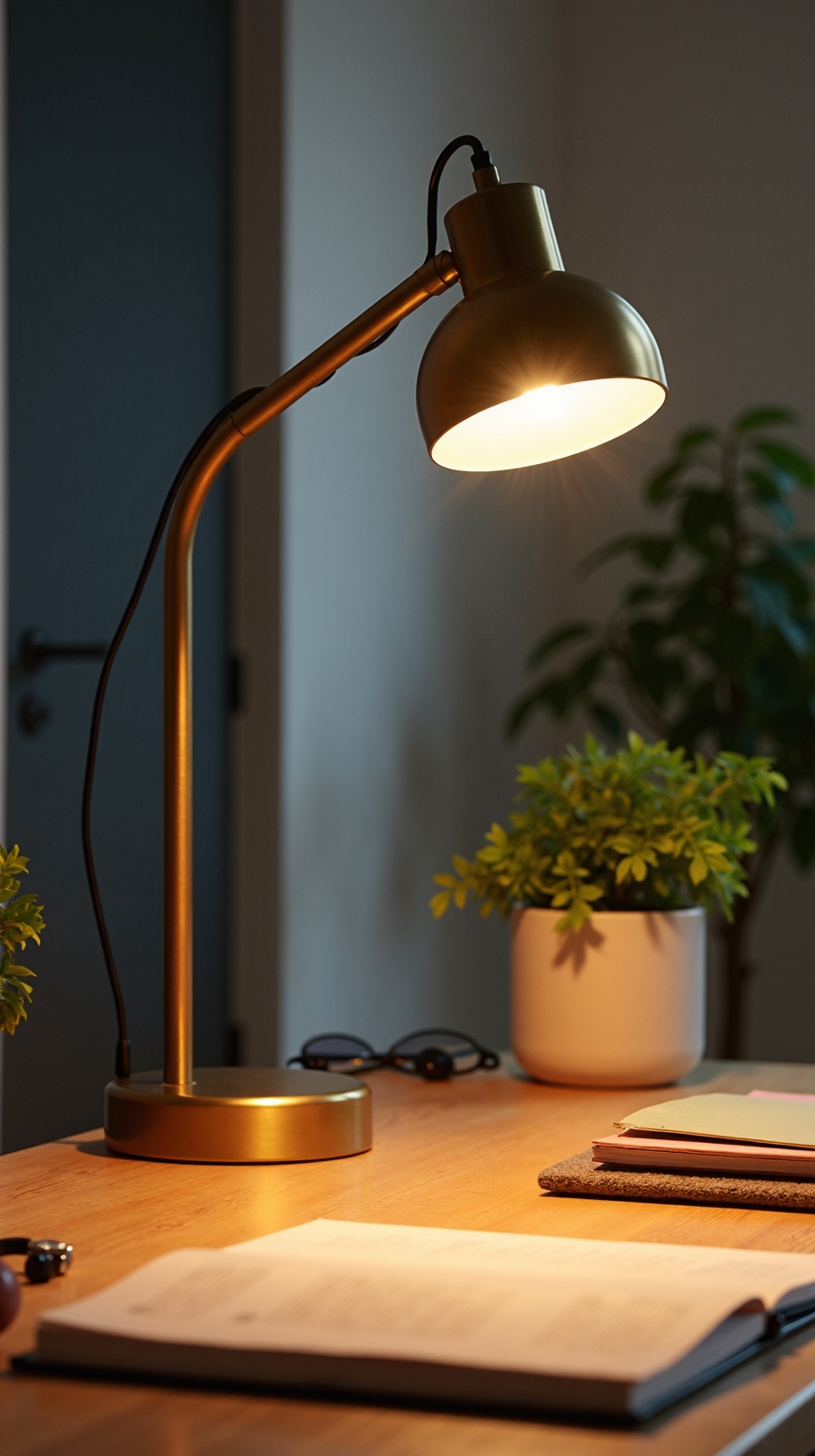
Proper lighting works hand-in-hand with your carefully selected color palette to create an ideal work environment that adapts to your changing tasks throughout the day. You’ll want to install adjustable desk lamps that let you adjust lumen levels based on whether you’re brainstorming creative projects or focusing on detailed analytical work.
Smart lighting systems offer the ultimate flexibility for your independent workspace. You can employ daylight sensors that automatically modify brightness levels as natural light changes, keeping your energy consistent without manual intervention. Position adjustable LED panels above your monitor to reduce eye strain during long computer sessions.
Consider installing dimmer switches for overhead fixtures and adding accent lighting for video calls. This multi-layered approach gives you complete control over your workspace atmosphere, supporting both high-energy creative bursts and calm, focused deep work sessions.
Build Vertical Storage Solutions to Maximize Floor Space
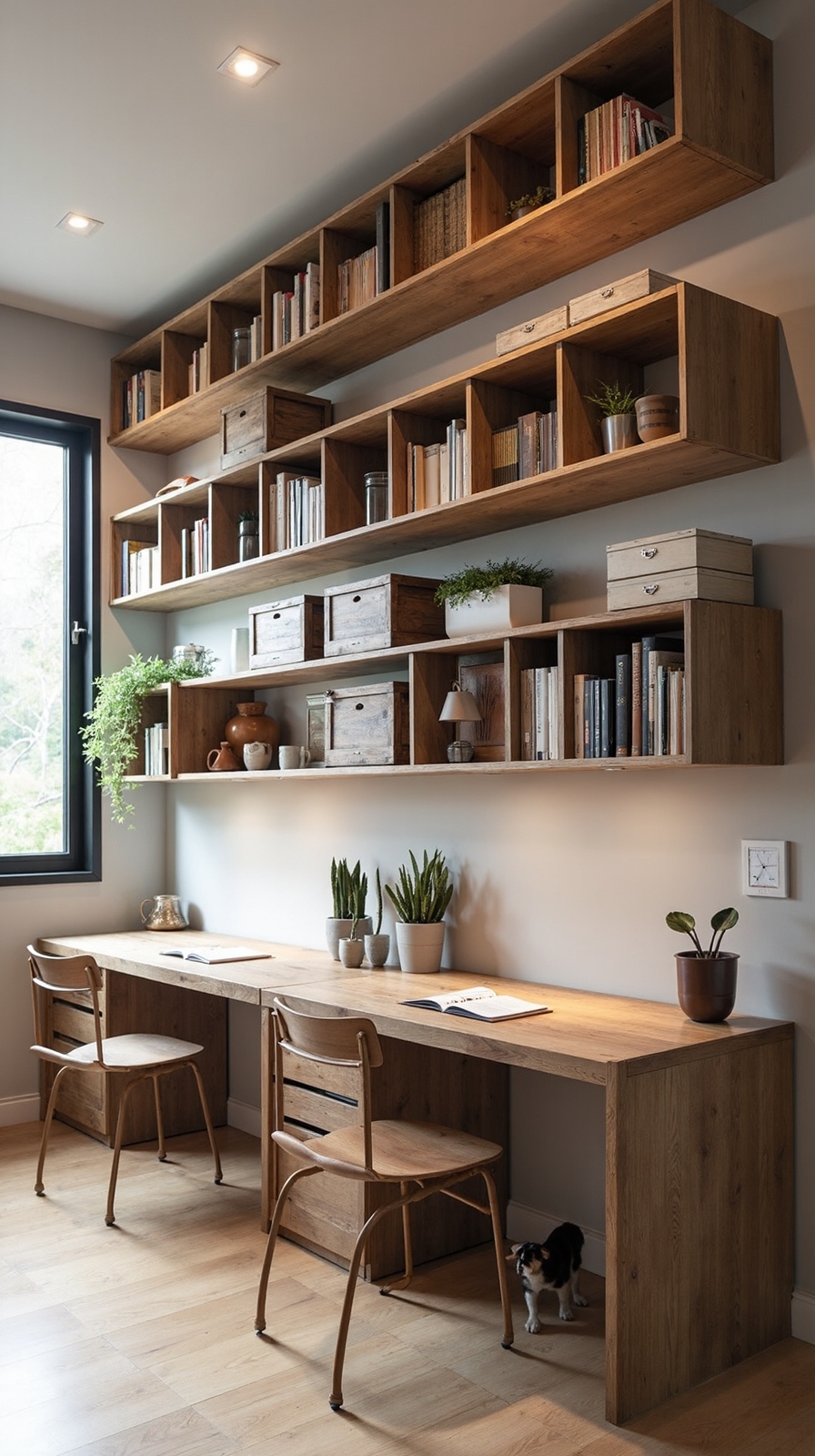
While floor space determines your home office’s functionality and movement flow, vertical storage converts unused wall areas into organized, efficient storage systems. You’ll create breathing room while maintaining easy access to essential supplies and documents.
Start by installing floating shelves at eye level for frequently used items. Mount cabinets higher up for seasonal materials or archived files. Don’t forget to leverage corner storage with rotating lazy Susans or triangular shelf units that fit snugly into tight spaces.
Wall-mounted pegboards offer flexible organization options—you can rearrange hooks and baskets as your needs change. Consider tall, narrow bookcases that stretch toward the ceiling to maximize wall space without overwhelming your room’s footprint. These solutions keep your workspace clutter-free while preserving important floor area for movement and creativity.
Incorporate Living Plants for Air Quality and Mental Clarity
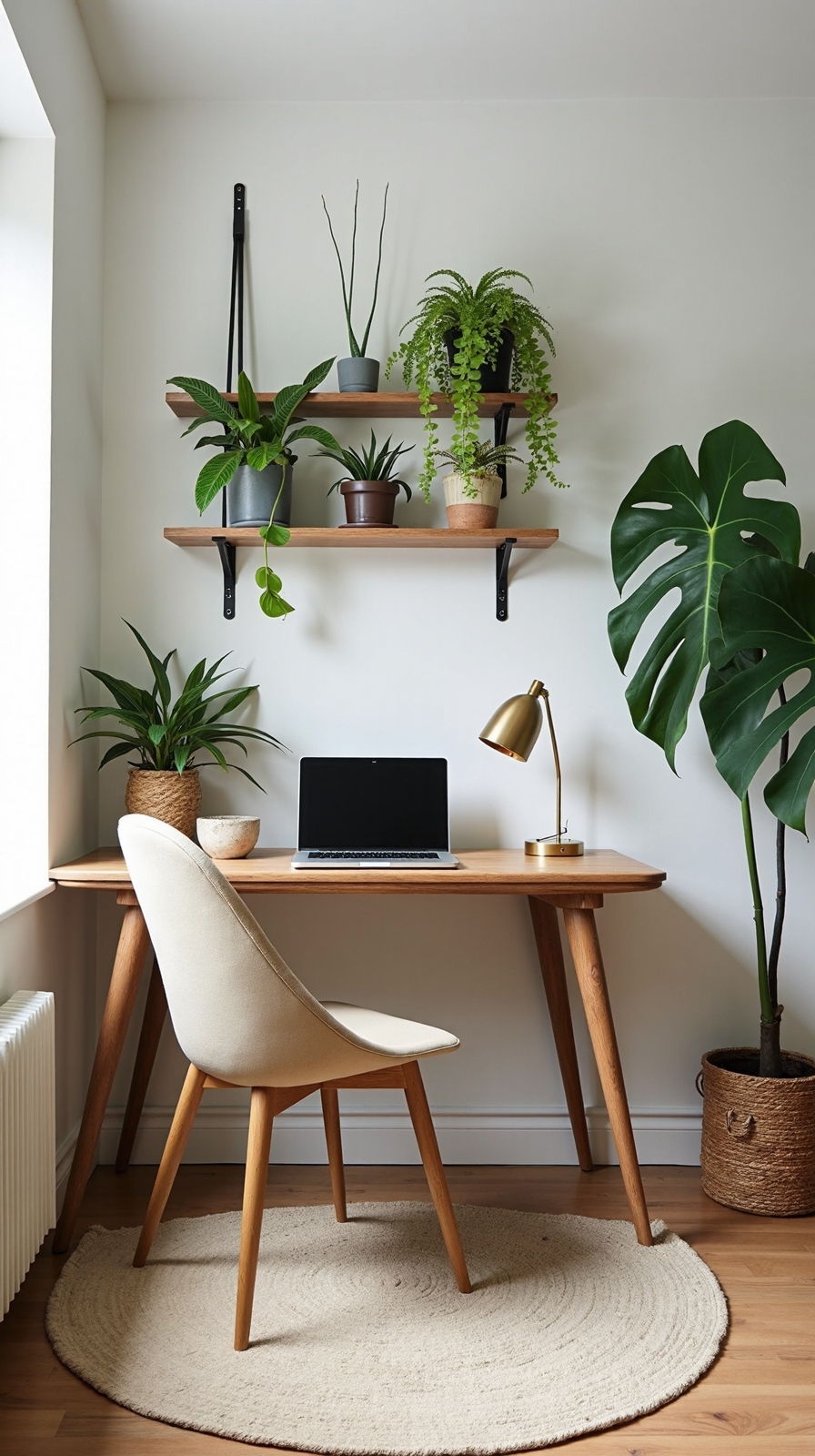
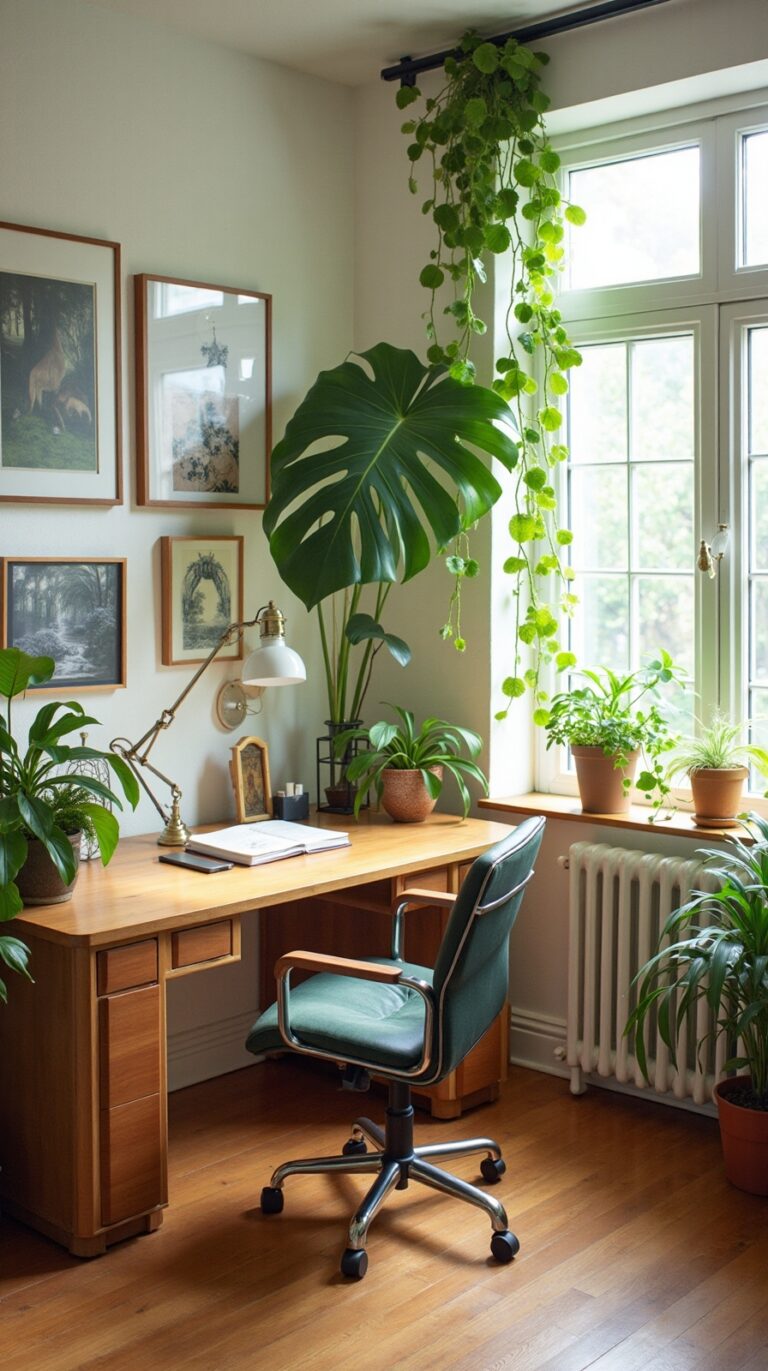
Strategic placement of indoor plants throughout your home office creates a natural air filtration system that enhances both your physical environment and cognitive performance. You’ll break free from stale indoor air while strengthening your mental clarity with nature’s own productivity tools.
Consider these plant-powered solutions for your workspace:
- Air-purifying champions: Snake plants and pothos thrive in office lighting while removing toxins from your breathing space.
- Creative vertical displays: You can incorporate live moss wall art behind your desk, creating a stunning focal point that requires minimal maintenance.
- Fresh produce options: Utilize hydroponic mini gardens on windowsills to grow herbs like basil and mint, giving you fresh ingredients and natural aromatherapy.
These green additions convert your office into a healthier, more inspiring environment that supports sustained focus.
Set Up Multiple Monitor Configurations for Enhanced Productivity
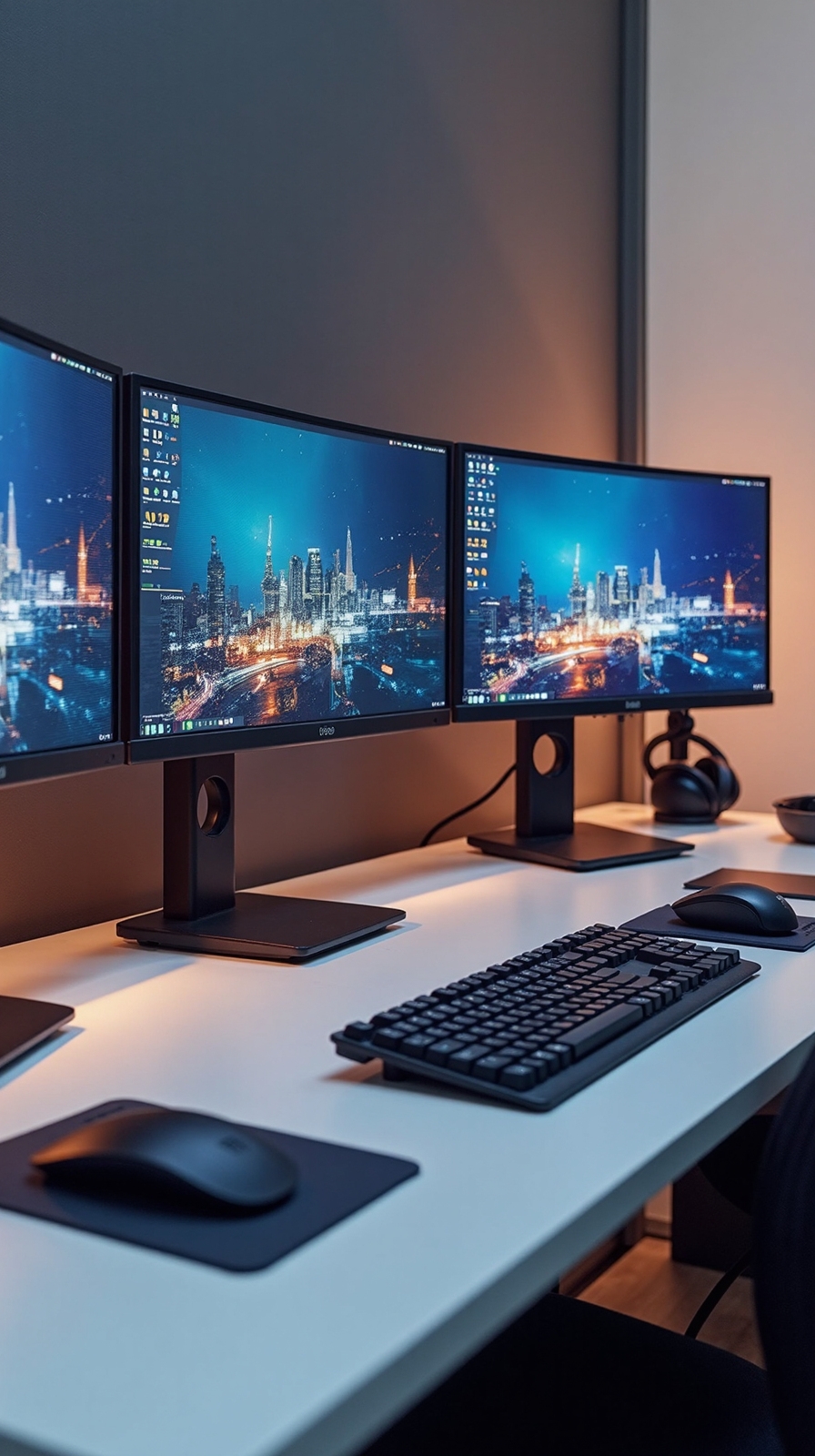
Expanding your visual workspace with multiple monitors dramatically boosts your productivity by eliminating the constant window-switching that fragments your attention throughout the workday. A dual monitor configuration allows you to keep reference materials open on one screen while working on primary tasks on another, streamlining your workflow substantially.
For power users who juggle complex projects, a triple monitor setup creates an even more expansive digital workspace. You’ll position your main work application center-stage, dedicate one side monitor to communication tools like email and messaging, and reserve the third for research or monitoring dashboards.
Choose monitors with matching resolutions and sizes for seamless visual shifts. Mount them at eye level to prevent neck strain, and guarantee your graphics card supports multiple displays for ideal performance.
Choose Ergonomic Furniture That Supports Long Work Sessions
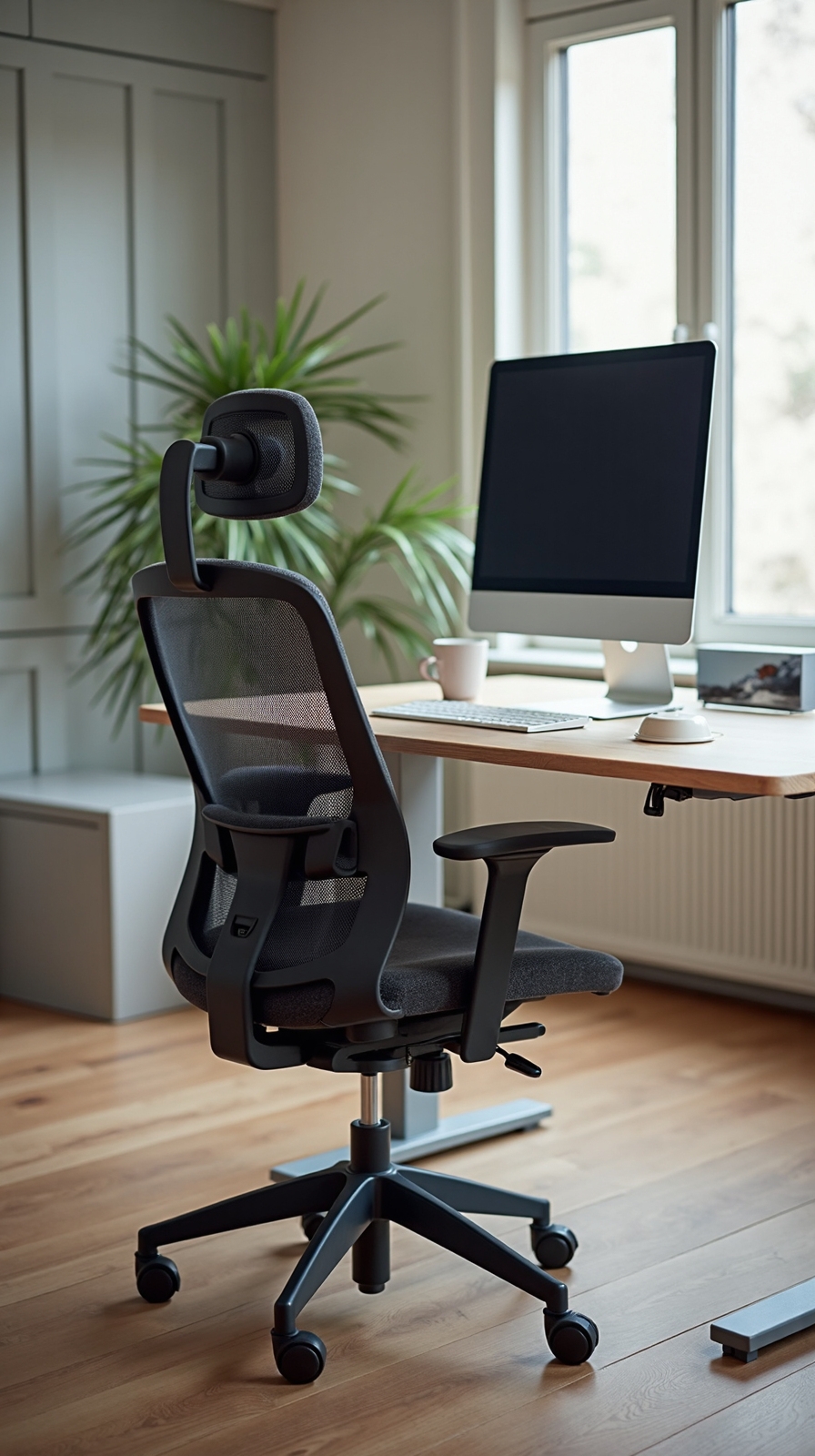
Your body’s comfort during extended work periods depends entirely on selecting furniture designed to support proper posture and reduce physical strain. You’ll want to invest in an adjustable chair that maintains your spine’s natural curve while keeping your feet flat on the floor.
Look for desks positioned at elbow height to prevent shoulder tension and wrist strain. Ergonomic desk mats provide cushioned support for your arms during typing sessions, reducing pressure points that lead to discomfort.
Supportive chair cushions can alter basic seating into back-saving solutions when budget constraints limit your options. Consider a standing desk converter that lets you alternate between sitting and standing throughout your workday.
Your workspace should adapt to your body’s needs, not force you into uncomfortable positions that limit your productivity and freedom.
Establish a Clutter-Free Desktop Organization System
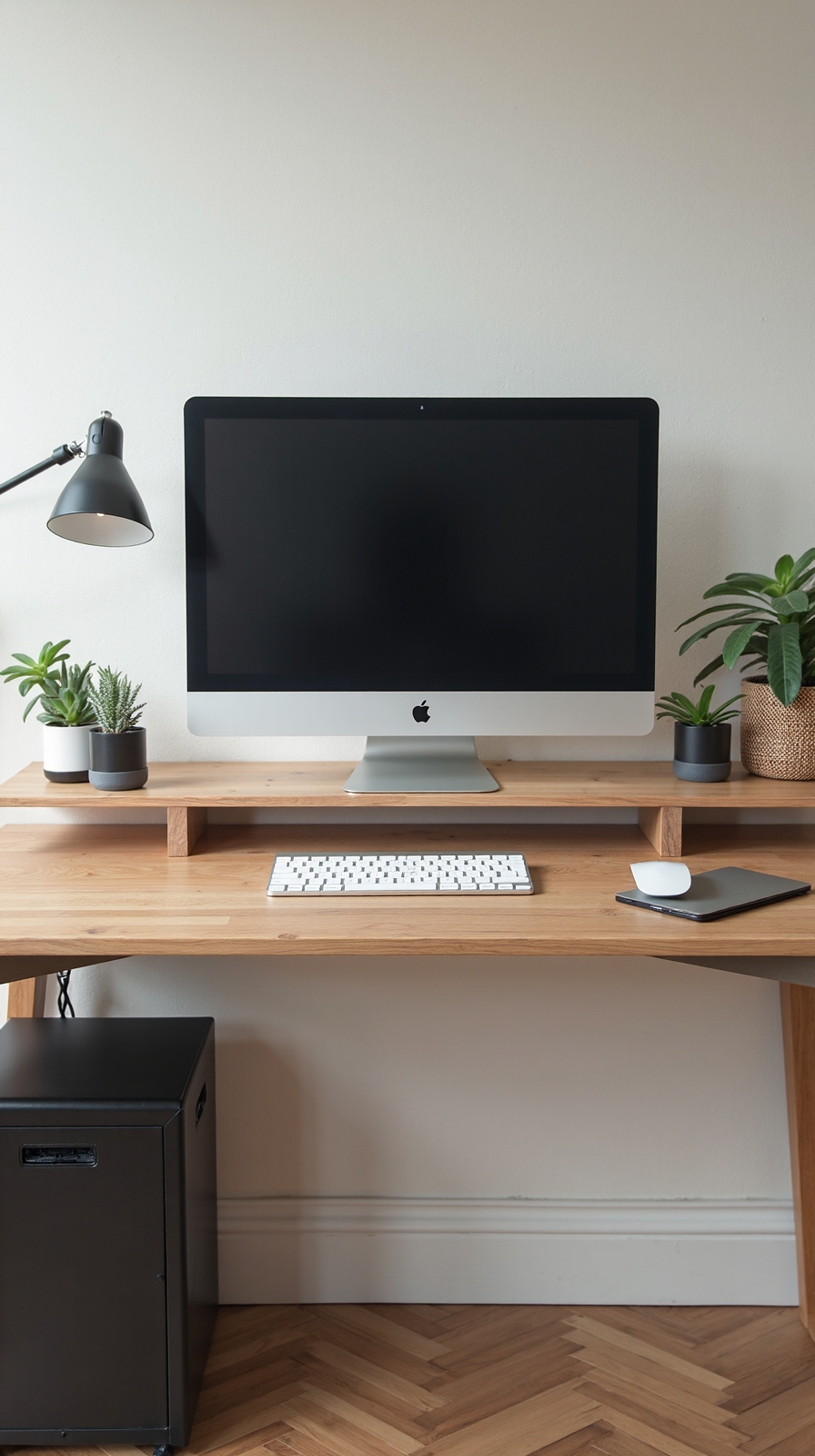
When every item on your desk has a designated place, you’ll eliminate the daily frustration of searching for essential supplies and documents. Start implementing effective decluttering strategies by removing everything from your workspace and categorizing items into three groups: daily essentials, occasional needs, and unnecessary clutter.
Create dedicated zones for different activities using drawer organizers, desktop trays, and vertical file holders. Keep frequently used items within arm’s reach while storing less common supplies in nearby drawers or shelves.
Focus on streamlining document management through a simple filing system with clearly labeled folders. Use digital tools to scan and store important papers, reducing physical paperwork considerably. Establish a “one-touch rule” where you immediately file, act on, or discard each document that crosses your desk, preventing future pile-ups.
Add Acoustic Elements to Minimize Distracting Noise
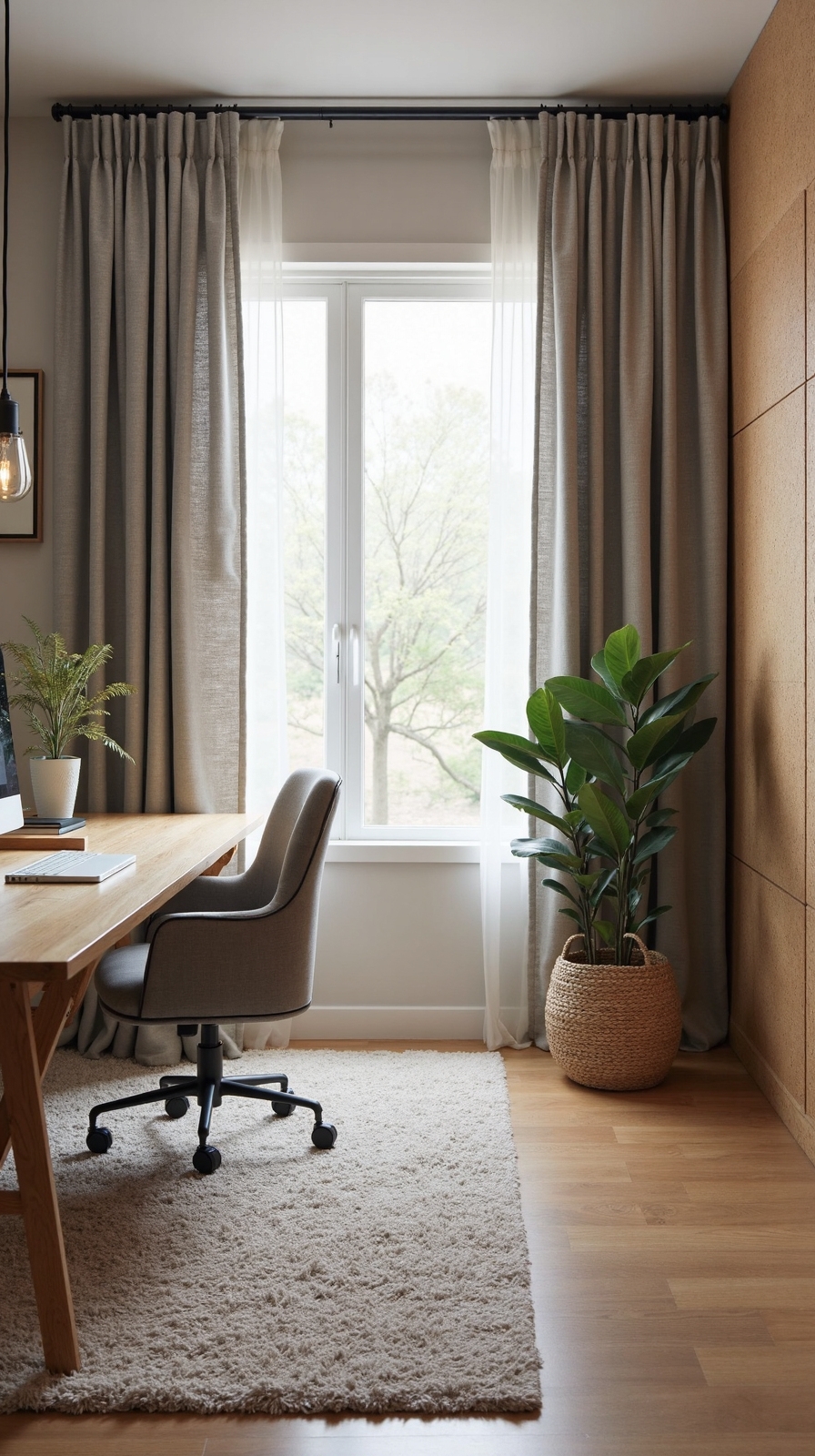
A well-organized workspace loses its productivity benefits if constant noise disruptions break your concentration throughout the day. You’ll need strategic acoustic solutions to create the quiet environment your mind craves for deep work.
Install soundproofing panels on walls adjacent to noisy areas like kitchens or living rooms. These panels absorb sound waves and prevent external distractions from penetrating your workspace. Choose fabric-wrapped panels that complement your office décor while providing professional-grade noise reduction.
White noise machines offer another effective solution by masking intermittent sounds with consistent background audio. Position one near your desk to create a sound barrier that drowns out conversations, traffic, or household activities.
Add soft furnishings like thick curtains, area rugs, and upholstered furniture to naturally absorb sound reflections and create a more acoustically controlled environment.
Create Visual Inspiration Boards and Gallery Walls

While digital screens dominate most workspaces, strategically placed visual inspiration can spark creativity and maintain motivation throughout your workday.
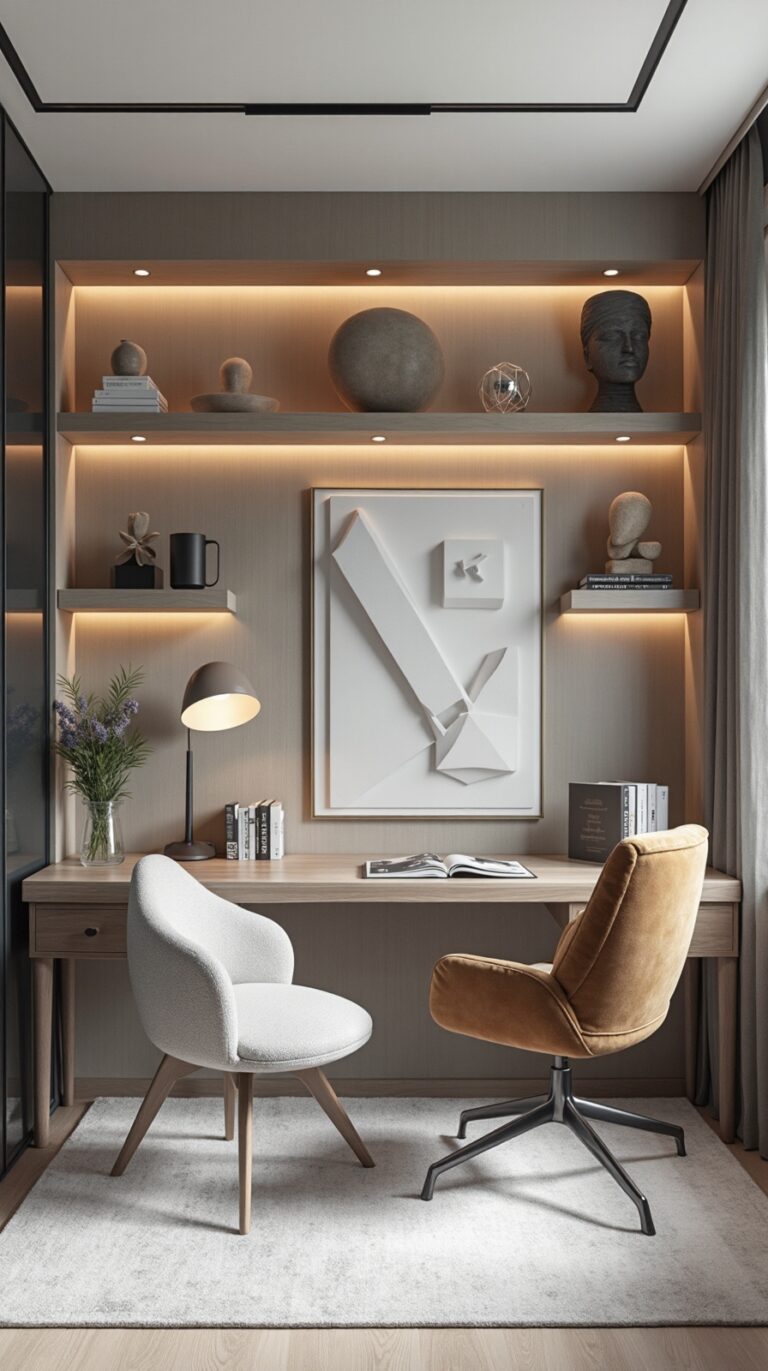
Transform blank walls into powerful creativity catalysts by designing inspiration boards that reflect your personal goals and aesthetic preferences. You can curate thematic collages using cork boards, magnetic surfaces, or even repurposed frames to display motivational quotes, project sketches, and color palettes.
Consider creating an arrange inspirational photo gallery featuring images that energize your thinking—whether that’s travel destinations, artistic works, or achievements you’re pursuing. Mix different frame sizes and arrange them asymmetrically for visual interest.
Position these elements within your natural sight line but avoid overwhelming your peripheral vision. This approach keeps inspiration accessible without creating visual clutter that disrupts focus during concentrated work sessions.
Implement Cable Management Systems for a Clean Aesthetic
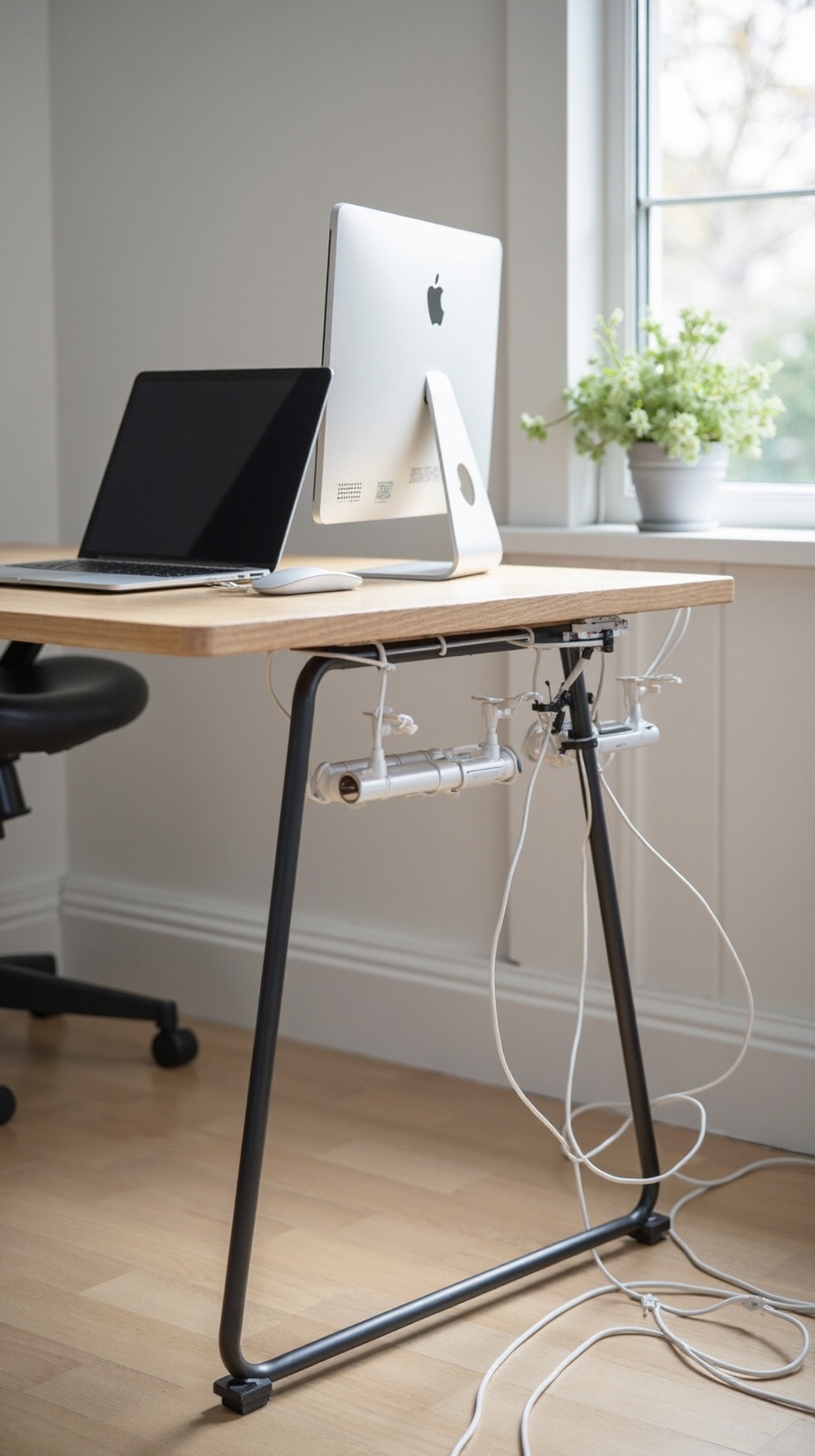
Tangled cables and messy power cords can instantly sabotage even the most thoughtfully designed home office, creating visual chaos that undermines your productivity and professional atmosphere. You’ll regain control by implementing strategic cable management solutions that alter your workspace into a clean, organized environment.
Start with adhesive cable clips mounted along your desk’s edge to guide individual wires precisely where they need to go. Under-desk cable trays keep multiple cords bundled together while remaining completely hidden from view. You can conceal wires discreetly using cord covers that run along baseboards or walls.
Streamline power supply routing by positioning power strips inside desk drawers or mounting them underneath your work surface. Cable sleeves bundle multiple wires into one neat tube, while wireless charging pads reduce cord dependency entirely.
Design Flexible Seating Areas Beyond Your Main Desk
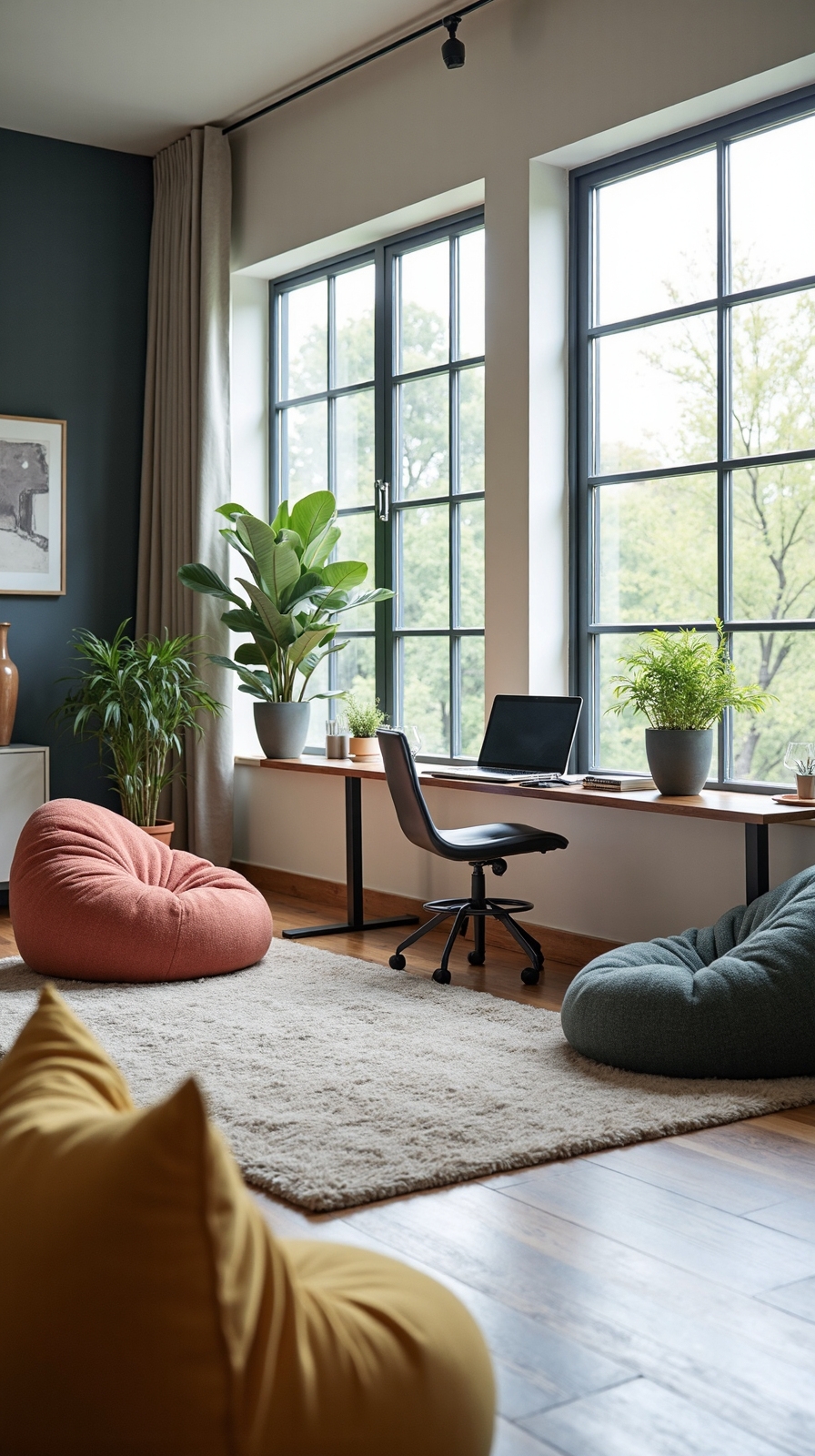
Beyond organizing your primary workspace, you’ll uncover that creating multiple seating zones throughout your home office dramatically increases both comfort and functionality. You’re no longer confined to one position when you design modular seating configurations that adapt to different work modes.
Consider placing a comfortable reading chair near your window for brainstorming sessions or phone calls. Add a small side table to hold notebooks and beverages within easy reach.
Incorporate portable standing workstations that you can move between zones as needed. A rolling cart with an adjustable surface lets you work standing while reviewing documents or sketching ideas.
Create a relaxation corner with floor cushions or a bean bag chair for creative thinking time. This flexible approach gives you freedom to choose the perfect spot for each task throughout your workday.
Install Floating Shelves for Books and Reference Materials
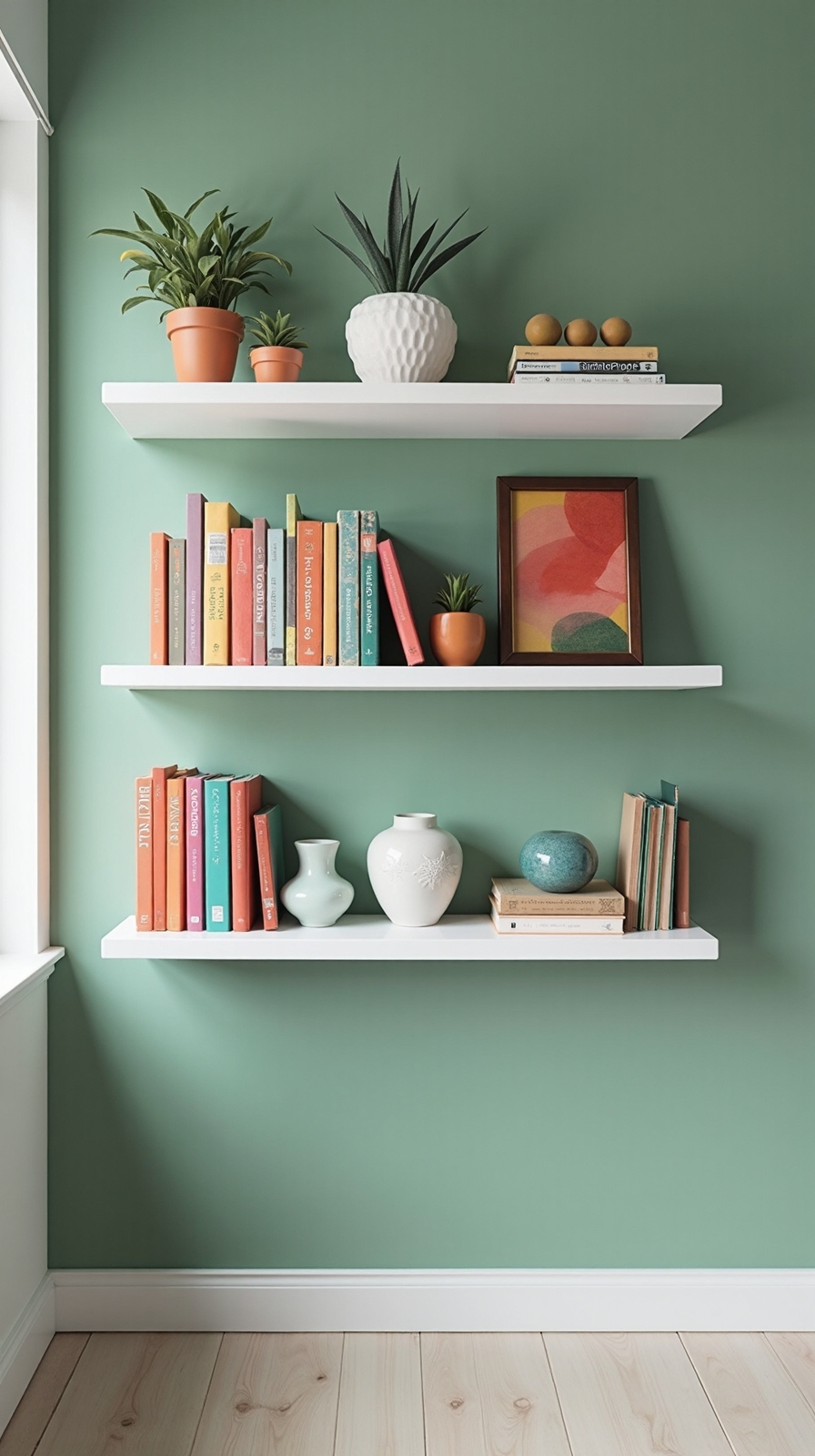
Most professionals accumulate dozens of reference books, manuals, and documents that need organized storage within arm’s reach of their workspace. Floating desk shelves provide the perfect solution, freeing up ideal surface area while keeping essential materials visible and accessible.
You’ll maximize your vertical wall space without the bulk of traditional bookcases. Install shelves at varying heights to accommodate different book sizes and create visual interest. Consider sleek wooden floating shelves for a warm, natural look, or choose minimalist metal designs for modern aesthetics.
Strategic shelving unit designs can transform unused wall space into functional storage zones. Position shelves 12-18 inches apart for optimal book storage, and include one wider shelf for binders or equipment. This approach creates an organized, professional atmosphere that supports your independent work style.
Use Room Dividers to Define Your Workspace Boundaries
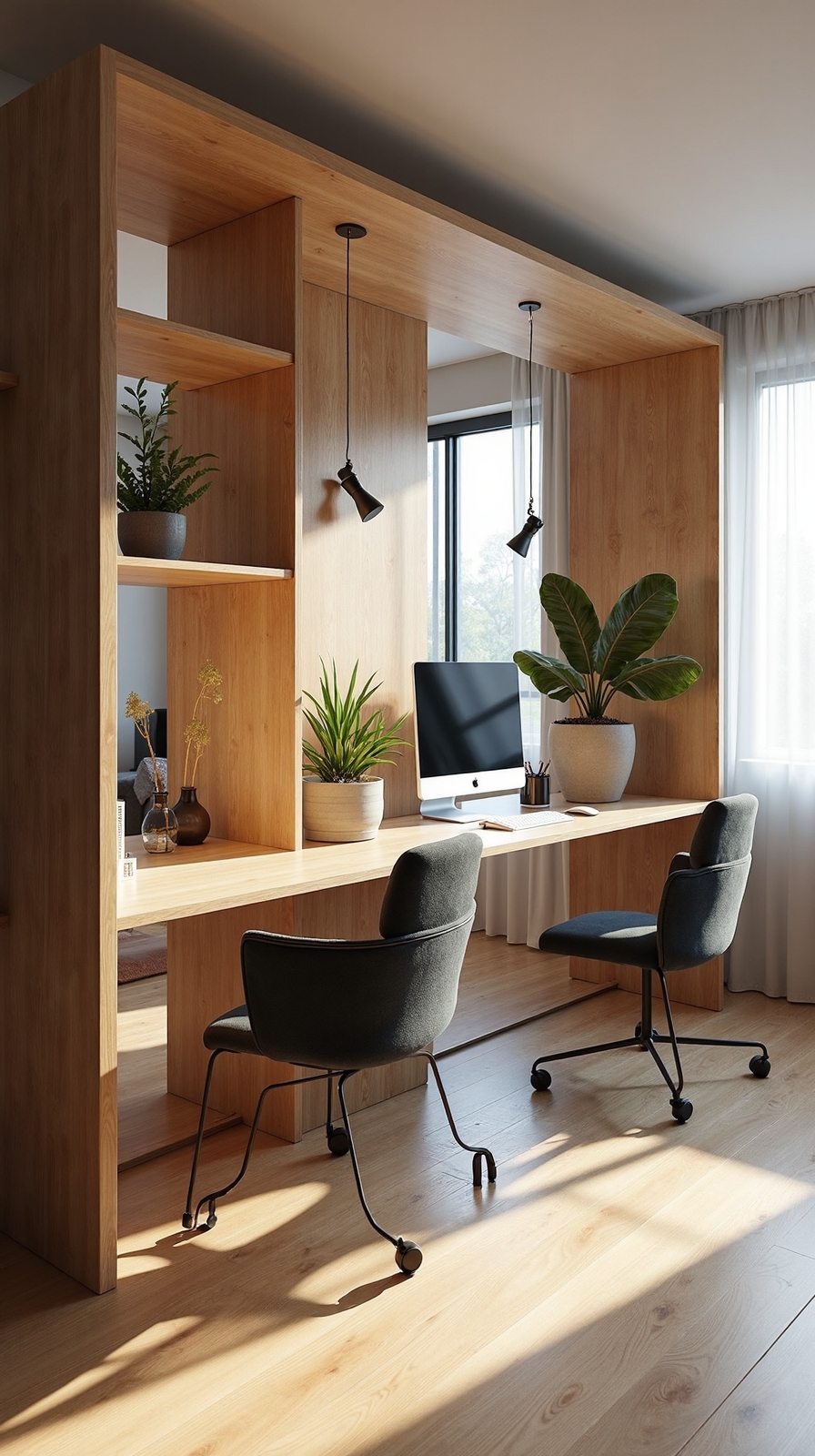
When you’re working from home in a shared or multi-purpose space, creating clear boundaries becomes essential for maintaining focus and productivity. Room dividers offer an effective solution that doesn’t require permanent construction or expensive renovations.
You can use portable room dividers like folding screens, bookcases on wheels, or curtain panels to instantly separate your workspace from living areas. These flexible options let you reconfigure your space as needed while maintaining the freedom to adapt your environment.
Consider how you can utilize zoned office layouts by positioning dividers strategically around your desk area. This creates a psychological barrier that signals “work mode” to both you and family members. Plants, artwork, or functional storage units also work as attractive dividers that enhance your workspace’s visual appeal.
Incorporate Personal Touches That Reflect Your Professional Identity
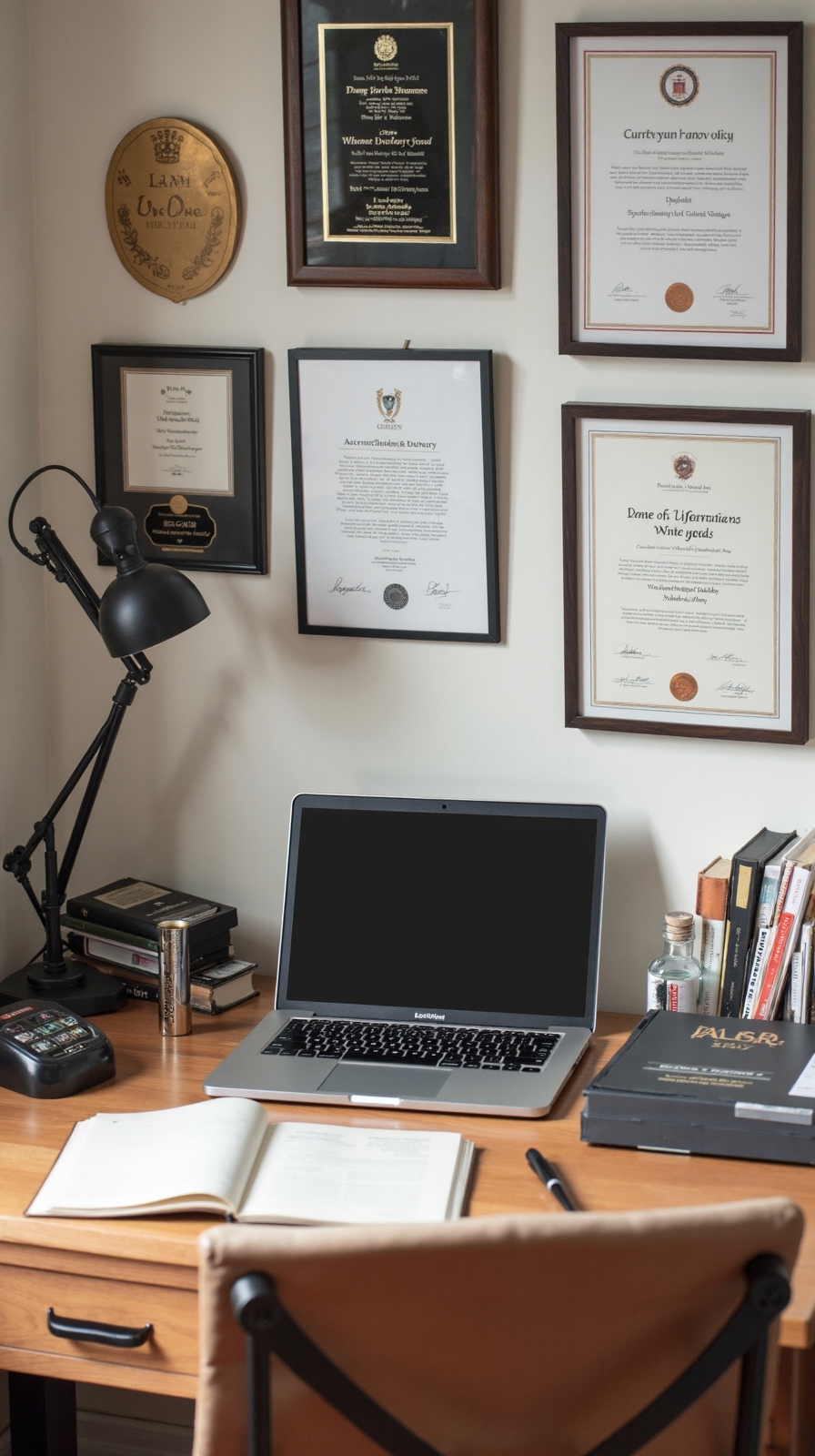
Once you’ve established your workspace boundaries, personalizing your home office becomes an opportunity to showcase your professional brand while staying motivated throughout your workday.
Start by displaying certificates, awards, or portfolio pieces that showcase personal achievements you’ve earned throughout your career. These visual reminders reinforce your skills and boost confidence during challenging projects.
Next, incorporate branded elements that reflect your industry or personal brand. You might include your company’s colors in desk accessories, display your logo on a custom mousepad, or frame your mission statement for daily inspiration.
Consider adding meaningful objects like a mentor’s gift, industry books, or tools specific to your profession. These personal touches create an environment that feels authentically yours while maintaining the professional atmosphere you need to succeed.
Set Up a Dedicated Technology Charging Station
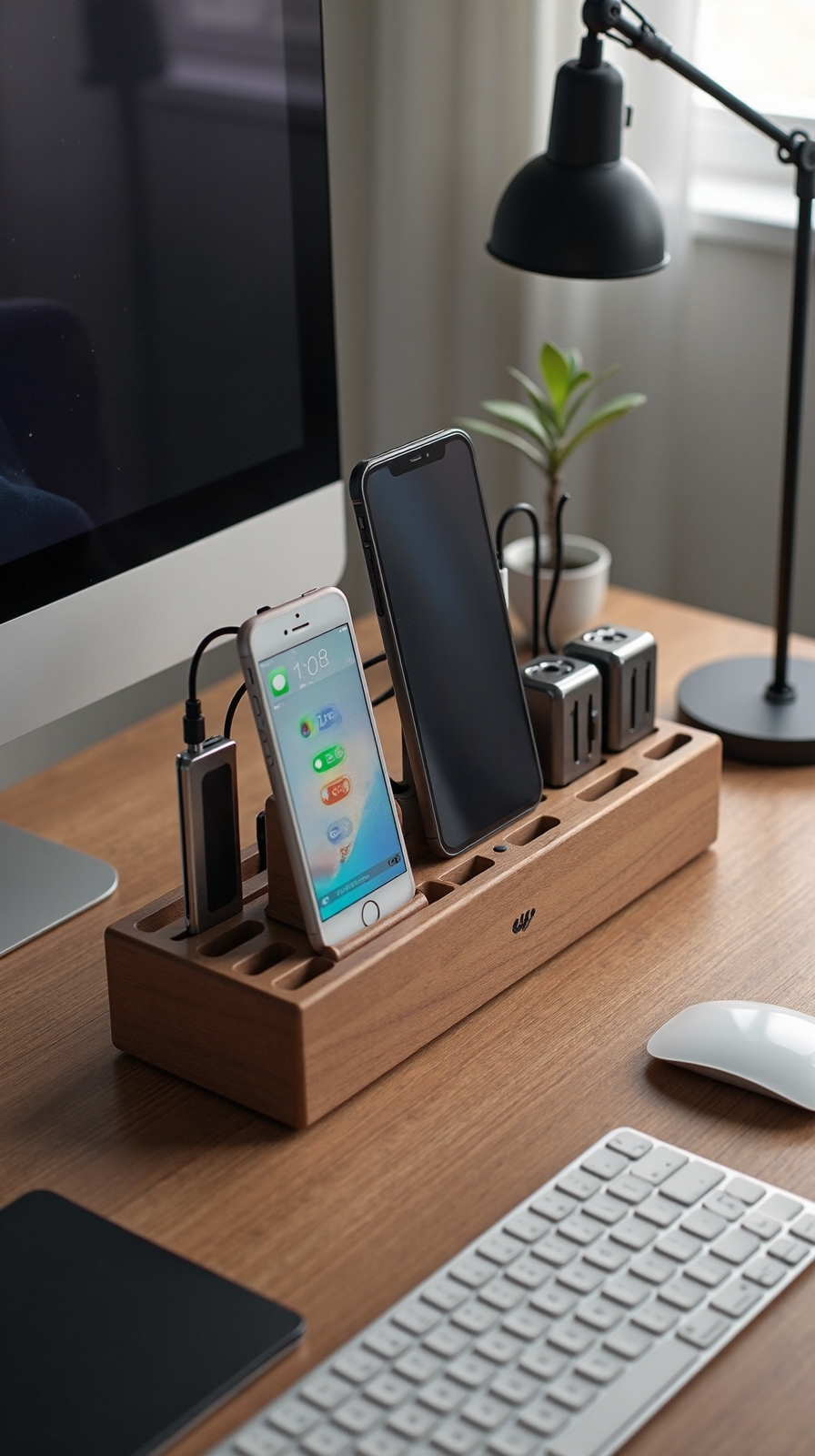
Nothing disrupts your workflow quite like scrambling around your desk searching for charging cables or watching your devices die during important calls. A dedicated charging station converts this chaos into streamlined efficiency, giving you the freedom to focus on what matters most.
Create your charging hub by designating one corner of your desk for power management. Install a wireless charging station for compatible devices like smartphones and earbuds—this eliminates cable clutter while keeping essentials powered up. Add a portable power bank to your setup for backup energy during long workdays or when you need to step away from your desk.
Use drawer organizers or small trays to corral various charging cables, keeping them untangled and easily accessible when needed.
Create Temperature Control Solutions for Year-Round Comfort
How can you maintain peak productivity when you’re constantly adjusting your sweater or cranking up a noisy fan? Temperature distractions kill focus and drain your creative energy throughout the workday.
Smart climate solutions give you complete control over your workspace environment. Incorporate automated climate controls like programmable thermostats that adjust temperatures based on your schedule. These systems maintain consistent comfort without constant manual adjustments.
For long-term savings and performance, invest in energy efficient heating/cooling systems such as mini-split units or smart HVAC upgrades. These solutions provide precise temperature control while reducing utility costs.
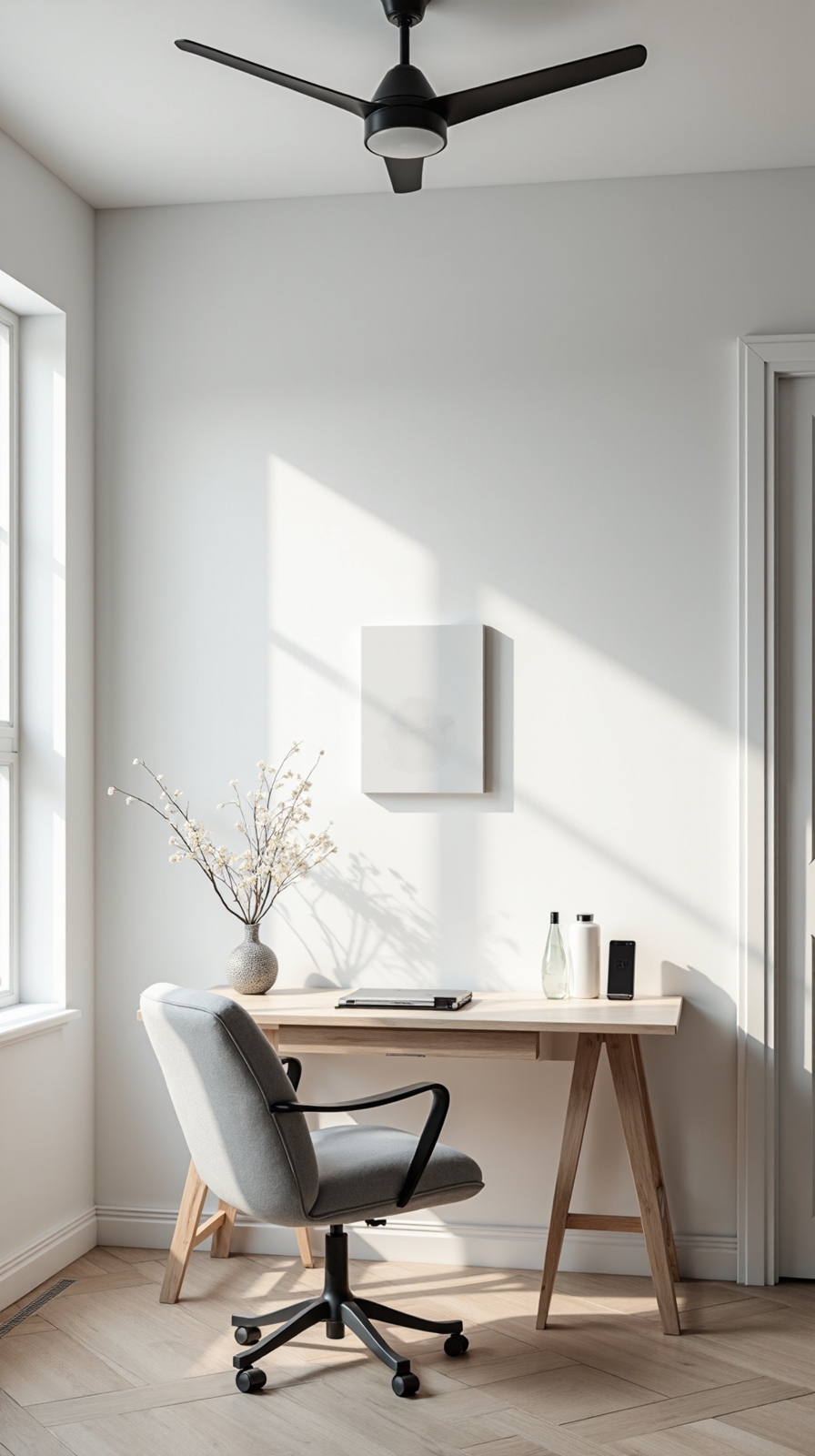
Consider portable options like desktop heaters, bladeless fans, or space coolers for targeted comfort zones. Layer your approach with ceiling fans, thermal curtains, and proper insulation to create the perfect climate sanctuary.
Establish Daily Reset Routines to Maintain Your Organized Space

When your perfectly organized home office starts looking like a tornado hit it by day’s end, you’re not alone in this daily struggle. The key lies in creating simple systems that work with your natural workflow rather than against it.
Establish daily routines that take just 10-15 minutes each evening. Start by clearing your desk surface completely, filing loose papers into designated folders, and returning supplies to their designated homes. This prevents tomorrow’s chaos from building on today’s mess.
Create a simple checklist: empty trash, organize desk supplies, review tomorrow’s priorities, and shut down equipment properly. These small actions maintain organized space effortlessly over time.
Your future self will thank you when you walk into a fresh, ready-to-work environment each morning instead of yesterday’s battlefield.
Conclusion
You’ve now got the essential elements to modify your workspace into a productivity powerhouse. Start with one or two changes that harmonize most with you, then gradually implement others. Remember, your home office should evolve with your needs and preferences. By thoughtfully combining natural light, organization, and personal touches, you’ll create an environment that consistently supports your best work and keeps you energized throughout each day.