16 Home Office Ideas for Two That Work Beautifully Together
Discover ingenious dual-workspace solutions that transform cramped quarters into productive partnerships where both personalities and productivity thrive harmoniously.
You’ve probably unearthed that sharing a home office can feel more like a challenge than a collaboration. Whether you’re both working remotely, running a business together, or simply need dual workspace functionality, creating an office for two requires strategic planning that goes beyond cramming two desks into one room. The key lies in designing distinct yet harmonious work zones that maximize productivity while minimizing conflicts over space, storage, and noise levels.
Face-to-Face Desk Setup for Enhanced Collaboration
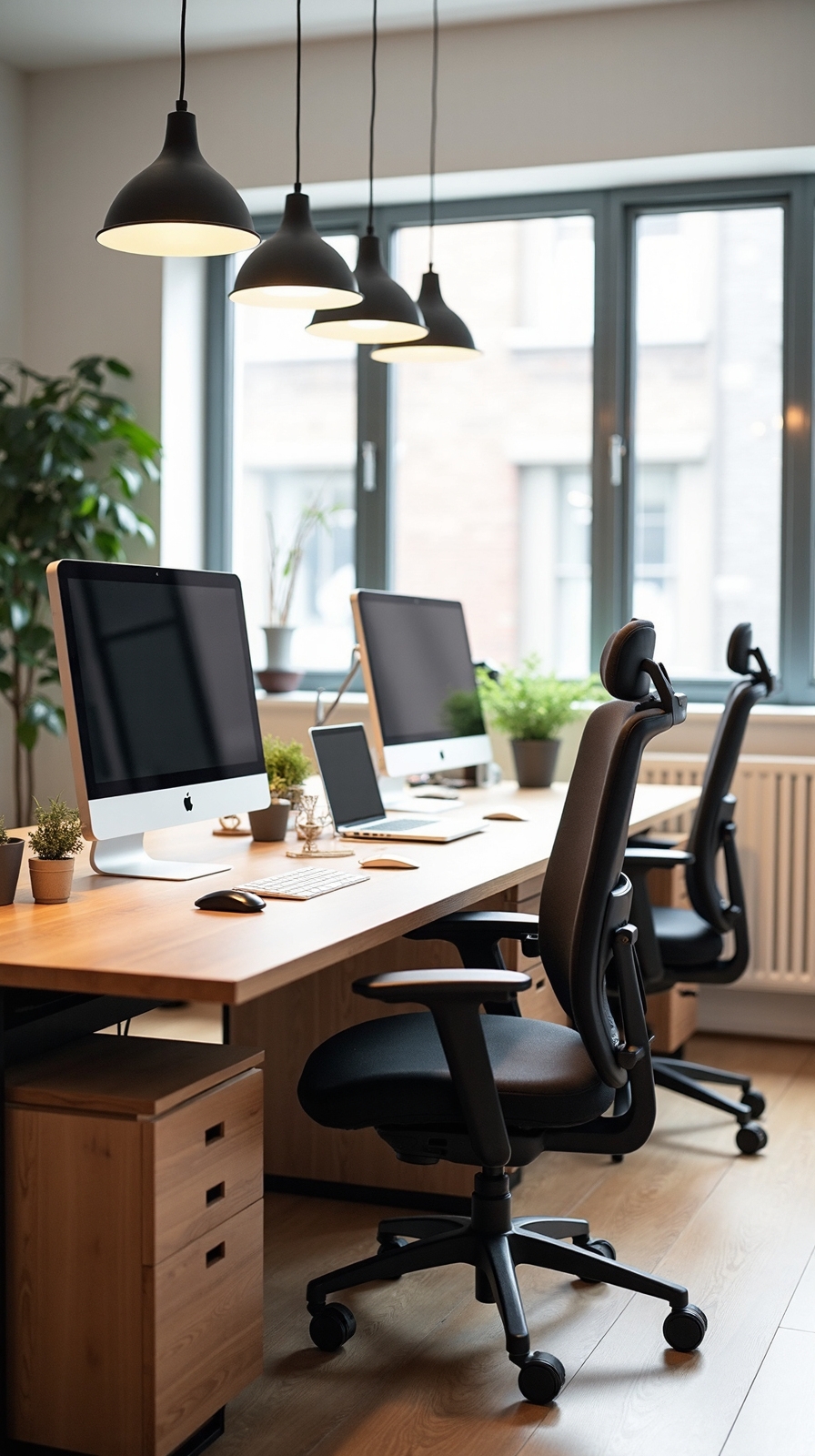
When you’re setting up a shared home office, nothing beats the collaborative energy of facing each other across your workspace. This arrangement converts your daily work routine into a natural brainstorming session where ideas flow freely between partners.
Position two desks directly opposite each other, creating an open communication channel that encourages spontaneous discussions. You’ll find this setup particularly effective when compared to a back to back layout, which can feel isolating and disconnected.
Install a shared whiteboard space on a nearby wall where both of you can easily access it. This becomes your visual command center for projects, deadlines, and creative concepts. Choose desks with built-in storage to minimize clutter and maintain clear sightlines. Add a small plant or decorative element between you to soften the workspace.
Side-By-Side Workstations With Individual Storage
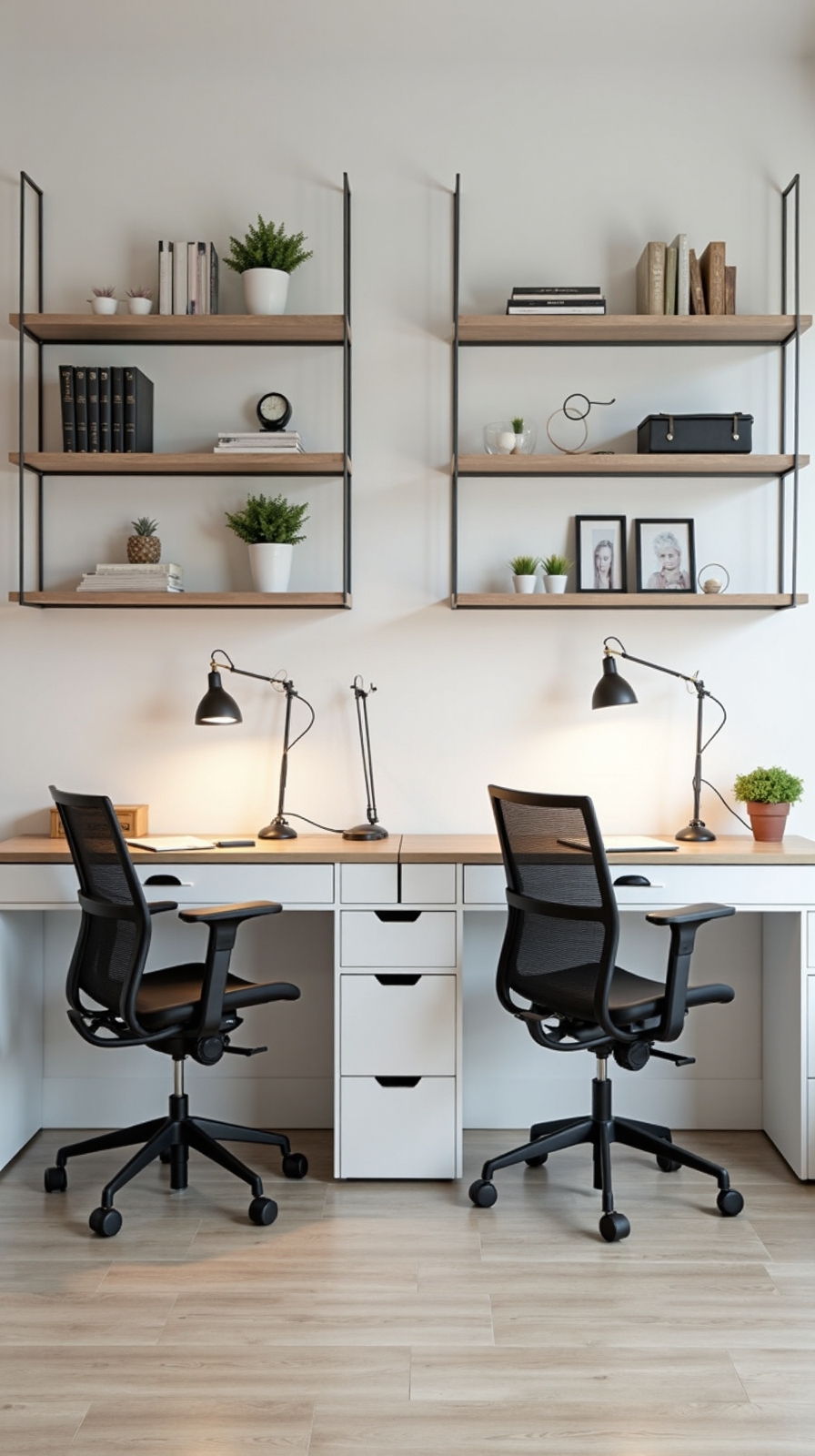
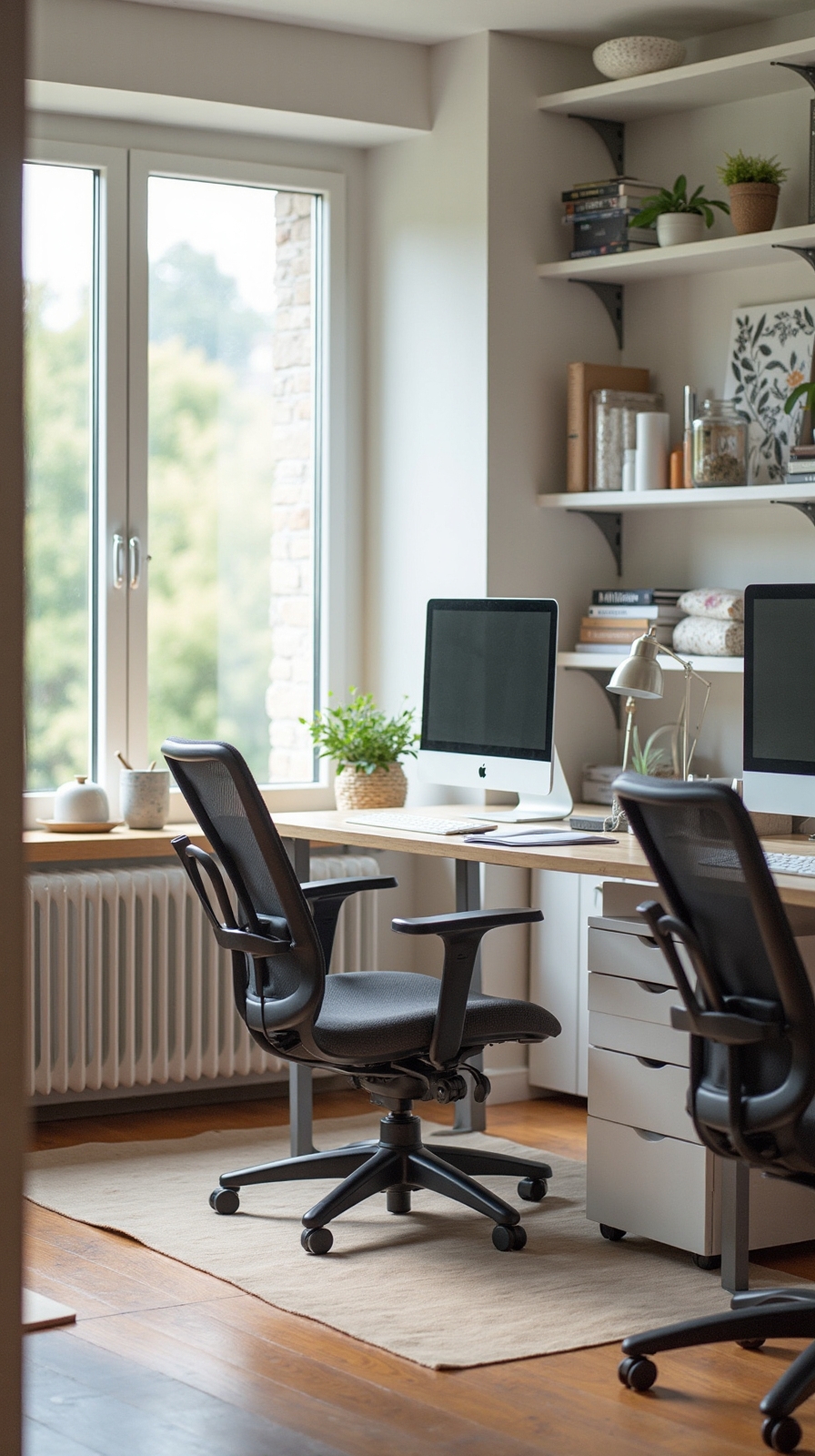
While face-to-face collaboration has its merits, side-by-side workstations offer a perfect balance of togetherness and personal workspace privacy. This arrangement lets you work independently while maintaining easy communication with your partner.
Position two desks parallel to each other, creating distinct work zones that don’t feel isolated. Adjustable desktops accommodate different height preferences and working styles, ensuring both partners remain comfortable throughout long work sessions.
Individual storage solutions prevent workspace conflicts and maintain organization. Install complementary shelving units behind each desk, providing dedicated space for personal files, supplies, and decorative items. Consider matching floating shelves or bookcase combinations that create visual cohesion.
Add personal touches like desk lamps, monitor stands, and cable management systems. This setup maximizes floor space while giving each person control over their immediate environment, cultivating both productivity and harmony.
L-Shaped Corner Configuration for Maximum Space Efficiency
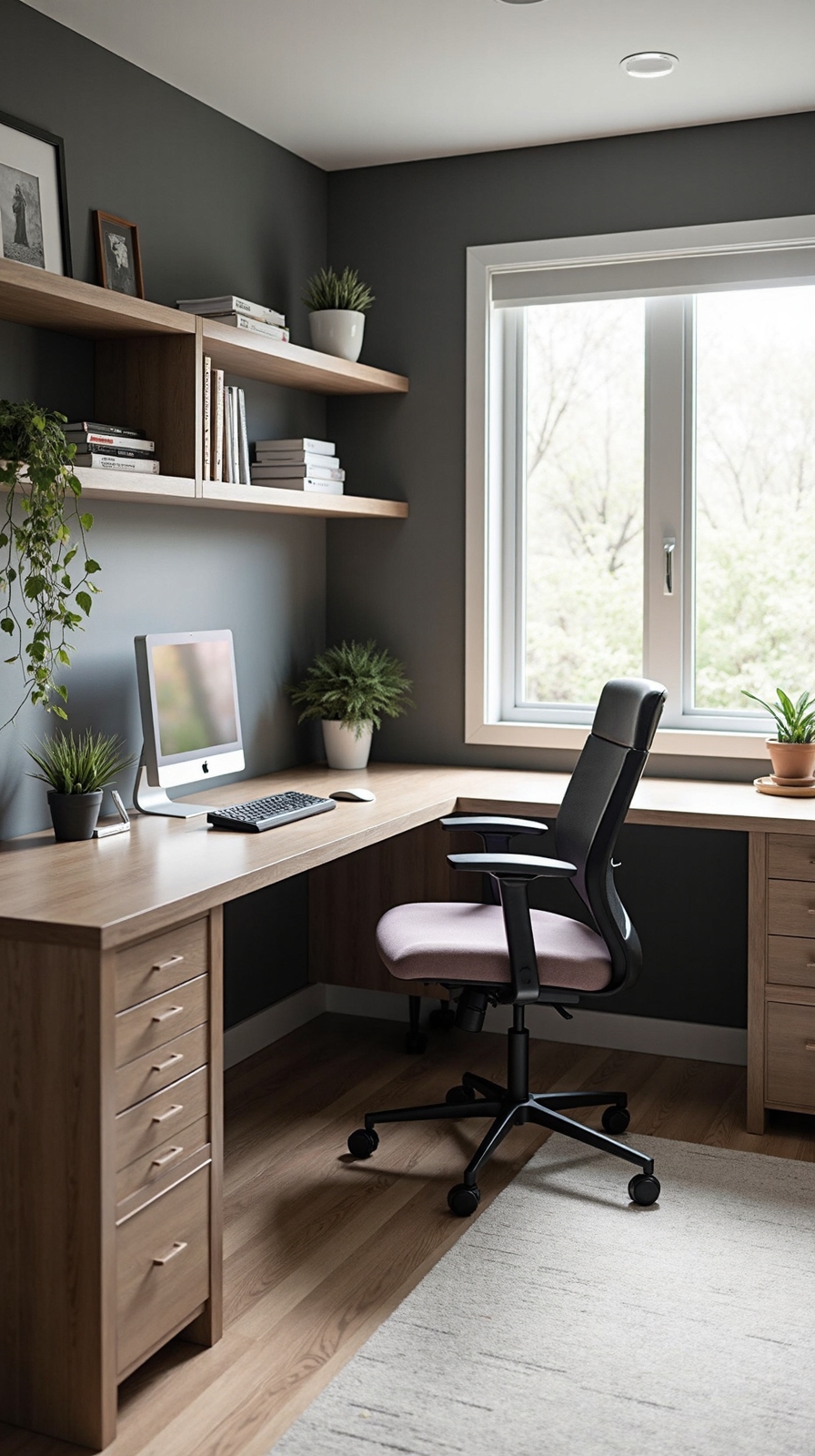
Corner spaces often go underutilized in home offices, but an L-shaped configuration converts these areas into productivity powerhouses for two people. You’ll maximize every square foot while creating distinct work zones that don’t interfere with each other’s workflow.
Position one desk along each wall of the corner, forming a natural L-shape that gives both users ample surface area. This setup works exceptionally well with modular furniture options that you can customize based on your specific needs and room dimensions.
Install space saving corner shelving above the intersection point to store shared resources like reference books, supplies, and decorative items. You’ll create vertical storage without sacrificing floor space or blocking natural light from windows. This configuration also promotes better communication since you’re positioned at comfortable angles for collaboration.
Separate Zones With Room Dividers and Screens
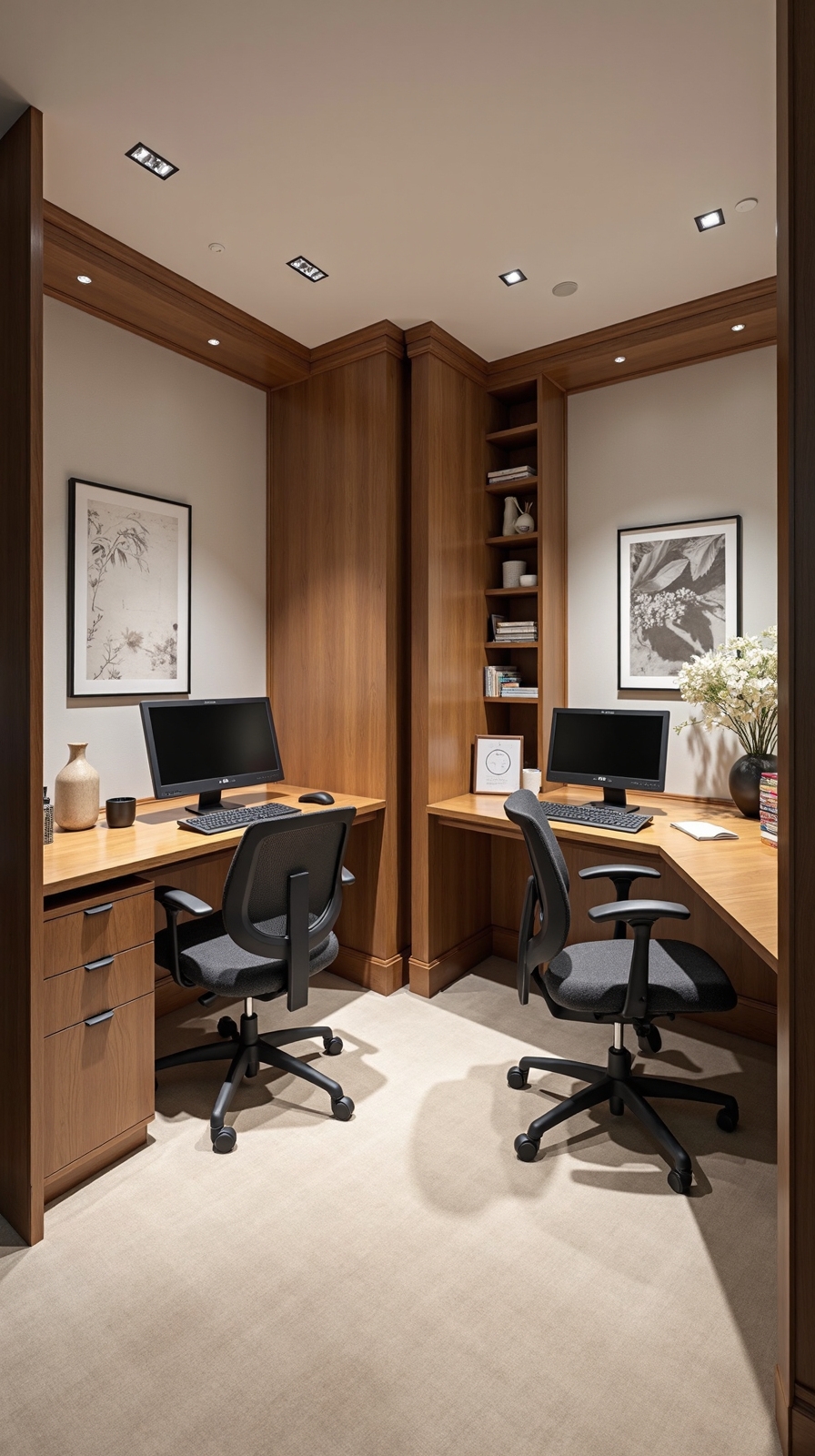
Although open floor plans offer flexibility, creating distinct work zones becomes essential when two people share the same home office space. Room dividers give you the freedom to customize your workspace without permanent construction or expensive renovations.
Modular screen displays serve dual purposes by separating areas while showcasing important information or inspiration boards. You’ll find folding screens, sliding panels, and adjustable partitions that adapt to your changing needs throughout the day.
Strategic plant placement creates natural boundaries while improving air quality and reducing stress. Tall plants like fiddle leaf figs or snake plants work perfectly as living dividers between desks.
Consider bookcases, curtains, or portable walls that you can easily move or remove. These solutions let you maintain privacy during video calls while preserving the collaborative energy that makes shared offices productive.
Built-In Desk Solutions for Seamless Integration
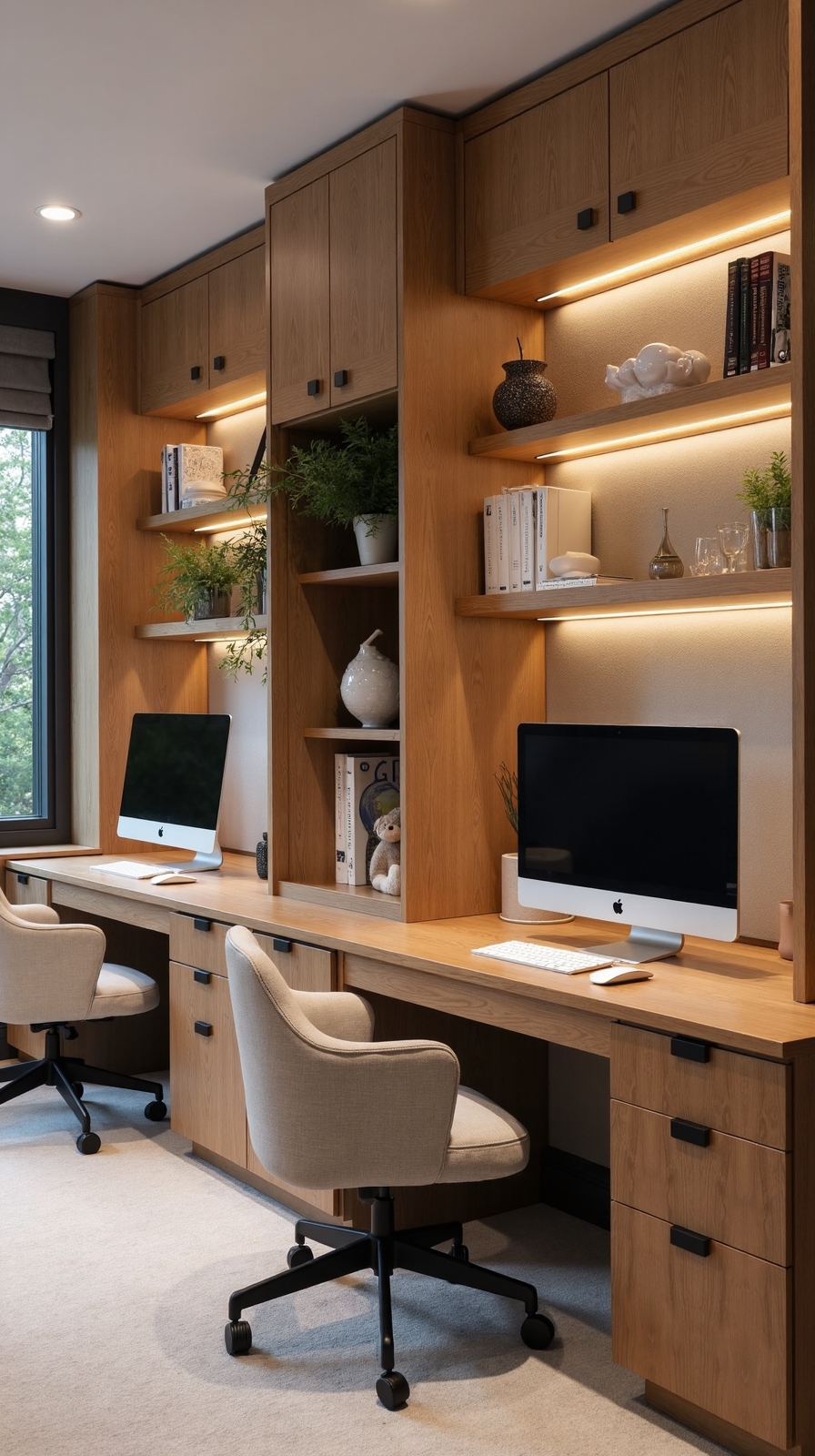
Custom built-in desks alter your shared workspace into a cohesive design element that maximizes every square inch of available room. You’ll create a permanent solution that feels intentionally designed rather than cobbled together with mismatched furniture pieces.
Built in credenza storage beneath your workspace eliminates clutter while providing dedicated space for files, supplies, and personal items. You can customize compartments to fit your specific needs, from printer slots to charging stations for devices.
Integrated ledge workspaces above your main desk surface offer additional room for monitors, books, or decorative elements without consuming precious floor space. You’ll appreciate how these floating shelves create visual interest while maintaining clean lines throughout your shared office environment.
Floating Shelves and Wall-Mounted Storage Systems
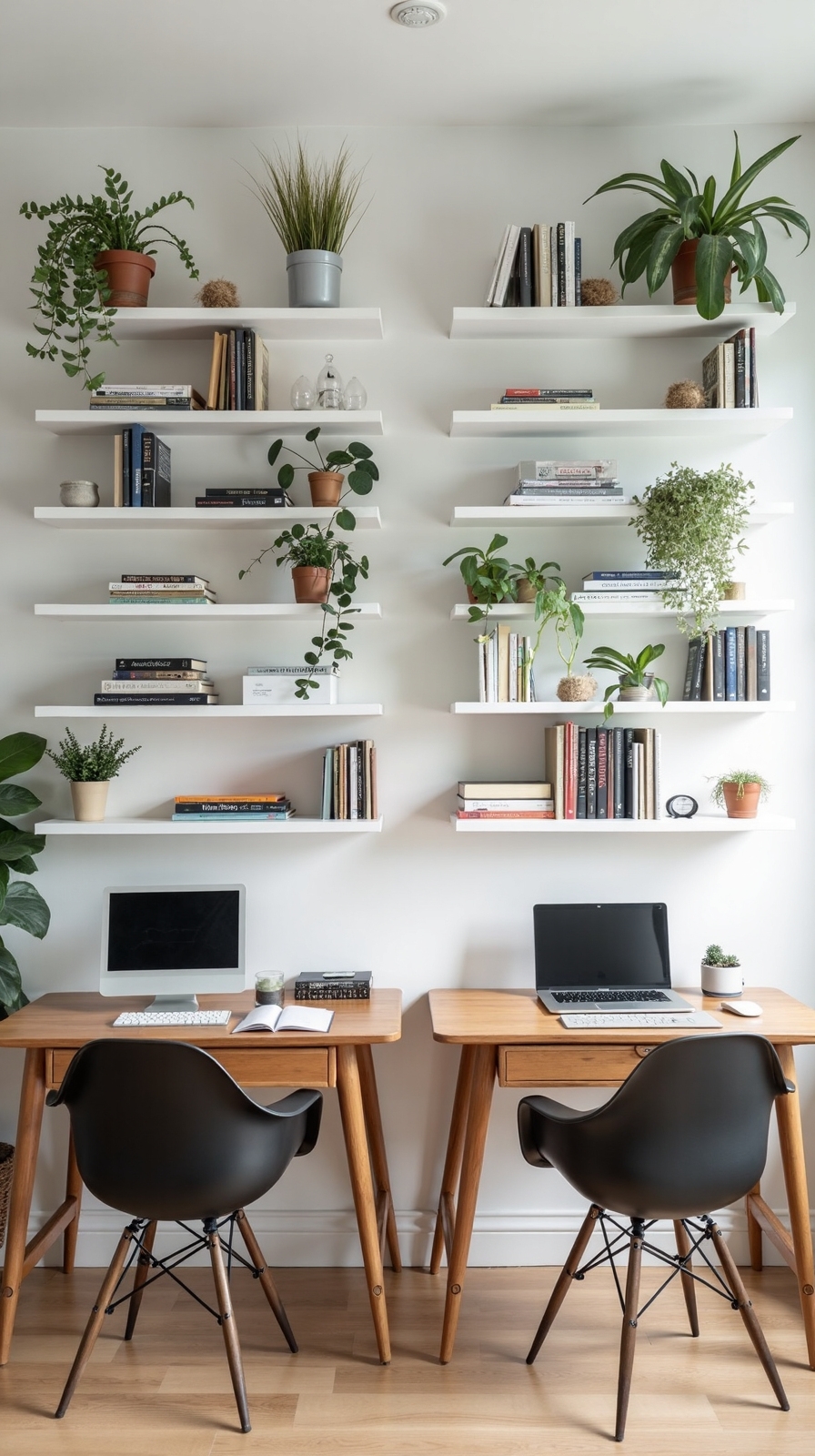
When you’re working with limited floor space, floating shelves and wall-mounted storage systems become your most prized allies for organizing a shared home office. These vertical solutions free up important desk surface while keeping essential supplies within easy reach for both partners.
Install floating cabinets above each workstation to house frequently used items like reference books, supplies, and personal belongings. You’ll create designated zones that prevent workspace overlap and reduce daily friction between users.
Consider modular shelving units that adapt to your changing needs over time. These flexible systems let you reconfigure storage compartments as your work requirements evolve, whether you’re freelancers or remote employees.
Position wall-mounted organizers at eye level to maximize accessibility while maintaining visual balance throughout your shared space.
Dual Monitor Arms and Cable Management Solutions
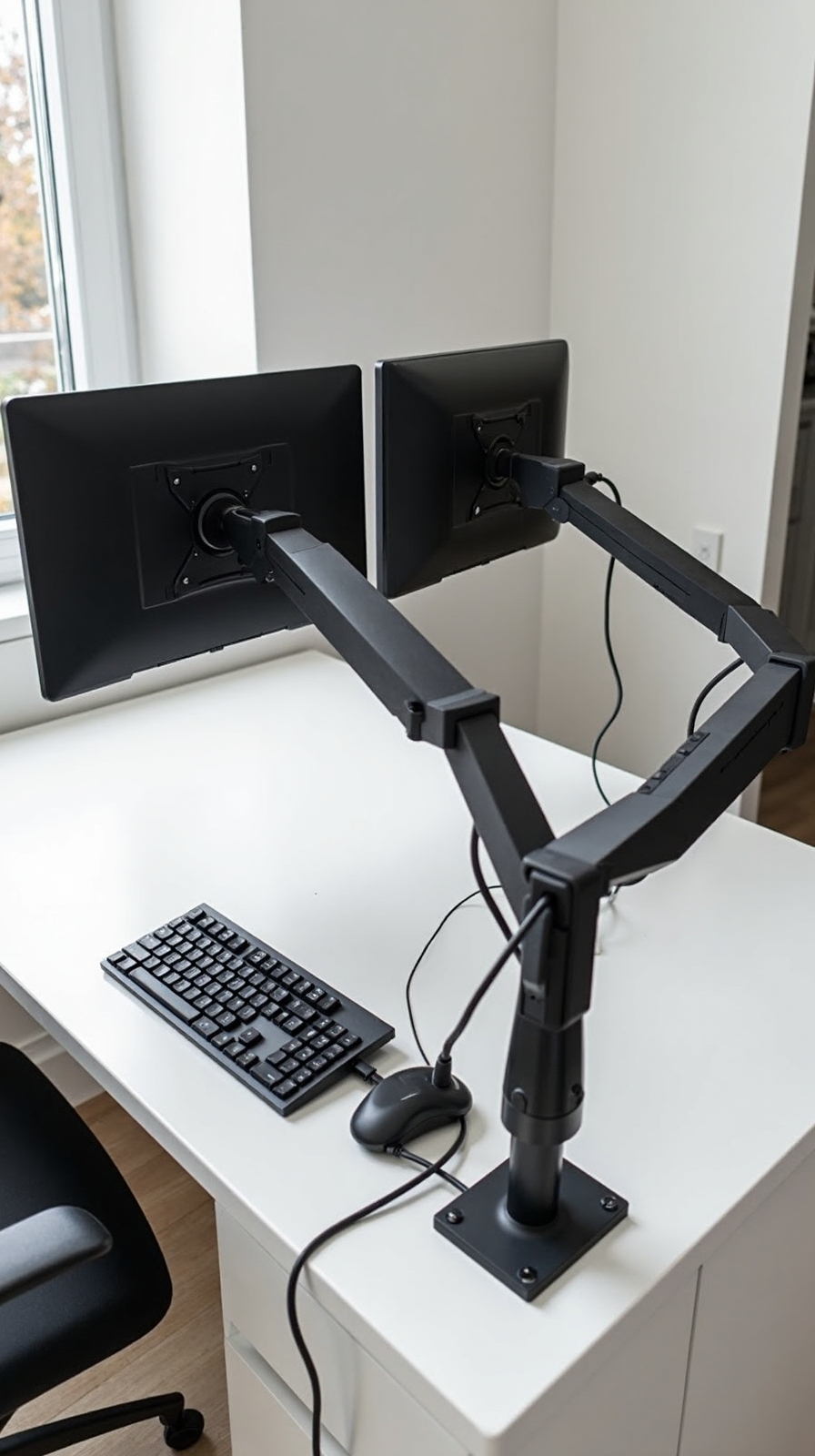
While vertical storage solutions maximize your wall space, your desk setup requires equally smart organization to accommodate two people’s technology needs.
Dual monitor arms create the foundation for an efficient shared workspace by freeing up precious desk real estate. You’ll gain flexibility to adjust screen height, angle, and position for ideal viewing comfort throughout your workday.
Cable tray systems mounted beneath your desk surface keep power cords, USB cables, and ethernet connections organized and accessible. These mesh or solid trays route cables away from your workspace while allowing easy access for device connections. Consider installing separate cable management zones for each person’s equipment to prevent tangled messes and maintain individual control over their technology setup.
Personalized Lighting for Each Work Area
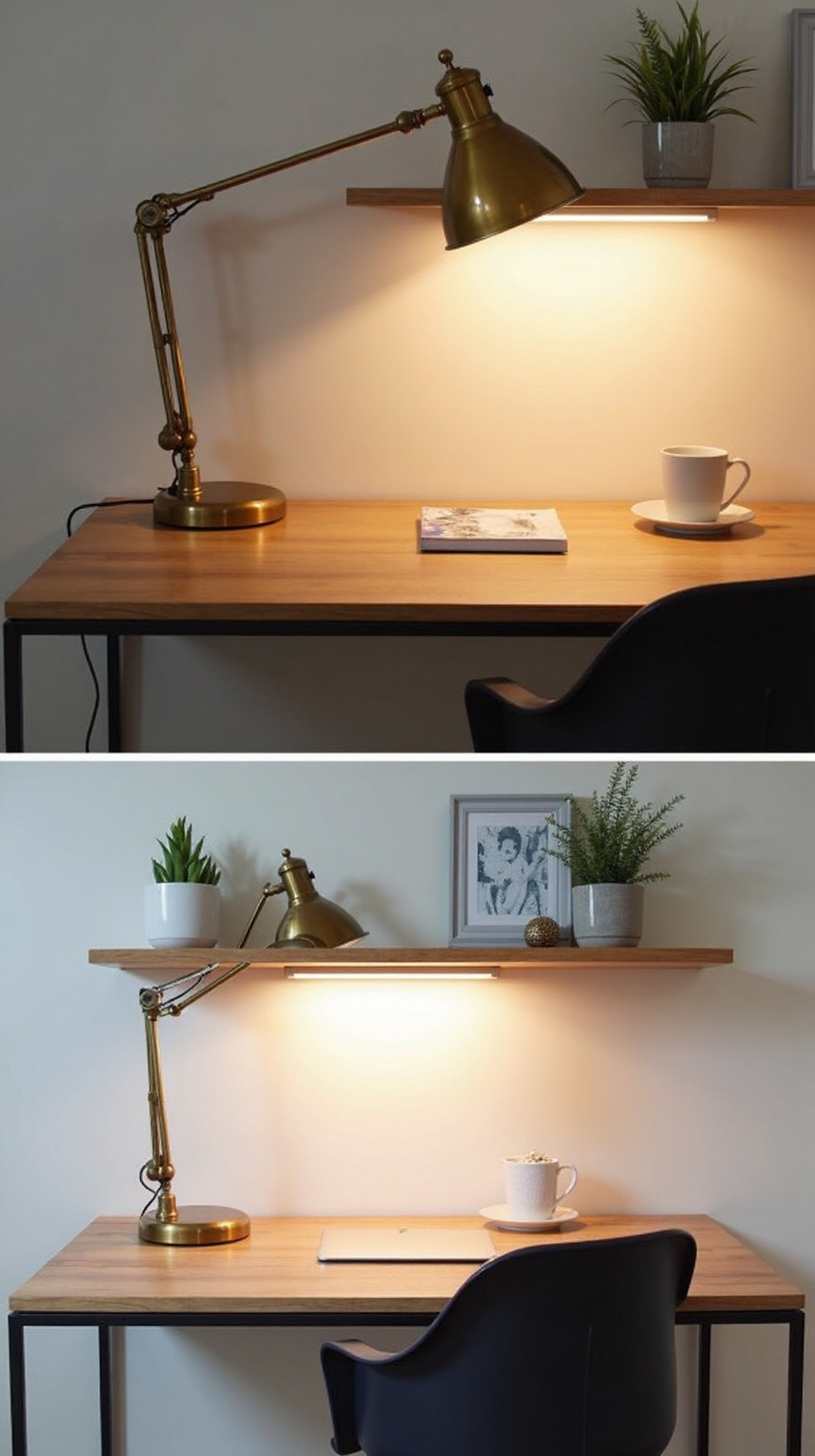
Proper lighting alters individual productivity levels and reduces eye strain when two people share the same office space. You’ll want to create distinct lighting zones that cater to each person’s specific needs and work habits.
Install individual desk lamps with adjustable brightness controls, allowing each person to customize their workspace illumination throughout the day. LED desk lamps offer the flexibility of customizable hues, shifting from warm morning light to cool, focused daylight for afternoon tasks.
Consider adding under-cabinet lighting strips beneath floating shelves or overhead storage to eliminate shadows on work surfaces. Position task lighting at different angles to prevent glare on computer screens while maintaining adequate illumination for paperwork.
Smart lighting systems let you program personalized lighting schedules, automatically adjusting brightness and color temperature based on your daily routine and energy requirements.
Shared Central Storage With Individual Organizers
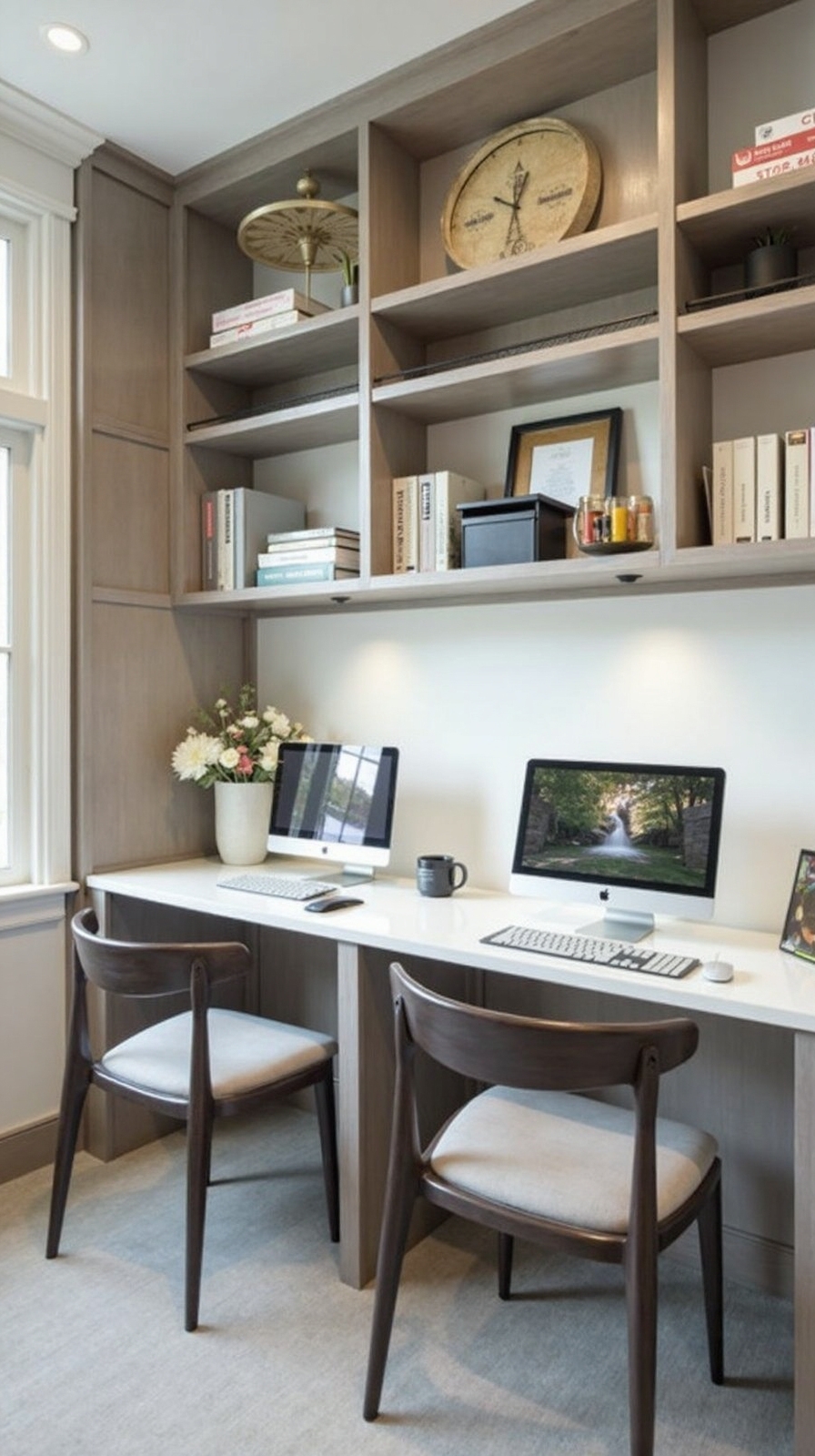
A centralized storage system creates organization efficiency while individual containers maintain personal boundaries within your shared workspace. Position a tall bookshelf or cabinet between your desks to serve dual purposes as shared file storage and designated workspace dividers.
Install three shelving levels: top shelves for shared reference materials, middle sections for individual storage bins, and bottom areas for equipment you’ll both use. Label each person’s containers clearly with names or color-coding systems that prevent mix-ups.
Choose modular storage solutions that adapt as your needs change. Rolling carts work perfectly for supplies you’ll frequently move between work areas. Add small desktop organizers for daily essentials like pens and sticky notes, keeping them separate while maintaining easy access to communal resources like printers and staplers.
Color-Coded Systems for Equipment and Supplies
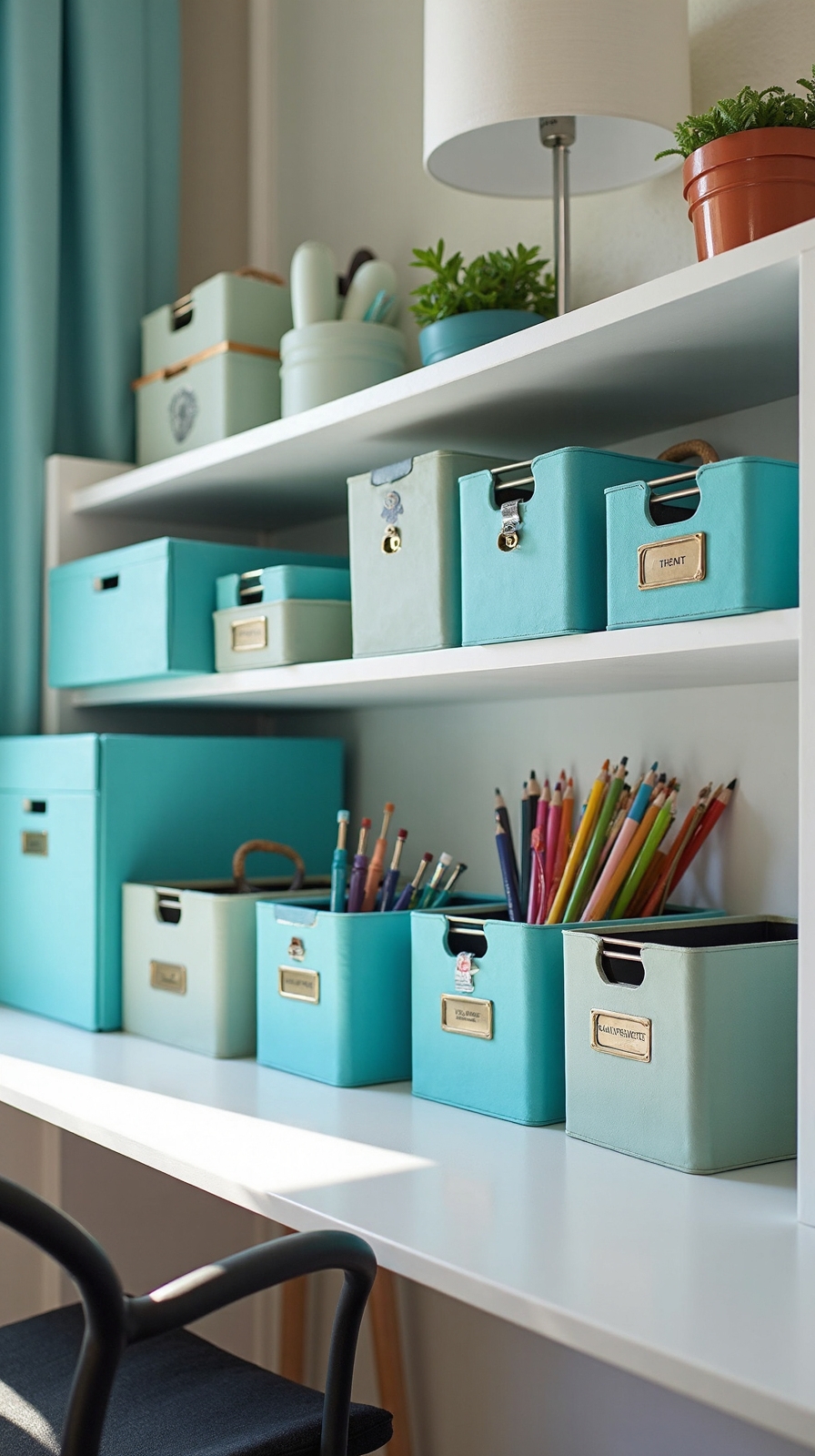
Color-coding metamorphosizes your shared home office into an organized system where both partners can instantly locate their belongings without confusion. Assign distinct colors to each person—perhaps blue for one partner and green for another—then apply these colors consistently throughout your workspace.
Use labeled bins in your designated colors for storing personal supplies like notebooks, pens, and charging cables. Create zoned storage spaces where each partner’s color dominates specific areas, making ownership immediately clear. Apply colored tape to desk drawers, file folders, and equipment like headphones or keyboards.
This visual system eliminates the frustrating “whose is this?” moments that disrupt productivity. You’ll spend less time searching and more time focusing on your work, creating a harmonious environment where both partners feel organized and enabled.
Convertible Furniture for Multi-Purpose Functionality

Maximizing your shared workspace becomes effortless when you invest in convertible furniture that adapts to your changing daily needs. Modular furniture pieces offer the flexibility to reconfigure your office layout whenever priorities shift or projects demand different arrangements.
Consider fold away workstations that metamorphose from full desks into wall-mounted storage units within minutes. Murphy desk systems provide complete workspaces that disappear when you’re hosting video calls or need floor space for brainstorming sessions.
Ottomans with hidden storage double as seating and filing solutions. Expandable tables accommodate both individual focused work and collaborative meetings. Bookshelf room dividers create instant privacy while storing supplies and documents.
These smart furniture choices let you maintain professional functionality without sacrificing your home’s living spaces, giving you the freedom to work efficiently together.
Acoustic Solutions for Noise Reduction
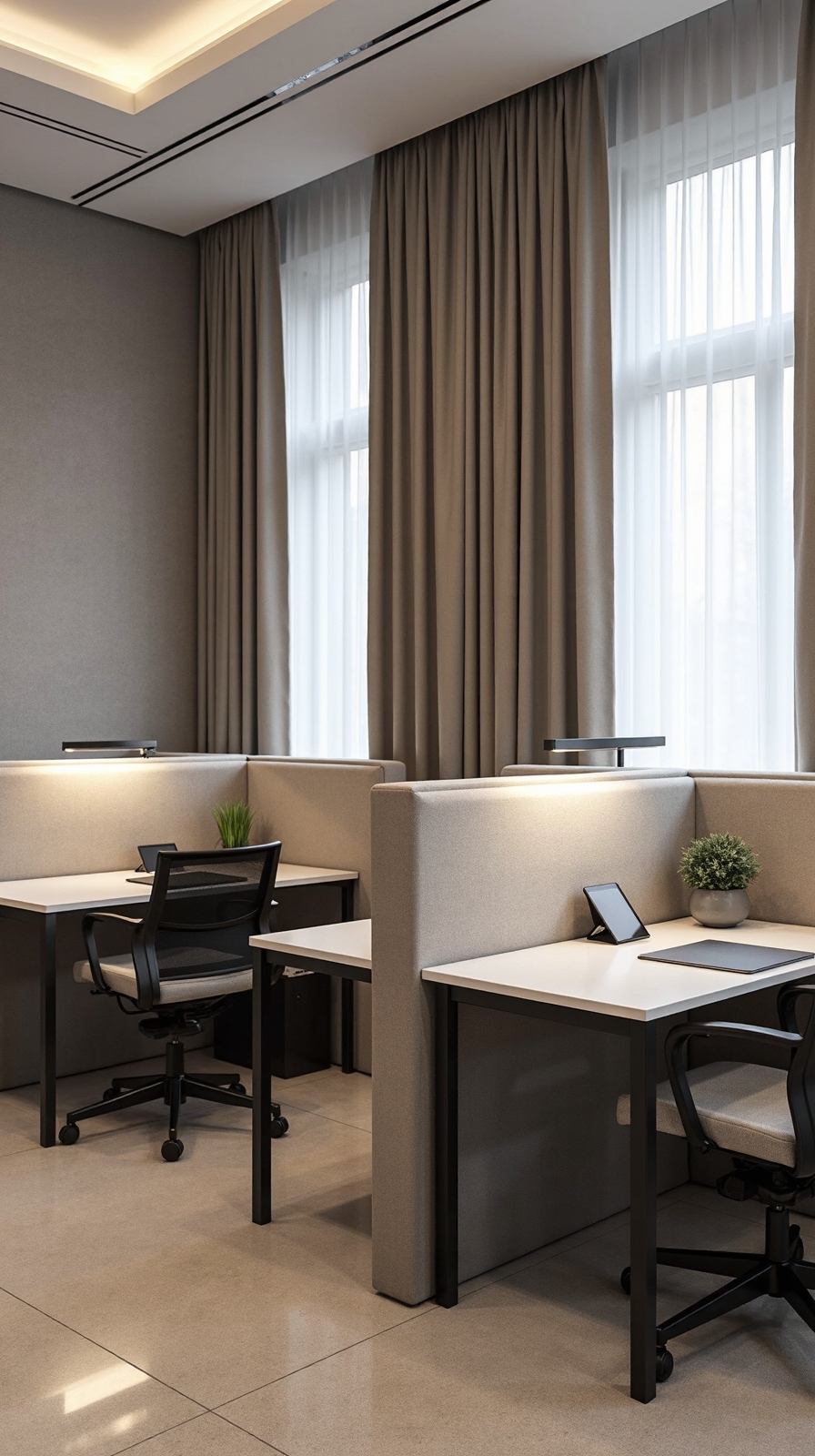
When two people share a workspace, controlling sound becomes essential for maintaining focus and preventing interruptions during important calls or deep work sessions. You’ll find that strategic acoustic planning dramatically transforms a potentially chaotic environment into a harmonious, productive sanctuary.
Sound absorbing panels offer a stylish solution that doubles as wall art while significantly reducing echo and ambient noise. Install them behind each desk area or create an accent wall that serves both aesthetic and functional purposes.
Acoustic partitions provide flexible noise control without permanent construction. You can position these moveable barriers between workstations during concentrated tasks, then relocate them when collaboration’s needed. Consider fabric-wrapped panels that complement your décor while absorbing sound frequencies that typically cause distractions in shared workspaces.
Ergonomic Seating Options for Different Body Types
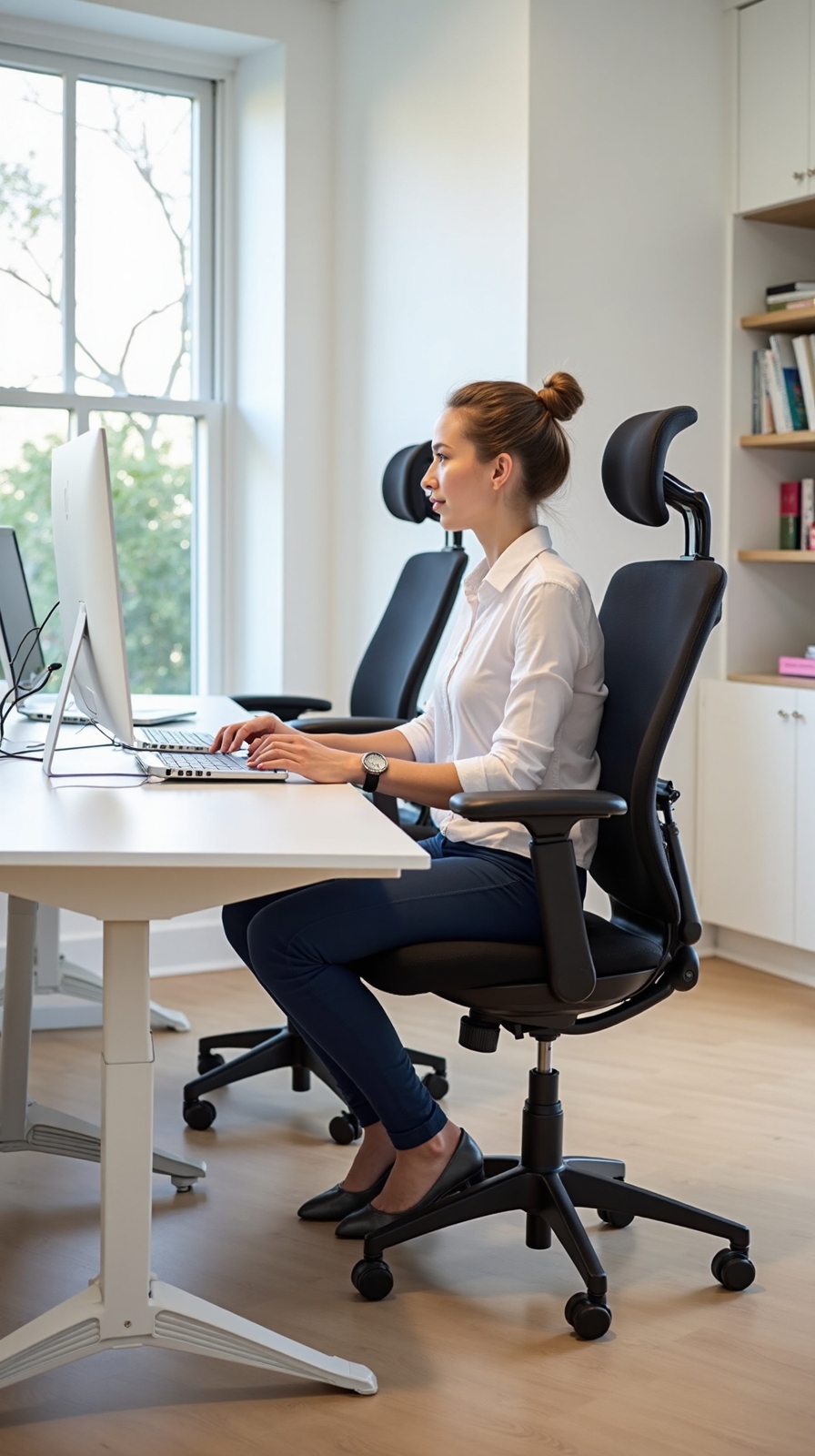
Since every person’s body has unique proportions and support needs, finding the right ergonomic chair becomes crucial for preventing discomfort and maintaining productivity throughout long work sessions.
You’ll want to prioritize chairs with adjustable lumbar support that can accommodate different spine curves and sitting preferences. Look for models where you can modify the height, depth, and firmness of lower back support to match each person’s natural posture.
A breathable mesh backrest offers excellent temperature regulation during extended work periods while providing flexible support that adapts to various body shapes. Consider chairs with independently adjustable armrests, seat height, and tilt mechanisms.
For couples with significant height differences, invest in two different chair models rather than compromising on comfort. Test chairs thoroughly before purchasing, ensuring each person can achieve proper alignment with feet flat and thighs parallel to the floor.
Tech Setup for Seamless Video Conferencing
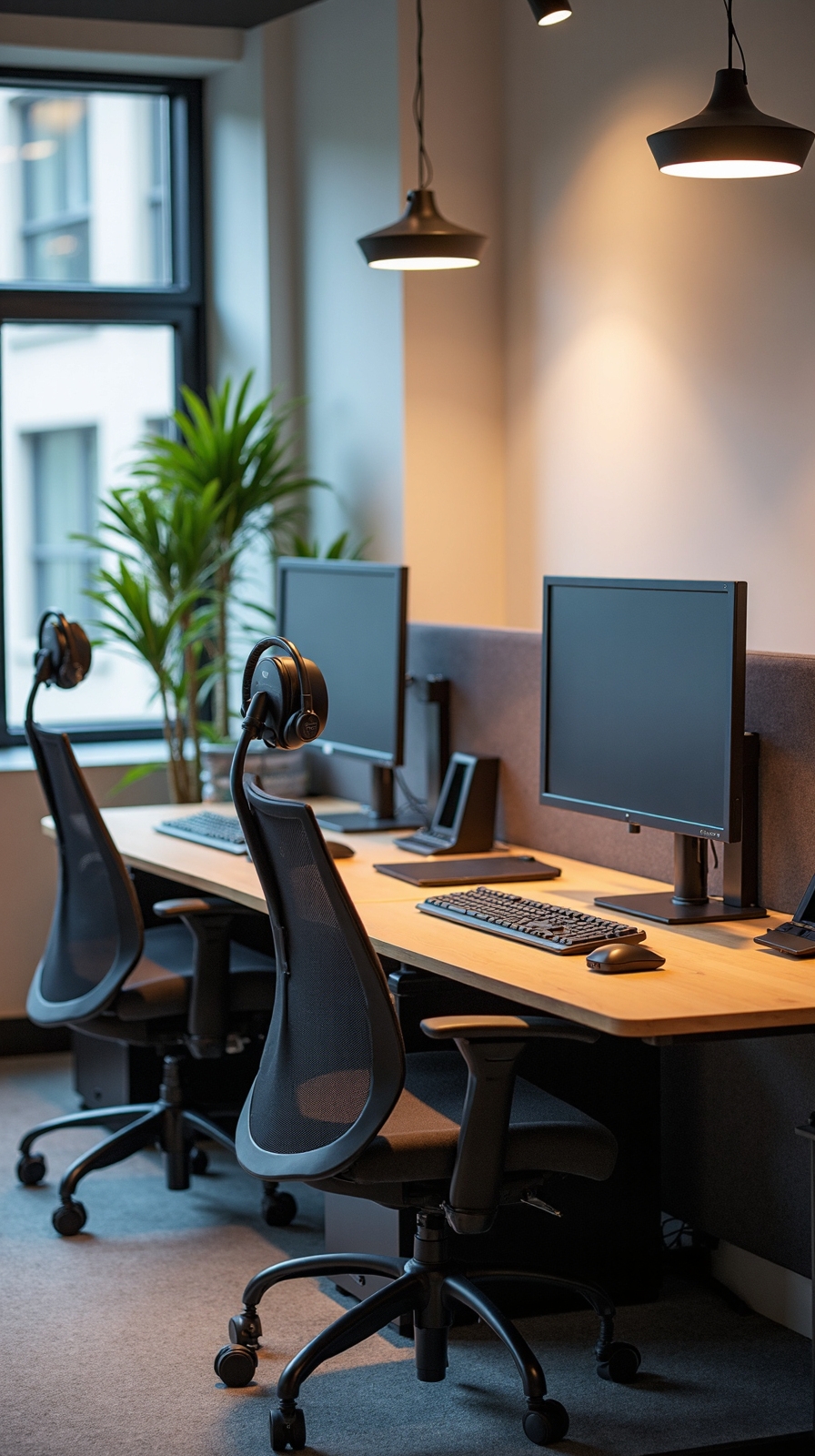
Setting up your shared workspace for professional video conferencing requires careful planning to guarantee both partners can look and sound their ideal during virtual meetings. Position your desks at angles to prevent background interference when you’re both on calls simultaneously.
Invest in quality webcams with adjustable mounts for perfect webcam placement at eye level. External cameras offer superior image quality compared to built-in laptop versions. Install reliable wireless connectivity throughout your office space to eliminate connection drops during important presentations.
Consider noise-canceling headphones and directional microphones to minimize audio bleed between workstations. Strategic lighting placement, such as ring lights or LED panels, ensures you’ll appear professional regardless of natural light conditions. Test your complete setup regularly to identify potential issues before they disrupt essential business meetings.
Climate Control and Air Quality Considerations
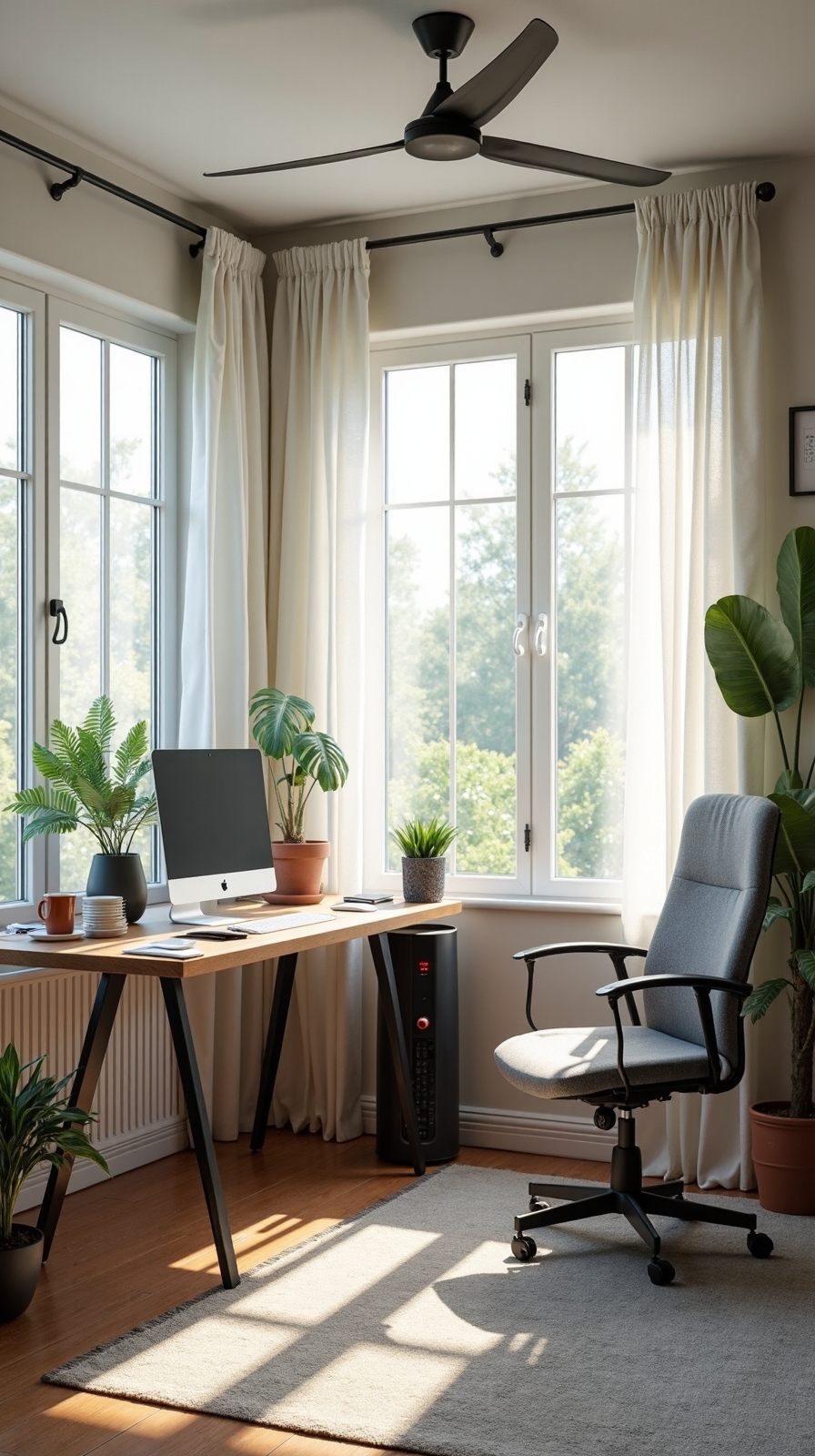
Both partners working in a shared home office generate twice the body heat, equipment warmth, and air circulation demands of a single-person workspace. You’ll need strategic temperature control to maintain comfort for different preferences and work styles throughout the day.
Install a programmable smart thermostat that allows zone-based cooling and heating adjustments. Position a quiet ceiling fan to circulate air without creating distracting noise during calls or focused work sessions.
Air filtration becomes indispensable when two people share enclosed workspace for extended periods. Add a HEPA air purifier rated for your room’s square footage to remove dust, allergens, and airborne particles. Place it away from workstations to minimize operational sound.
Consider opening windows during mild weather for natural ventilation, and invest in a small humidifier during dry seasons to prevent eye strain and respiratory discomfort.
Visual Boundaries Without Physical Barriers
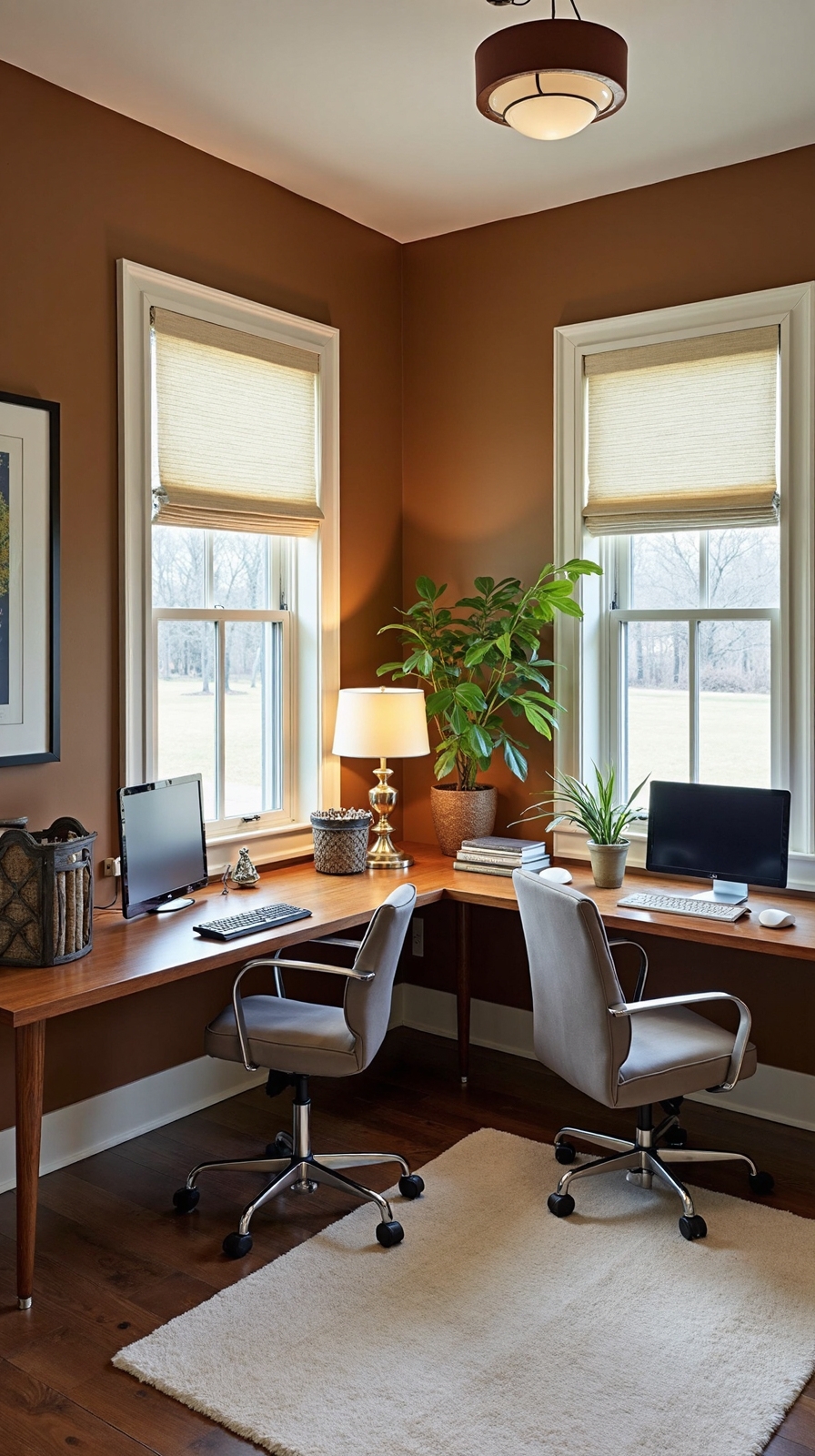
Creating distinct work zones for two people doesn’t require walls or expensive room dividers when you use clever visual separation techniques. Visual zoning relies on strategic furniture placement, color schemes, and lighting to define individual territories while maintaining an open, collaborative atmosphere.
Position desks at different angles or create an L-shaped configuration to establish natural boundaries. Use contrasting rug patterns beneath each workspace to anchor separate zones effectively. Install pendant lights or task lamps at varying heights to create distinct lighting pools for each person’s area.
Enhance spatial awareness by incorporating different color accents for each zone through desk accessories, wall art, or storage solutions. Bookshelves positioned perpendicular to walls can subtly divide space without blocking natural light or conversation flow, giving you both independence and connection.
Conclusion
You’ve got everything you need to create a productive shared workspace that works for both of you. Start with one layout that fits your space, then add storage and tech solutions gradually. Remember that flexibility is key—what works today might need adjusting tomorrow. With thoughtful planning and the right setup, you’ll convert any room into a collaborative home office where you both can thrive together.