16 Home Office Organization Ideas for a Clutter-Free Space
Transform your chaotic home office into an organized productivity haven with these 16 clever ideas that will revolutionize your workspace.
You’re viewing your home office, and it feels more like a storage closet than a productive workspace. Papers stack high, cables tangle everywhere, and you can’t locate that important document you need right now. The good news? Altering your cluttered office into an organized, efficient space doesn’t necessitate a complete overhaul. With the right strategies and a few smart organizational tools, you’ll uncover how simple changes can generate the streamlined workspace you’ve always desired.
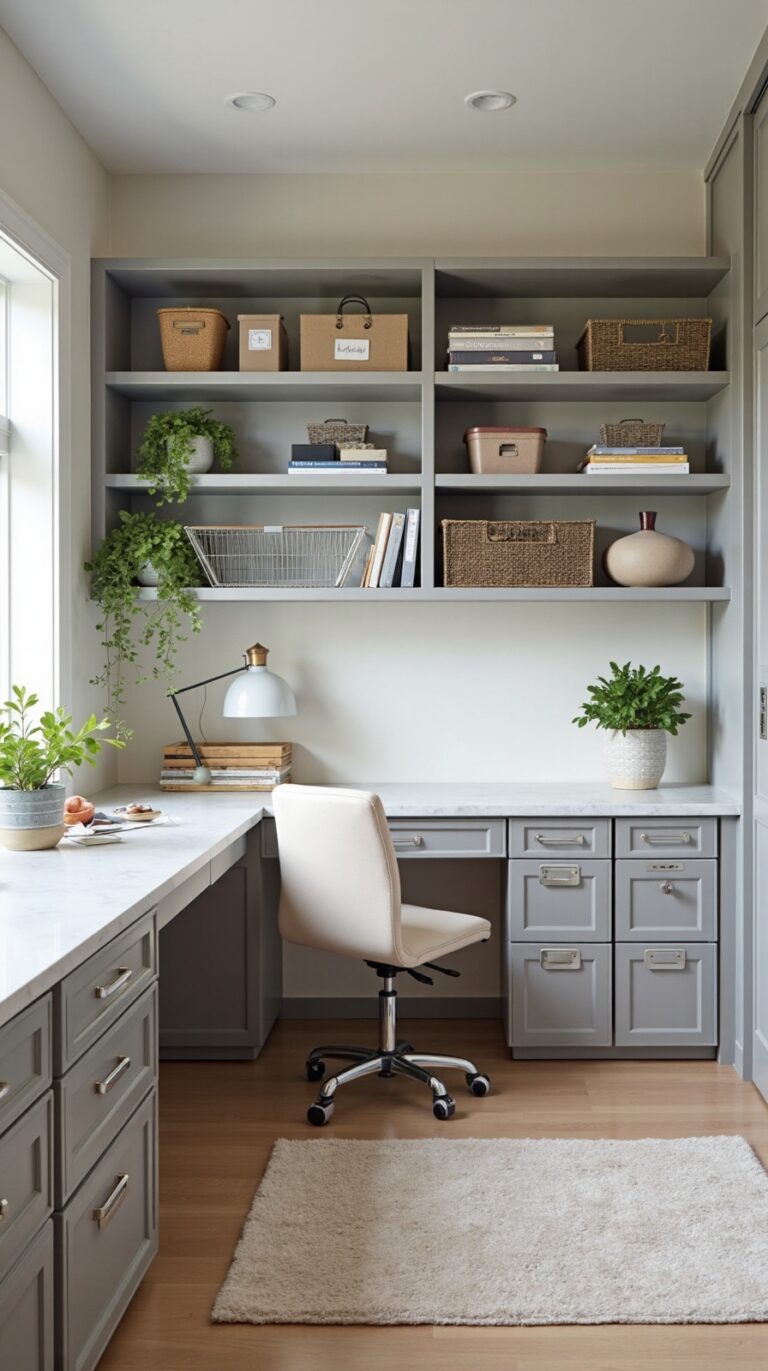
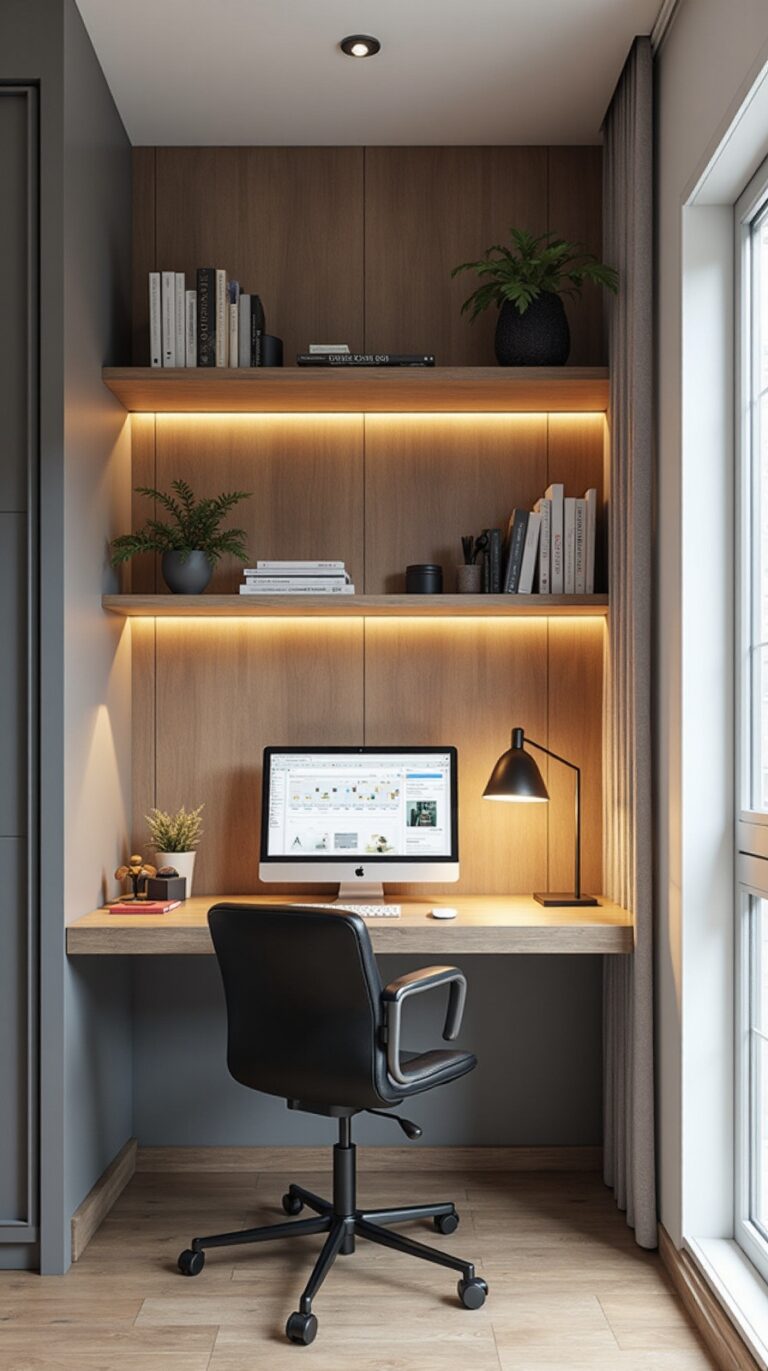
Maximize Vertical Wall Space With Floating Shelves and Cabinets
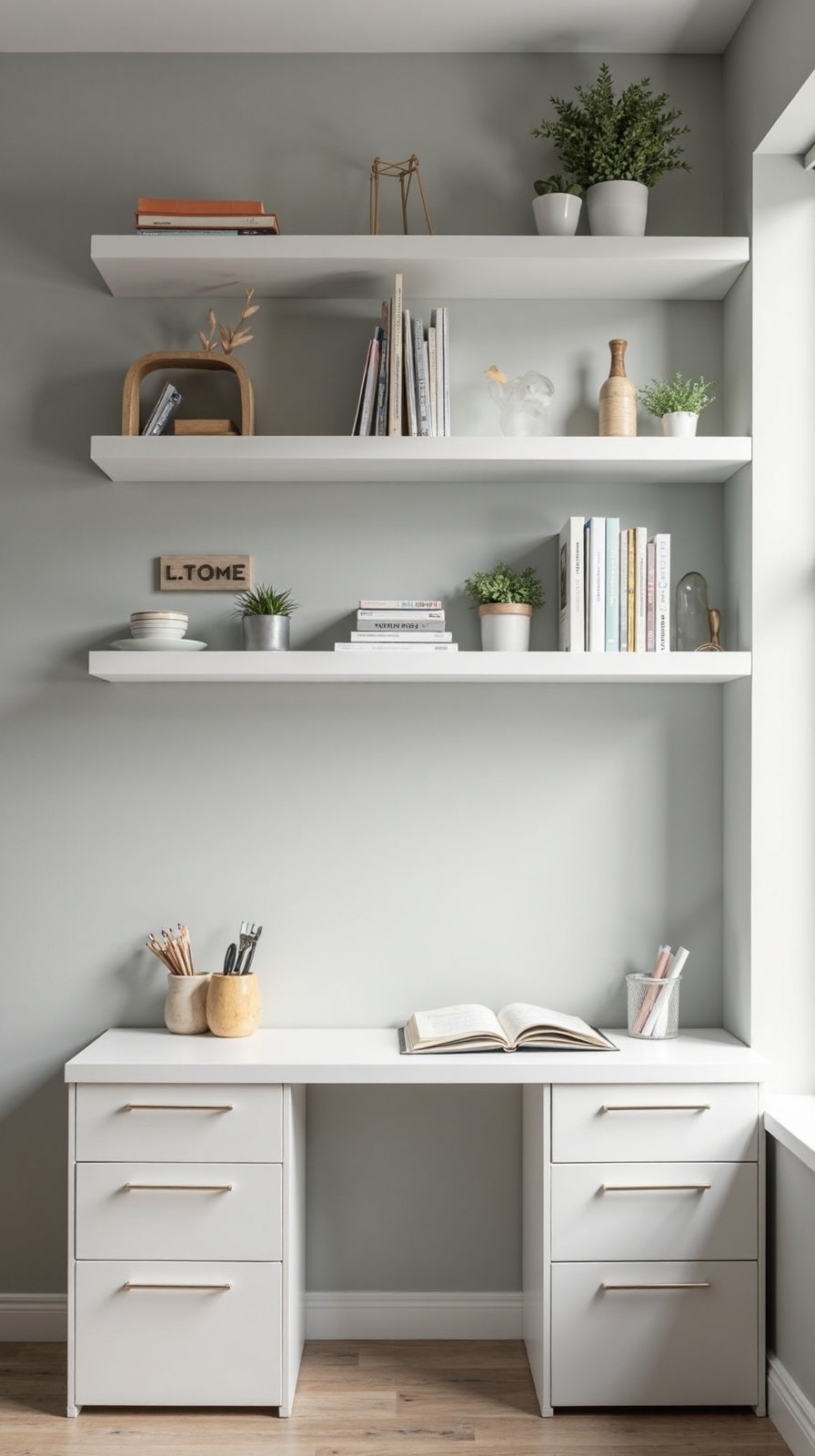
When floor space feels cramped in your home office, your walls offer unlimited potential for smart storage solutions. Floating shelves create clean lines while providing essential storage without overwhelming your workspace. Install them at eye level for frequently used items like reference books and office supplies.
Wall-mounted cabinets with doors keep clutter hidden while maintaining your office’s professional appearance. You’ll free up precious desk surface area for actual work tasks. Don’t forget to leverage corner shelving systems that transform awkward angles into productive storage zones.
Combine vertical storage with ground-level solutions by choosing desks that optimize under desk drawers for documents and equipment. This layered approach maximizes every inch of available space, giving you the organized, efficient workspace you need to accomplish your goals.
Implement a Desktop Filing System With Labeled Folders

Although digital tools dominate modern workspaces, a well-organized desktop filing system remains your most reliable solution for managing physical documents efficiently. You’ll regain control over paper clutter while creating instant access to important materials.
Start by choosing a desktop file organizer that fits your workspace dimensions and document volume. Sort documents by category into distinct groups: invoices, contracts, tax records, and project files. Label color coded folders for each category—use red for urgent items, blue for financial documents, and green for completed projects.
Position frequently accessed folders at the front of your system. Create subcategories within broader topics to prevent overcrowding. Modify worn labels immediately to maintain clarity. This systematic approach converts chaotic paper piles into an organized reference system you’ll actually use.
Use Drawer Dividers to Separate Small Office Supplies
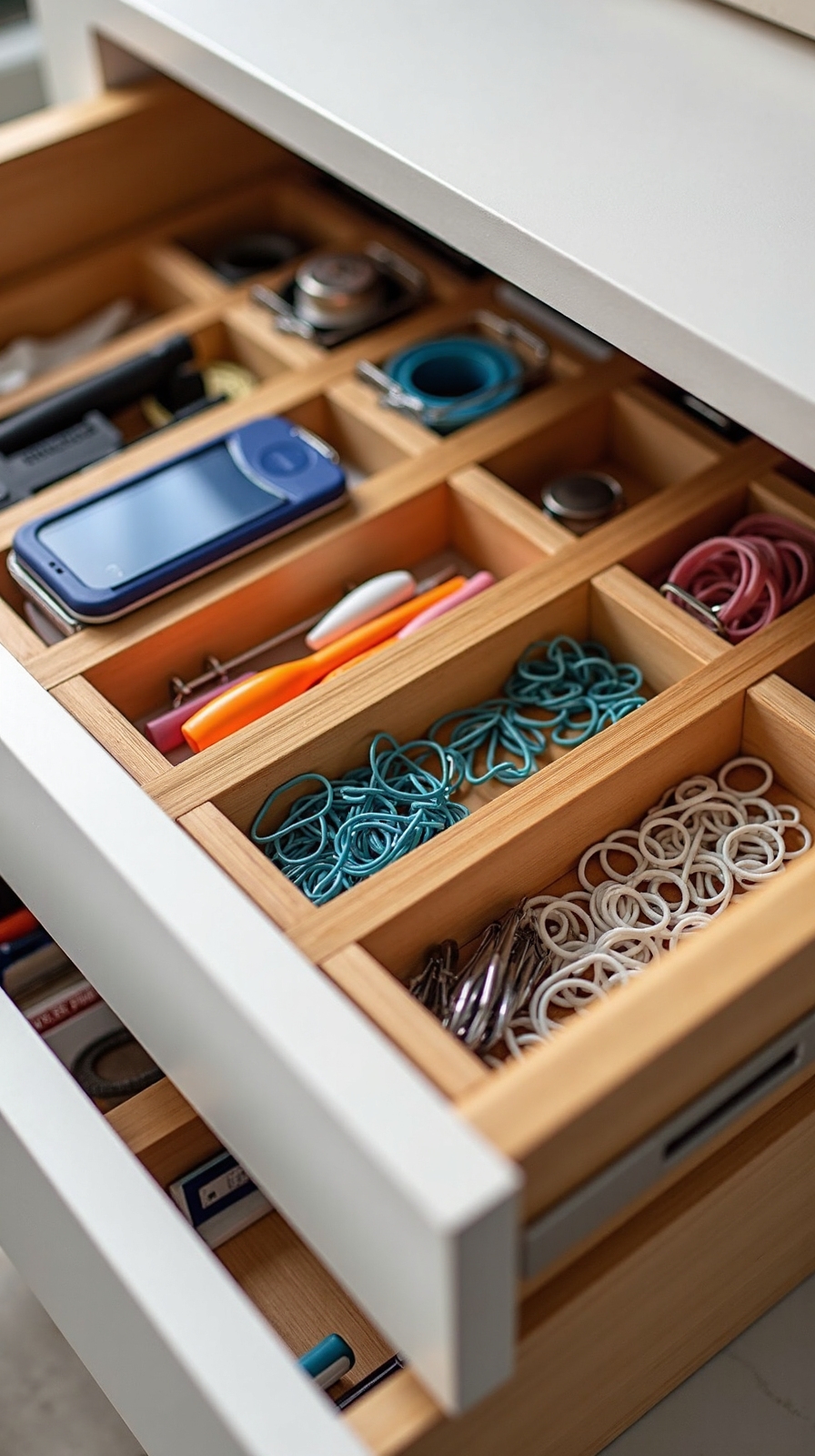
While your filing system handles larger documents, your desk drawers likely contain a jumbled mess of paper clips, rubber bands, and sticky notes that waste precious time during busy workdays. Reconfigure these chaotic spaces into organized zones that free you from endless searching.
Adjustable drawer dividers create separate compartments for each supply category, letting you customize your storage system exactly how you need it. You’ll find pens in one section, pushpins in another, and binder clips exactly where you left them. Choose dividers with custom divider sizes that fit your specific drawer dimensions perfectly.
Start by measuring your drawers, then select expandable dividers that adjust to create the perfect compartment sizes. Group similar items together—writing tools, fasteners, and adhesives each get their own designated space for maximum efficiency.
Install Cable Management Solutions to Eliminate Cord Chaos
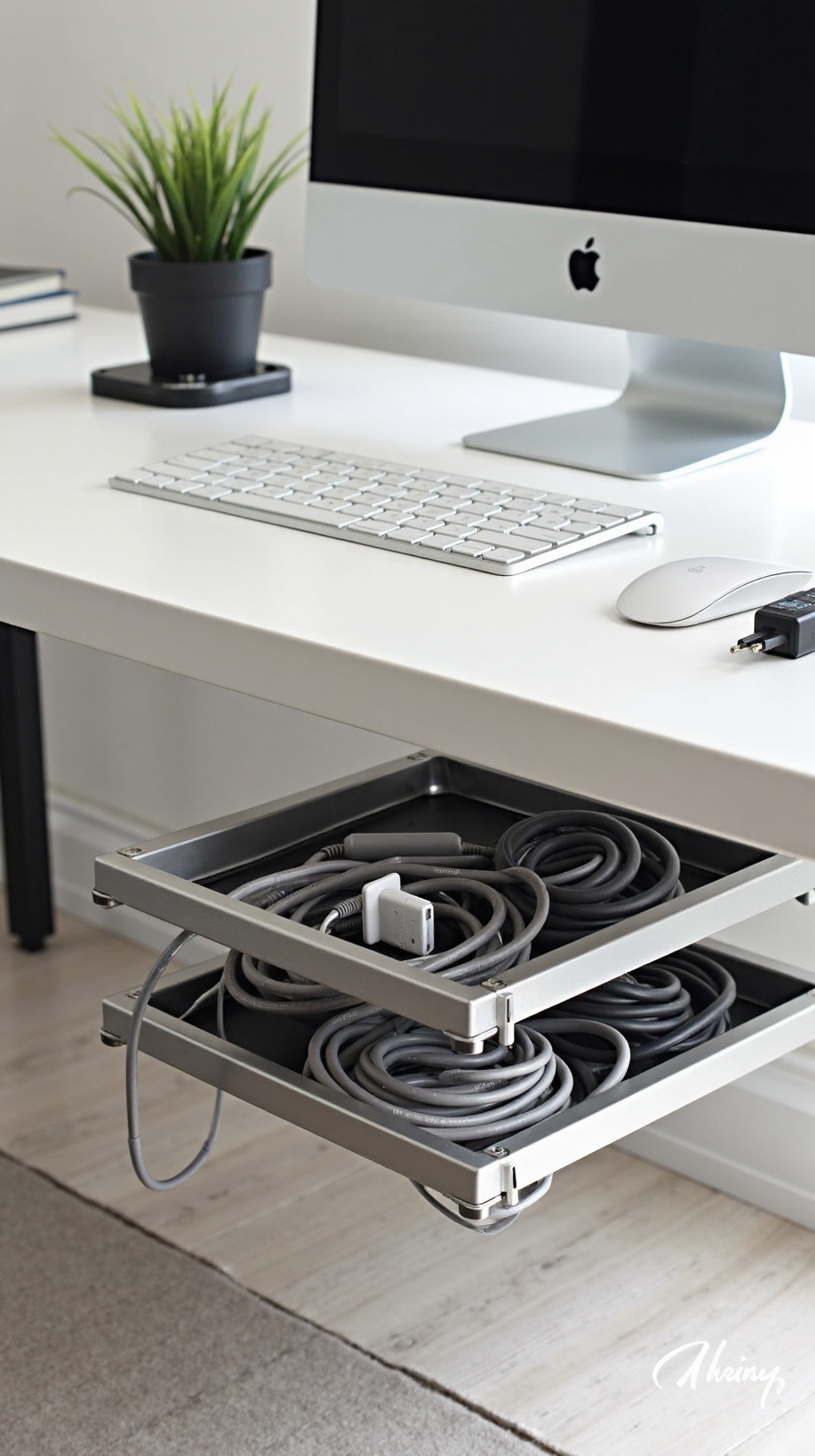
Tangled cables beneath your desk create visual clutter and make it nearly impossible to identify which cord belongs to which device when you need to troubleshoot or reorganize. Cable management tools convert this chaotic mess into an organized system that’ll give you back control of your workspace.
Start with adhesive cable clips that mount along your desk’s edge for discrete wire routing. These small solutions guide individual cords exactly where you want them. Under-desk cable trays offer another effective approach, creating a hidden highway for multiple wires running between your computer and peripherals.
For power cords, invest in a cable management box that conceals power strips while maintaining easy access. Velcro ties bundle similar cables together, preventing the tangled web that forms naturally over time.
Create a Command Center With Cork Boards and Magnetic Strips
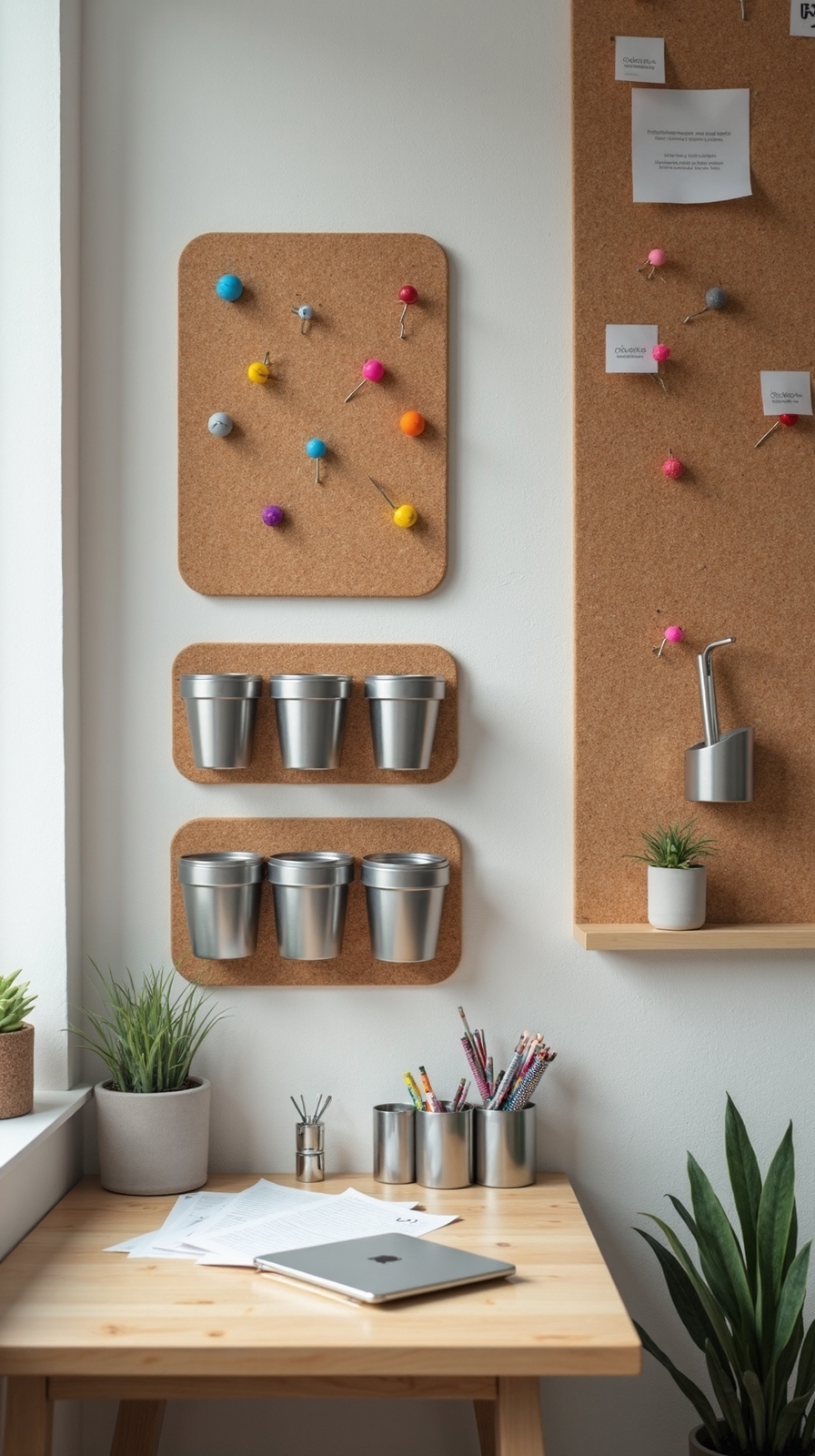
When important documents, cues, and office supplies lack a designated home, they scatter across your desk and create unnecessary stress during busy workdays. Transform your wall into a functional command center using cork boards and magnetic strips to reclaim your workspace freedom.
Install a large cork board above your desk for pinning project timelines, inspiration photos, and urgent prompts. Add color coded labels to categorize different types of information—red for deadlines, blue for ongoing projects, green for completed tasks.
Mount magnetic memo boards alongside your cork board to hold metal items like scissors, paper clips, and small tools. These boards also work perfectly for displaying notes written on magnetic-backed paper. Position both organizational tools at eye level for easy access while maintaining your productivity flow throughout the day.
Invest in Multi-Functional Furniture With Built-In Storage
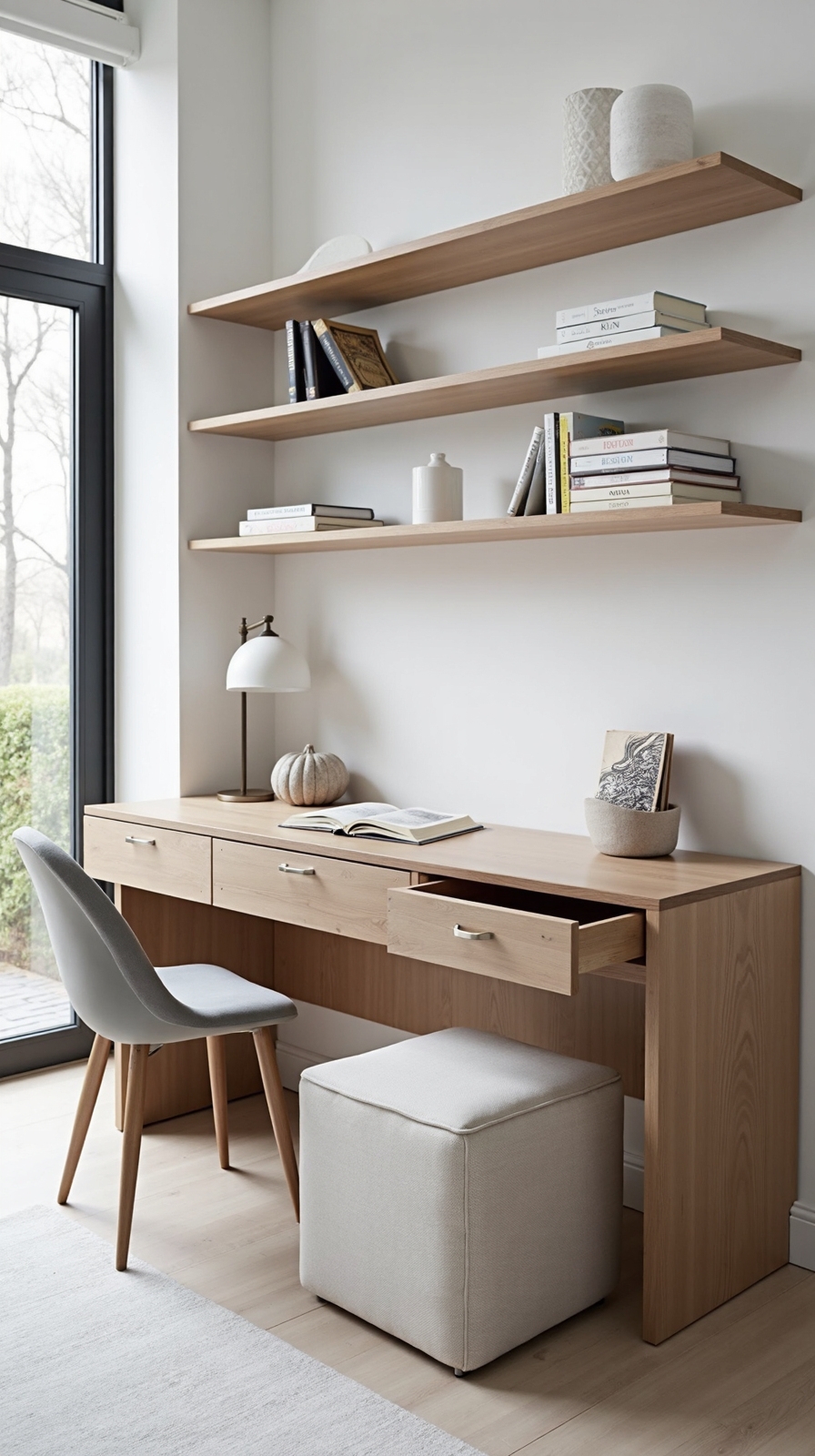
Since space constraints challenge most home offices, multi-functional furniture becomes your secret weapon for optimizing both storage capacity and workspace efficiency. Look for desks with built-in drawers, filing cabinets, and hidden compartments that keep essential supplies within arm’s reach while maintaining a clean workspace appearance.
Modular storage units offer incredible flexibility, allowing you to reconfigure components as your needs evolve. Choose pieces that can serve double duty—ottomans with interior storage, bookcases that function as room dividers, or coffee tables with lift-top surfaces revealing hidden storage compartments.
Adjustable shelving solutions adapt to your changing requirements, accommodating everything from binders to decorative items. Invest in furniture with wheels for easy repositioning, creating the freedom to alter your office layout whenever inspiration strikes.
Designate Specific Zones for Different Work Activities
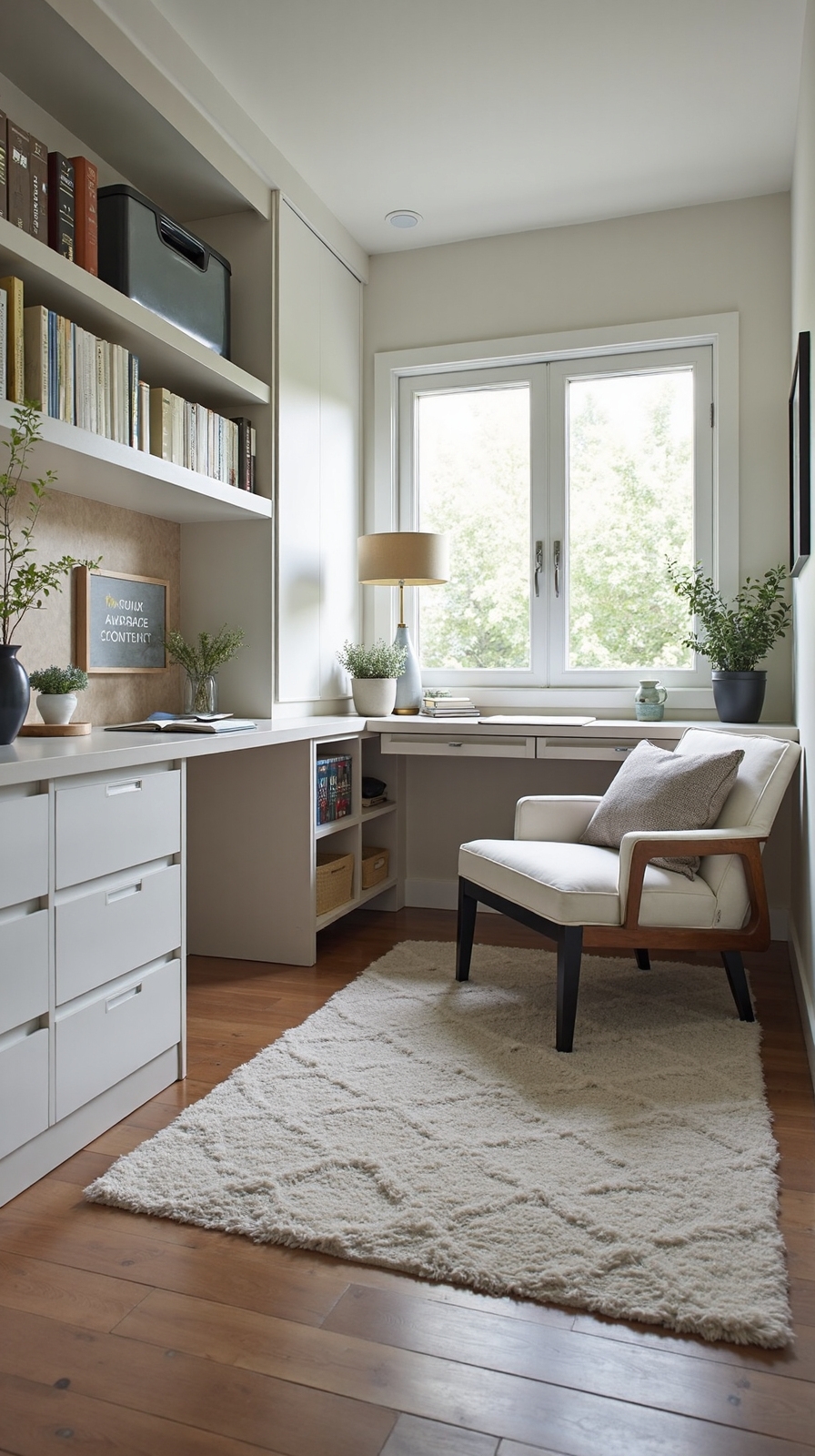
Creating distinct activity zones alters your home office from a chaotic multipurpose room into an organized productivity powerhouse that supports your various work tasks. You’ll establish better focus and streamline your workflow when you create designated work zones for specific activities.
Set up three primary areas: a computer station for digital tasks, a planning corner for brainstorming and task prioritization, and a reference zone for filing and storage. Position your most-used supplies within arm’s reach of each zone to minimize disruptions.
Consider your natural work patterns when designing these spaces. If you’re most creative in the morning, place your planning area near natural light. You’ll uncover that designated work zones eliminate decision fatigue and help you pivot smoothly between different types of work throughout your day.
Utilize Under-Desk Storage Containers and Rolling Carts
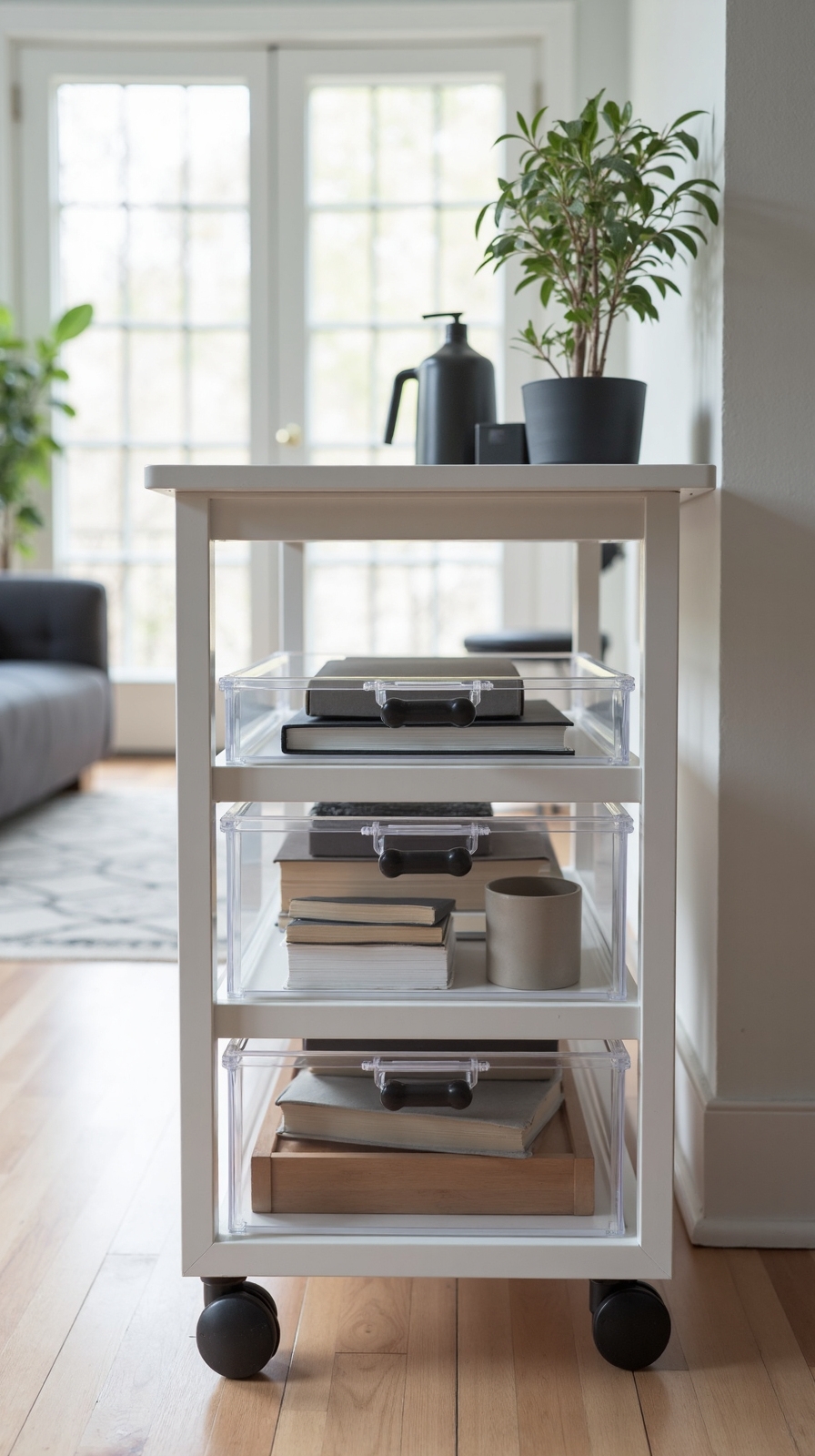
The space beneath your desk represents untapped storage potential that can dramatically reduce clutter while keeping essential supplies accessible during your workday. Rolling carts offer flexible storage that moves with you, allowing quick access to frequently used items without leaving your workspace. Choose carts with multiple tiers to separate office supplies, files, and personal items efficiently.
Under desk shelves maximize vertical space while maintaining legroom, creating designated spots for books, binders, and equipment. Install adjustable shelving units that accommodate items of varying heights. Storage ottomans serve dual purposes by providing comfortable seating for guests while concealing supplies, paperwork, or seasonal materials inside. Position these versatile pieces strategically around your office to maintain easy access while preserving your workspace’s clean, professional appearance.
Mount Monitor Arms to Free Up Valuable Desk Real Estate
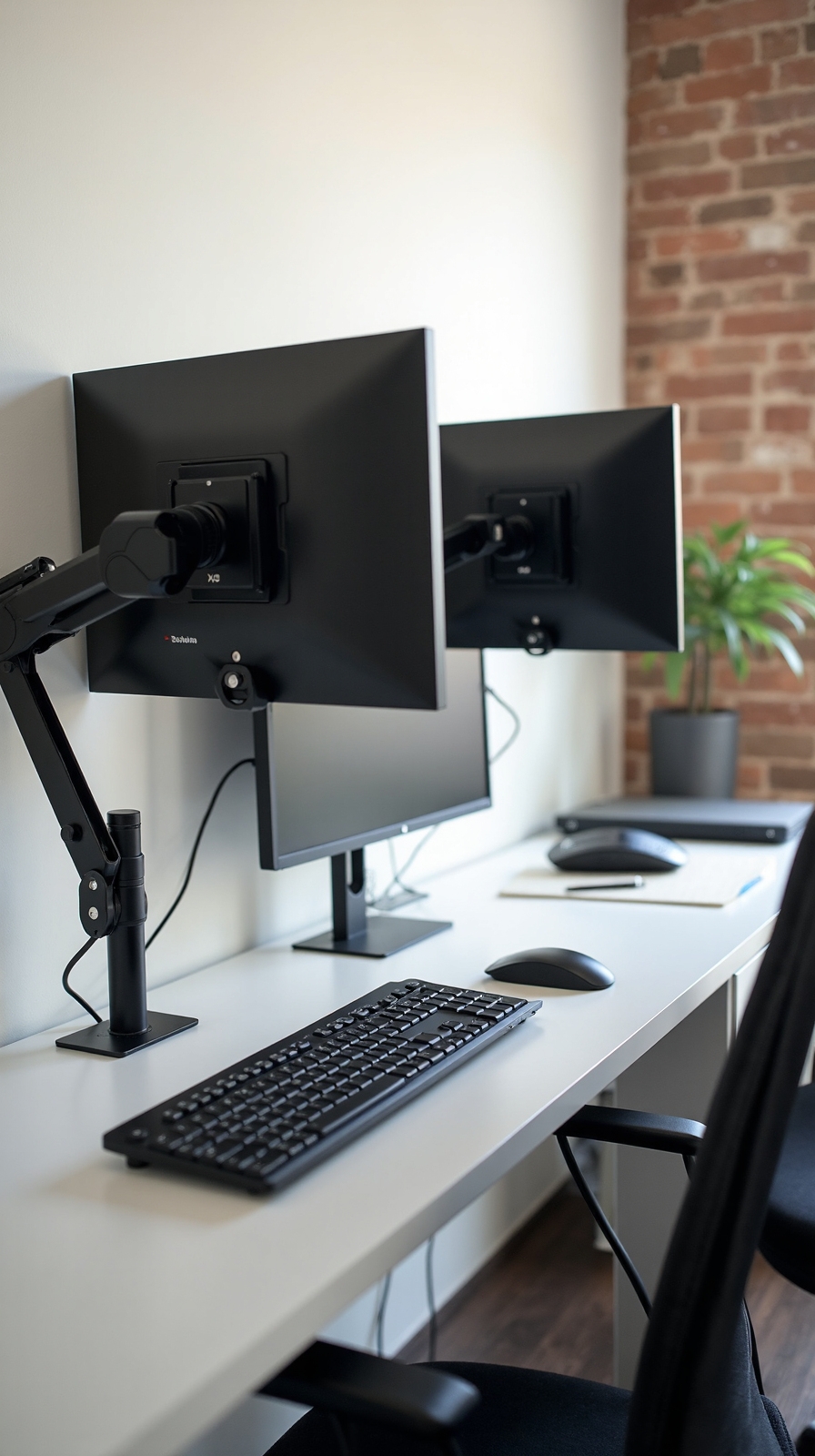
When you raise your monitor off the desk surface using adjustable arms, you’ll immediately reclaim precious workspace that was previously occupied by bulky monitor stands or bases. This newfound freedom transforms your desk into a versatile work area where you can spread out documents, add storage accessories, or simply enjoy cleaner visual lines.
Monitor arms offer adjustable monitor height positioning, letting you customize your screen’s vertical placement for ideal ergonomics and comfort. You’ll reduce neck strain while creating the perfect viewing angle for extended work sessions.
The monitor rotation capabilities allow you to switch between landscape and portrait orientations effortlessly. This flexibility proves extremely valuable when reviewing documents, coding, or working with vertical content layouts that demand different screen perspectives for maximum productivity.
Establish a Paper Management System With Inbox Trays
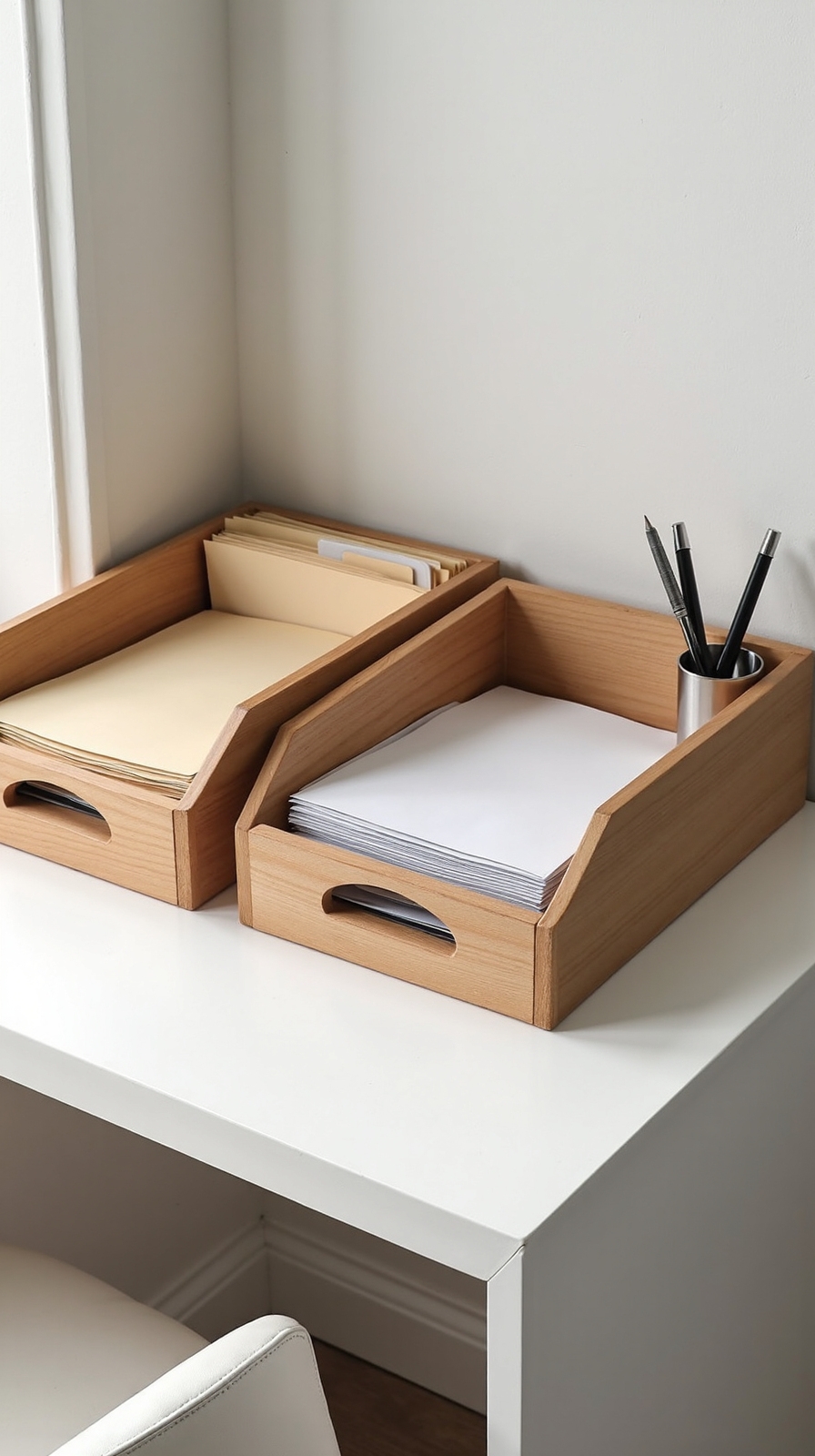
While digital workflows dominate modern offices, physical documents still require systematic organization to prevent desk clutter and missed deadlines. You’ll regain control over paperwork chaos by implementing a simple three-tray system that keeps important documents visible and accessible.
Set up labeled trays for “Action Required,” “Pending Review,” and “File Later” to categorize documents effectively. This approach prevents papers from accumulating in random piles across your workspace. You’ll establish labeling system consistency by using clear, bold text that’s easily readable from your seated position.
Place the most urgent tray closest to your dominant hand for quick access throughout your workday. Review each tray weekly to move documents through your workflow efficiently, ensuring nothing gets buried or forgotten in your organized system.
Add Over-Door Organizers for Frequently Used Items
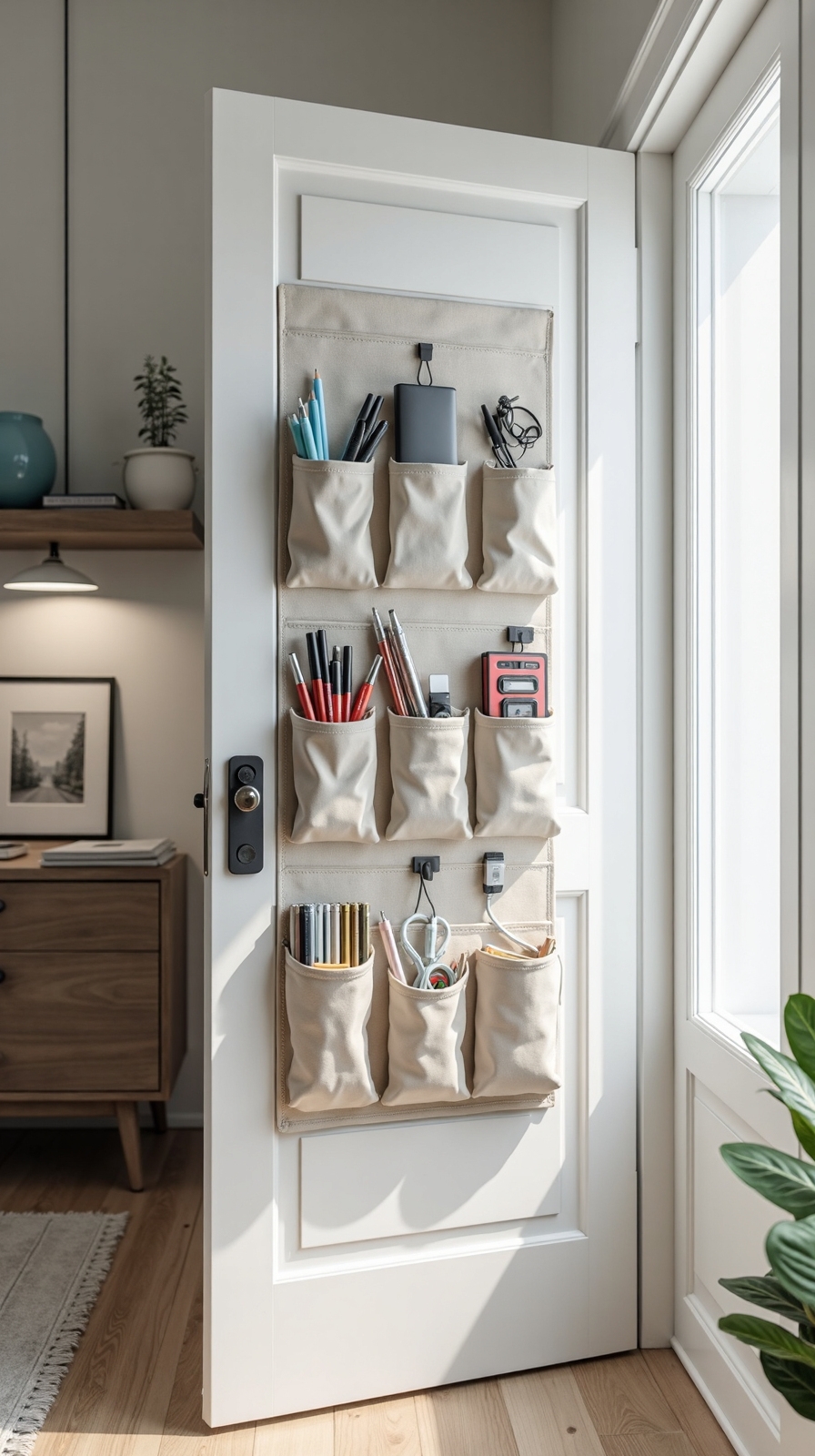
Beyond managing paperwork efficiently, you’ll maximize your home office’s vertical storage potential by installing over-door organizers that keep essential supplies within arm’s reach. These space-saving solutions convert unused door areas into functional storage zones without requiring wall modifications or permanent installations.
Over the door shelves work perfectly for storing notebooks, planners, and reference materials you access daily. Choose clear pockets that let you see contents instantly, or opt for fabric organizers with multiple compartments for pens, sticky notes, and charging cables.
Hanging door organizers excel at organizing cleaning supplies, extra printer paper, or personal items like headphones and phone chargers. Position them at eye level for easy access, and select models with adjustable hooks that won’t damage your door frame while supporting your productivity goals.
Use Clear Containers to Store and Display Office Materials

Since clear containers eliminate guesswork and create visual organization systems, you’ll enhance cluttered desk drawers and shelves into streamlined storage solutions that convert productivity. You’ll instantly locate pens, paper clips, and sticky notes without rummaging through mysterious boxes.
Start with labeled storage bins for larger items like printer paper, folders, and reference materials. Position these containers on shelves where you can easily see contents at a glance. Clear desk organizers work perfectly for daily essentials like writing utensils, business cards, and charging cables.
Choose stackable options to maximize vertical space while maintaining easy access to frequently used supplies. You’ll appreciate how transparent walls let you monitor inventory levels and prevent overbuying duplicate items. This system alters chaotic storage areas into efficient workspaces.
Install Pegboard Systems for Customizable Tool Storage
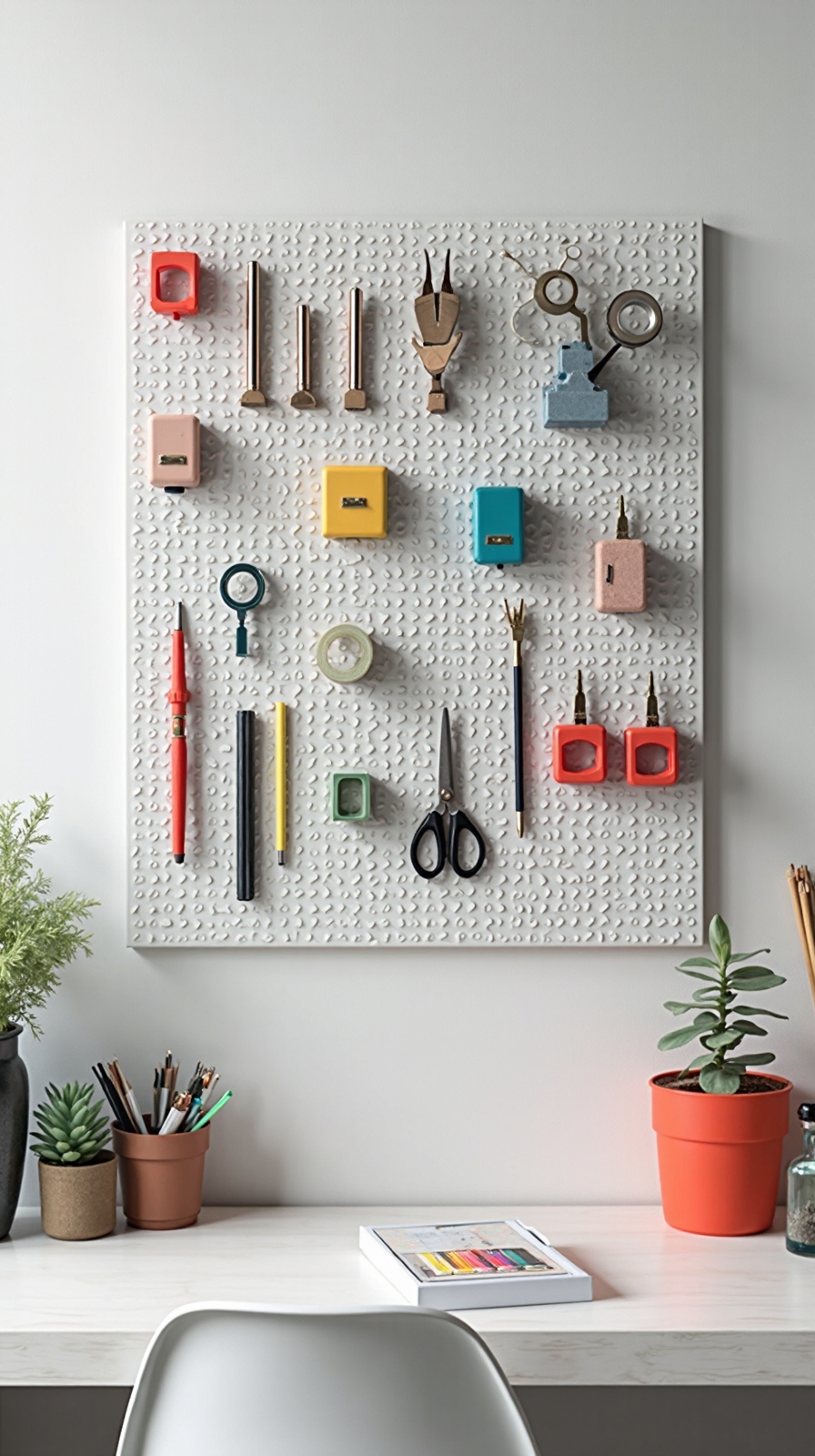
Pegboard systems alter blank wall space into fluid storage solutions that adapt to your changing office needs and workflow requirements. You’ll uncover unlimited flexibility when arranging hooks, shelves, and containers exactly where you need them most.
Choose metal or wooden peg boards for accessories like scissors, rulers, staplers, and cable organizers. Position frequently used items at eye level while storing seasonal supplies higher up. The modular design means you can reconfigure your peg board accessory storage whenever your projects change.
Install pegboards above your desk or along entire walls for maximum impact. Add small bins for paper clips, USB drives, and charging cables. Label each section to maintain your system’s effectiveness. This approach remodels chaotic drawers into visible, accessible storage that evolves with your work style.
Create a Mobile Supply Station With a Wheeled Cart
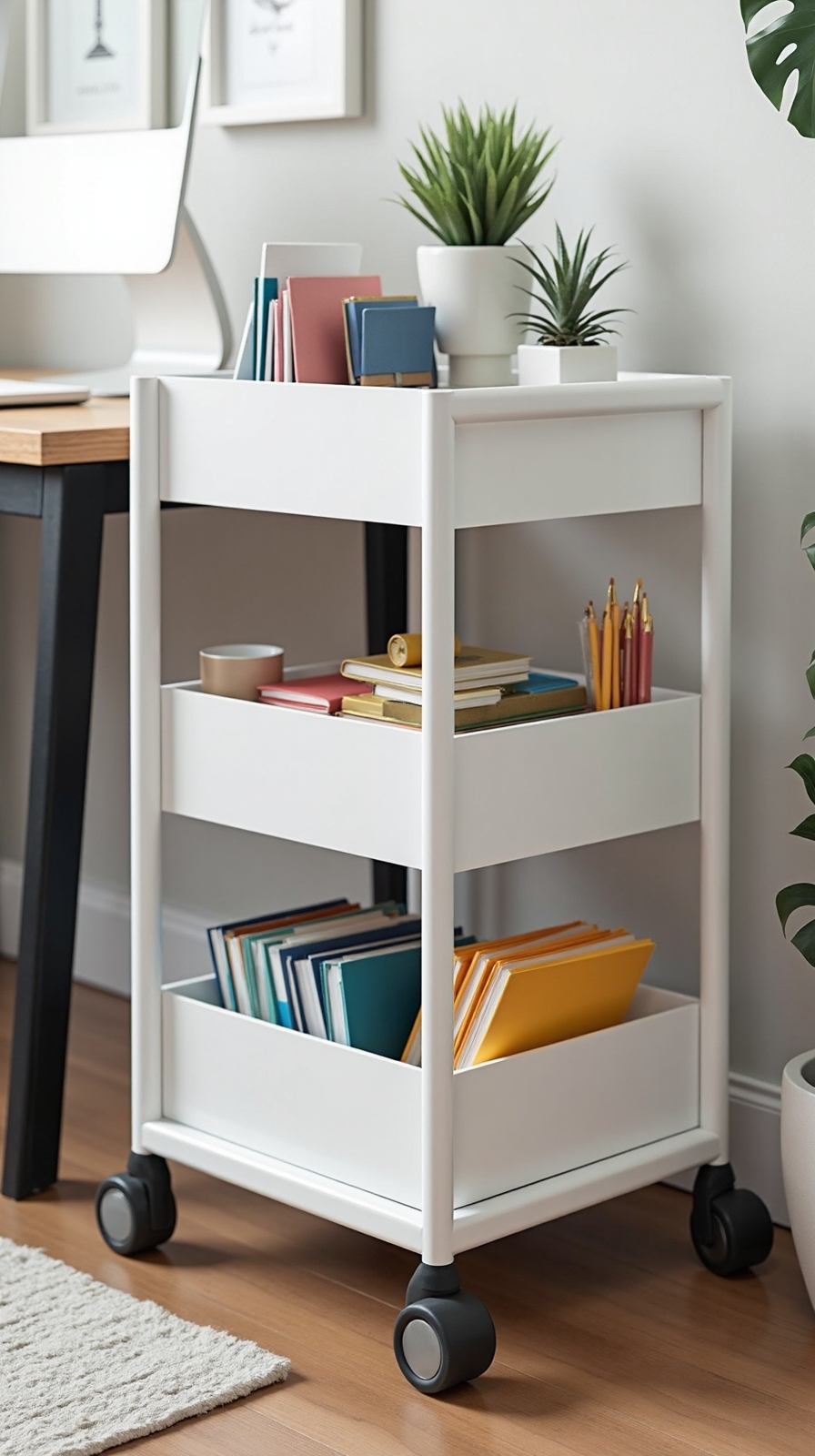
When your office supplies need to travel between different workspaces, a wheeled cart metamorphoses into your most versatile organizational ally. This portable storage solution adapts to your changing workflow demands while keeping essential items within arm’s reach.
Choose a three-tier cart with sturdy wheels that can maneuver carpets and hardwood floors smoothly. Stock the top tier with daily essentials like pens, sticky notes, and your coffee mug. Dedicate the middle section to project-specific materials that shift throughout your week. Reserve the bottom shelf for reference books or backup supplies.
Your mobile workstation setup becomes priceless during video calls when you need quick access to documents or presentation materials. You’ll appreciate the freedom to reposition your supplies instantly, whether you’re working from your desk, kitchen table, or outdoor patio.
Implement Digital File Organization to Reduce Paper Clutter
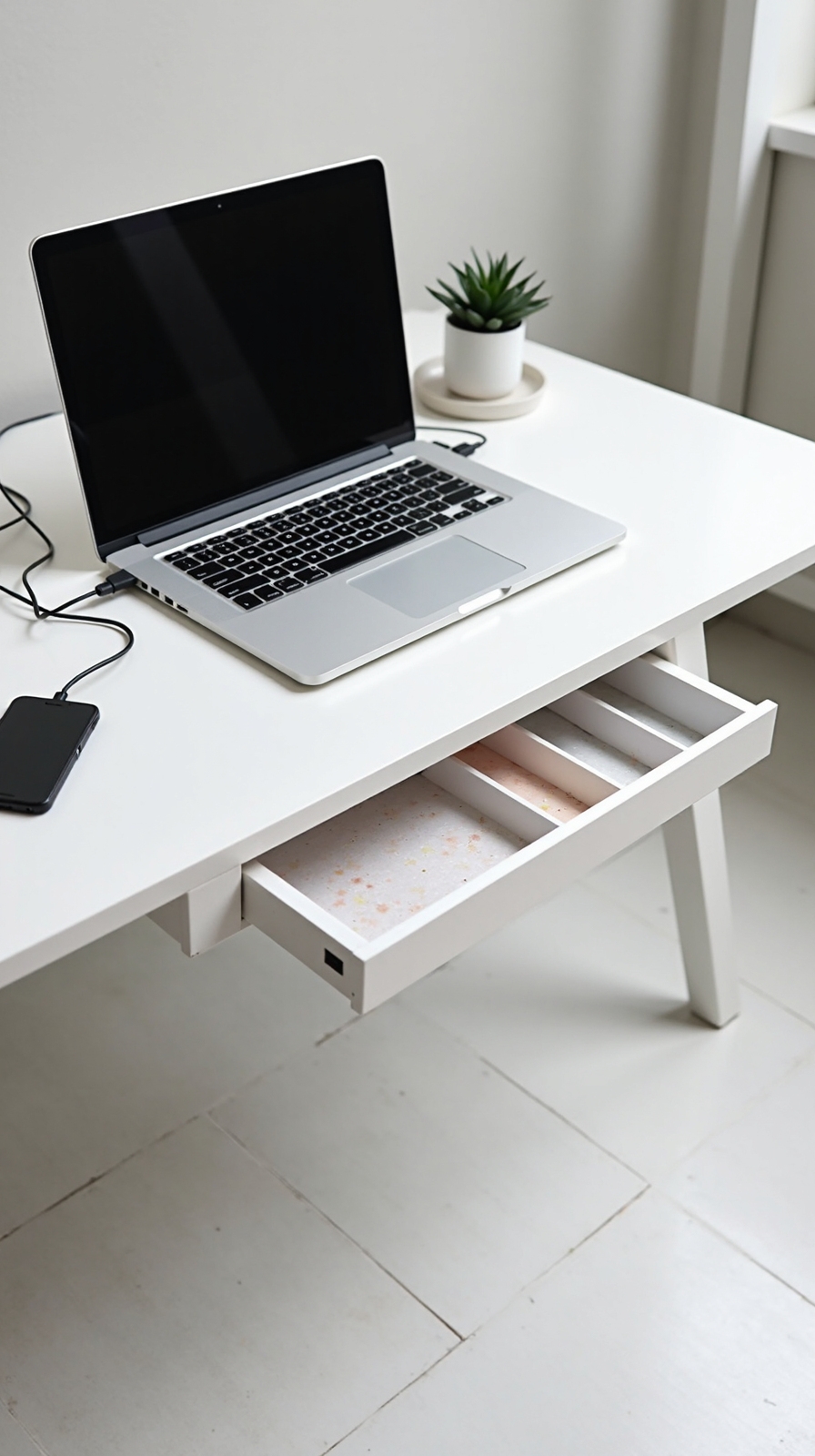
While your mobile cart handles physical supplies beautifully, converting your paper-heavy workspace into a streamlined digital environment will dramatically multiply your organizational success. You’ll break free from filing cabinet prison and create limitless storage space.
Start by scanning important documents using smartphone apps like Adobe Scan or CamScanner. Create logical folder structures on your computer with categories like “Taxes,” “Contracts,” and “Reference Materials.” Name files consistently using dates and descriptive keywords for instant retrieval.
Establish cloud-based backups through Google Drive, Dropbox, or OneDrive to access documents anywhere. Set up automatic syncing so you’re never tied to one location. Build a paperless workflow by immediately digitizing incoming mail and receipts. You’ll eliminate physical storage needs while gaining the freedom to work from anywhere with complete file access.
Design a Daily Reset Routine to Maintain Long-Term Organization
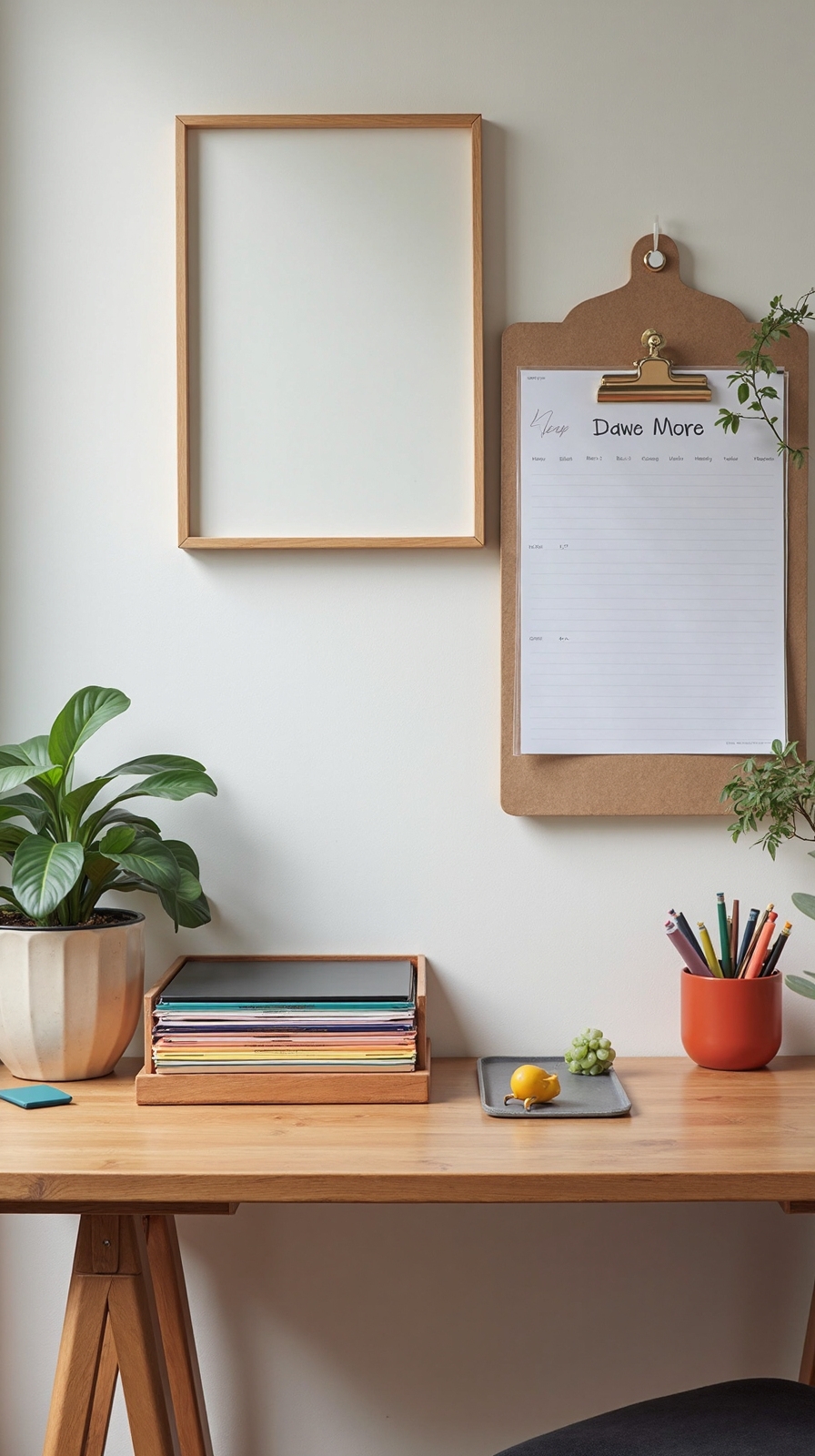
Even the most sophisticated home office systems will crumble without consistent daily maintenance that metamorphoses organization from a one-time project into an effortless habit.
Your daily reset checklist should include three essential steps that take less than fifteen minutes. First, clear your desk surface by returning items to their designated homes and filing loose papers immediately.
Second, empty your trash bins and recycling containers to prevent overflow buildup.
Third, implement an end of day decluttering routine by reviewing tomorrow’s priorities and preparing necessary materials in advance. This proactive approach eliminates morning scrambles and decision fatigue.
Set a specific time each evening for your reset routine, treating it like any important appointment. You’ll uncover that consistency transforms this process into an automatic behavior that preserves your workspace freedom.
Conclusion
You’ll change your home office into a productivity powerhouse by implementing these strategic organization solutions. Start with one or two ideas that address your biggest clutter challenges, then gradually add more systems as needed. Remember, consistency matters more than perfection—your daily reset routine will maintain the organized space you’ve created. With these tools and techniques, you’ll enjoy a cleaner, more efficient workspace that supports your professional success.