16 Home Office Table Setup Ideas That Keep You Focused and Efficient
Productivity skyrockets with these 16 proven home office table setups, but the most game-changing strategy isn’t what you’d expect.
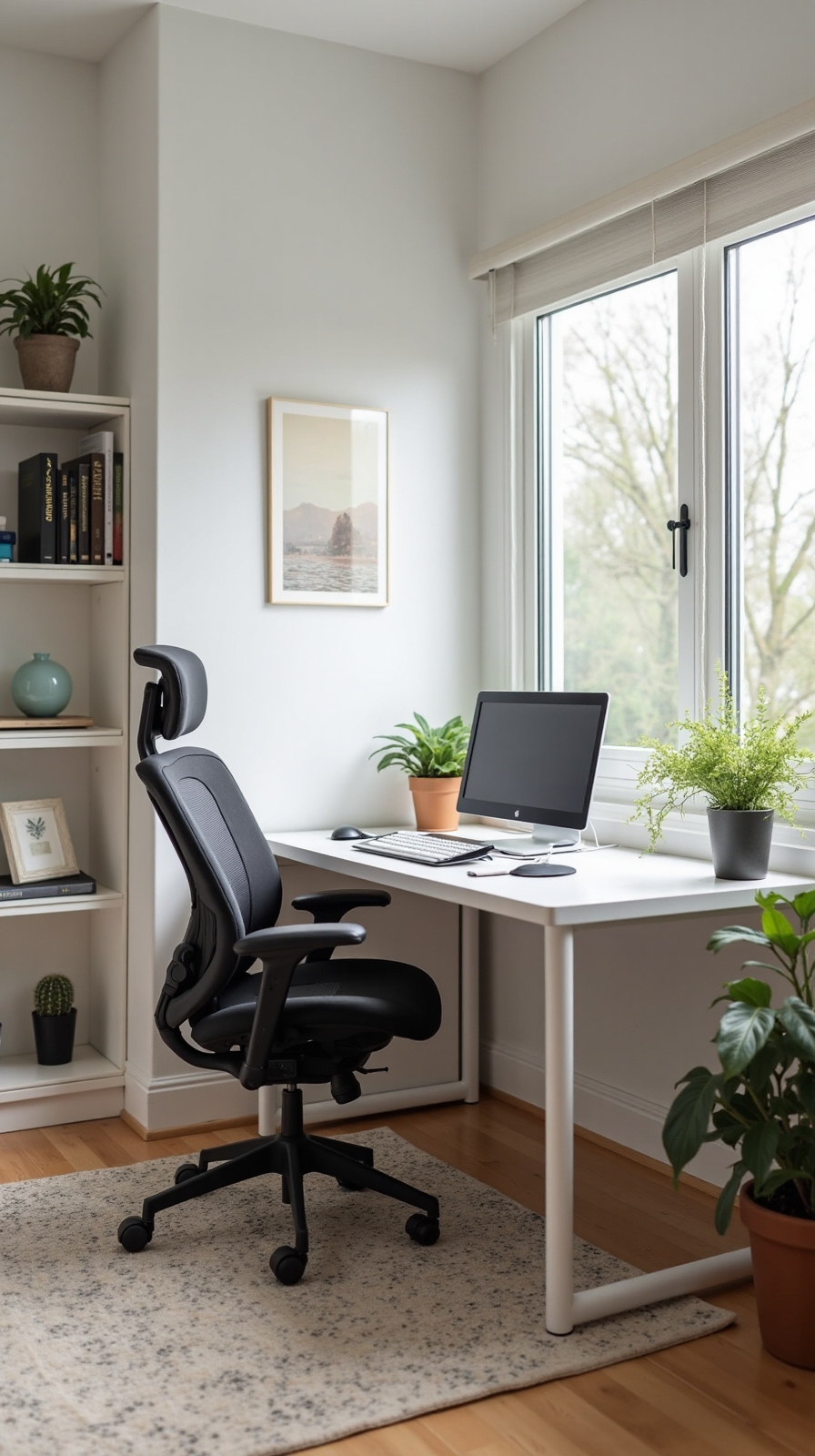
You’ll alter your work-from-home experience when you optimize your desk setup with strategic planning and smart organization. Your productivity depends heavily on how well you arrange your workspace, from cable management systems that eliminate clutter to monitor positioning that prevents neck strain. These sixteen proven setup strategies will help you create a focused environment where distractions fade away and efficiency naturally increases. The first step involves addressing the most overlooked element that’s probably sabotaging your concentration right now.
Create a Dedicated Cable Management System
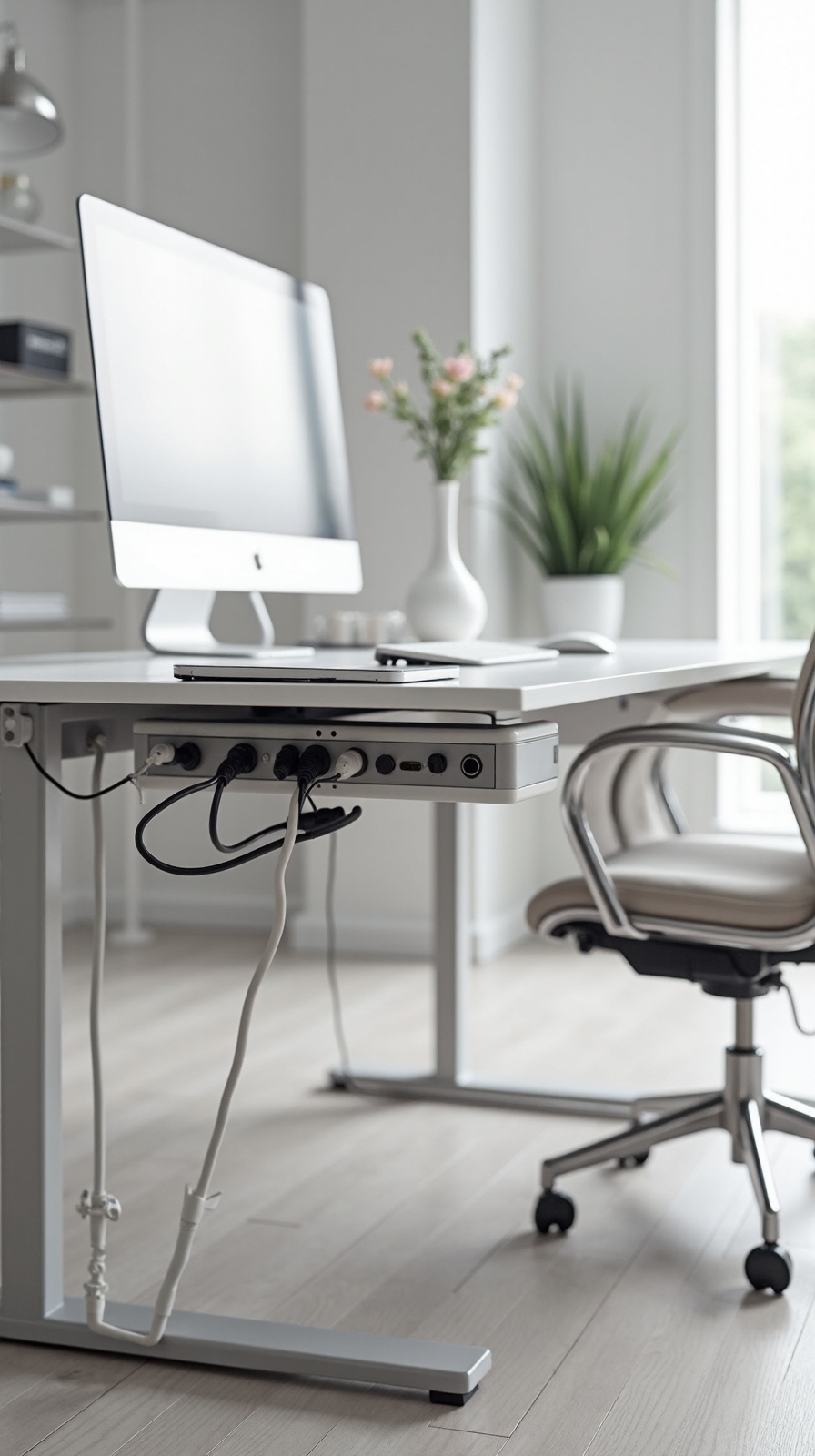
Nothing alters a cluttered home office faster than implementing a well-organized cable management system that keeps your workspace both functional and visually appealing. You’ll convert your desk from chaotic to professional by routing power cords, USB cables, and monitor connections through concealed cable trays mounted beneath your work surface.
Start by installing recessed power outlets directly into your desktop, eliminating the need for unsightly extension cords snaking across your floor. These flush-mounted outlets provide convenient access while maintaining clean lines throughout your workspace.
Next, secure adjustable cable trays along your desk’s underside to guide wires from your computer, printer, and charging stations. You’ll create defined pathways that prevent tangling while keeping everything easily accessible for future adjustments or equipment changes.
Position Your Monitor at Eye Level
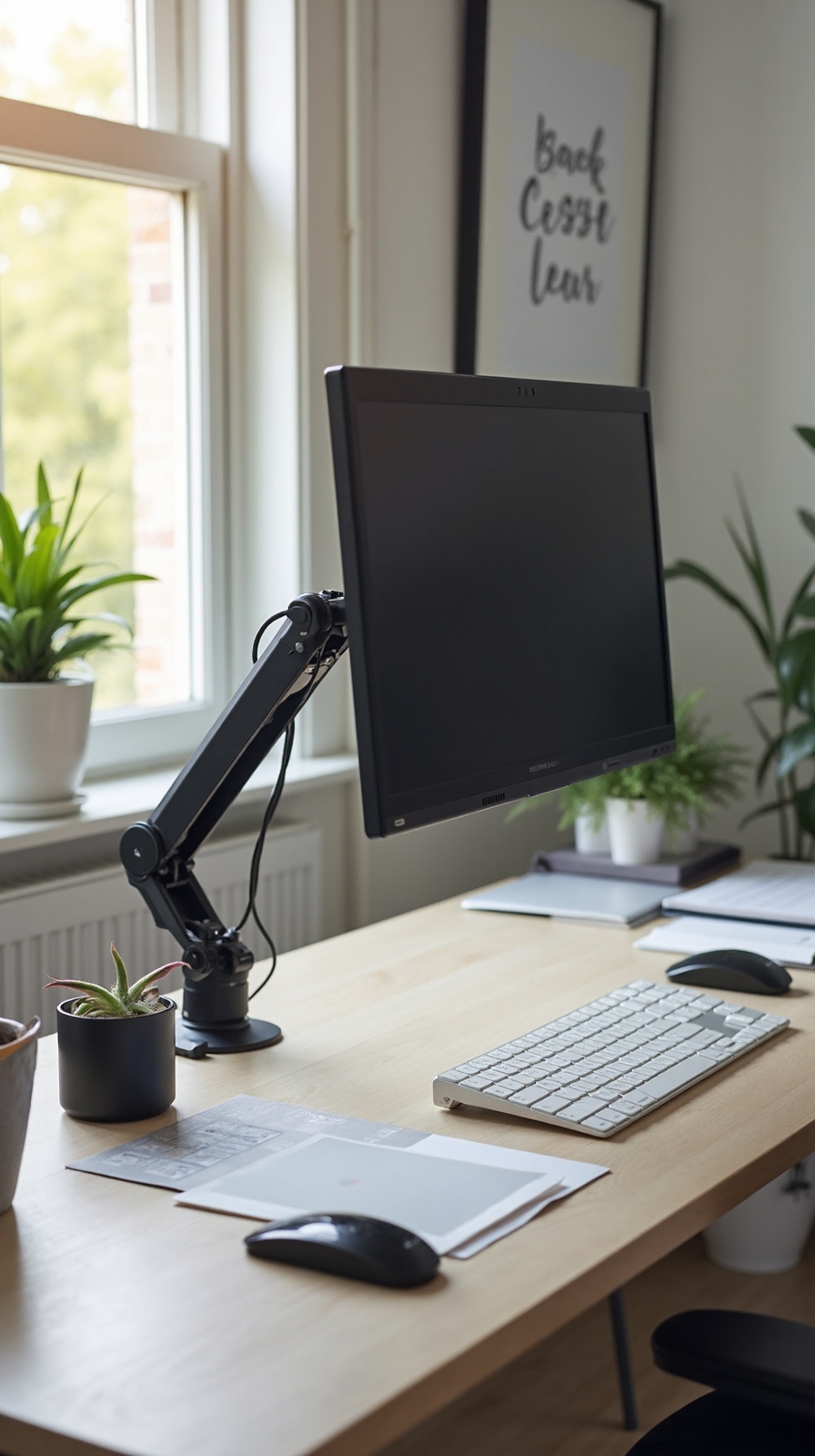
Proper monitor positioning enhances your home office experience by reducing neck strain and amplifying productivity throughout your workday. You’ll want to position your screen so the top edge sits at or slightly below eye level when you’re sitting upright. This natural viewing angle prevents you from tilting your head up or down repeatedly.
Adjust monitor distance to approximately arm’s length away—roughly 20 to 26 inches from your eyes. This spacing reduces eye fatigue while maintaining clear visibility of text and graphics. Use a monitor stand, adjustable arm, or stack books underneath your display to achieve the correct height.
Maintain proper posture by keeping your shoulders relaxed and your back straight against your chair. Your neck should remain in a neutral position, creating an invisible straight line from your ears to your shoulders.
Implement the Two-Monitor Setup Strategy
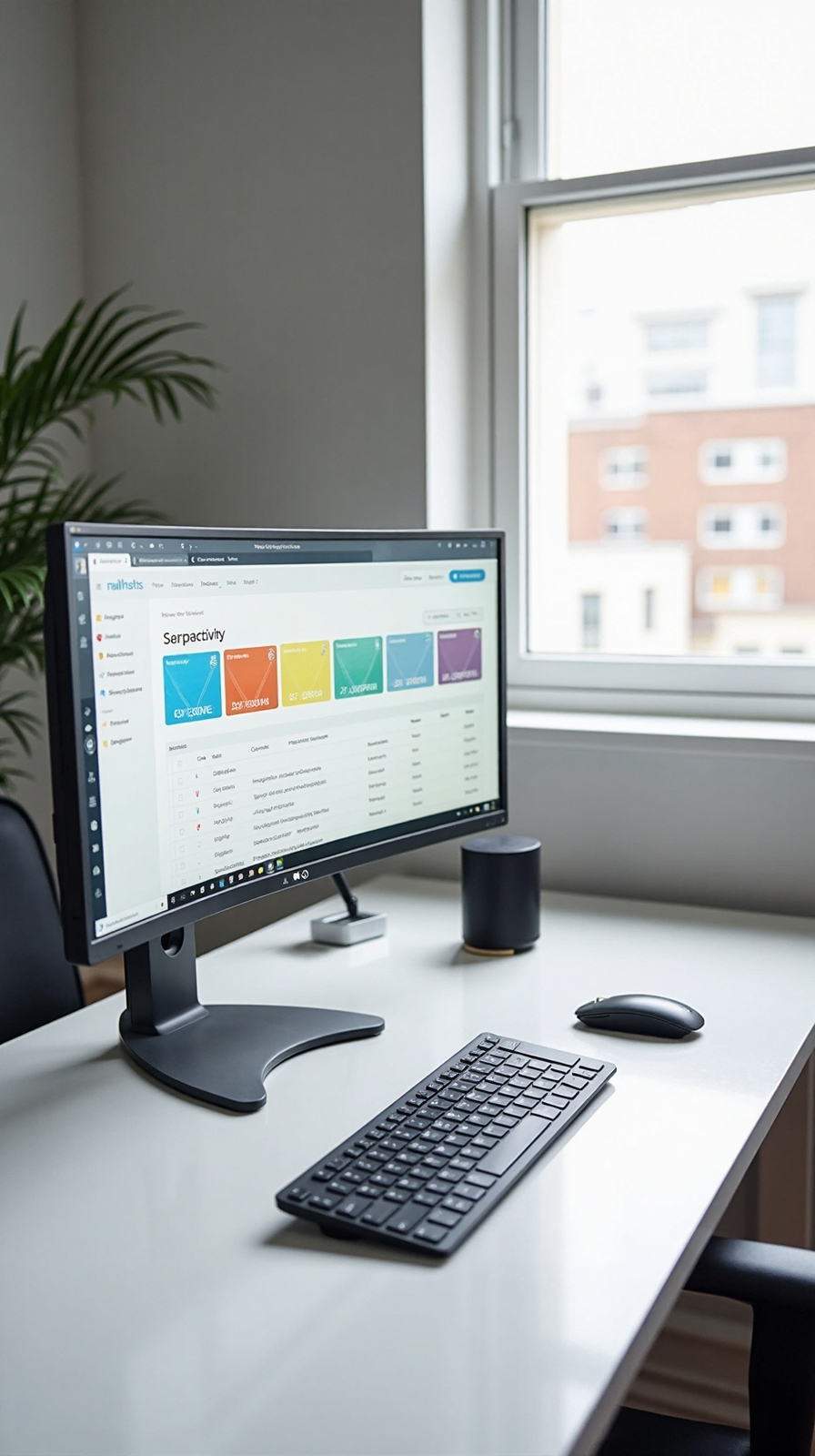
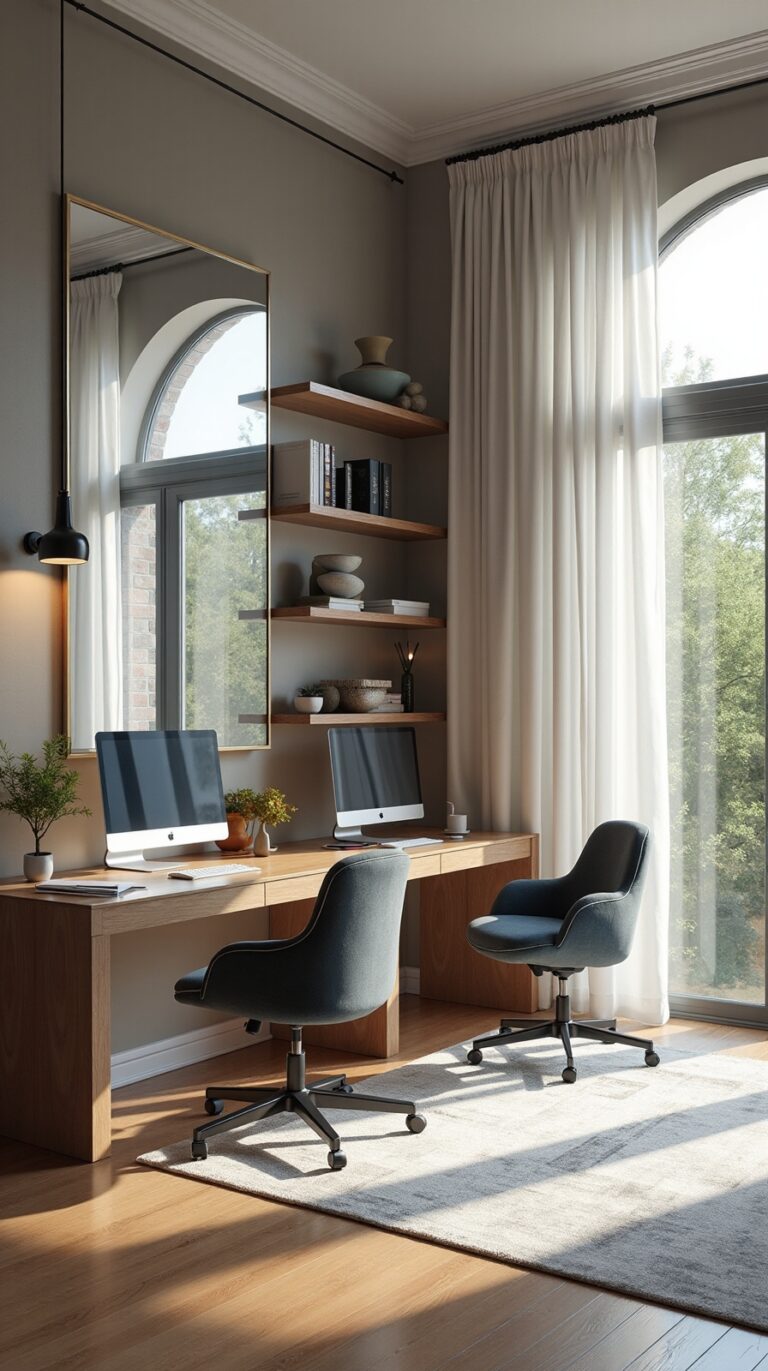
When you’re juggling multiple applications, spreadsheets, and communication tools throughout your workday, a dual-monitor configuration dramatically increases your efficiency and reduces the constant window-switching that slows down your workflow.
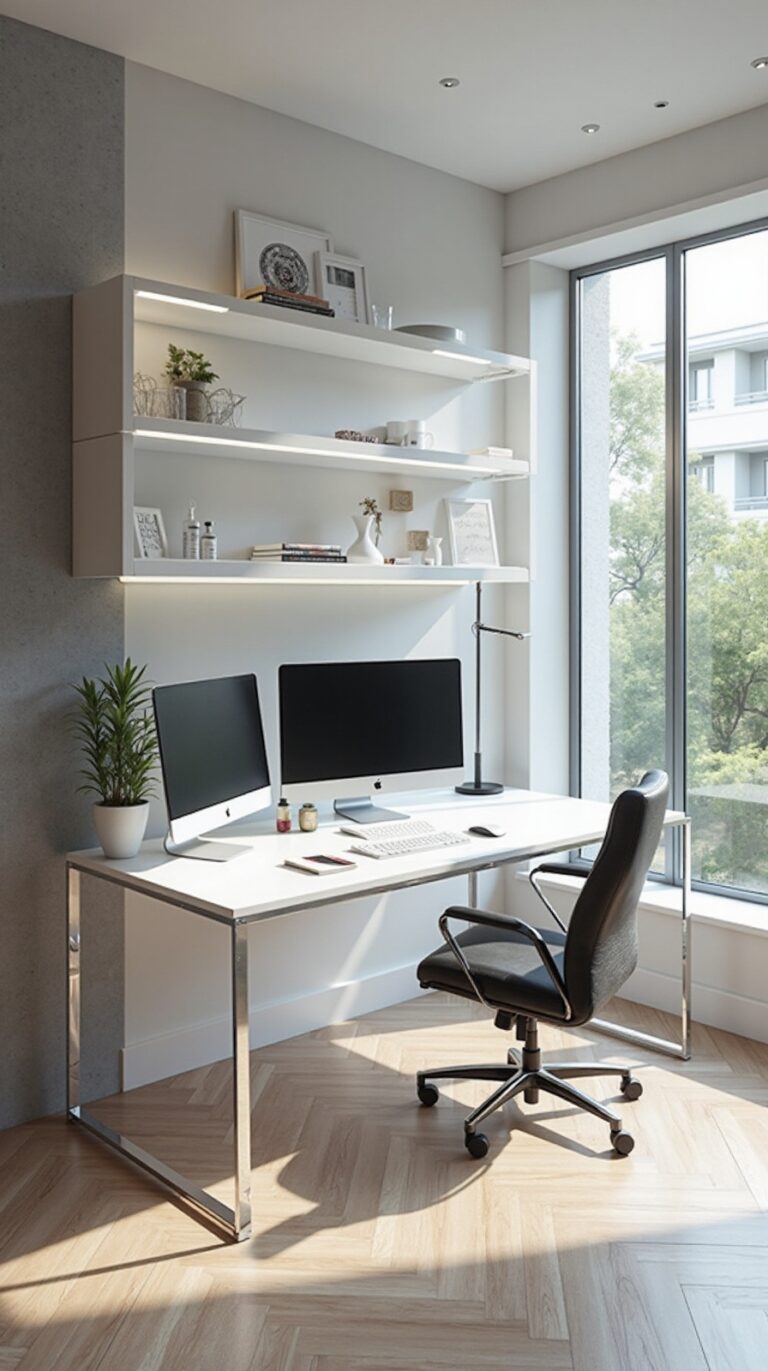
Position your primary monitor directly in front of you, with the secondary screen angled slightly inward at approximately 15-20 degrees to create a comfortable viewing arc.
For ideal ergonomic monitor placement, confirm both screens sit at identical heights with their top edges at or slightly below eye level. This prevents neck strain during extended work sessions.
Invest in monitors with monitor tilt adjustability features, allowing you to fine-tune each display’s angle based on your seating position and lighting conditions. You’ll uncover newfound freedom in multitasking without sacrificing comfort or productivity.
Design a Minimalist Desktop Surface
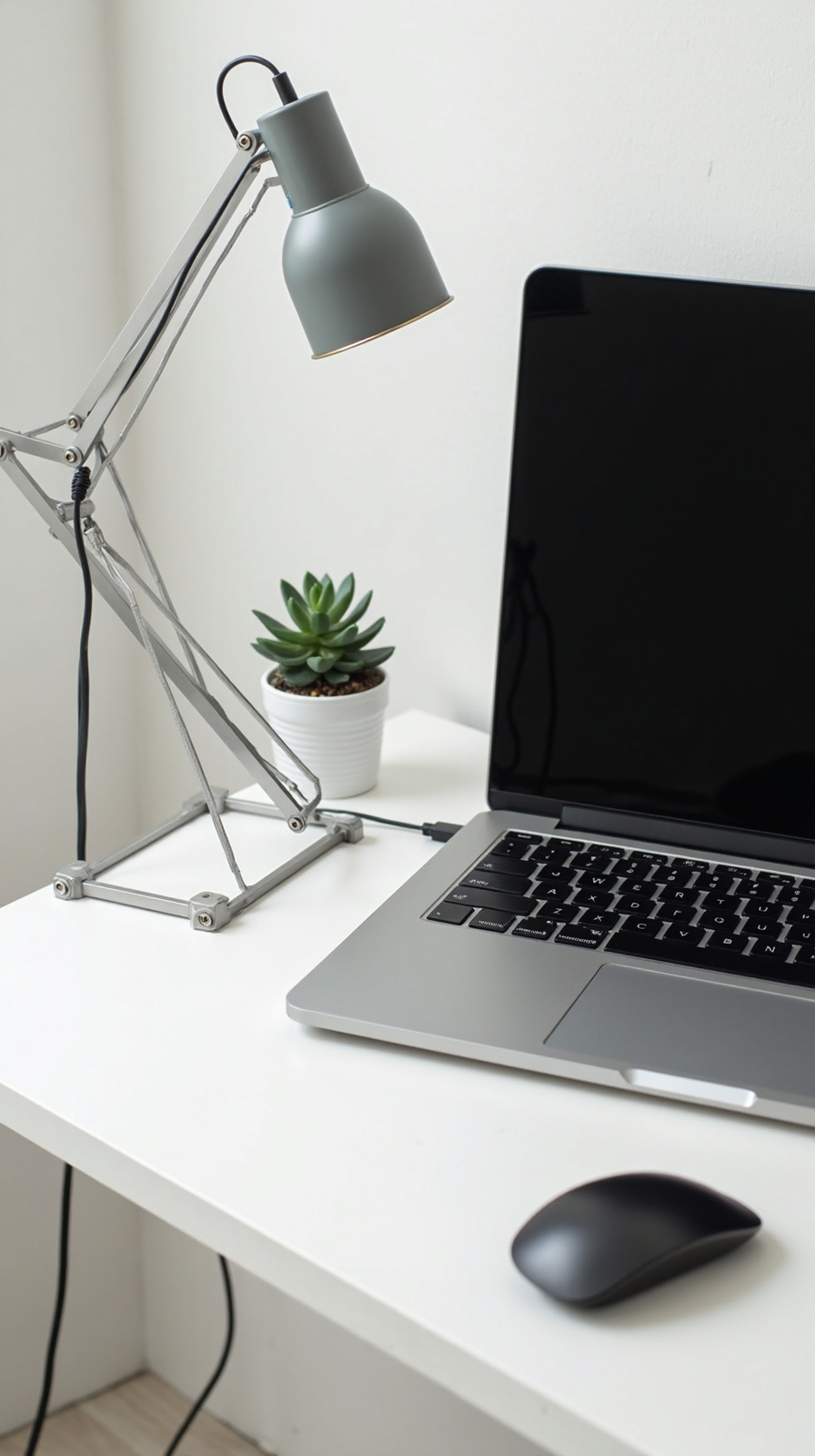
A clutter-free desktop surface amplifies the productivity benefits you’ve gained from your dual-monitor configuration by creating a focused workspace that supports clear thinking. Your clean desktop layout should include only essential items within arm’s reach: your keyboard, mouse, a notepad, and one pen.
Store cables underneath your desk using adhesive clips or a cable management tray. This approach maintains your minimalist design aesthetics while preventing visual distractions that fragment your attention.
Position a small plant or single decorative item in the corner to add warmth without creating chaos. Keep your coffee cup on a designated coaster away from electronics.
Install Proper Task Lighting
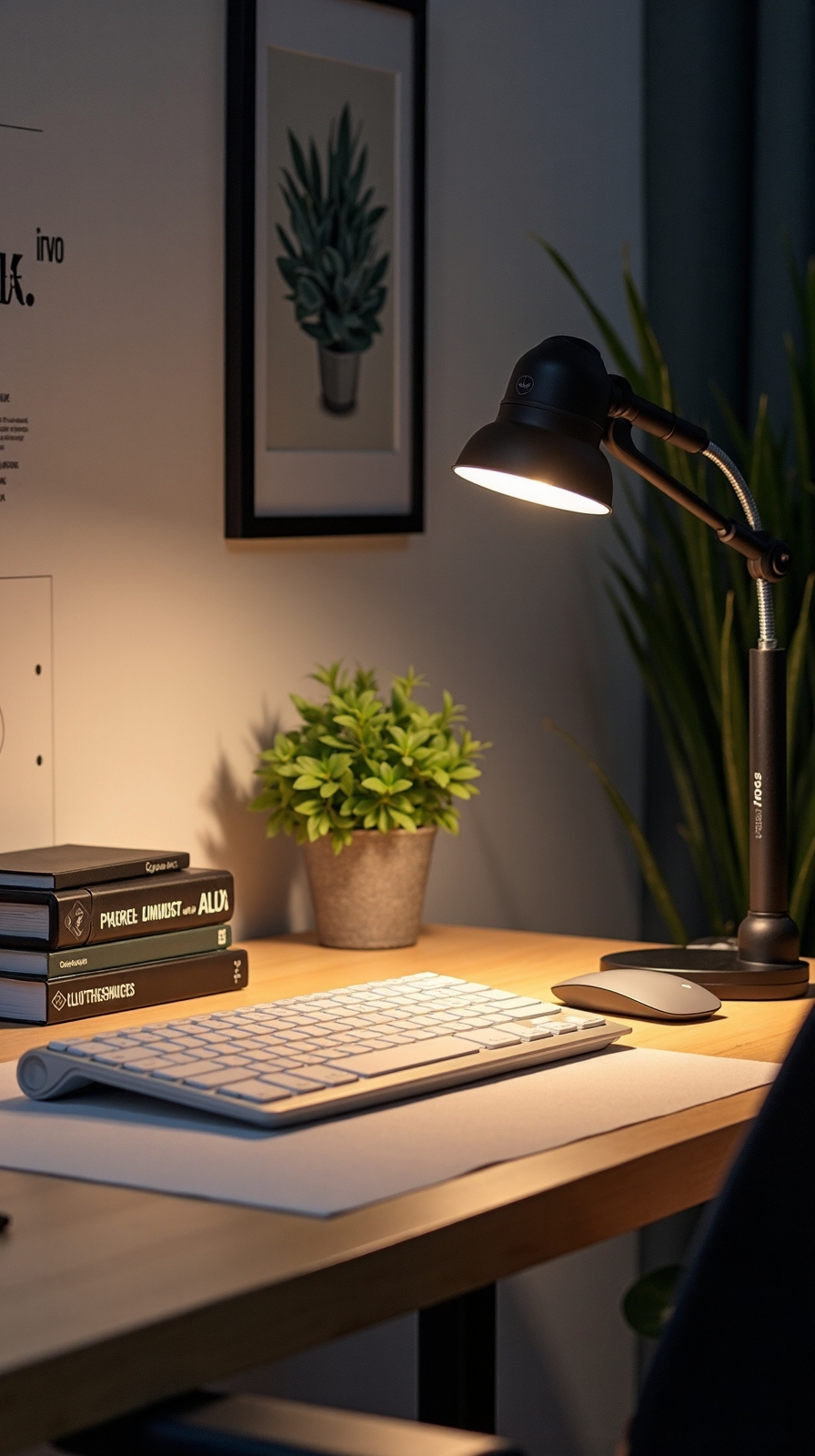
Effective task lighting converts your workspace from a strain-inducing environment into a comfortable zone that supports extended work sessions. You’ll reduce eye fatigue and maintain sharp focus throughout demanding workdays when you position lighting strategically around your desk area.
Position your primary light source at a 45-degree angle from your dominant hand to minimize shadows across documents and keyboard. Adequate task lighting requires 500-1000 lux for detailed work, which you can achieve with adjustable LED desk lamps or under-cabinet fixtures. Task lighting placement becomes vital when you’re working with multiple monitors – install bias lighting behind screens to reduce contrast strain.
Consider adjustable brightness controls that let you customize illumination based on natural light levels and specific tasks. You’ll work more efficiently when your lighting adapts to your schedule rather than forcing you to adapt to static conditions.
Add Vertical Storage Solutions
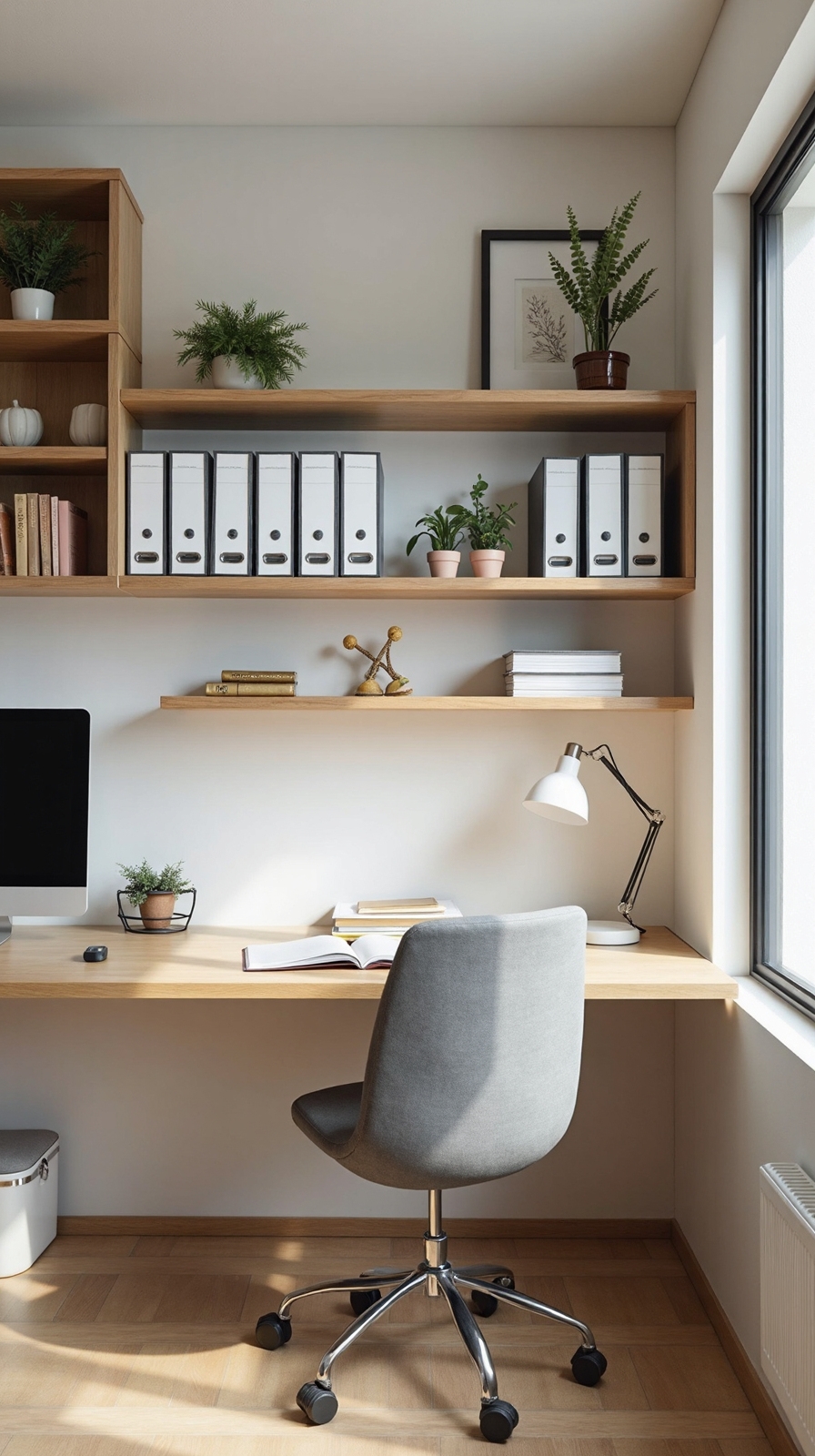
Vertical storage converts cluttered desk surfaces into organized command centers by directing your office supplies, documents, and equipment upward rather than outward across your workspace. You’ll reclaim precious desk real estate while keeping essential items within arm’s reach.
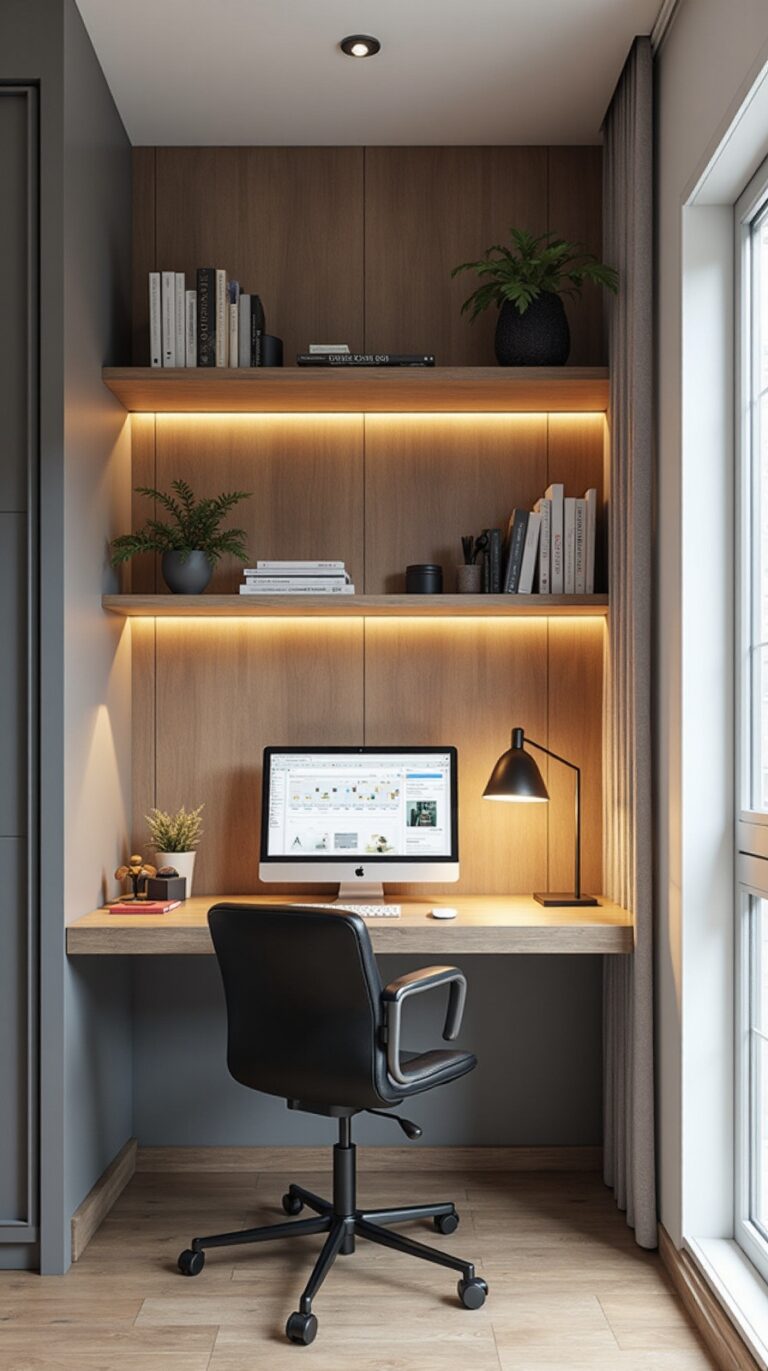
Install floating shelves above your desk to store books, binders, and decorative items that inspire creativity. Position them 18-24 inches above your monitor to maintain clear sightlines while maximizing storage capacity.
Wall mounted organizers work perfectly for frequently used supplies like pens, staplers, and charging cables. Choose modular systems that adapt to your changing needs without permanent modifications to your space.
Consider pegboards with customizable hooks and containers for ultimate flexibility. You can rearrange components seasonally or as projects evolve, maintaining the organized workspace that supports your independent work style.
Establish a Daily Reset Routine
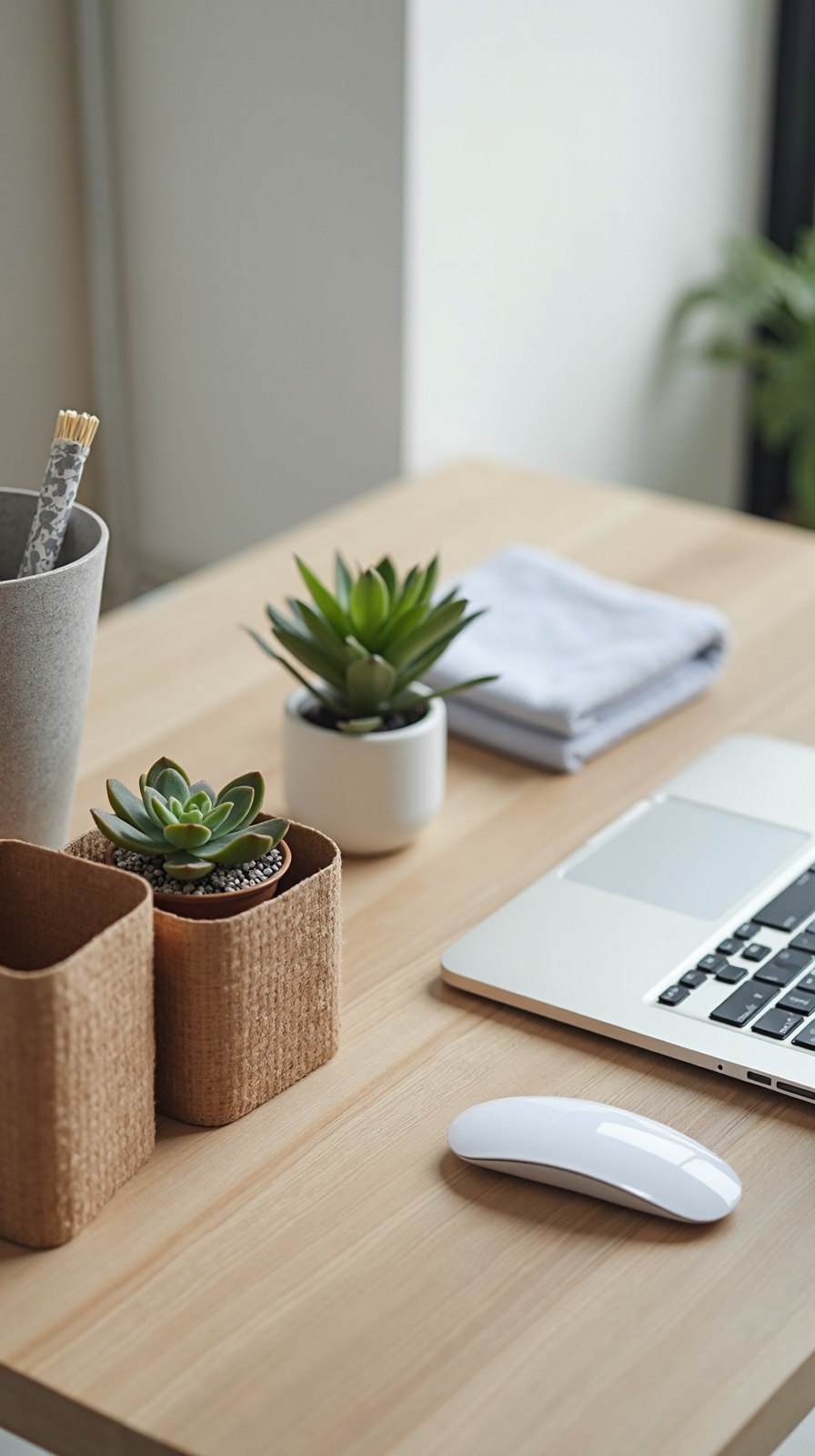
When your workday ends, implementing a consistent five-minute reset routine alters tomorrow’s productivity by eliminating today’s accumulated clutter and mental distractions.
Start by clearing your desk surface completely, filing papers into designated folders, and returning supplies to their proper locations. Wipe down your workspace with a microfiber cloth to create that fresh-start feeling you’ll appreciate tomorrow morning.
Next, establish evening wind down habits that prepare your mind for rest. Turn off all work devices, review tomorrow’s priorities, and organize your desk layout for maximum efficiency.
Finally, build morning ritual elements into your setup tonight. Position your coffee mug, lay out essential supplies, and arrange your most important project materials within arm’s reach. This simple routine reconfigures chaotic mornings into focused, productive starts.
Incorporate Natural Elements
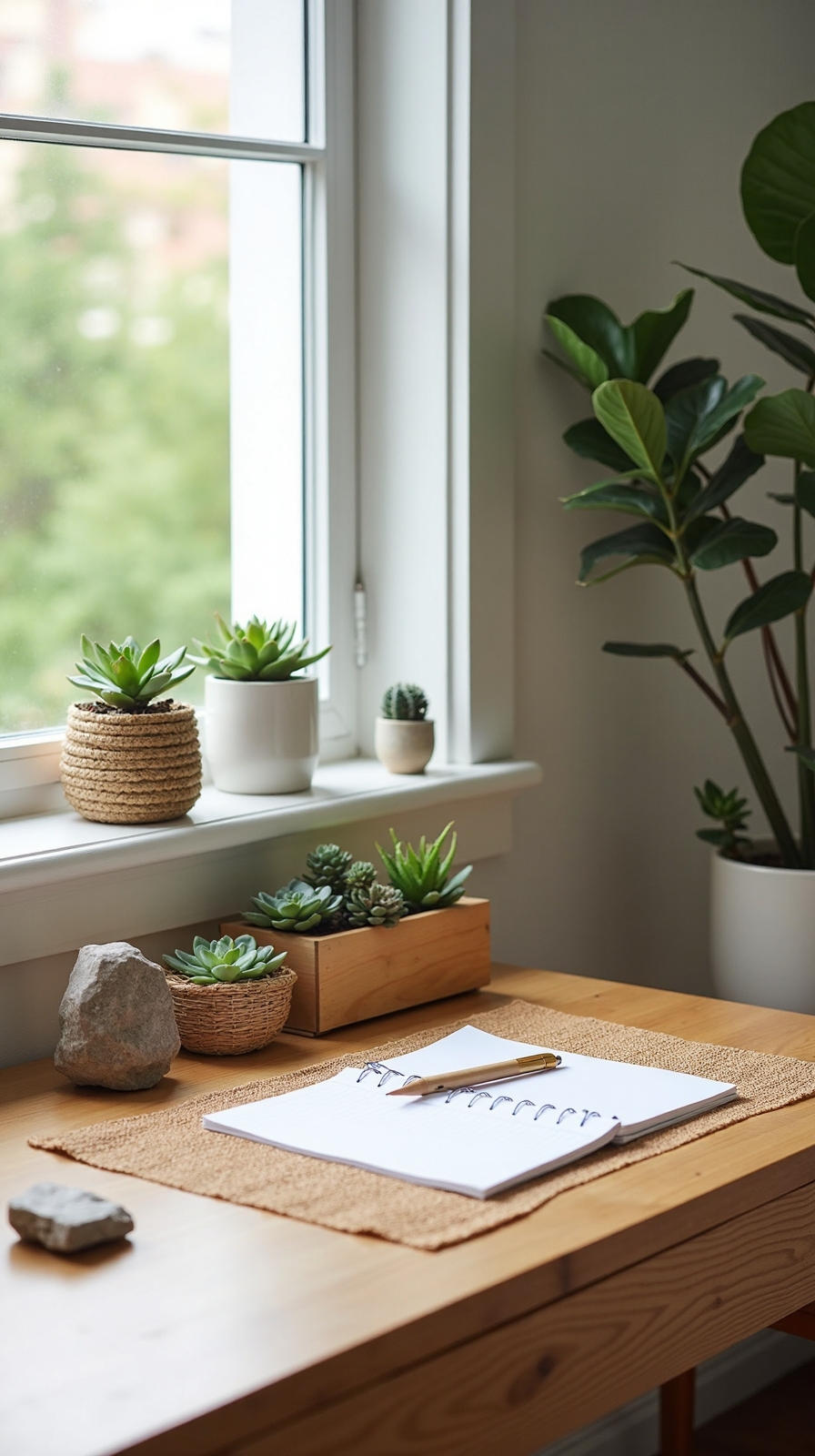
Natural elements enliven sterile home offices into vibrant, health-promoting workspaces that enhance both your mood and cognitive performance throughout demanding workdays.
Add Living Plants for Immediate Impact
Position a low-maintenance snake plant or pothos near your workspace to purify air while reducing stress levels naturally. These hardy options thrive in various lighting conditions without demanding constant attention.
Incorporate Natural Textures Through Strategic Materials
Replace plastic accessories with bamboo desk organizers, cork coasters, or wooden pen holders that create tactile variety. A jute mousepad or linen desk mat adds organic texture beneath your hands.
Incorporate Natural Hues That Energize
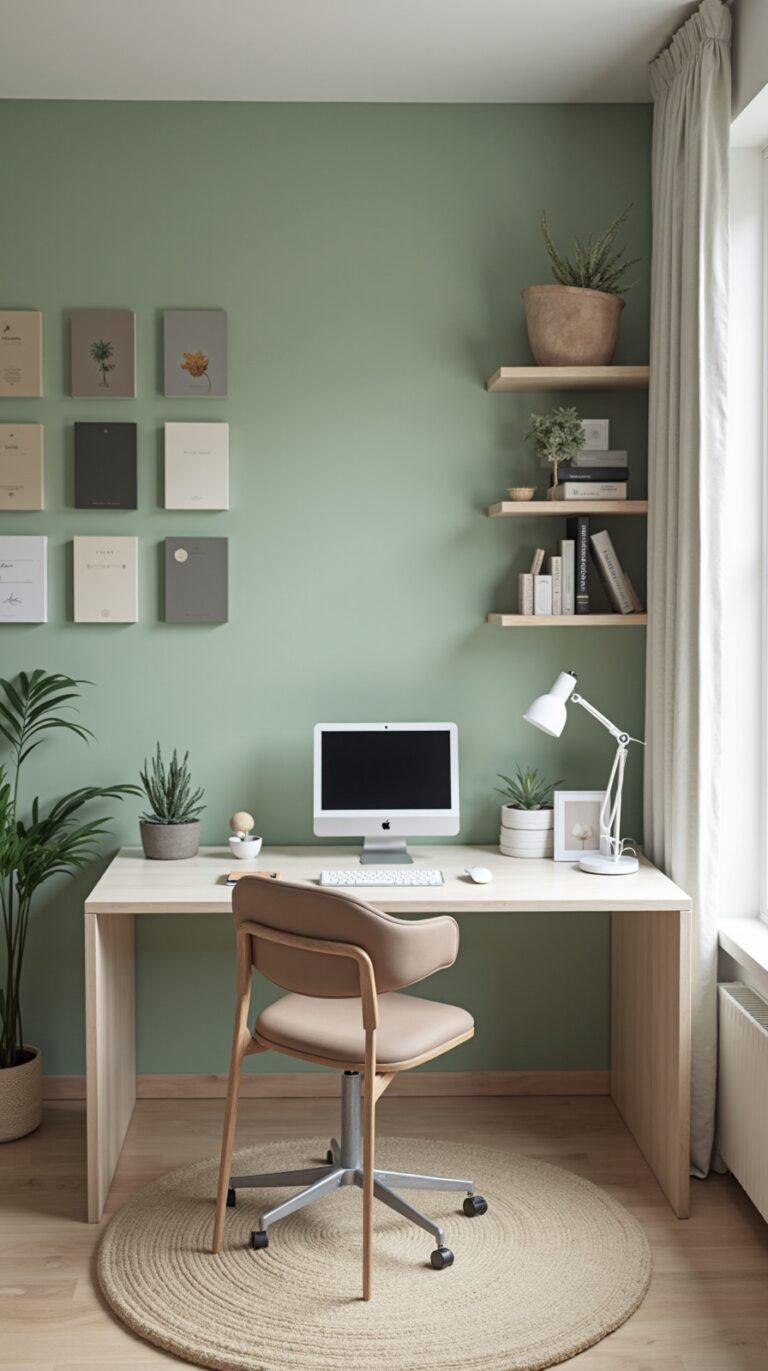
Choose earth tones like sage green, warm beige, or ocean blue for desk accessories and wall colors. These calming shades reduce eye strain while maintaining professional appearance during video calls.
Set Up a Charging Station
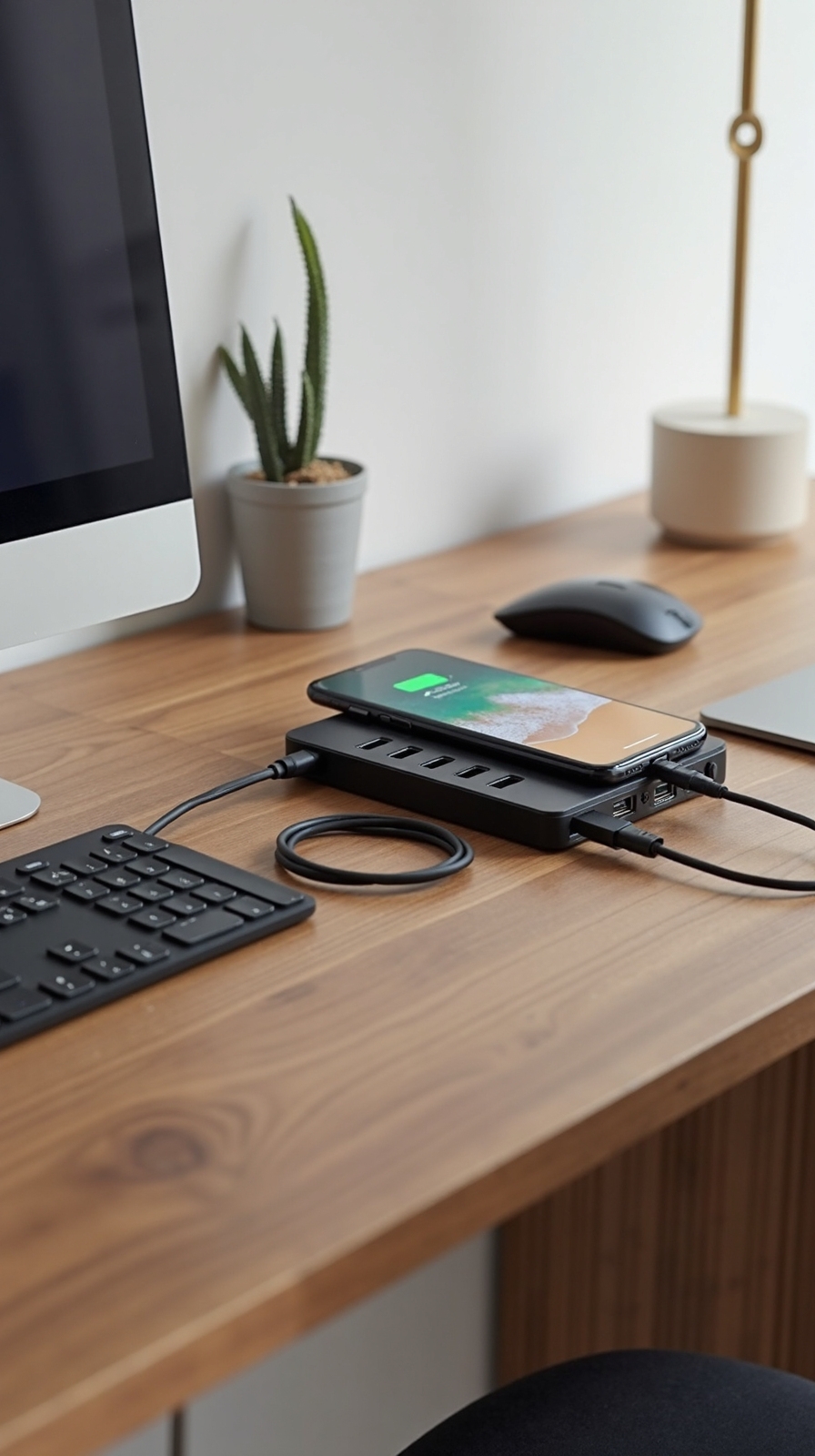
A well-organized charging station eliminates the frustration of dead devices and tangled cables that can derail your productivity during important work sessions. You’ll maintain uninterrupted workflow when your devices stay powered and accessible throughout your workday.
Position a wireless charging pad within arm’s reach for smartphones and compatible earbuds. This eliminates cable clutter while keeping essential devices ready for calls or quick updates. Install a desktop power strip with multiple USB ports to accommodate laptops, tablets, and other electronics simultaneously.
Create designated spots for each device using small containers or drawer organizers. Label charging areas to maintain consistency and prevent cables from becoming tangled messes. Choose a charging station location that doesn’t interfere with your primary work surface but remains easily accessible when you need to grab devices quickly.
Use Desktop Organizers Strategically
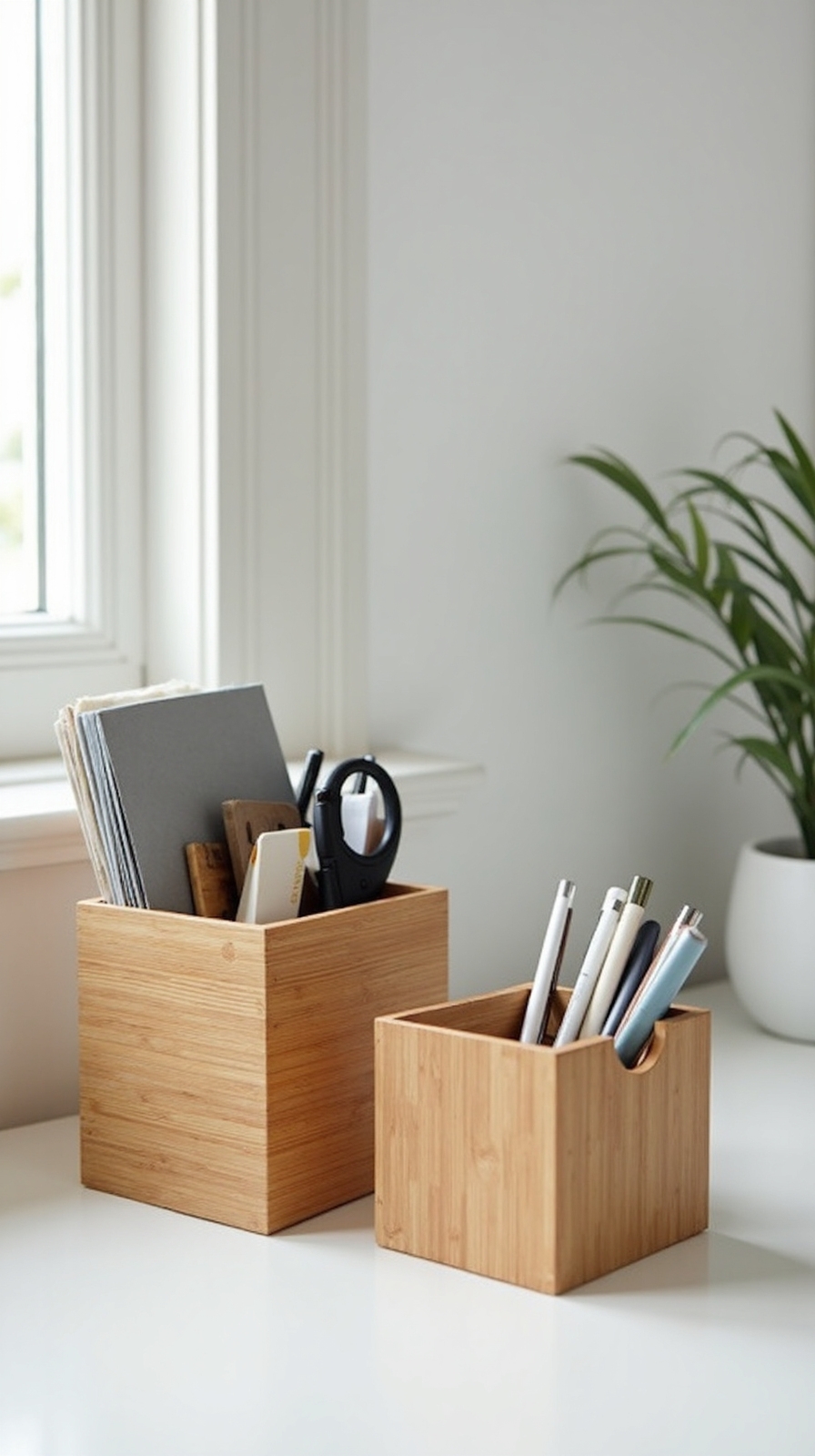
Strategic placement of desktop organizers enhances chaotic workspaces into efficient command centers that boost your daily productivity and reduce time spent searching for essential items. You’ll reclaim your workspace freedom by creating designated zones for different supplies and documents.
Utilize multi-tiered organizers to maximize vertical space while keeping frequently used items within arm’s reach. Place pens, sticky notes, and paper clips in the top compartments, reserving lower sections for reference materials and backup supplies. Position these organizers at your dominant hand’s side for seamless access.
Employ desk drawer organizers to compartmentalize smaller items like USB drives, business cards, and charging cables. This prevents the dreaded “junk drawer” syndrome that kills momentum. Choose adjustable dividers that adapt to your changing needs, giving you flexibility to reorganize as your work demands evolve.
Create Zones for Different Tasks
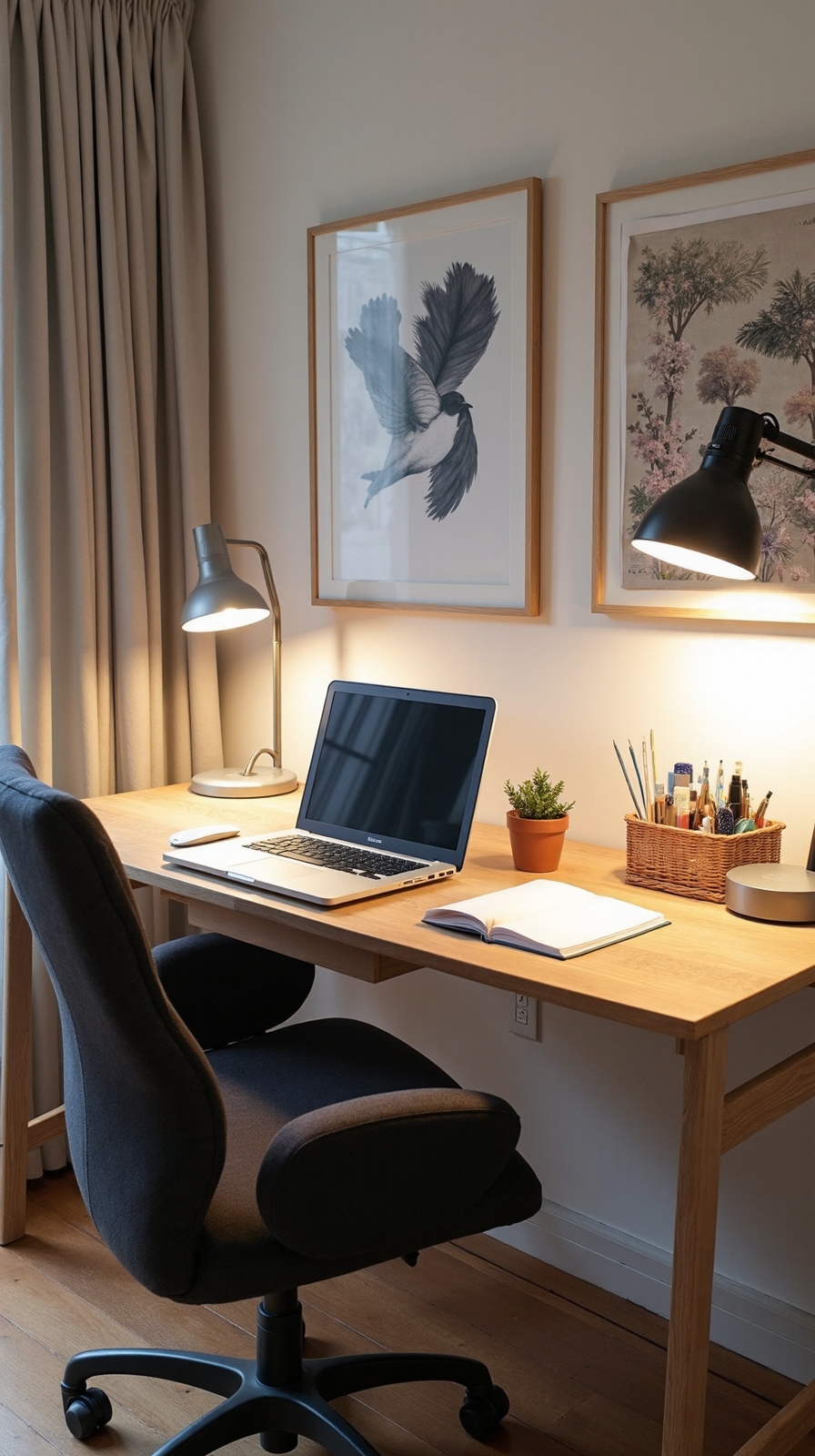
Why scatter your attention across a cluttered desk when you can designate specific areas for each type of work activity? Creating distinct zones alters your workspace into an efficiency powerhouse that supports your independent work style.
Start by identifying your main work activities: computer tasks, writing, reference materials, and creative projects. Compartmentalize workflow by assigning each activity a dedicated section of your desk surface. Your computer zone should occupy the center area with easy access to your keyboard and mouse. Designate workspaces on the left for incoming documents and on the right for completed tasks.
Create a separate zone for brainstorming with a notepad and pens within arm’s reach. Keep reference materials in their own designated corner to prevent them from invading other work areas.
Optimize Your Chair and Desk Height
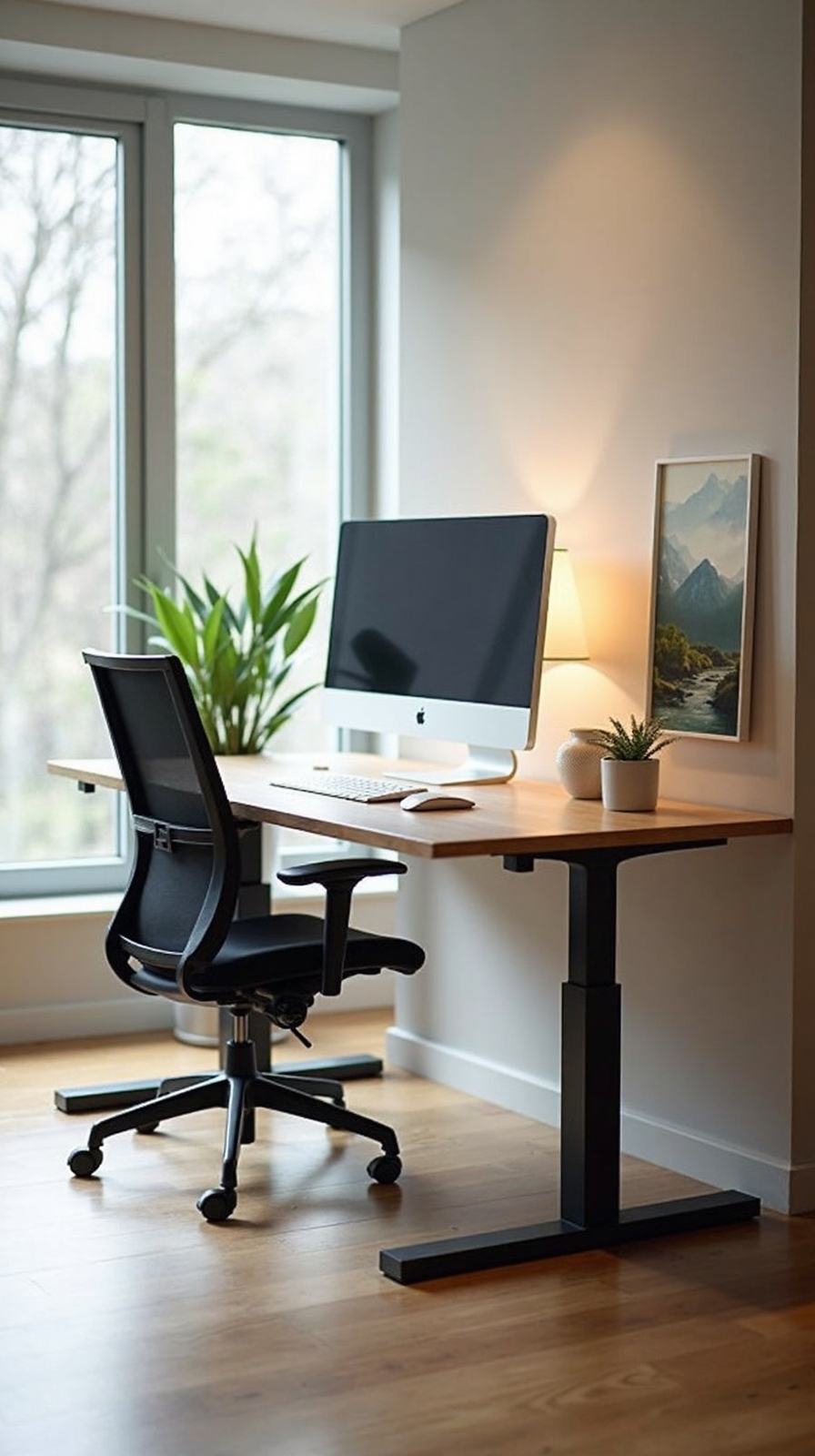
Start by setting your chair height so your feet rest flat on the floor with thighs parallel to the ground. Your knees should bend at roughly 90 degrees, creating natural leg positioning that promotes healthy circulation.
Desk height considerations come next in your optimization process. Position your desk surface at elbow height when your arms hang naturally at your sides. This alignment prevents shoulder strain and wrist tension during extended typing sessions.
Your monitor should sit at eye level, approximately arm’s length away, allowing you to work without craning your neck forward or hunching over your workspace.
Add a Document Stand
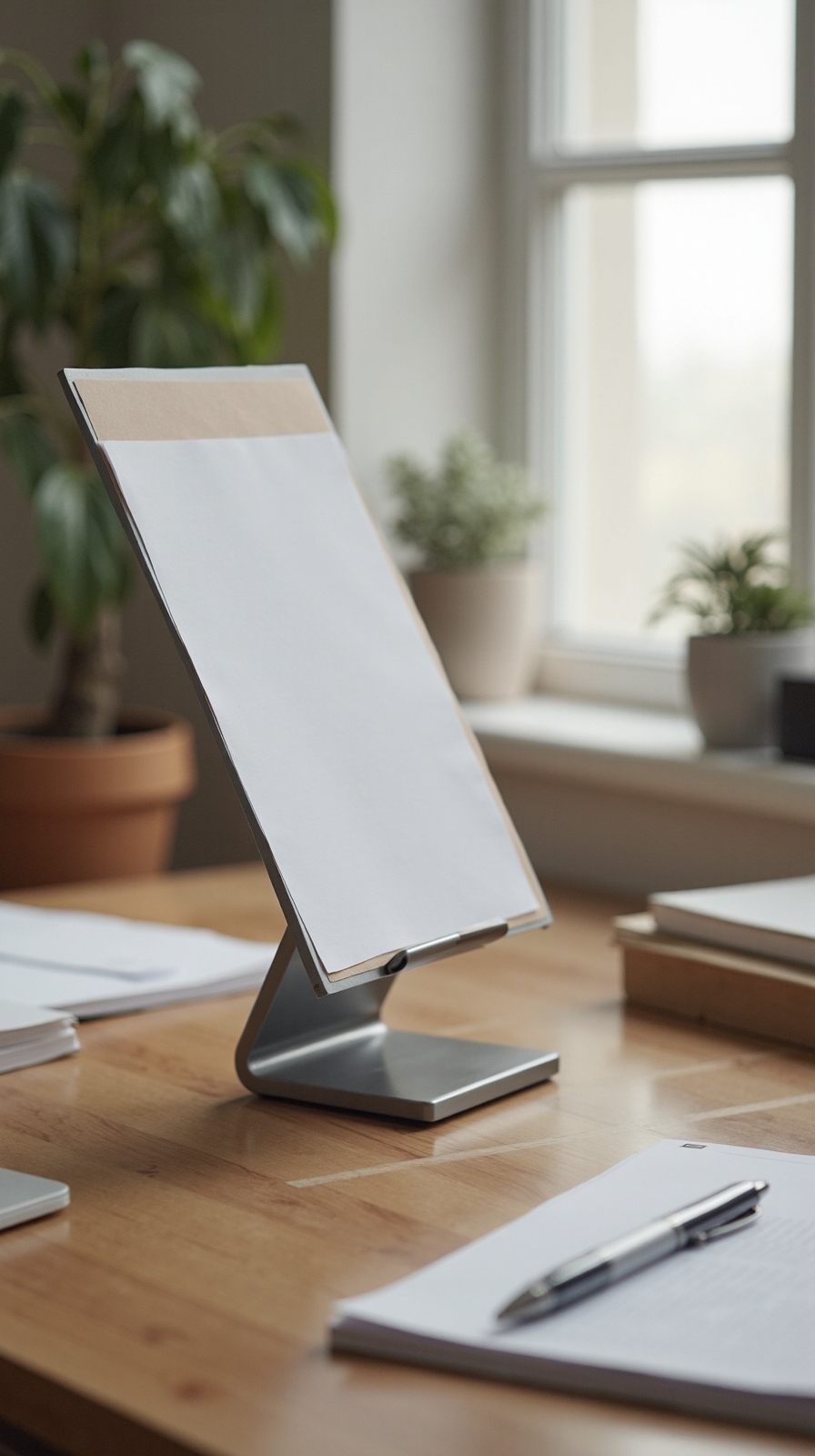
A document stand alters your workspace by positioning reference materials at the same height as your computer screen, eliminating the constant neck movement between keyboard and papers. This simple addition transforms how you’ll handle physical documents during your workday.
When selecting a document stand, you’ll want adjustable options that offer document angle adjustment capabilities. Most quality stands let you tilt materials between 30 and 70 degrees, ensuring ideal viewing comfort for various document types. Look for models with secure document clip installation features that’ll hold multiple pages without slipping.
Position your stand directly beside your monitor at eye level. This placement creates a seamless visual flow between digital and physical references. You’ll notice reduced eye strain and improved posture within days of consistent use.
Install Under-Desk Storage
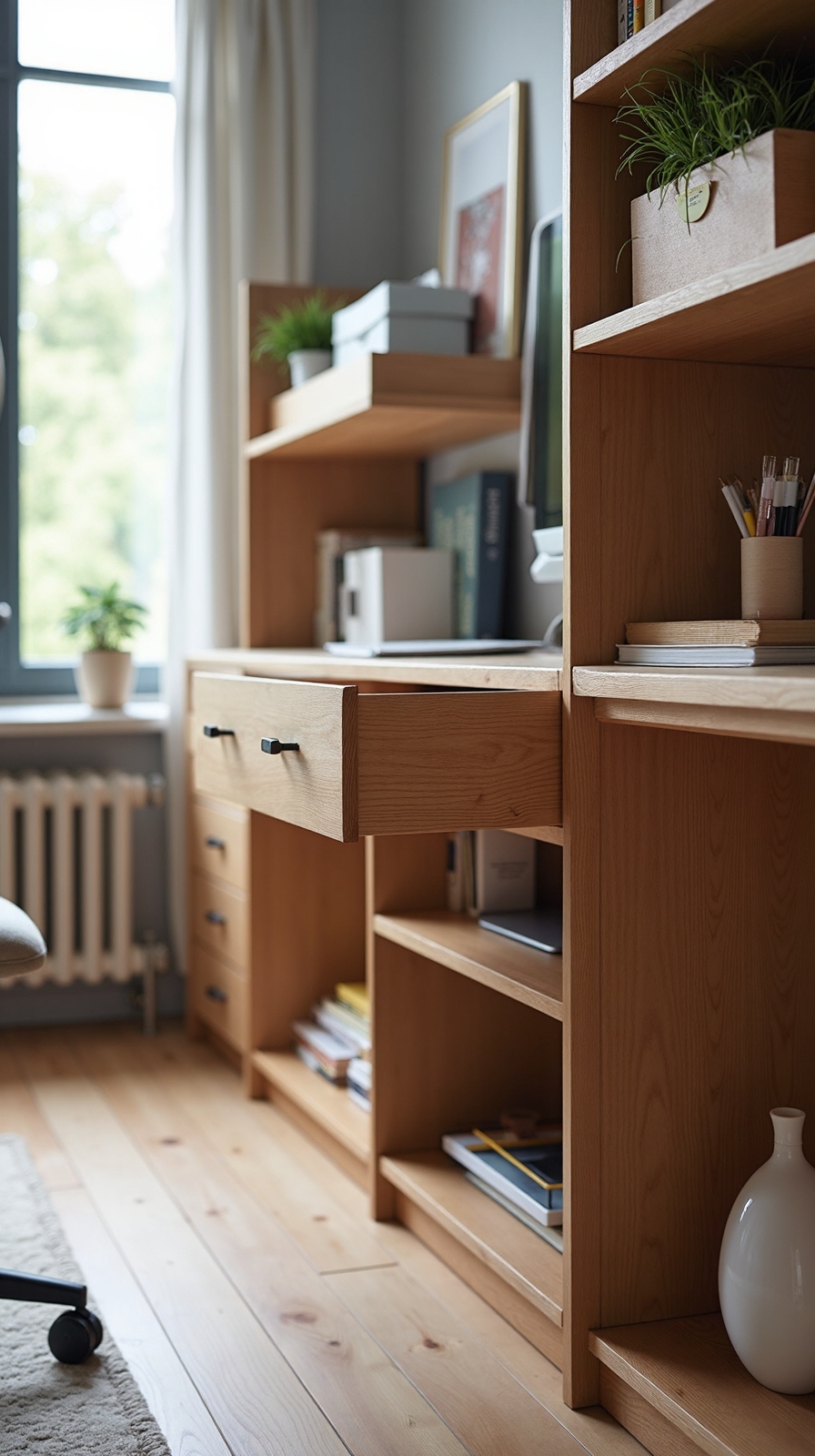
Something as simple as mounting storage beneath your desk can double your workspace efficiency by keeping essential items within arm’s reach while maintaining a clutter-free surface.
Under desk shelving offers flexible storage for books, binders, and reference materials you’ll access frequently throughout your workday. You can install adjustable shelves that adapt to your changing needs, giving you the freedom to reorganize as your projects evolve.
Under desk cabinets provide enclosed storage for personal items, office supplies, and documents you’d rather keep out of sight. Choose cabinets with doors to hide clutter while maintaining easy access to essentials.
Both options maximize your vertical space without expanding your desk’s footprint. Install these storage solutions at comfortable heights where you won’t bump your knees, ensuring smooth movement while working.
Position Plants for Better Air Quality
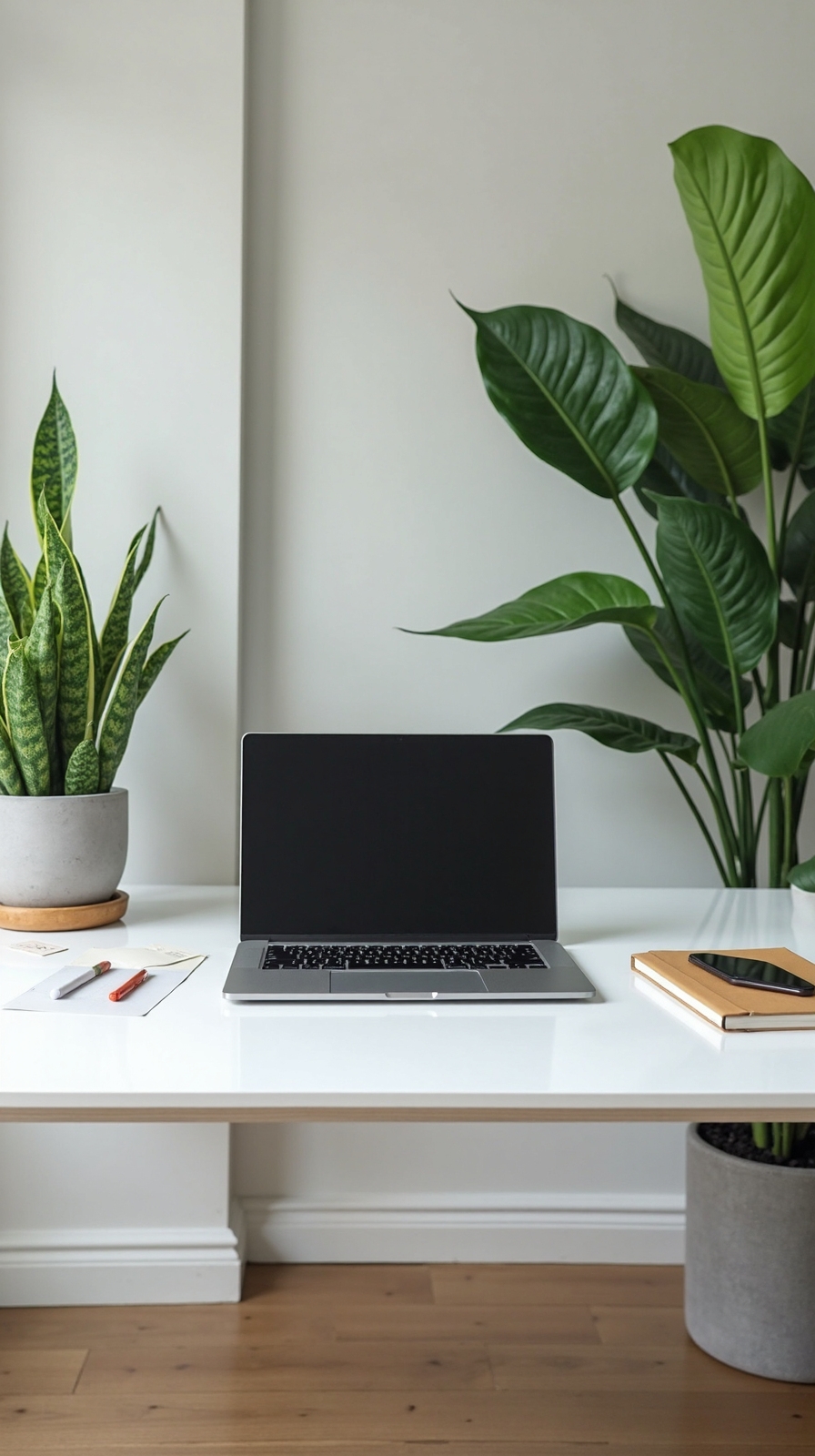
While most people think of plants as decorative elements, strategically positioned greenery can considerably enhance your home office’s air quality and augment your productivity. You’ll breathe cleaner air while maintaining sharp focus throughout your workday.
Place snake plants or pothos in sun filled corners where they’ll thrive without demanding constant attention. These hardy varieties filter toxins like formaldehyde and benzene from your workspace atmosphere. Position one medium-sized plant within three feet of your desk for ideal air purification benefits.
Consider desktop succulents for immediate proximity without overwhelming your workspace. Spider plants work excellently on nearby shelves, creating cascading lush greenery that softens harsh office lighting. You’ll notice improved concentration and reduced eye strain as these natural air purifiers work silently beside you.
Create a Distraction-Free Background
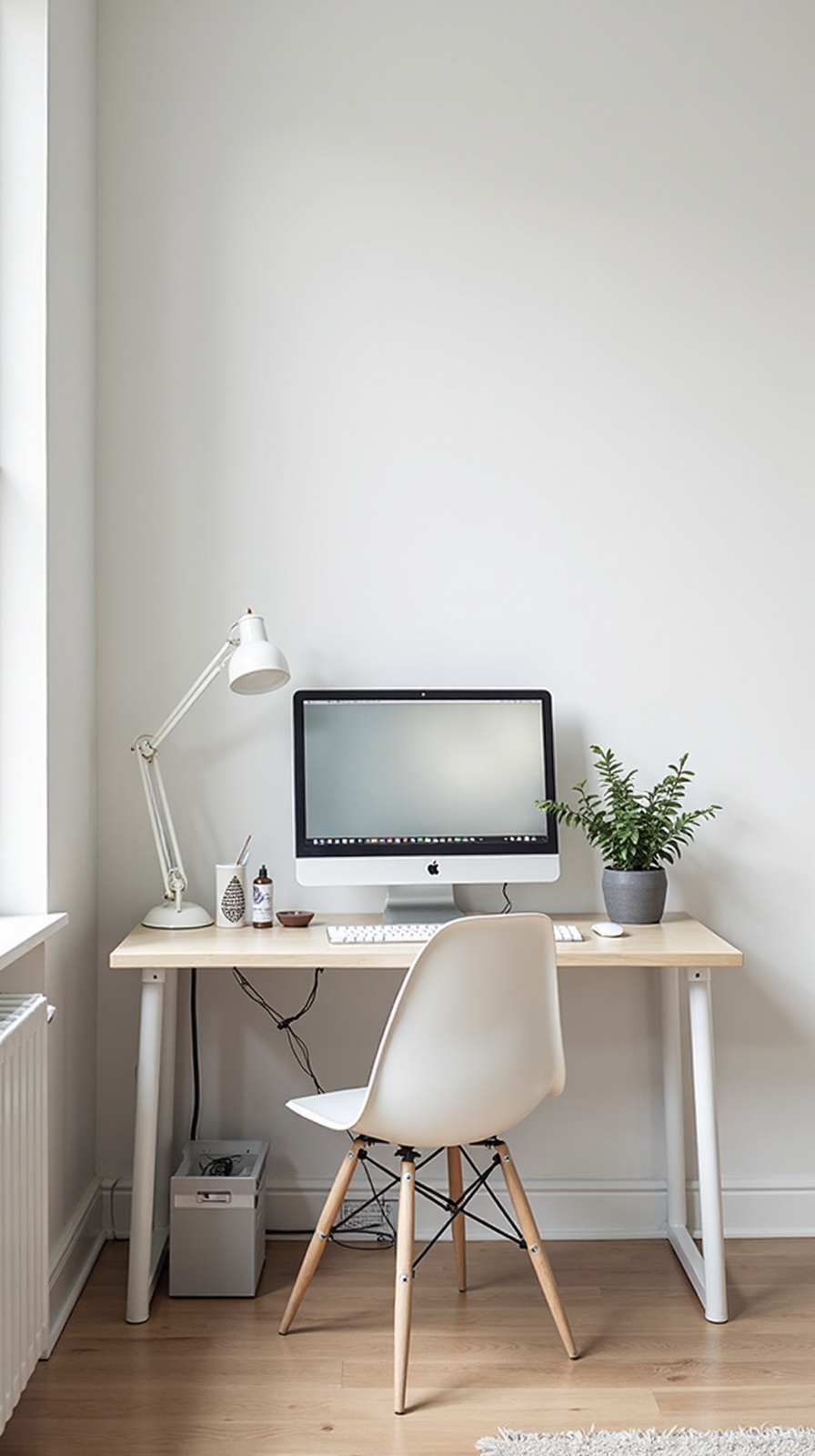
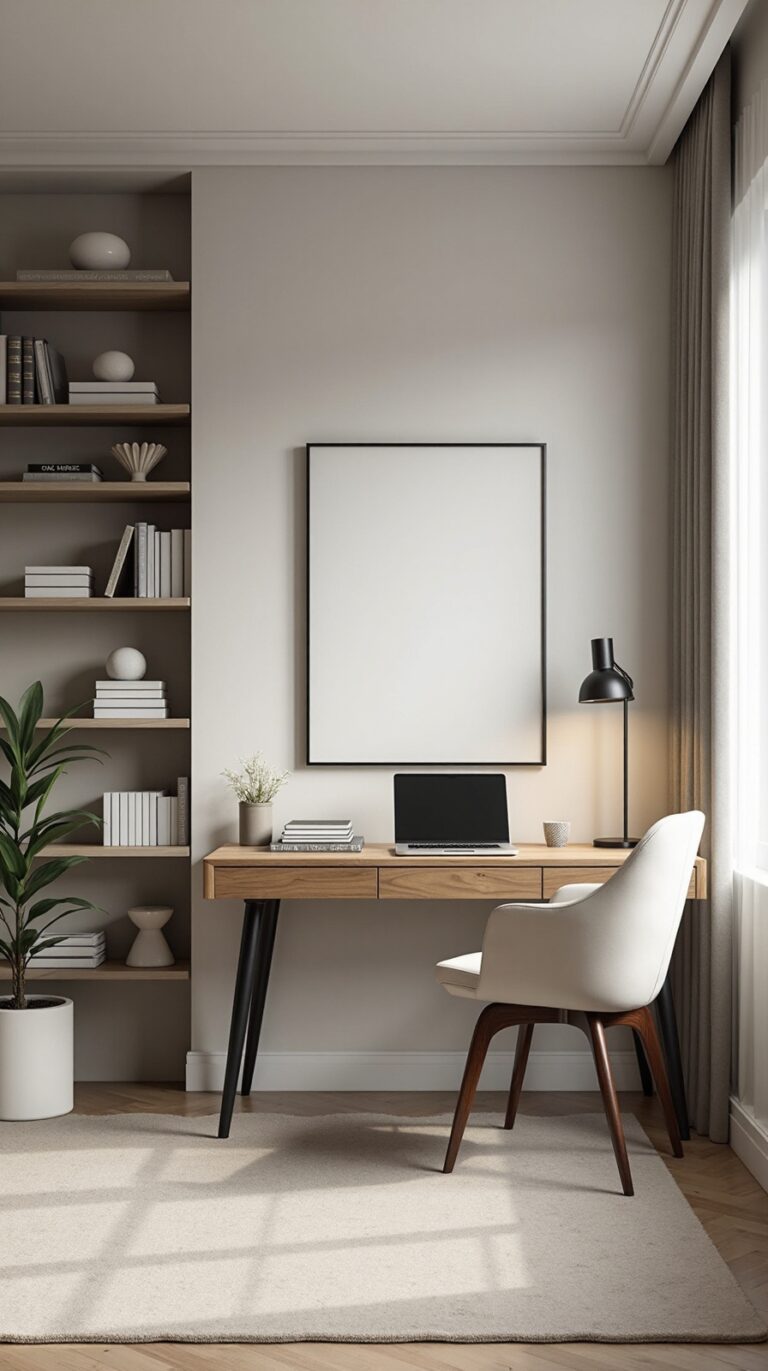
Your background greatly impacts how professional you appear during video calls and how well you can concentrate throughout your workday. Position your desk against a plain wall or use a simple backdrop to eliminate visual distractions. Remove personal items, busy artwork, or anything that might catch your eye during focused work sessions.
To reduce screen glare, place your monitor perpendicular to windows rather than directly facing them. Install adjustable blinds or curtains to control natural light throughout the day. Consider adding a desk lamp with warm lighting for evening work sessions.
Minimize desk clutter by keeping only essential items within your immediate workspace. Store books, supplies, and decorative objects on shelves behind your camera’s view. This creates a clean, professional appearance while giving you the mental freedom to concentrate on important tasks without unnecessary visual interruptions.
Conclusion
You’ve got all the tools to alter your workspace into a productivity powerhouse. Start with one or two changes that’ll make the biggest impact, then gradually implement the remaining ideas. Remember, your home office setup directly affects your focus and efficiency throughout the workday. Take action on these strategies, and you’ll notice improved comfort and better work performance within just a few days.